Voice chat room app source code: replace the demo gifts before launch
Voice chat room app source code often ships with demo gifts. How to replace them slot by slot before launch: gifts, entrances, frames, staff roles, levels, emoji and leaderboard backgrounds, with the canvas, format and size each one needs.
svgastore team10 min read

Buy voice chat room app source code or a white-label script, and the gift panel is often full on the first day: hearts, roses, a sports car, a castle. Those are demo files. They are there to show that the gift system works, and they are the first thing to replace before real users arrive. This guide goes slot by slot through what a new voice chat or live app needs, with the canvas, format and file size of each piece.
Why the demo gifts should go
Every app from the same code looks the same. Other buyers of the script got the same tray, the same entrances and the same frames. A user who has seen one of those apps will recognise yours at once.
The rights are unclear. The script licence covers the code. Check whether it also covers the demo animations as a paid feature in a live app. If it says nothing, or the seller cannot tell you where the files came from, treat them as placeholders.
You cannot plan around files you know nothing about. Without the canvas, frame rate and size of each file, you cannot set a size budget for budget phones or decide which gifts play full screen.
Gifts are the feature that earns. The files behind them should be yours to use, and chosen on purpose.
Step 1: list every slot in the admin panel
Before choosing any art, open the script's admin panel and write down every field that takes an animation or a badge. In most voice chat scripts you will find:
the gift list, often split into tabs;
entrances, sometimes called mounts, rides or cars;
avatar frames;
wealth (rich) and charm levels;
staff, host and agency identity: badges, tags and frames;
chat emoji;
leaderboard and room backgrounds;
VIP or noble tiers, PK, CP, families and lucky gifts.
Note the format each field accepts (an .svga file, a VAP .mp4 or a PNG) and whether it plays full screen or in a small slot. The last line of that list can wait. Everything above it is day one.
Step 2: give each slot a canvas, a format and a size
Here is how the slots map to real files, with the ranges from the App Starter Pack, which is built around this list:
| Slot | Files | Canvas | Format | Size |
|---|---|---|---|---|
| Gift tray | 50 | 750×1624 or 750×1334 for 40 of them | SVGA | 47 KB–6.63 MB |
| Rides and mounts | 12 | mostly tall, 375×667 to 750×1624 | SVGA | 334 KB–8.34 MB |
| Arrival banners, entry bars, greeting, CP plate | 8 | 690 to 750 px wide strips, one full-screen glow | SVGA | 18 KB–1.64 MB |
| Avatar frames | 15 | 240 to 414 px square; Top 1–3 at 750×400 and 450×400 | SVGA | 154 KB–1.07 MB |
| Staff role frames and badges | 17 | 300 to 413 px frames; badges up to 438×180 | SVGA | 169 KB–5.32 MB |
| Role tags | 24 | 520×230, plus a 1971×870 PNG still of each | SVGA + PNG | 182–642 KB |
| Rich and charm levels | 202 | 258×117 rich; charm up to 325×150 | PNG | 10–49 KB |
| Chat emoji | 32 | 230 to 300 px square | SVGA | 15–82 KB |
| Leaderboard backgrounds | 8 | 750×1624 palaces; 220×220 rings | VAP + SVGA | 132–577 KB |
A 750×1624 canvas matches the tall shape common on recent phones; 750×1334 is the older 16:9 shape. Decide once whether full-screen gifts fill the screen (cropping the sides of a 750×1334 file on a tall phone) or fit it (leaving bands above and below), and use the same rule for every gift.
Step 3: build the gift tray in tiers
Fifty gifts are enough for a full panel. Group them by moment, then order each tab by coin value, lowest first:
Everyday (16): small hearts, a crystal rose, bouquets, bubble tea, a latte and a handshake for greeting newcomers. Winged Heart is 47 KB, light enough to send all night.
Party (9): birthday cakes, fireworks, rockets and wish jars.
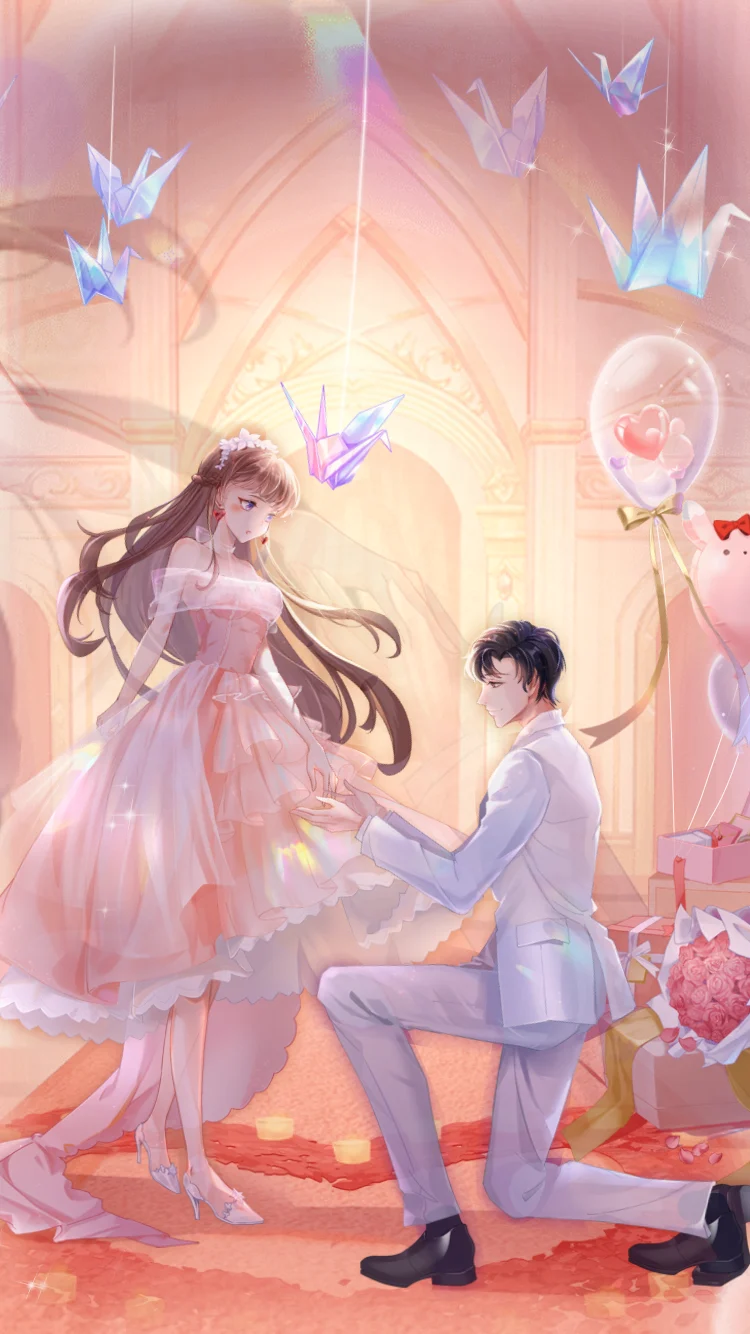
Love (7): a ladder from Velvet Ring Box to Chapel Proposal Scene to Heart Balloon Wedding, plus four more romance gifts.
Luxury (8): among them a sports car, a yacht, a rose jet, a diamond, a genie lamp and Cash Rain Tycoon.
Showpieces (6): full-screen scenes such as Dreaming Lighthouse Isle and Ice Queen Stag for the top of the panel.
Culture (4): Cherry Blossom Parasol, Golden Mosque Lantern, Red Camellia Girl and Crowned White Swan.
Twelve of the 50 have sound. Mark them in the panel, follow the room's mute setting, and decide what happens when two sounding gifts land together. The gift queue needs a rule too: Dreamy Star Bottle plays for 15 seconds, so merge repeats or play lower tiers in a smaller area.
 750×1334 · 4.1s
GiftsSVGA
Winged Heart
 750×1334 · 5s
GiftsSVGA
Red Rose Bouquet
 750×1334 · 10s
Most viewedSVGA
Chapel Proposal Scene
- Has sound · 750×1624 · 6.6s
Most viewedSVGA
Cash Rain Tycoon
 Has sound · 750×1624 · 6s
GiftsSVGA
Cherry Blossom Parasol
 NewHas sound · 750×1624 · 3.2s
GiftsSVGA
Dreaming Lighthouse Isle
More gifts are in the Animated Gifts collection, and the page on SVGA gifts for voice chat rooms brings gifts, seat effects, frames and backgrounds together.
Step 4: entrances by user level
An entrance tells the room who just walked in, so tie it to level rather than giving everyone the same one:
Everyone: Violet Entry Pill 6, a slim 750×120 bar at 18 KB, so every member gets an entrance.
Rising users: Amethyst Join Notice Bar, then Winged Room Float.
Top spenders: a ride or a mount, such as Golden Supercar Stage, Lightning Hot Rod, Golden Phoenix Rise or Frost Spirit Wolf, with an arrival banner (Flaming Supercar, Crimson Dragon or Limousine Blossom) across the room.
Returning users: Golden Welcome Back Glow.
Couples: CP Entry Animation, a plate with two avatar slots.
The pack has 20 entrances across those five groups, 6 of them with sound. The heaviest, Golden Phoenix Rise at 8.34 MB, should download in the background as soon as a user qualifies for it, not when they join a room. More rides and arrivals are in Entry Effects.
 400×711 · 4.7s
Best sellerSVGA
Golden Supercar Stage
 Has sound · 750×1334 · 4s
Best sellerSVGA
Lightning Hot Rod
 720×300 · 2.6s
Most viewedSVGA
Flaming Supercar Arrival
Step 5: frames, staff roles and agency tags
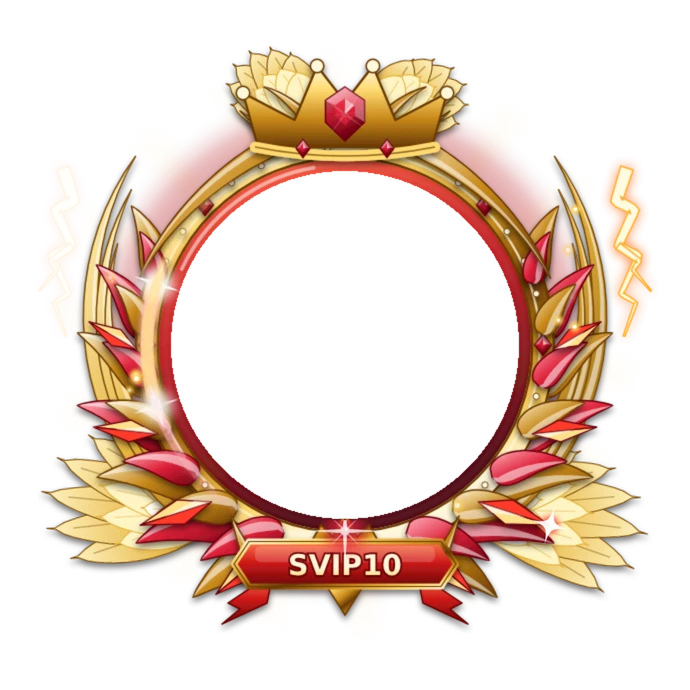
Avatar frames show on profiles and around mic seats. Twelve frames in four tiers of three let you reward progress from the first week, from Golden Laurel Ring and Pearl Rose Wreath up to Grand Rose Wing Frame. The Gold, Silver and Bronze Lion Wealth Rank frames dress the top three of a leaderboard. More designs are in Avatar Frames.
Staff identity cannot wait. If your script has a host and agency system, admins, hosts, agencies, BDs, support staff and coin sellers are in the rooms from the start, and users need to tell them apart from impostors:
The Role Tags Pack has 12 gold nameplates (Admin, Super Admin, Manager, Assistant, Host, Agency, BD, BD Leader, CS, CS Leader, Coin Seller and Super Seller), each as SVGA and as an HD PNG still.
The Role Full Pack has 10 staff-role avatar frames and 7 role badges, including Owner, Official and two country-level badges.
Assign roles only from the admin panel, never sell them, and keep the gold role look for real staff. The tags read in English; for tags in another language, ask us.
 300×300 · 2s
Best sellerSVGA
Grand Rose Wing Frame
 300×300 · 4s
Best sellerSVGA
Golden Wing Square
 520×230 · 2s
Role SetsSVGA
Admin Role Tag
Step 6: rich for senders, charm for receivers
Many scripts already keep two level tables: a wealth or rich level that grows with the coins a user sends, and a charm level that grows with the gifts they receive. The Rich Level and Charm Level packs give each table 101 PNG badges, one for every level from 0 to 100, so there are no gaps to fill later. At 10 to 49 KB each, all 202 can be cached once and shown beside every name: rich first, then charm. Keep the animation for the level-up moment.
Step 7: chat emoji and leaderboard backgrounds
The Emoji Reaction Pack has 32 animated SVGA emoji, the classic reactions plus an everyday set, at 15 to 82 KB each: small enough to ship inside the app.
For the leaderboard pages, the Leaderboard Palace Backgrounds give each board a full-screen palace: rooms, gifts sent, stars, CP, families and games. The six palaces are VAP files at 750×1624 and only 132 to 577 KB each, and two SVGA swirl rings mark the top spot. VAP needs the open-source VAP player, so if your script only plays SVGA, add it before you use the palaces.
 258×117
RichPNG
Rich Level 100
 240×240 · 3s
EmojiSVGA
Love
 750×1624 · 2s
LeaderboardsVAP
Leaderboard Palace – Room
Step 8: test in the viewer and set size budgets
Drop one of the script's demo gifts into the free viewer first. It plays .svga, .pag and VAP .mp4 files and reads the canvas, frame rate and length, so you learn what the script's player expects. If it reports an SVGA 1.x file, check that your player supports SVGA 2.x, because every SVGA file in the pack is 2.x.
Then wire a few real files. The free sample pack includes three files from the App Starter Pack (Heart Balloon Sky, Blue Crystal Rose and Flaming Supercar Arrival), so you can test the whole pipeline before you buy anything.
Budget phones set the size rules. Gifts in the pack run from the 47 KB Winged Heart to the 6.63 MB Crystal Violin Serenade, and the heaviest entrance, Golden Phoenix Rise, is 8.34 MB. 14 of the 50 gifts are under 300 KB and 35 are under 1 MB; six are 2 MB or more. Ship the light gifts and the emoji inside the app, download the heavy files in the background when a room opens, and never start a gift that has not finished downloading. There is more on this in file size budgets for budget phones.
Step 9: keep a mapping sheet
One row per file keeps your team and the admin panel in step. For example:
| File | Slot | Tier | Unlocks | Sound |
|---|---|---|---|---|
| Winged Heart | Gift tab 1 | Everyday | Everyone | No |
| Chapel Proposal Scene | Gift tab 3 | Love | Everyone | No |
| Cash Rain Tycoon | Gift tab 4 | Luxury | Everyone | Yes |
| Golden Supercar Stage | Entrance | Top spender | A rich level you choose | No |
| Grand Rose Wing Frame | Avatar frame | Top tier | Event reward | No |
| Admin Role Tag | Nameplate | Staff | Set in the admin panel | No |
Add your coin value for each gift in one more column, and the sheet becomes the import list for the admin panel.
What can wait until month two or three
The first rooms do not need everything. These are easier to choose once you know how your users behave:
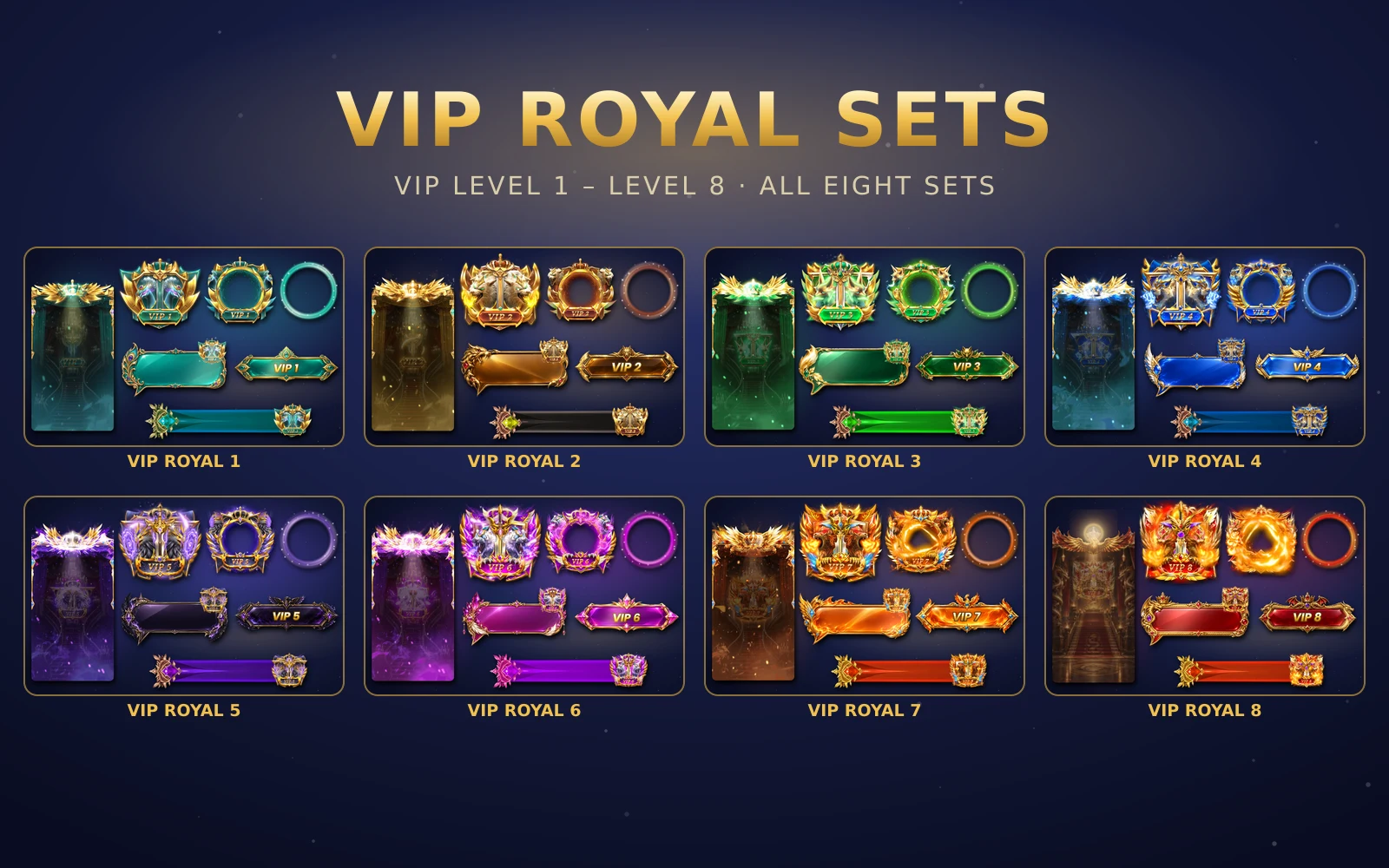
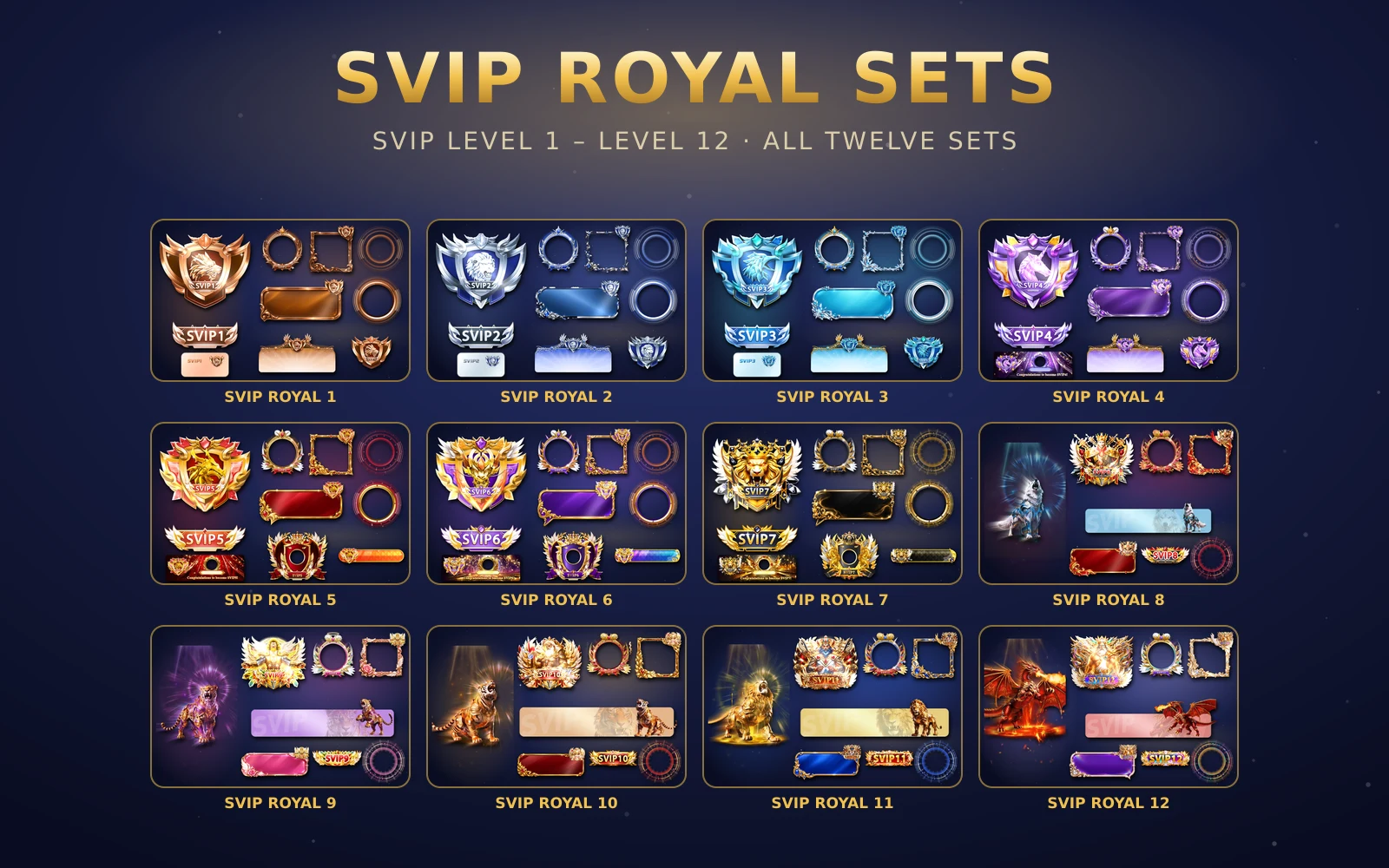
VIP and SVIP tiers: VIP Royal Sets and SVIP Royal Sets.
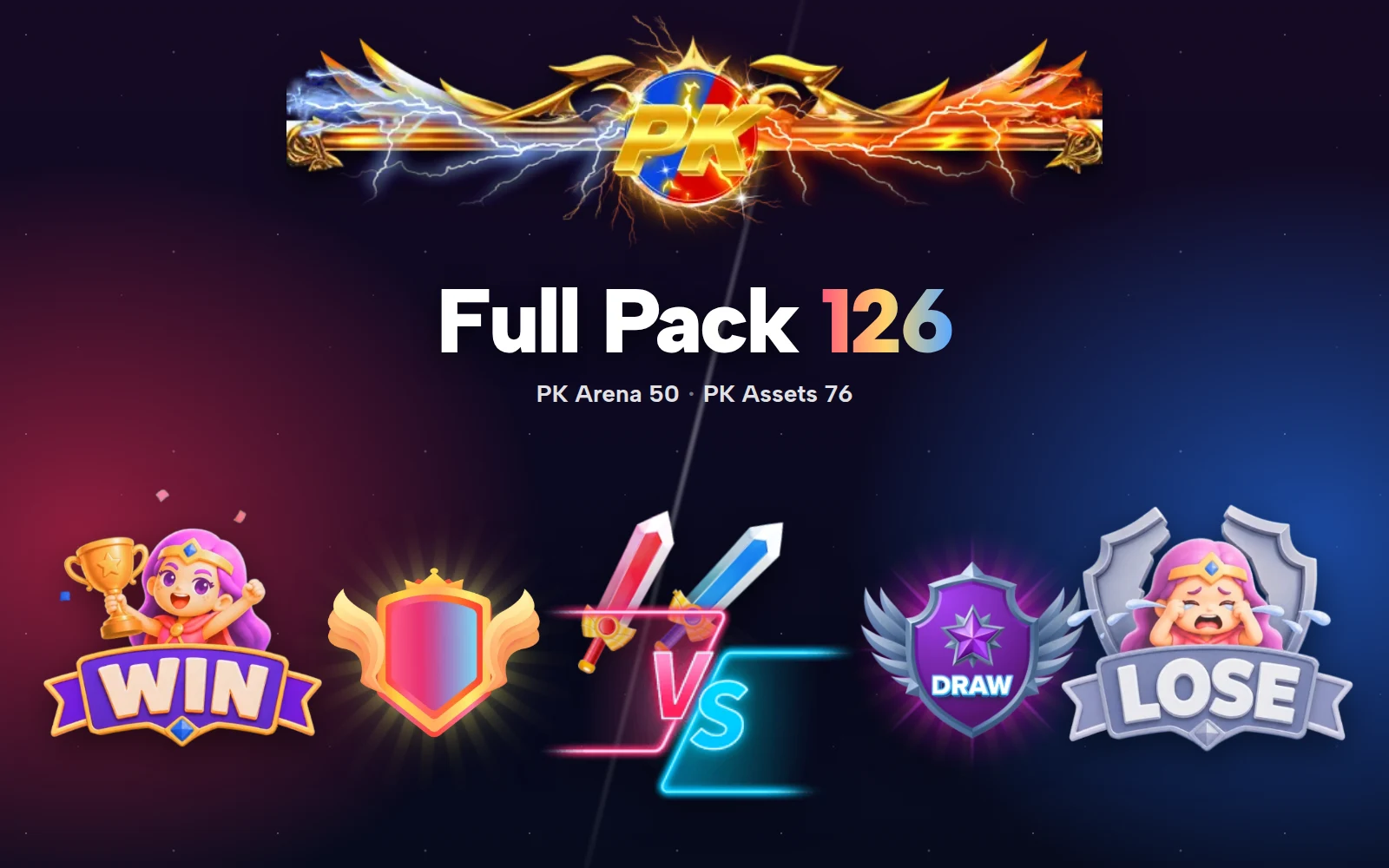
PK battles: the PK Full Pack.
Couples: the CP Level Sets.
Room events: the Lucky Complete Collection.
Mic-seat effects and gift broadcast banners: Mic, Voice & Seats and Banners & Broadcasts.
Everything else is in the full catalogue.
Quick answers
Will these files play in my script?
If its player handles SVGA 2.x, the 148 SVGA files play with SVGAPlayer on Android, iOS, Flutter and the web. The 214 badges and tag stills are plain PNG, and the 6 palace backgrounds need a VAP player. There is no PAG file. If the script ships an old or modified player, test one file before you swap the rest.
Can I use them in more than one app, or in an app I build for a client?
Yes. One purchase covers every app you own, with unlimited users, including paid features such as gifts, entrances and frames, and you can deliver the files inside a client's app. You cannot resell or share the files themselves.
Can I change the colours?
Yes. You can edit, recolour and re-export the files for those same uses.
How do I get the files?
Once the payment is confirmed, from your order page or Account → Downloads: one ZIP sorted into folders, or file by file, as often as you need.
Everything in this guide, in one download
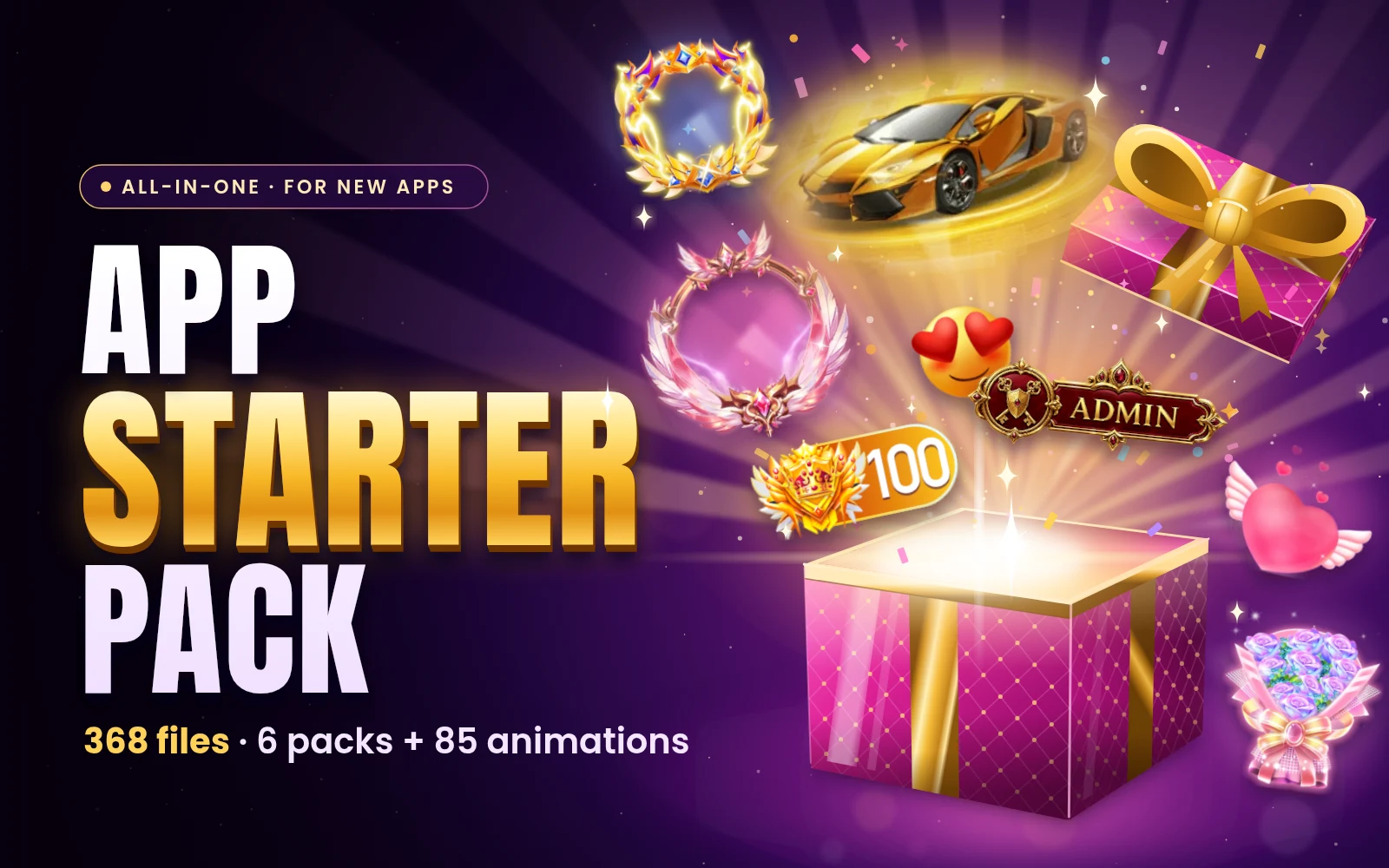
Every file named in the steps above is in the App Starter Pack, 368 files in all. That is 50 gifts, 20 entrances, 25 avatar frames, 7 role badges, 12 role tags as SVGA and PNG, 202 Rich and Charm level badges, 32 chat emoji and 8 leaderboard palace files. Six complete packs are inside it, whole: Role Full, Role Tags, Rich Level, Charm Level, Emoji Reaction and Leaderboard Palace Backgrounds, plus 85 hand-picked frames, gifts and entries, for less than the files cost one by one. Each of the 15 picked frames has already sold on its own here, and you can preview every file on the pack page before you pay.
Next step
Open your script's admin panel and write the slot list from step 1. Fill in the mapping sheet as you go, then play each file in the free viewer on your own room background before it replaces a demo file. For the rest of the launch, the launch checklist covers every feature in order.