File size budgets for gift animations on budget phones
The store median is 88 KB but the heaviest gift is 19.20 MB. How to set size budgets per surface, what really makes an SVGA heavy, and how to load big gifts on cheap phones.
svgastore team5 min read
Across the 2,265 files in this store the median size is 88 KB, yet the heaviest gift, King Fireworks Blast, is 19.20 MB. Both can be the right choice, just not for the same slot, and not on an entry-level phone with a patchy mobile connection. This post sets out how to budget size per surface, using real numbers from the catalogue.
Three costs every animation pays
Download. The file has to arrive before it can play. A gift still downloading when it is sent plays late, after the moment has passed, or not at all.
Decode memory. The player unpacks the images inside the file into memory before playback. That memory follows the pixel dimensions of the images, not the file size: a single 750×1624 image needs close to 5 MB once decoded (750 × 1,624 × 4 bytes), however well it compressed on disk.
Rendering. Every frame is drawn on the device. A full-screen gift over seat waves over a banner adds up quickly on a weaker graphics chip.
Budget phones feel all three first: less memory to spare, weaker graphics chips and often slower networks.
What real files weigh
Size ranges and medians for ten of the 20 collections, ordered from the lightest median to the heaviest:
| Collection | Files | Smallest to largest | Median |
|---|---|---|---|
| Mic, Voice & Seats | 155 | 330 B – 1.09 MB | 2.4 KB |
| Backgrounds & Screens | 70 | 390 B – 1.40 MB | 5.9 KB |
| Reactions & Party Effects | 92 | 180 B – 347 KB | 16 KB |
| Badges & Nameplates | 102 | 6.9 KB – 5.32 MB | 60 KB |
| PK Battles & Games | 285 | 464 B – 2.28 MB | 79 KB |
| Gift Combos & Bursts | 172 | 4.6 KB – 948 KB | 105 KB |
| Banners & Broadcasts | 300 | 4.1 KB – 2.04 MB | 177 KB |
| Avatar Frames | 154 | 4.5 KB – 2.86 MB | 201 KB |
| Animated Gifts | 99 | 2.5 KB – 19.20 MB | 735 KB |
| Entry Effects | 14 | 334 KB – 8.34 MB | 1.06 MB |
Store-wide, 1,195 files, just over half, are under 100 KB. The pattern is the one you would hope for: pieces that appear constantly are tiny, and pieces that appear rarely and fill the screen are heavy. The ranges also show that every collection has outliers, so check the file, not the category.
What actually makes a file heavy
The images inside, more than the canvas
Gift Number 10 has a 750×660 canvas and weighs 21 KB. Golden Phoenix Rise has a smaller 450×800 canvas, runs at only 12 fps and weighs 8.34 MB. The canvas sets the drawing area; the weight comes from how many images the file carries and how large they are. An animation that moves a few pieces around stays light. One that swaps in a new full-size picture on every frame behaves like a video without the frame-to-frame compression a video codec would apply.
Frame rate and length, when frames are pictures
Frame rate adds little when frames are instructions: Love, for example, runs at 30 fps for 3 seconds and still weighs 17 KB. It adds a lot when each frame is a picture. Three full-screen gifts on the same 750×1624 canvas:
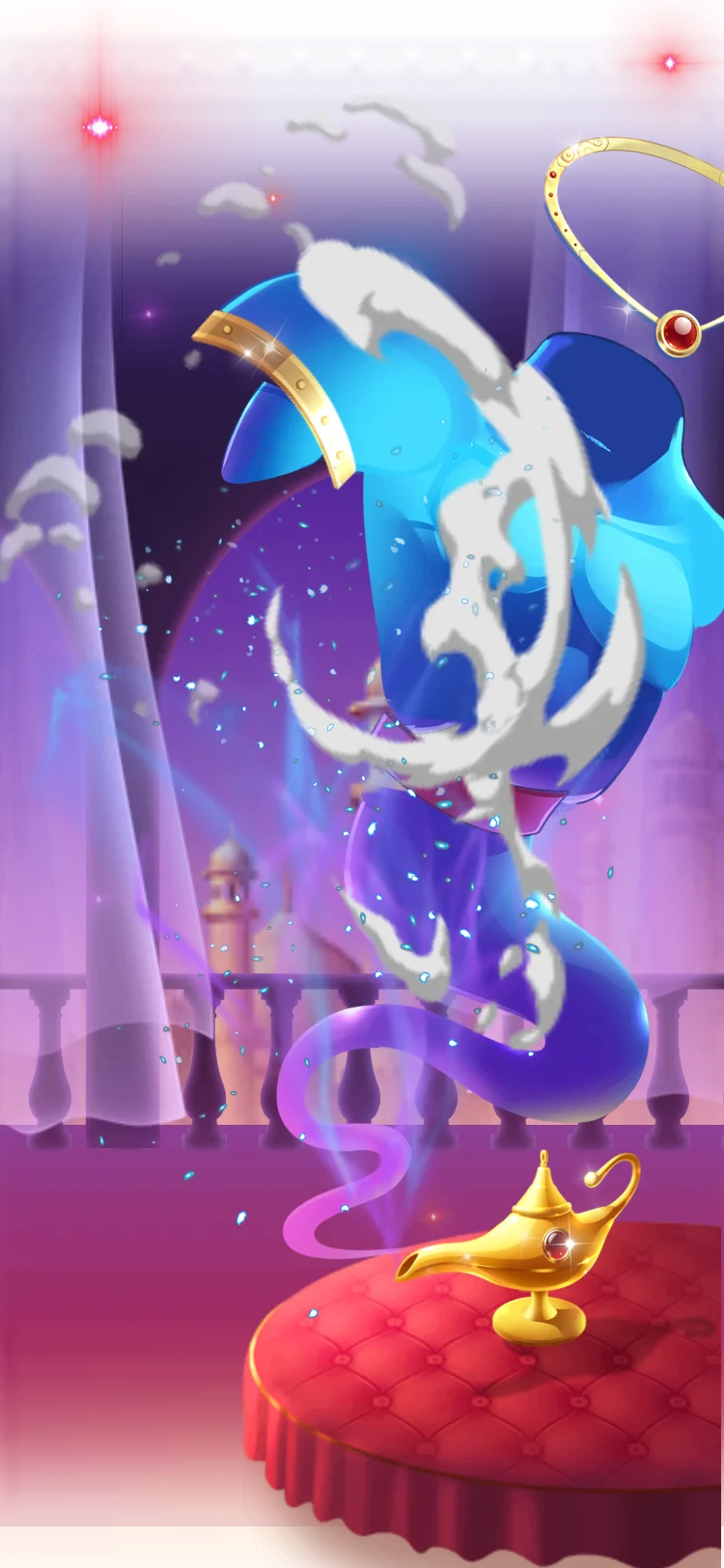
Genie Lamp Wish: 15 fps, 7 s, 735 KB, right on the Animated Gifts median.
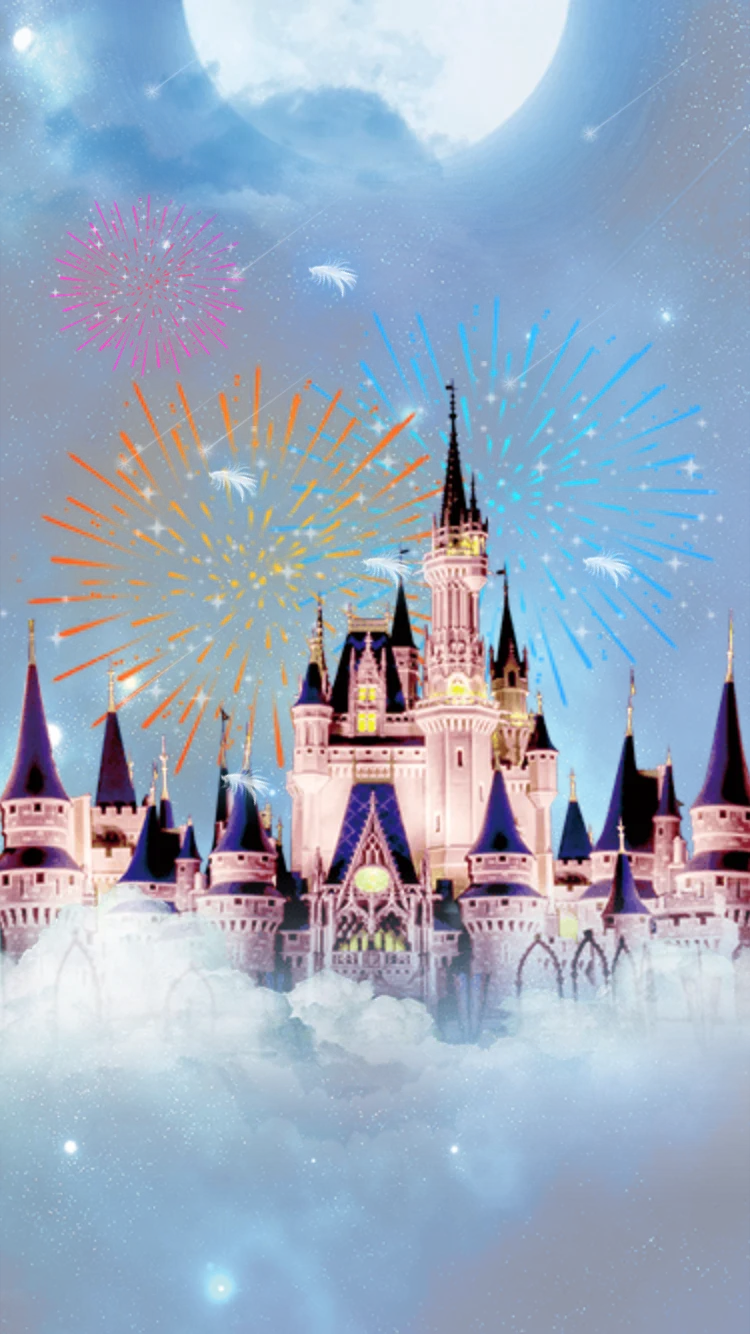
Fairytale Castle Fireworks: 30 fps, 6.3 s, 6.43 MB.
King Fireworks Blast: 30 fps, 9 s, with sound, 19.20 MB.
A canvas sized for the slot
Ship the size the slot needs. The good-number badges show it neatly: UID Good Number Lv 1 at 90×90 is 88 KB, while UID Good Number Lv 1 II at 36×36 is 46 KB, both at 15 fps for 2 seconds. Likewise VIP 1 as a 440×440 SVGA is 346 KB, while VIP 1 (PAG) at 140×140, on a shorter 3-second loop, is 114 KB.
Sound
Only 42 files in the catalogue carry sound. Audio adds weight, but it is not automatically the problem: Cash Rain Tycoon has sound and stays at 790 KB on a 750×1624 canvas.
- 750×1624 · 7s
GiftsSVGA
Genie Lamp Wish
 750×1334 · 4.1s
Most viewedSVGA
Cloud Castle Dream
 Has sound · 750×1624 · 6.6s
Most viewedSVGA
Cash Rain Tycoon
Budgets you can enforce
Treat these as starting points, then tune them on the cheapest device you support:
Always on, often repeated (seat waves, reactions, badges in lists): tens of KB. The medians of 2.4 KB for mic and seat effects and 16 KB for reactions show it is realistic.
Profile pieces (frames, medals, nameplates): a few hundred KB each, up to about 1 MB for a top-tier showpiece, with one or two on screen at a time.
In-room bursts and banners: up to roughly 500 KB, rate-limited.
Full-screen gifts and entrances: aim for around 1 MB, and treat anything larger as a premium item that must be preloaded. Cloud Castle Dream (477 KB) and Lightning Hot Rod (334 KB, with sound) show that full-screen pieces need not be big.
Enforce it in your pipeline. Store each file's size, canvas and frame rate in your gift config, and have your admin tools or build checks flag anything above the budget for its surface.
 750×660 · 2s
CombosSVGA
Gift Number 10
 240×240 · 3s
EmojiSVGA
Love
 36×36 · 2s
BadgesSVGA
UID Good Number Lv 1 II
Loading strategy for the heavy ones
Preload by price. Fetch expensive full-screen gifts on Wi-Fi or when the gift panel first opens, not at the moment of sending.
Cache parsed files. Keep recently played animations ready in memory, and release them when the system signals memory pressure.
Queue full-screen effects. Play one at a time, and collapse repeats into a combo counter instead of stacking copies. The gift-number overlays in the Gift Combo & Multiplier Pack suit this job; in the catalogue, Gift Number 10 to Gift Number 88 weigh between 17 KB and 25 KB each.
Keep a fallback. On devices you flag as low-end, show a static image or a lighter alternative for the heaviest gifts.
Next step
Export your current gift list with size, canvas and frame rate as columns, sort by size, and mark every file that breaks the budget for its surface. Then play the worst offenders in the free SVGA & PAG viewer, which shows size and frame rate and plays each file over different room backgrounds, and decide whether each one needs preloading, a lighter replacement or a lower price tier.