Has sound · 750×1624 · 6.6s
Most viewedSVGA
New: App Starter Pack — 368 files for a new app at $199 (Save 64%)See the pack
For voice chat & party apps
Voice chat app SVGA gifts are what turn a room of people talking into a room of people spending: the presents they send to the host, the effects on the mic seats, the entrances when a VIP walks in and the frames around their avatars. SVGA Store has 5,700+ ready-made files for voice chat and party apps, each playable on its page before you buy and downloadable the moment you pay.
Voice chat room assets
Gifts. The gift tray is where a voice room earns: small gifts for a quick thank-you, big full-screen ones for the top supporters. See SVGA gift animations and gift combos.
Most viewedSVGA

GiftsSVGA

GiftsSVGA
GiftsSVGA
Mic and seat effects. Speaking ripples, mic rings and seat frames show who has the floor and let users decorate the seat they paid for. See mic, voice and seat animations.
MicSVGA

MicSVGA

MicSVGA

MicSVGA
Entry effects. A supercar, a carriage or a motorbike that announces a VIP as they join. See entry effect animations.

EntriesSVGA

EntriesSVGA

EntriesSVGA

EntriesSVGA
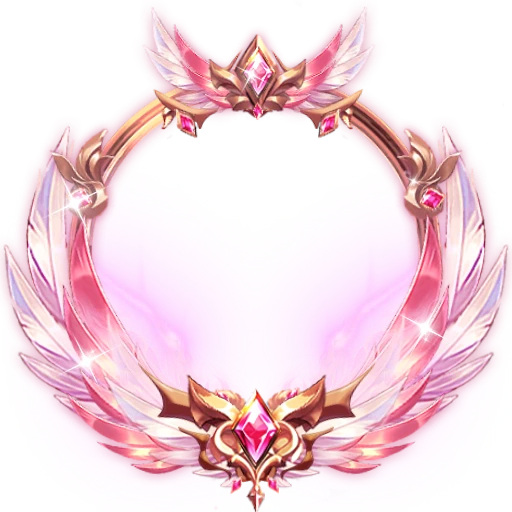
Avatar frames. Rings and crests around the profile photo and the mic seat — the reward users show off most. See SVGA avatar frames.

FramesSVGA

FramesSVGA

FramesSVGA
FramesSVGA
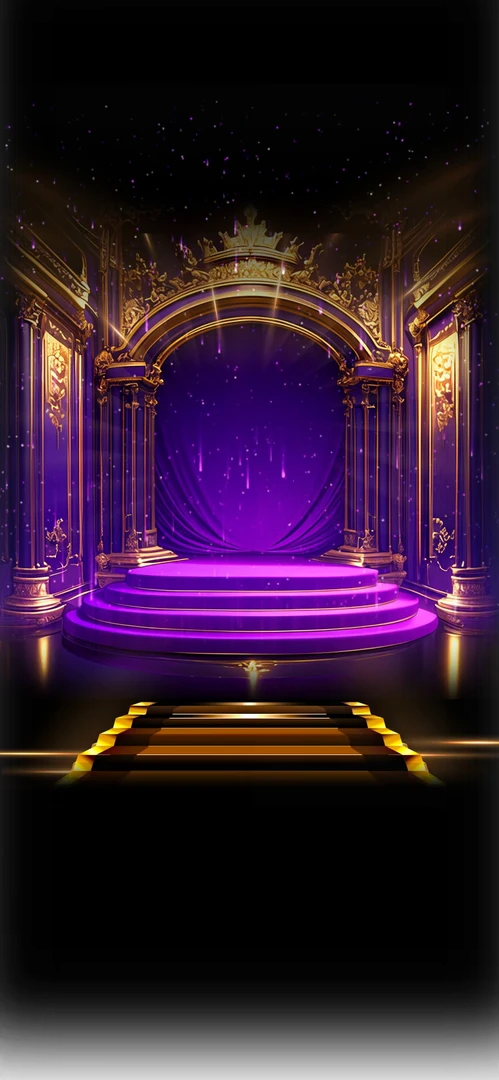
Room backgrounds and screens. Login backdrops, room headers and popup backgrounds that give a party app its look. See backgrounds and screens.

ScreensSVGA

ScreensSVGA

ScreensSVGA

ScreensSVGA
Performance
Many voice chat users are on entry-level Android phones, and a room plays several animations at once. These are typical sizes in the store today:
Keep the always-on pieces — seats, ripples, frames — light, and save the megabytes for the gifts people pay the most for. Play one full-screen gift at a time, and download the big ones when the room opens rather than when a gift is sent. Check any file's canvas, frame rate and size in the free SVGA viewer.
Party app SVGA packs
Packs bundle files that belong together for less than buying them one by one — a quick way to fill a new party app.

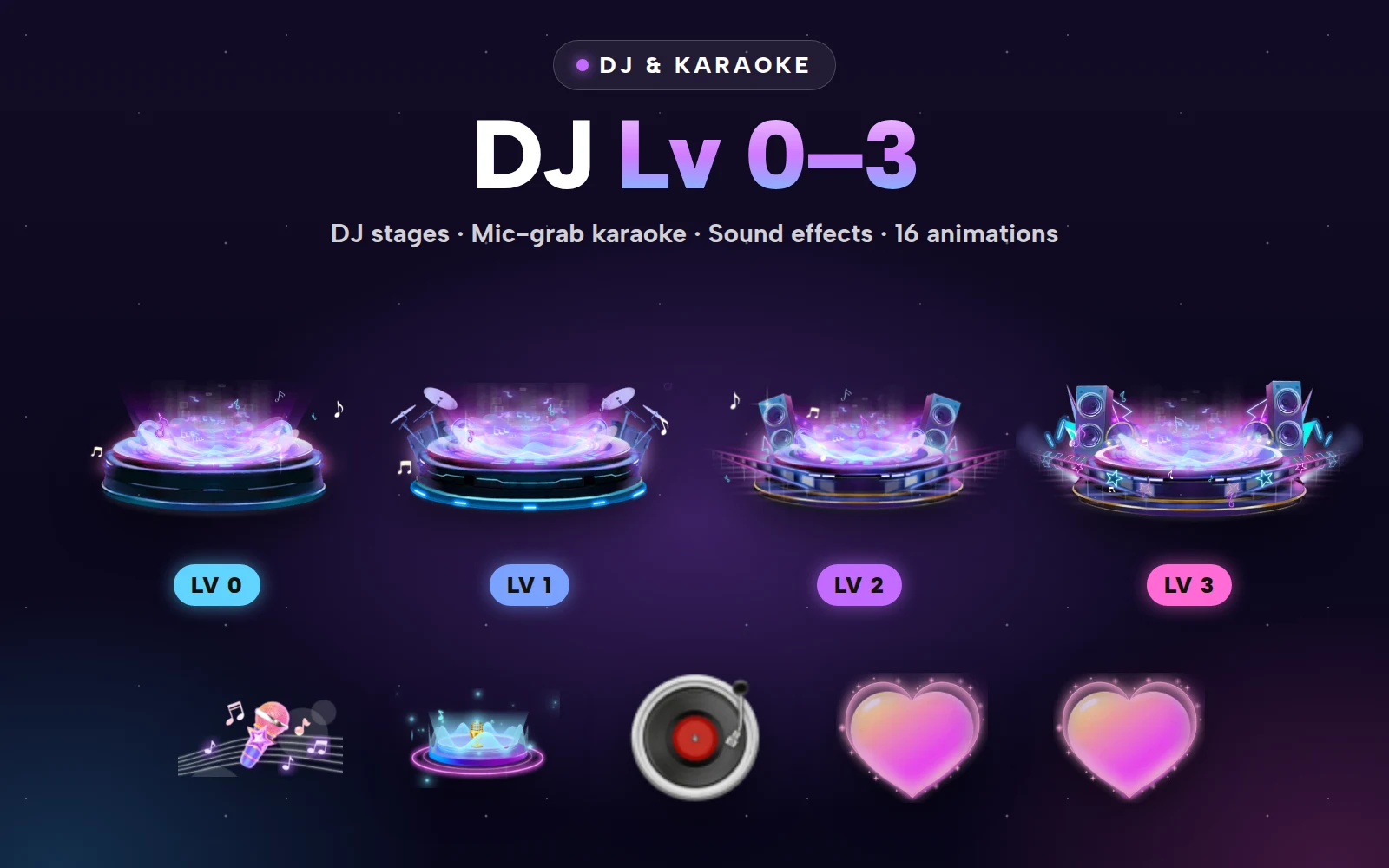

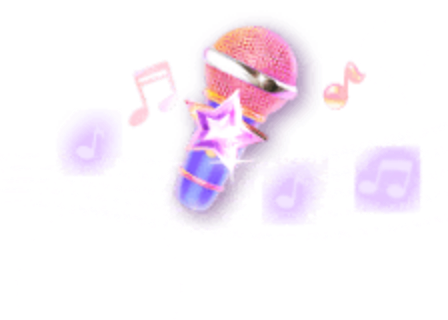
DJ stages Lv 0–3 and the mic-grab karaoke set
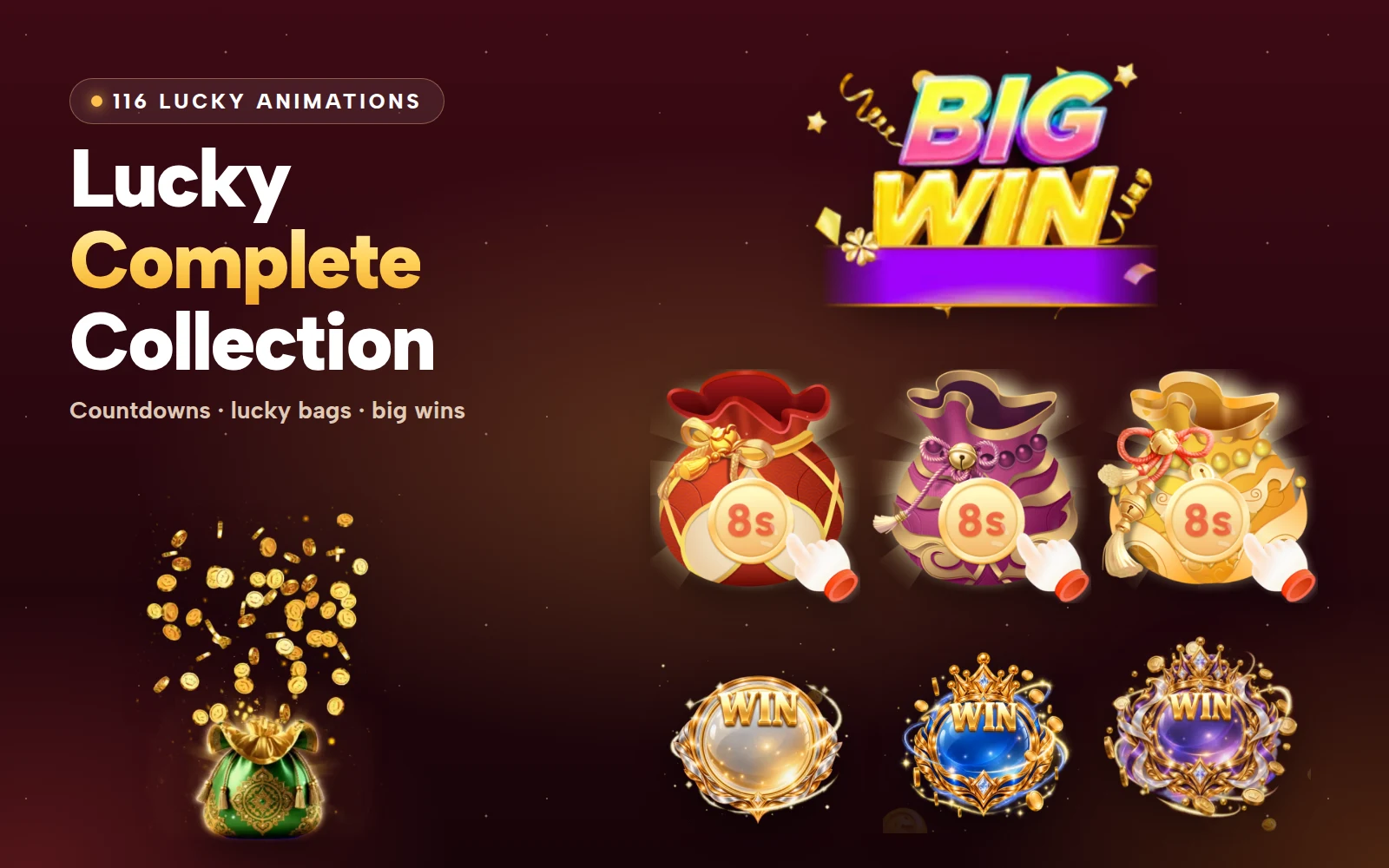




All 116 lucky bags, red packets, timers and win effects
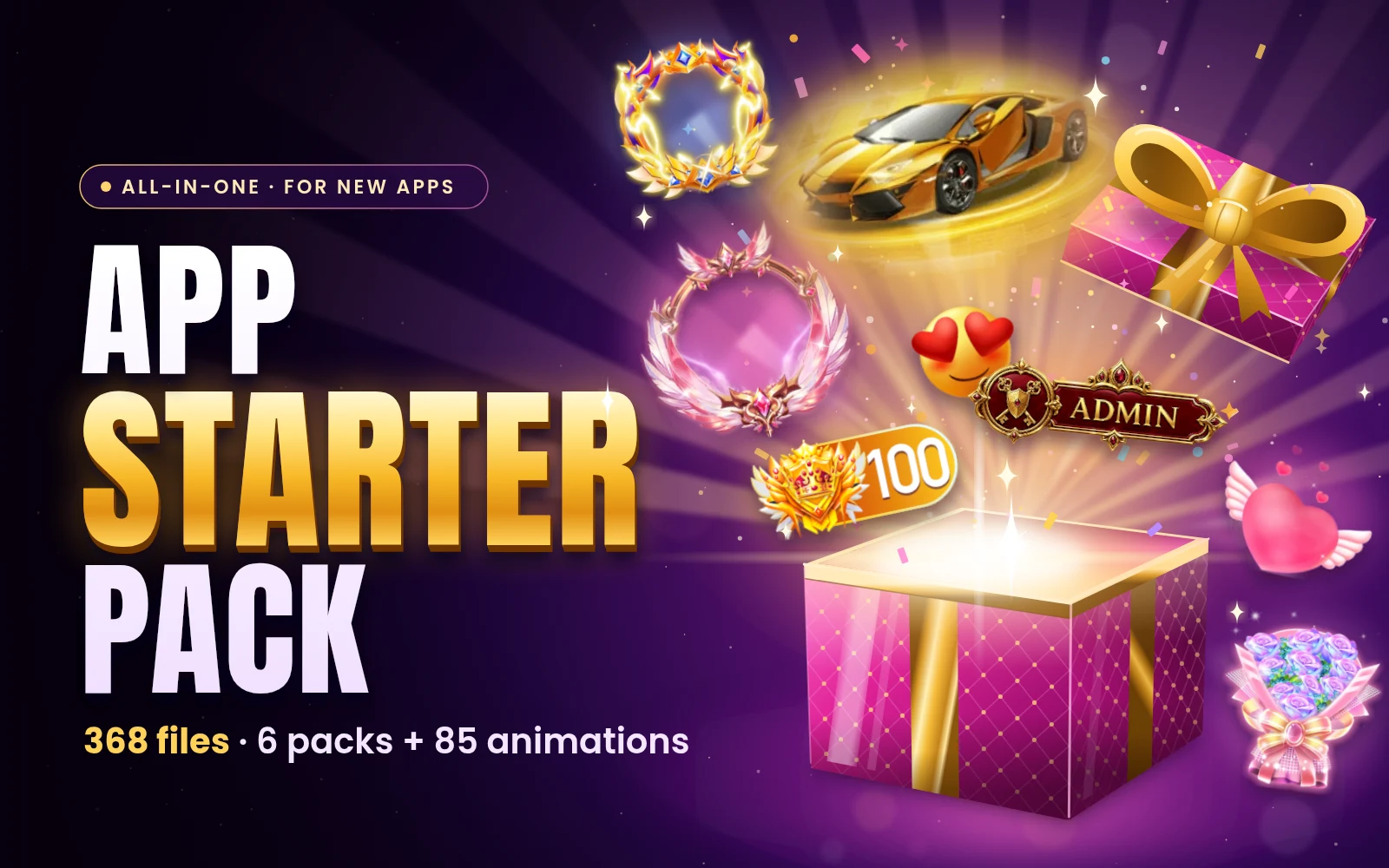
The App Starter Pack gives a new app its first look in one download — gifts, entries, frames, staff roles, Rich and Charm levels, emoji and palace backgrounds; the DJ & Karaoke Pack dresses the stage and mic-grab rounds, and the Lucky Complete Collection covers red packets, lucky bags and room events. See every pack.
Start with a gift tray of 8–12 gifts from cheap to spectacular, a speaking ripple and frame for the mic seats, two or three entry effects for VIP users, and a few avatar frames as rewards. That covers every moment users pay for; add events, PK and level ladders once the rooms are busy.
Not if you size them right. Seat effects and ripples in the store are mostly a few kilobytes, frames and banners a few hundred, and full-screen gifts usually under a megabyte. Play one full-screen gift at a time from a queue and prefetch the big ones when the room opens.
Yes. SVGA files play with SVGAPlayer on Android, iOS, Flutter and the web, PAG files with libpag and VAP files with the VAP player. Every file's page shows its canvas, frame rate and size, and you can play your own copy in the free viewer before you ship it.
Yes. A purchase lets you use the animation in your own apps, websites and brands — as many as you own — and ship it to unlimited users, including in paid features such as gifts and VIP tiers. You just can't resell or share the files themselves.