Charge it, count it, blow it up: designing a bomb gift event
A bomb gift is more fun when the room builds up to it. How a seven-step charge meter, seven levels of bomb and a full-screen countdown fit together, using the Color Bomb and Countdown Bomb packs.
svgastore team3 min read

A single bomb gift that explodes on screen is fun once. A bomb that the room has to charge together, that grows more dangerous as it fills and then counts down before it goes off, is an event. The difference is not one bigger animation; it is a sequence of small ones that tell the room what is about to happen.
Two new packs supply that sequence.
The Color Bomb Pack: meter and levels
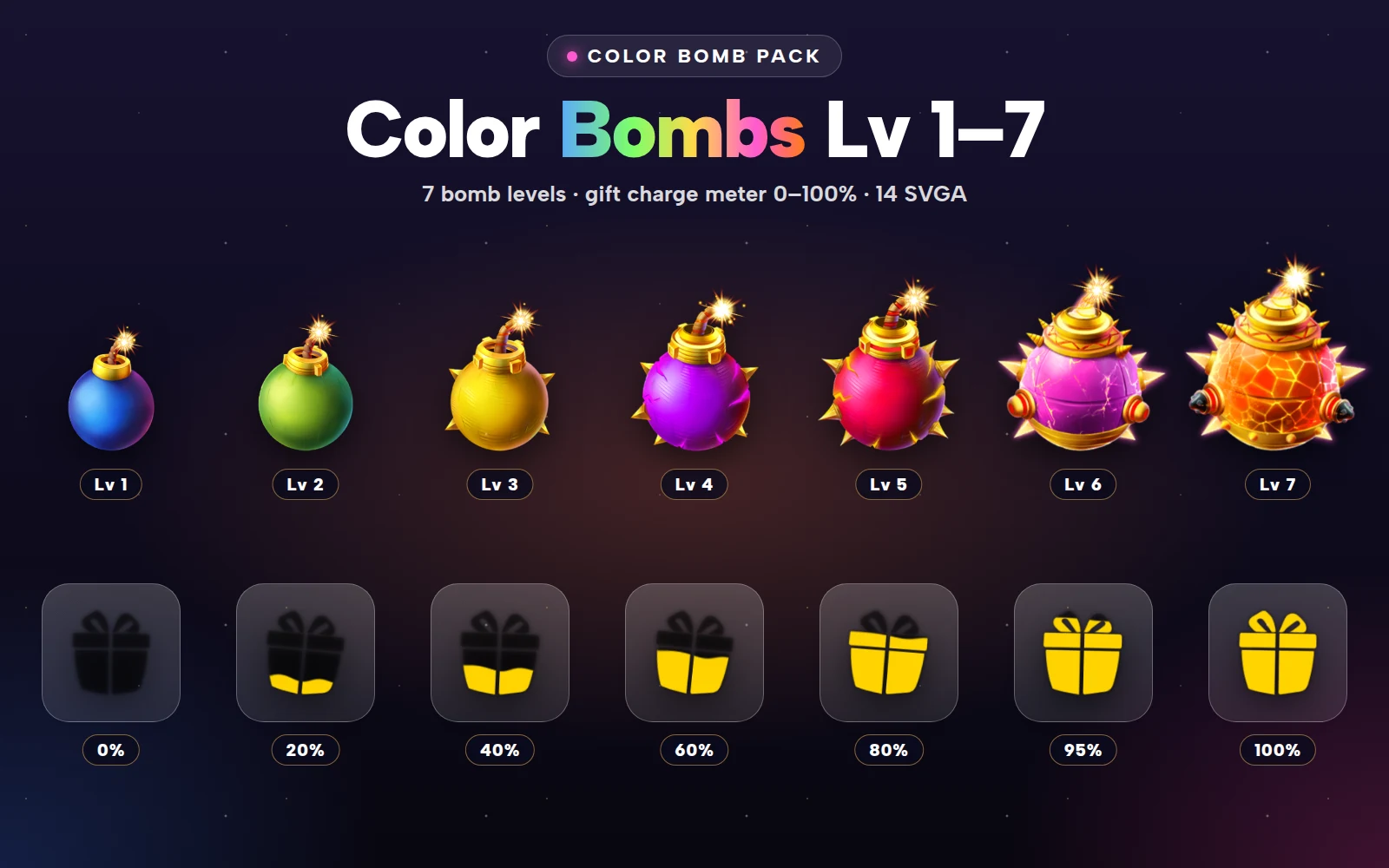
The Color Bomb Pack holds 14 SVGA files in two groups.
The charge meter
A gift box charge meter in seven steps: 0, 20, 40, 60, 80, 95 and 100 per cent. Each step is a 300×300 animation at 15 fps on a three-second loop, between 6 and 25 KB.
The 95 per cent step is the clever one. It gives you a "nearly there" state that is visibly different from 80, which is exactly when people are most likely to send one more gift to finish the charge. Show it as soon as the meter passes 90, and keep it on screen until the bomb is full.
 300×300 · 3s
Bomb SetsSVGA
Color Bomb Meter 0
 300×300 · 3s
Bomb SetsSVGA
Color Bomb Meter 60
 300×300 · 3s
Bomb SetsSVGA
Color Bomb Meter 100
Seven levels of bomb
Seven bombs, from glossy blue and green at the bottom to spiked and gold-armoured bombs with a lava core at the top, each with a fizzing fuse. They share the meter's format: 300×300, 15 fps, three seconds, and between 32 and 52 KB.
That makes the whole pack about 430 KB. You can bundle it in the app and never wait for a download, which matters for a mechanic that has to respond the instant a gift lands.
 300×300 · 3s
Bomb SetsSVGA
Color Bomb Level 1
 300×300 · 3s
Bomb SetsSVGA
Color Bomb Level 4
- 300×300 · 3s
Bomb SetsSVGA
Color Bomb Level 7
The Countdown Bomb Pack: the full-screen moment
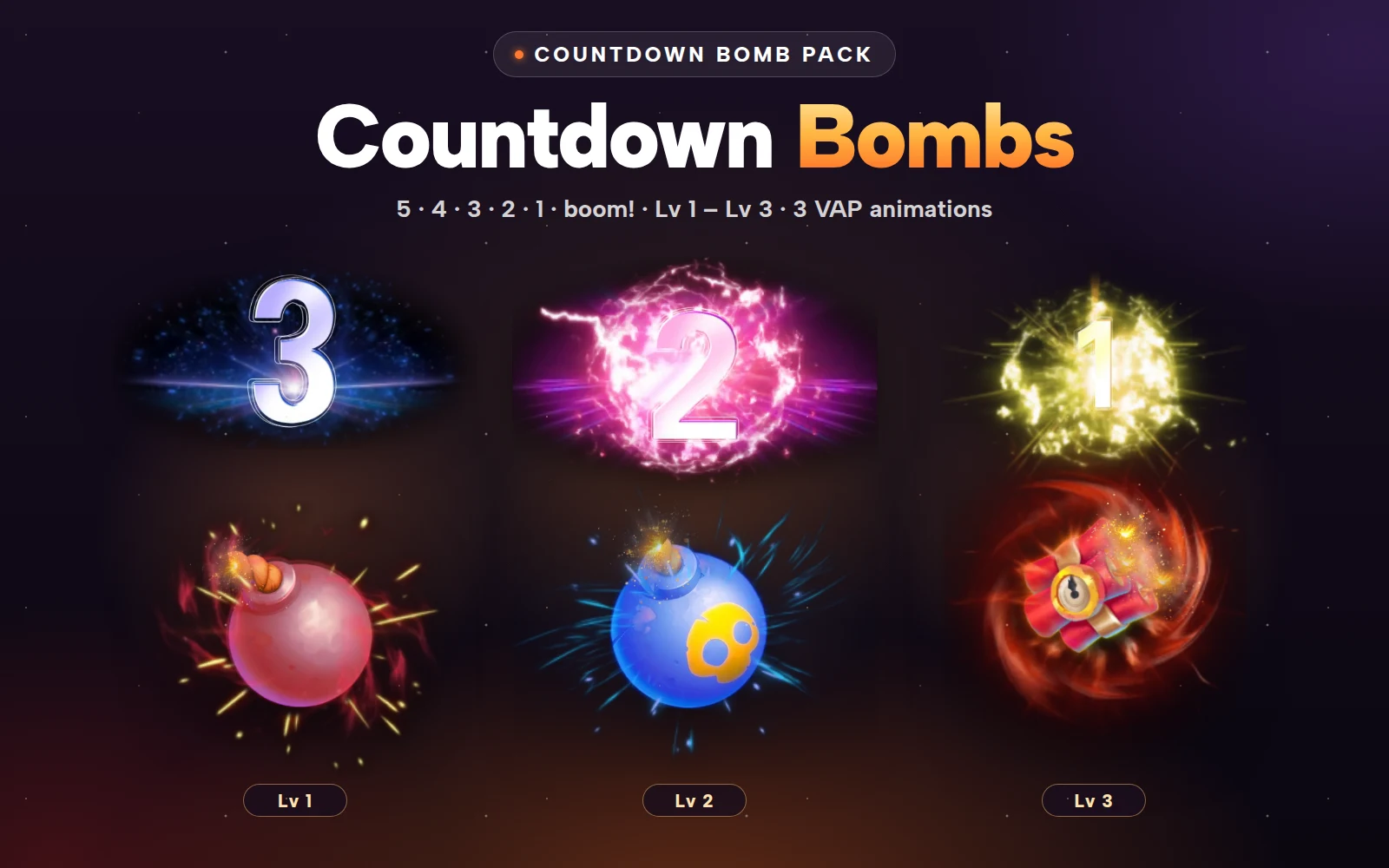
When the bomb is charged, the room needs a moment everyone sees. The Countdown Bomb Pack has three full-screen bombs that count down 5, 4, 3, 2, 1 and blow up:
Lv 1, a classic fuse bomb (2.99 MB)
Lv 2, a blue skull bomb (3.32 MB)
Lv 3, a dynamite timer with the biggest blast (3.52 MB)
All three are VAP files (MP4 with alpha) at 750×1624, 15 fps and eight seconds long. Fire, smoke and flash are what video does best, which is why these are VAP rather than SVGA.
 750×1624 · 8s
Bomb SetsVAP
Countdown Bomb Lv 1
 750×1624 · 8s
Bomb SetsVAP
Countdown Bomb Lv 2
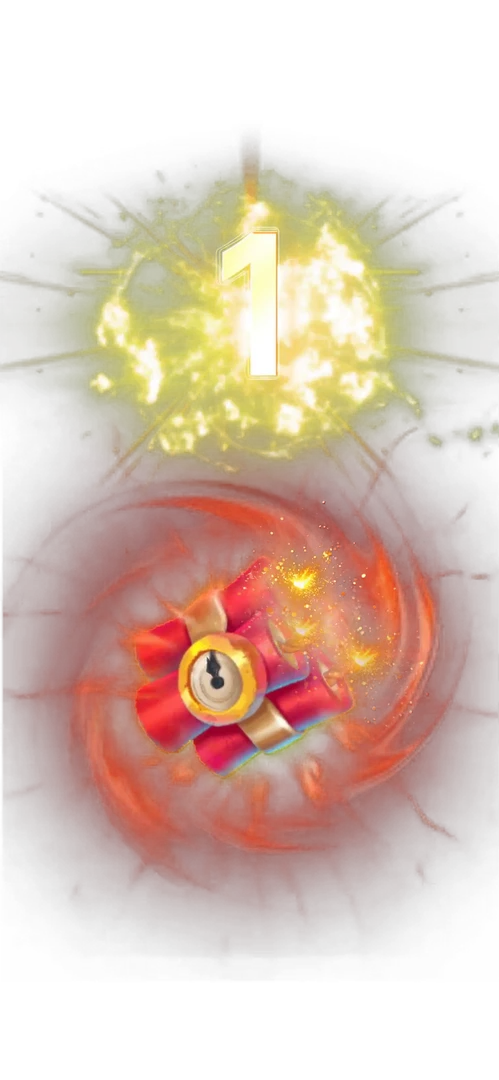 750×1624 · 8s
Bomb SetsVAP
Countdown Bomb Lv 3
Wiring the event together
A sequence that uses both packs:
Idle. The meter sits at 0 per cent in the corner of the room, next to the current bomb level.
Charging. Each gift sent to the bomb moves the meter up a step: 20, 40, 60, 80.
Nearly full. Past 90 per cent, switch to the 95 step. This is the moment to show a short "almost ready" line in the chat.
Full. At 100, play the countdown bomb full-screen. Map the bomb level to the countdown: levels 1 and 2 to Lv 1, 3 to 5 to Lv 2, and 6 and 7 to Lv 3, or whatever split suits your reward table.
Payout. When the blast ends, show what each user won, then reset the meter to 0 at the next bomb level.
Start the countdown from the server at the same moment for everyone, so every phone in the room reaches "1" together.
Keep it fair and clear
Show the current bomb level next to the meter, so people know what they are charging.
Make it clear who receives the payout: everyone in the room, the senders, or a random few.
Cap how often a bomb can go off in one room, so the moment stays special.
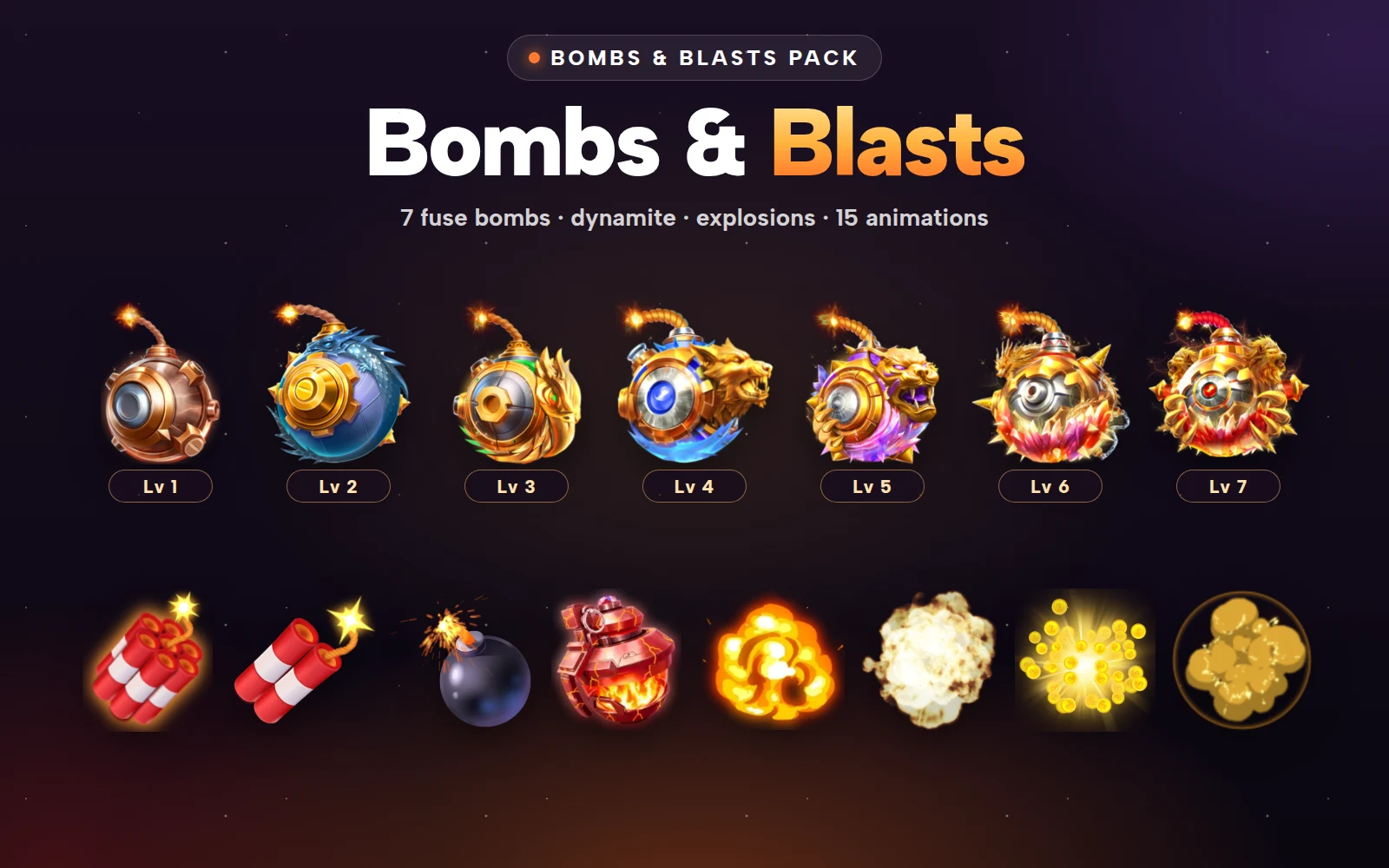
For more bomb designs, including fuse bombs in seven levels and a set of explosions, see the Bombs and Blasts Pack.


Color Bomb Pack
Bombs Lv 1–7 and the gift charge meter
Countdown Bomb Pack
Three countdown bomb gifts, Lv 1 to Lv 3
Next step
Draw the event as five boxes on paper, idle to payout, and decide which bomb level maps to which countdown. Then play the meter steps and the three countdowns in the free viewer, which handles both SVGA and VAP. Both packs are sold only as whole packs.