Fire UID numbers: spelling out a special ID one digit at a time
A special UID is worth more when it looks special. How to build an animated number from ten flaming digits, keep the flames in step, and where to use the animated and still versions.
svgastore team3 min read
In many live apps, a short or repeating user ID is a status symbol. Users pay for numbers like 888, 1000 or 520520, and they want everyone to see them. A plain number in the profile does not do that. A number drawn in gold and fire does.
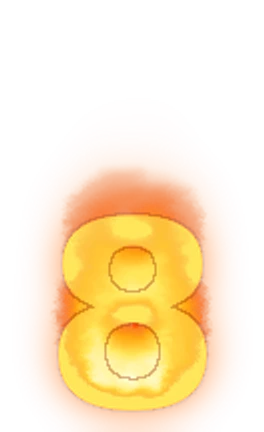
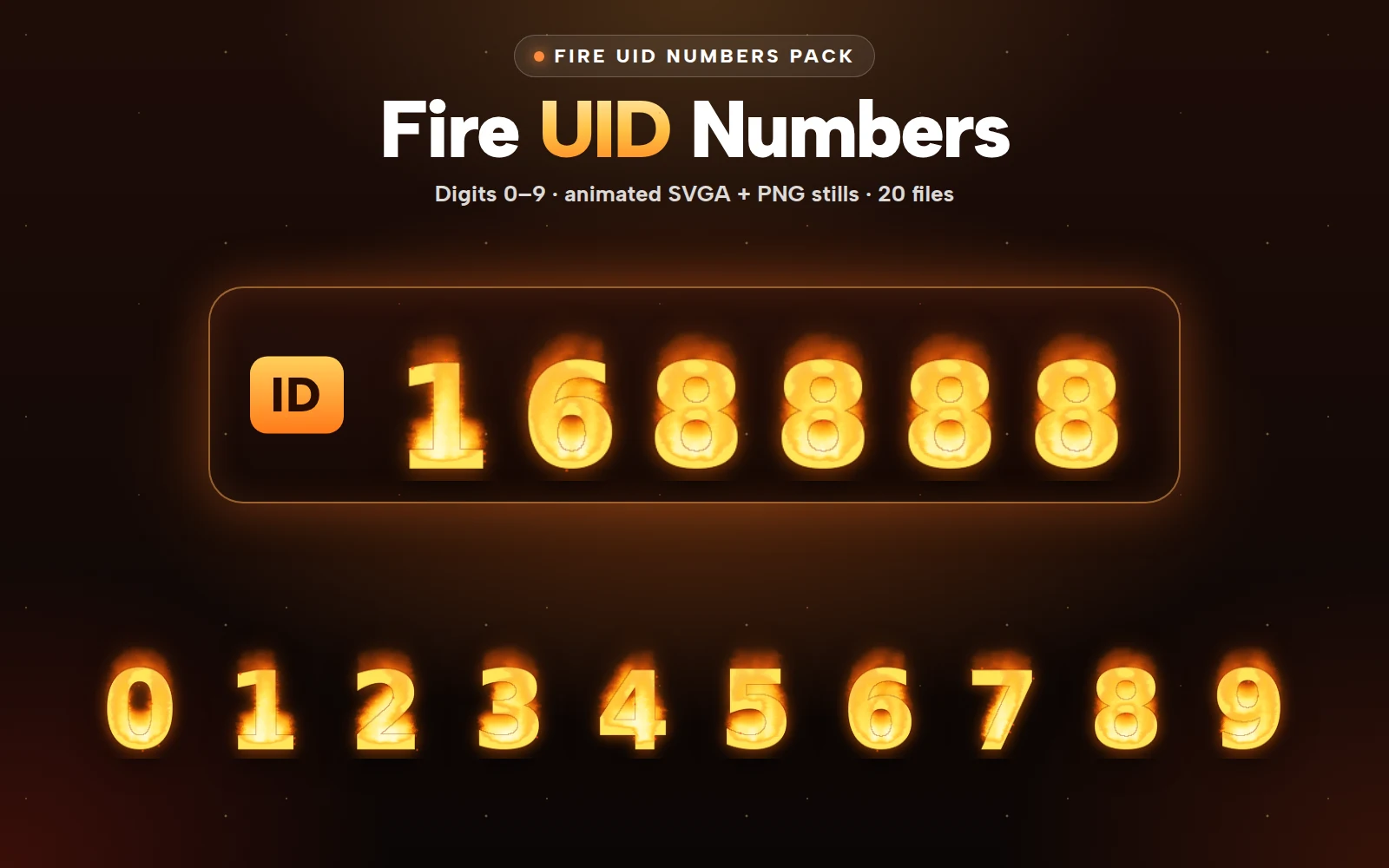
The Fire UID Numbers Pack takes a simple approach: instead of one animation per ID, it gives you the ten digits, 0 to 9, each burning in its own flame, so you can spell out any number your app sells.
What is in the pack
Ten animated digits, 0 to 9, as SVGA. Each is 132×216, 15 fps, a three-second loop, between 321 KB (the 7) and 407 KB (the 0).
Ten PNG stills of the same digits at the same canvas.
That is 20 files, sold only as the whole pack.
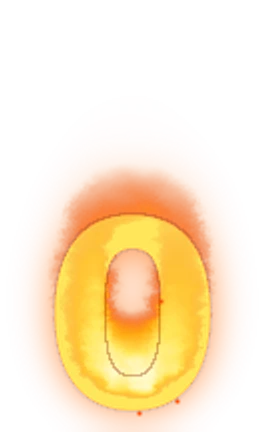 132×216 · 3s
Number SetsSVGA
Fire UID Number 0
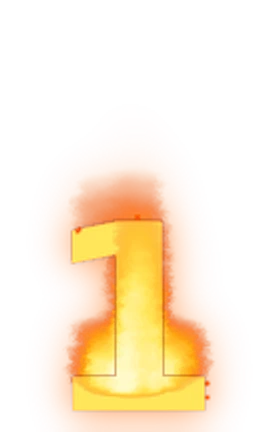 132×216 · 3s
Number SetsSVGA
Fire UID Number 1
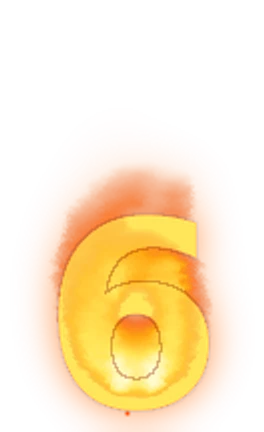 132×216 · 3s
Number SetsSVGA
Fire UID Number 6
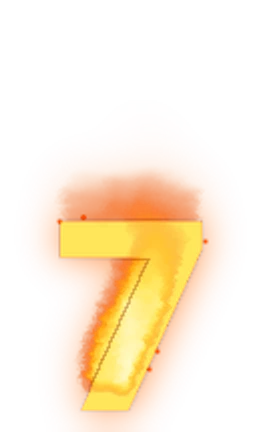 132×216 · 3s
Number SetsSVGA
Fire UID Number 7
- 132×216 · 3s
Number SetsSVGA
Fire UID Number 8
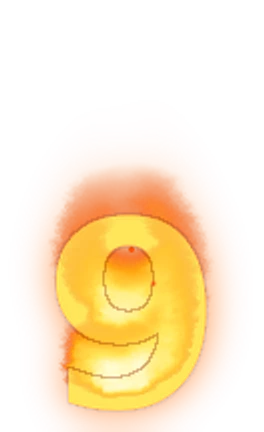 132×216 · 3s
Number SetsSVGA
Fire UID Number 9
Composing a number
Building a number from separate digits is straightforward, but a few details decide whether it looks like one object or a row of separate ones.
Spacing
Each digit sits on a 132-pixel-wide canvas with some flame on either side. Place digits so their canvases overlap slightly, rather than edge to edge, so the flames meet and the number reads as one word. Work out the overlap once, by eye, on a long number such as 8888888, and use it everywhere.
Keeping the flames in step
If each digit starts playing the moment it finishes loading, the flames will flicker out of step, which looks like a glitch. Load all the digits first, then start them together. Every digit is exactly three seconds long, so once they start in step they stay in step.
Scaling
On the profile page, a seven-digit number at full size is 924 pixels wide before overlap, wider than a phone screen. Scale the whole group down as one unit rather than scaling digits individually, so the spacing stays even.
Memory on busy screens
Each digit is a separate animation. A seven-digit UID means seven animations playing at once, even when a digit repeats and the same file is reused. That is fine on a profile page, where there is one number on screen. It is not fine in a seat list or a ranking with twenty users.
The rule is the same as for any repeating badge:
Animate on the profile and in the moment a user enters a room.
Use the stills everywhere else: seat lists, rankings, chat and search results.
Cache the ten digits once. Every special number in the app uses the same ten files, so after the first download, every other number is free.
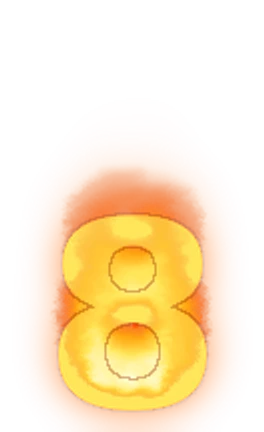 132×216
Number SetsPNG
Fire UID Number 8 Still
- 132×216 · 3s
Number SetsSVGA
Fire UID Number 8
Fire digits beside the badges
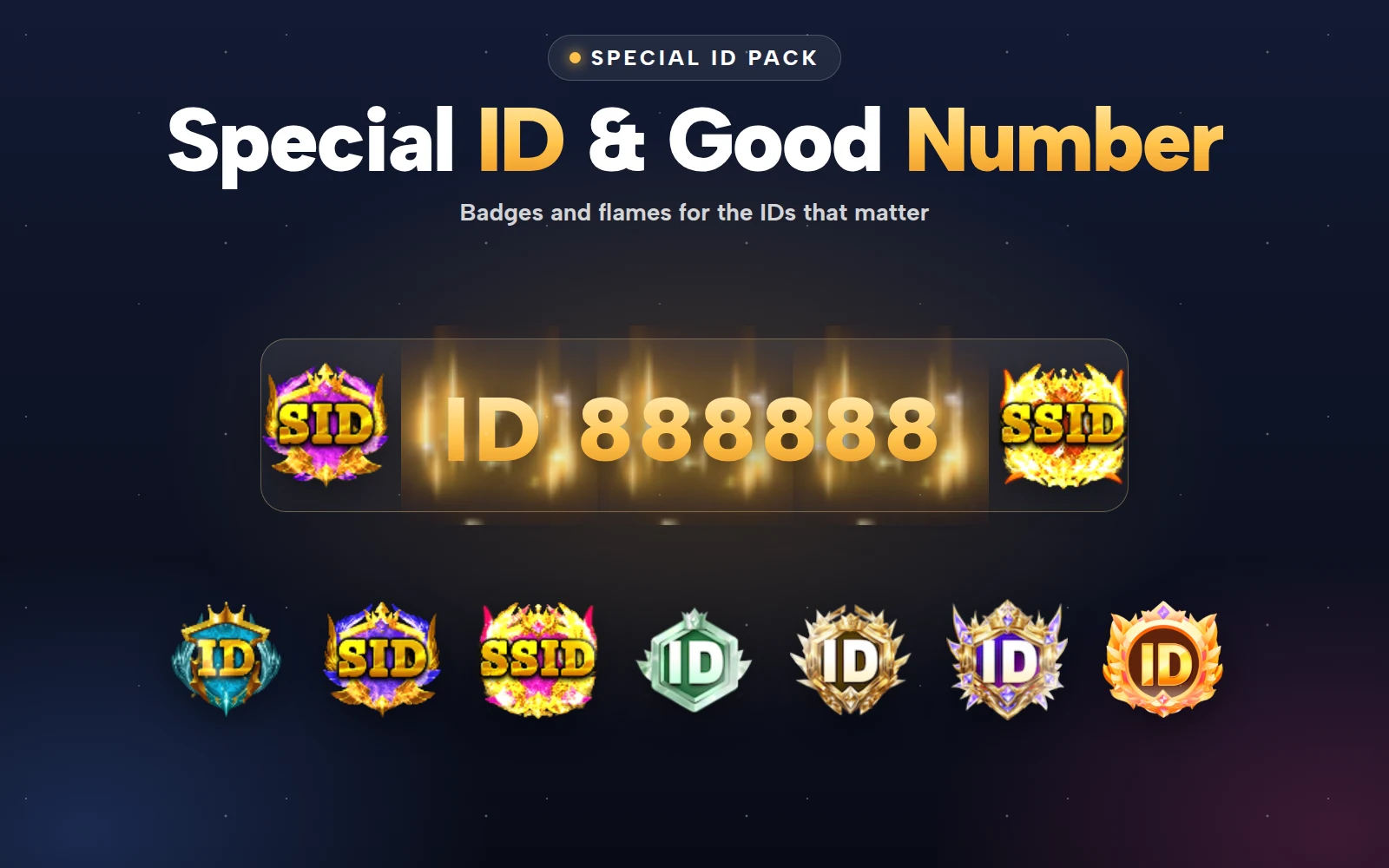
Fire digits work best alongside a badge that marks the number as special. The Special ID & Good Number Pack has 23 smaller SVGA pieces for that:
UID Good Number Lv 1–9, 90×90 badges from 88 to 183 KB, one for each tier of number you sell.
Special ID flames for one, two and three characters, slim strips at 36, 72 and 108 px wide and 48 px tall.
A custom ID badge at 144×144.
A good layout is the badge first, then the fire digits, then the user name. Users read the badge as "this number is special" and the digits as the number itself.
 90×90 · 2s
BadgesSVGA
UID Good Number Lv 9
 108×48 · 3s
BadgesSVGA
Special ID Flame · 3 chars
 144×144 · 2s
BadgesSVGA
Custom ID Badge
Selling numbers fairly
If your app sells special IDs, a few rules keep the market healthy:
Publish which patterns count as special (repeats, sequences, short numbers) and the tier each pattern belongs to.
Show the fire digits only for numbers that were bought or awarded, never for an ordinary ID that happens to look nice.
Let a user keep their number if they stop paying for VIP, or say clearly that they will not, before they buy.
Fire UID Numbers Pack
Flaming digits 0–9 to show a special UID
Next step
Build one test screen with a seven-digit number from the ten digits and tune the overlap. Then decide where the animated version appears and where the stills take over. Preview the digits in the free viewer on your profile's background colour before you settle the layout.