VIP Royal Sets: eight VIP levels with entries, room cards and card frames
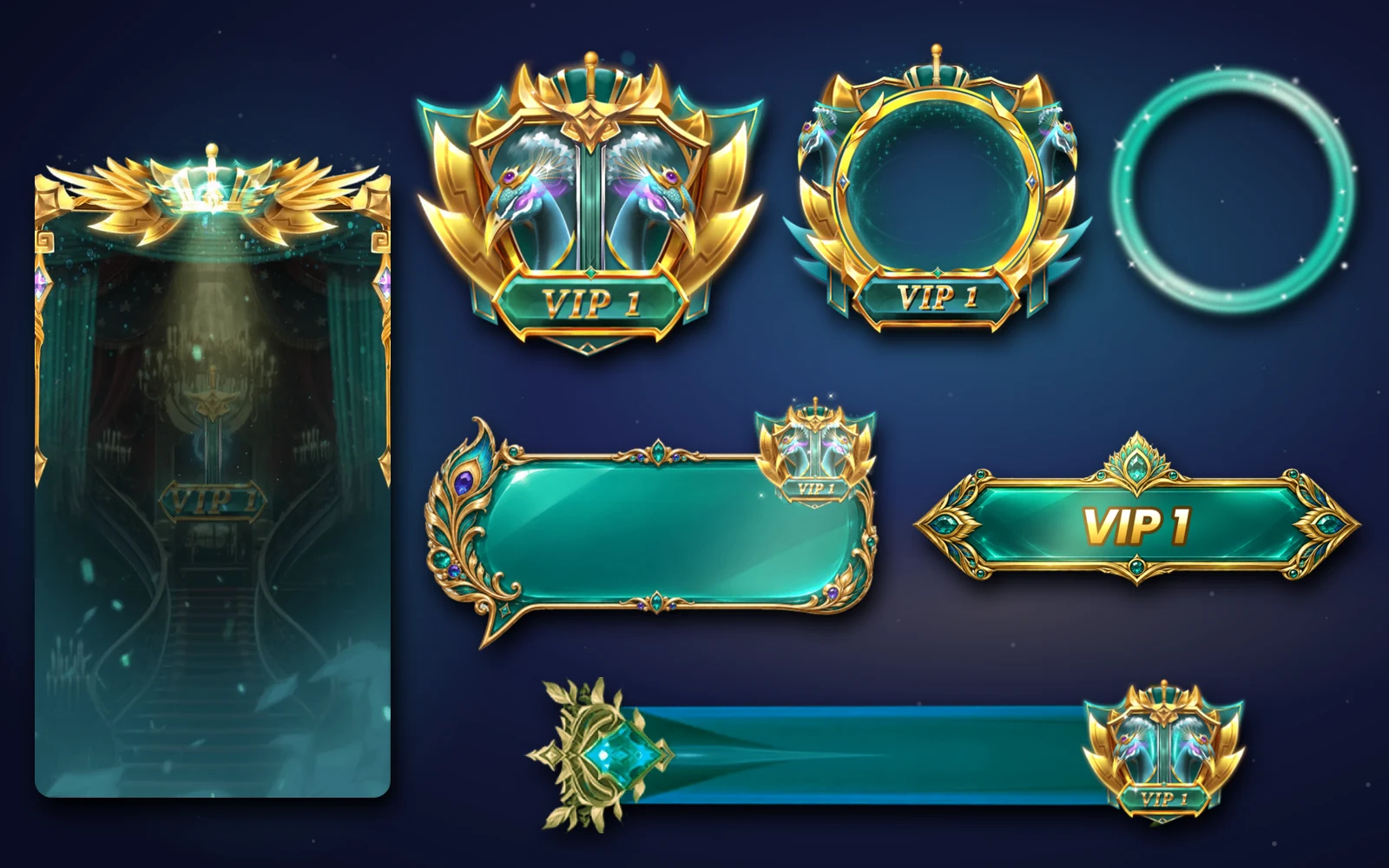
VIP Royal dresses VIP levels 1 to 8, from a jade peacock to a crimson dragon, with an avatar frame, badge, entry effect with sound, entry bar, room card, mic ring, chat bubble and name tag at every level.
svgastore team3 min read

The VIP Royal collection is built around one idea: the VIP entry. Every one of its eight levels has a full-screen entry effect with sound, and everything else in the set, from the entry bar to the room card, is designed to support that arrival. If your VIP programme is mainly about how a user enters a room, this is the collection to look at first.
Eight levels
| Level | Theme |
|---|---|
| VIP 1 | Jade peacock |
| VIP 2 | Golden wolf |
| VIP 3 | Emerald fox |
| VIP 4 | Sapphire leopard |
| VIP 5 | Storm eagle |
| VIP 6 | Violet tiger |
| VIP 7 | Flame lion |
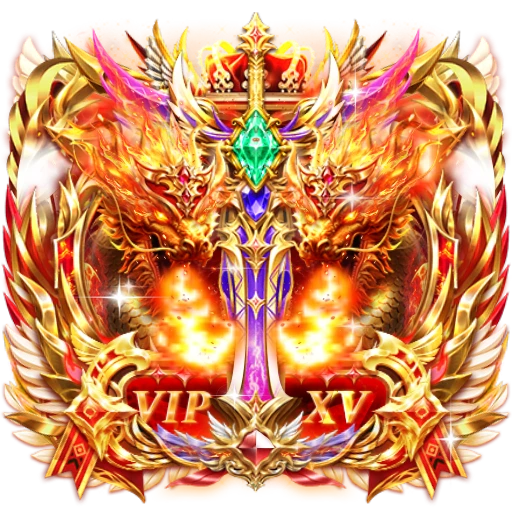
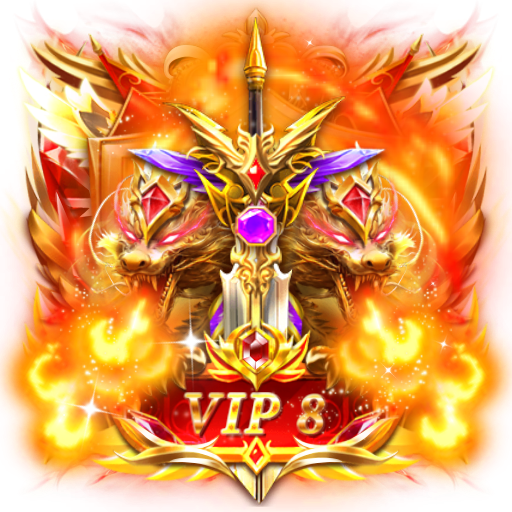
| VIP 8 | Crimson dragon |
Each set is 40 files. All eight together, as VIP Royal Sets — All 8, come to 145 files, because 25 shared pieces (below) are counted once.
 440×440 · 5s
Most viewedSVGA
VIP 1
 413×413 · 3s
VIP SetsSVGA
VIP 1 Avatar Frame
- 413×413 · 3s
VIP SetsSVGA
VIP 8 Avatar Frame
 440×440 · 5s
VIPSVGA
VIP 8
The eight animations in every set
| Piece | Canvas | Length | Size across levels |
|---|---|---|---|
| Avatar frame | 413×413 | 3 s at 15 fps | 240–748 KB |
| Badge | 440×440 | 5 s at 15 fps | 346 KB–1.12 MB |
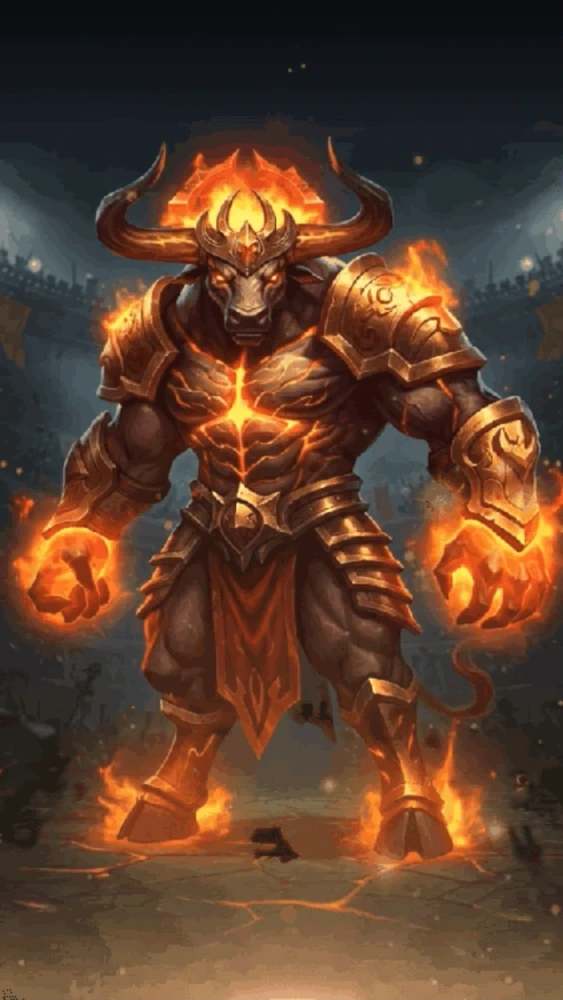
| Entry effect, with sound | full screen | 5.2–11.5 s | 6.99–26.21 MB |
| Entry bar | 640×140 | 2.1 s at 20 fps | 115–160 KB |
| Room card | 750×1666 | 3.6 s at 20 fps | 1.09–18.90 MB |
| Mic ring | 250×250 | 2 s at 20 fps | about 30 KB |
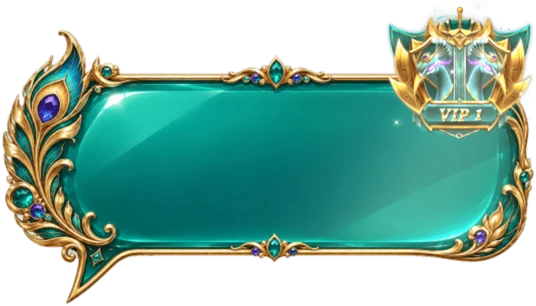
| Chat bubble | 536 px wide | 1.3 s at 12 fps | 827 KB–1.01 MB |
| Name tag | about 750 px wide | 1.3 s at 12 fps | 0.95–1.46 MB |
Each animation except the entry effect has a PNG still, so a set holds 15 level-specific files.
The entry and the entry bar
The entry effect is the centrepiece. Most levels' entries are portrait clips around 7 to 12 MB; the crimson dragon at level 8, VIP 8 Dragon Entry Effect, is 750×1624, 11.5 seconds long and 26.21 MB, the largest file in the collection.
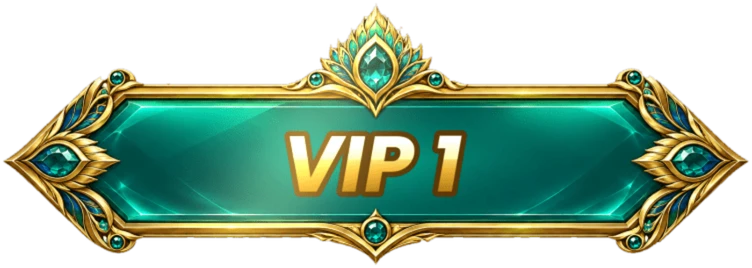
The entry bar is its partner. At 640×140 and under 160 KB, it is the slim strip that slides in with the user's name while the full entry plays, or on its own when you want a lighter arrival. A sensible rule: play the full entry the first time a VIP enters a room in a session, and only the entry bar on later entries.
 Has sound · 750×1624 · 12s
VIP SetsSVGA
VIP 8 Dragon Entry Effect
 Has sound · 422×750 · 5.2s
VIP SetsSVGA
VIP 1 Entry Effect
 640×140 · 2.1s
VIP SetsSVGA
VIP 8 Entry Bar
Room cards: plan for the size
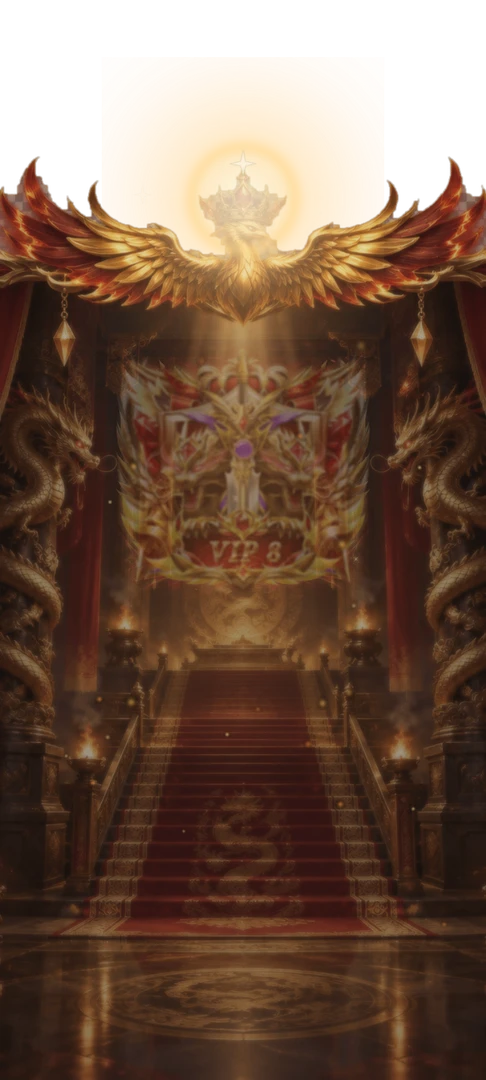
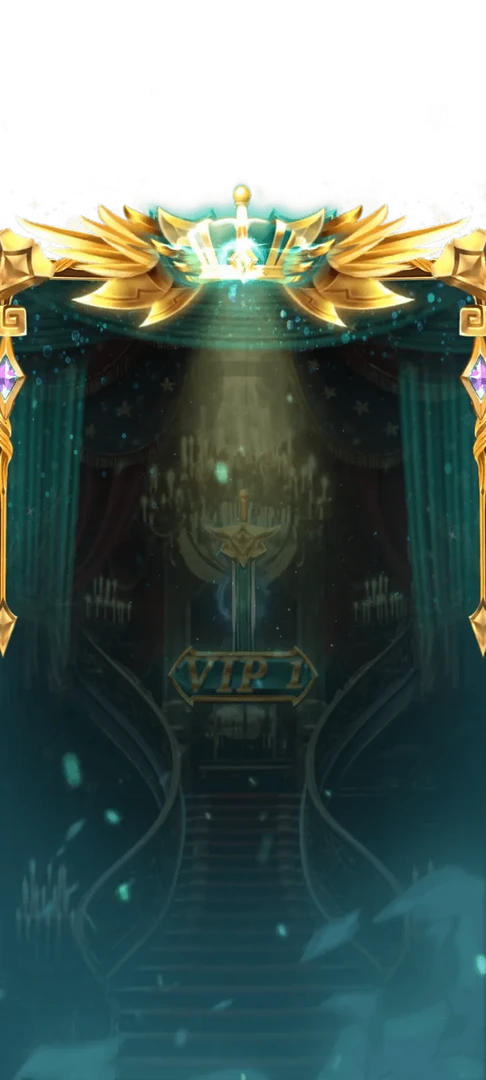
The room card is a full-height 750×1666 card for the VIP page or the user's room profile. Its size varies a great deal across the eight levels, from 1.09 MB at level 8 to 18.90 MB at the heaviest level. Show the PNG still first (456 KB to 1.49 MB) and switch to the animation once it has loaded, so the card never holds up the page.
 750×1666 · 3.6s
VIP SetsSVGA
VIP 8 Room Card
 750×1666 · 3.6s
VIP SetsSVGA
VIP 1 Room Card
Small pieces that repeat
The mic ring is about 30 KB at every level and plays around the seat while the VIP speaks. The chat bubble and name tag are both 1.3-second loops at 12 fps, made for places that repeat many times on screen: animate the newest one, use the stills for the rest.
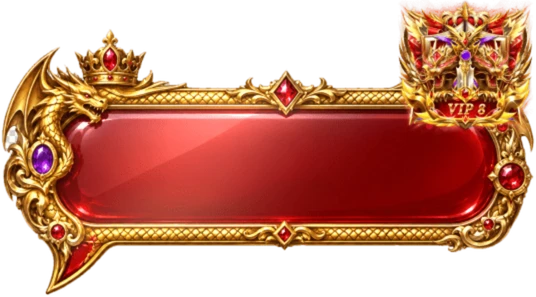 536×297 · 1.3s
VIP SetsSVGA
VIP 8 Chat Bubble
 759×329 · 1.3s
VIP SetsSVGA
VIP 8 Name Tag
 250×250 · 2s
VIPSVGA
VIP 8 Scarlet Voice Ripple
The 25 shared pieces
Every set also includes the same 25 PNG files for the VIP page:
20 VIP card frames: ten portrait frames at 500×624 and ten wide frames at 718×383, all under 21 KB, for the cards that list each VIP level's privileges.
5 mic-seat icons: a royal red throne, a golden throne, a gold armchair, a crimson throne and a blue armchair, for VIP seats in a room.
These are what turn a VIP feature from a list of badges into a proper VIP page.
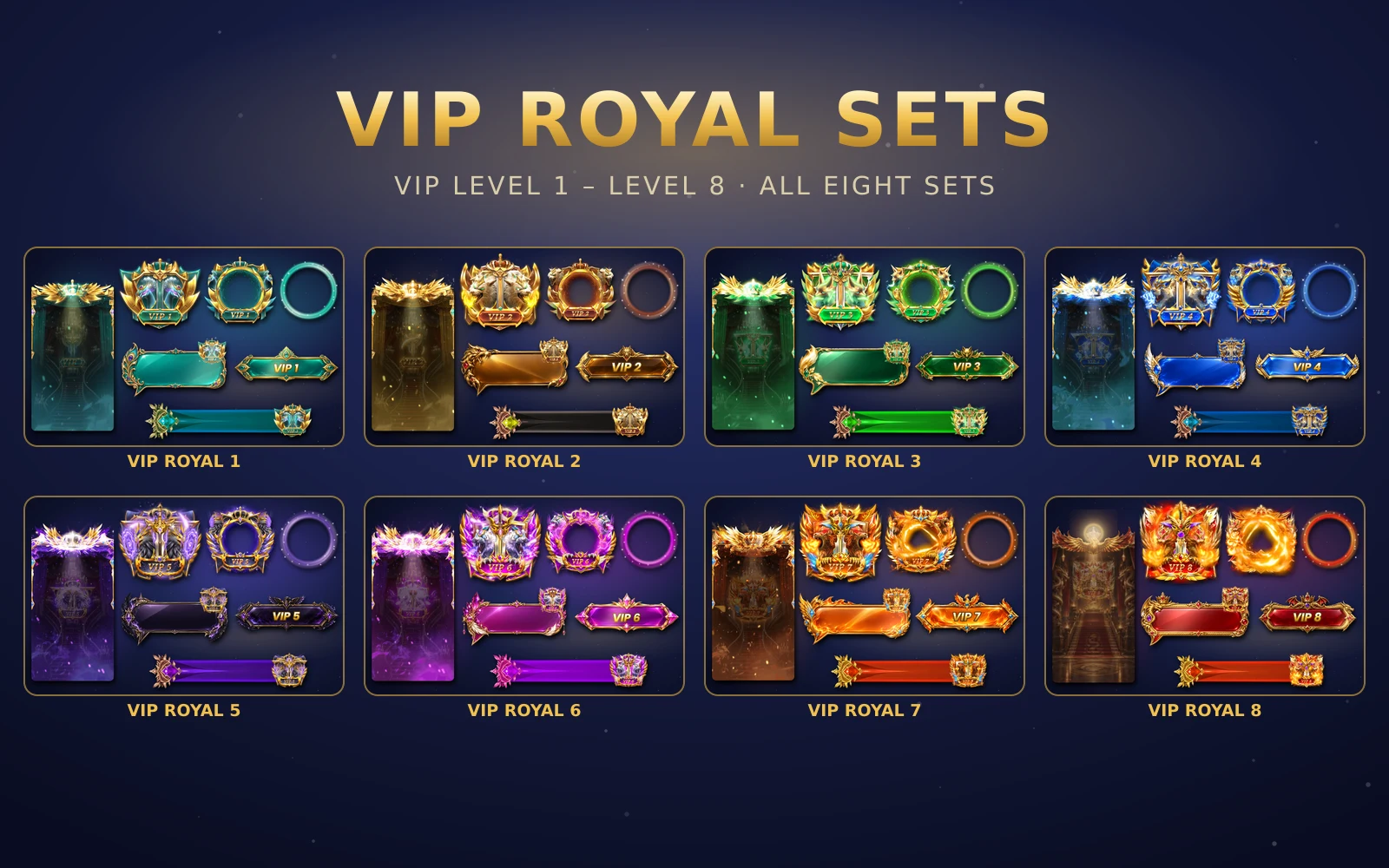



VIP Royal Sets — All 8
All eight VIP Royal sets in one order
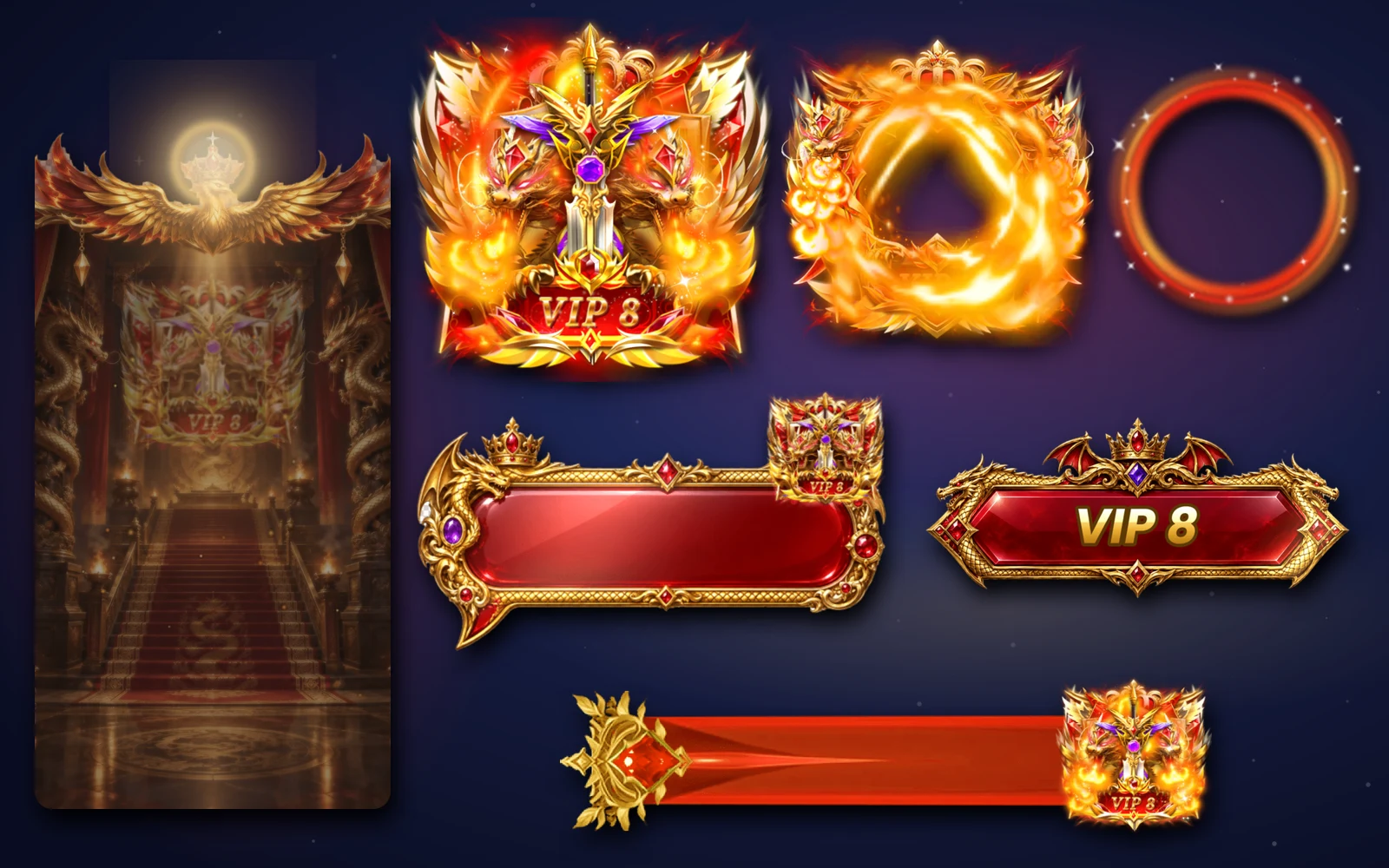
VIP Royal Set 8
The crimson dragon kit for VIP level 8
Next step
Decide what your VIP entry rule is (every entry, first entry per session, or first entry per room) before you pick a collection, because VIP Royal's strength is the entry. Preview the eight entries in the free viewer with sound on, then buy a single level to test in your app or all eight from the VIP Royal page.