The room rocket event: a countdown, a launch and a lucky burst
A rocket event turns a room's gifting into a launch everyone waits for. How to run one with the seven-level Countdown Flying Rocket (SVGA) or the five-level Starship Rocket (VAP), and how the two differ.
svgastore team3 min read
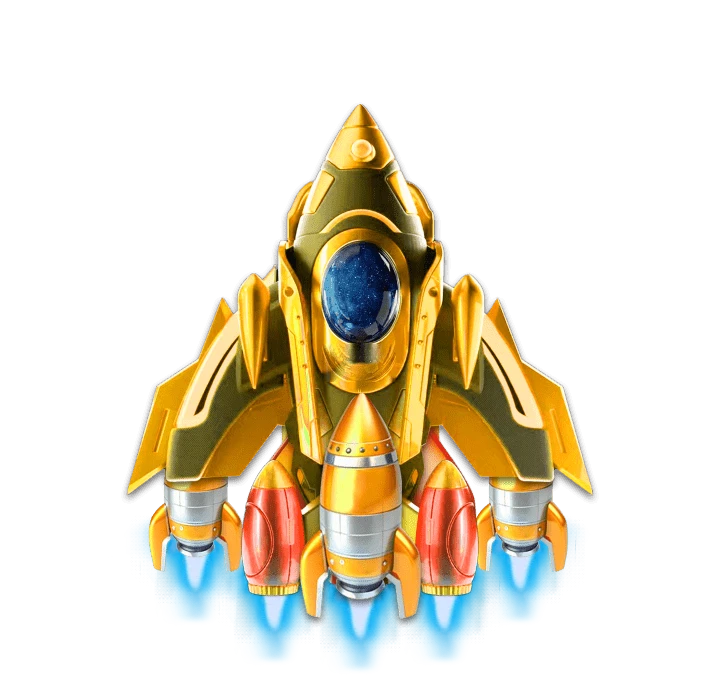
The rocket event is one of the most common room events in voice-chat apps, and for good reason. Every gift sent in the room adds fuel to a rocket. When the tank is full, a countdown starts, the rocket launches, and everyone in the room shares the reward. It turns individual gifting into a shared goal with a visible finish line.
Two new packs give you the rocket in two different formats.
The event in four beats
Whichever pack you choose, the event has the same shape:
On the pad. The rocket stands in the room, showing its level and how full it is.
Countdown. When the tank is full, the room gets a few seconds' warning.
Launch. The rocket takes off across the whole screen.
Reward. The payout appears, and the next level's rocket takes its place.
Countdown Flying Rocket: seven levels in SVGA
The Countdown Flying Rocket Pack is a complete seven-level event, from an olive rocket at level 1 to a winged gold one at level 7. It has 15 SVGA files:
| Piece | Canvas | Length | Size |
|---|---|---|---|
| Rocket standing ready, Lv 1–7 | 720×680 | 3 s at 20 fps | 109–142 KB |
| Full-screen launch, Lv 1–7 | 720×1280 | 9.1 s at 30 fps | 164–522 KB |
| Galaxy countdown background | 720×1280 | 10.5 s at 30 fps | 301 KB |
The countdown background is shared by all seven levels: play it behind the standing rocket while the room counts down, then hand over to that level's launch.
The whole pack is about 3.6 MB, and every launch is under 530 KB despite running for 9.1 seconds. That makes it a good fit for apps whose users are mostly on budget phones or slow connections.
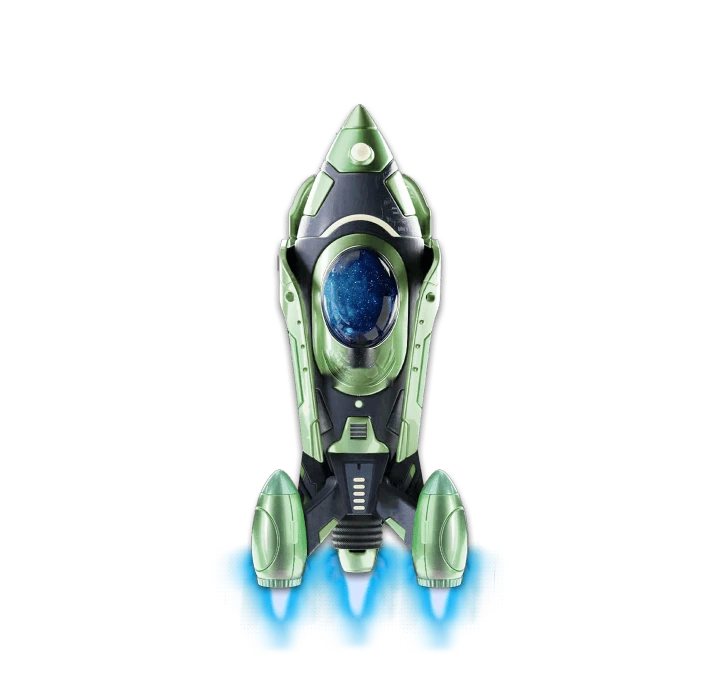 720×680 · 3s
Rocket SetsSVGA
Flying Rocket Lv 1
- 720×680 · 3s
Rocket SetsSVGA
Flying Rocket Lv 7
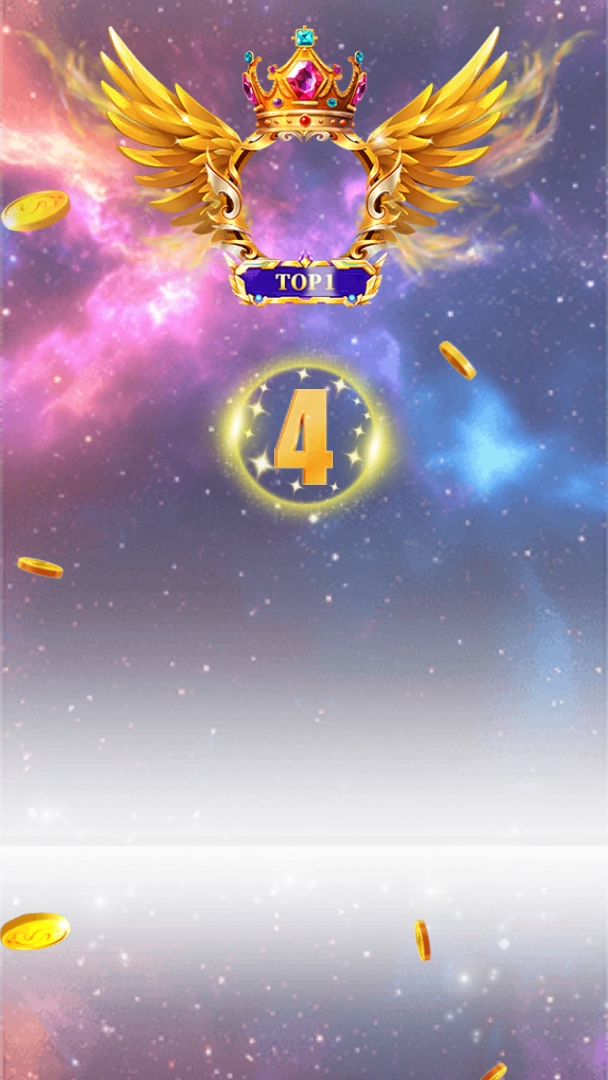 720×1280 · 11s
Rocket SetsSVGA
Flying Rocket Countdown Background
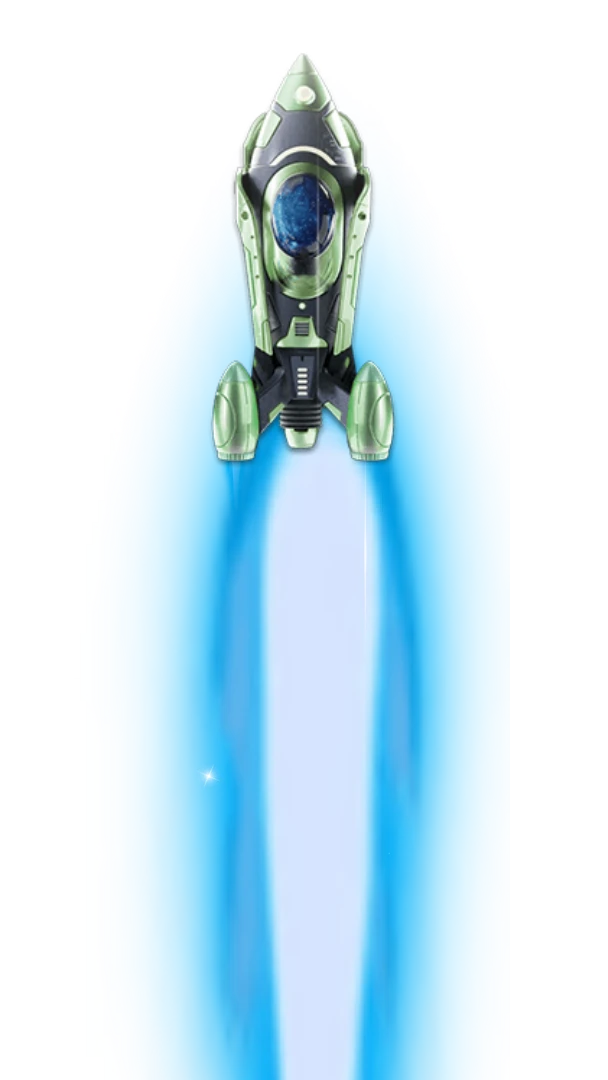 720×1280 · 9.1s
Rocket SetsSVGA
Flying Rocket Lv 1 Launch
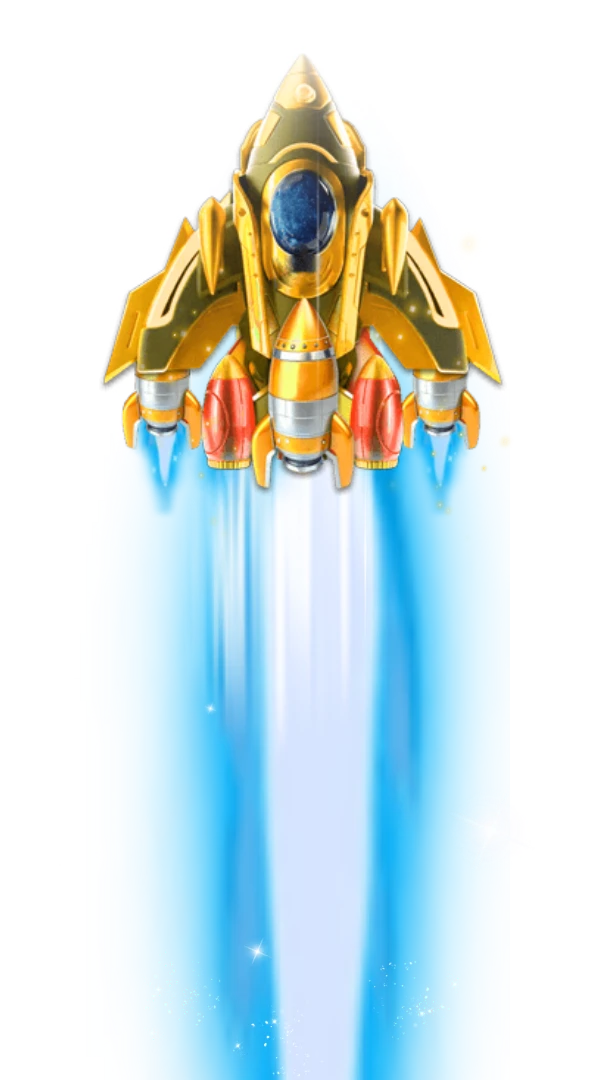 720×1280 · 9.1s
Rocket SetsSVGA
Flying Rocket Lv 7 Launch
Starship Rocket: five levels in VAP
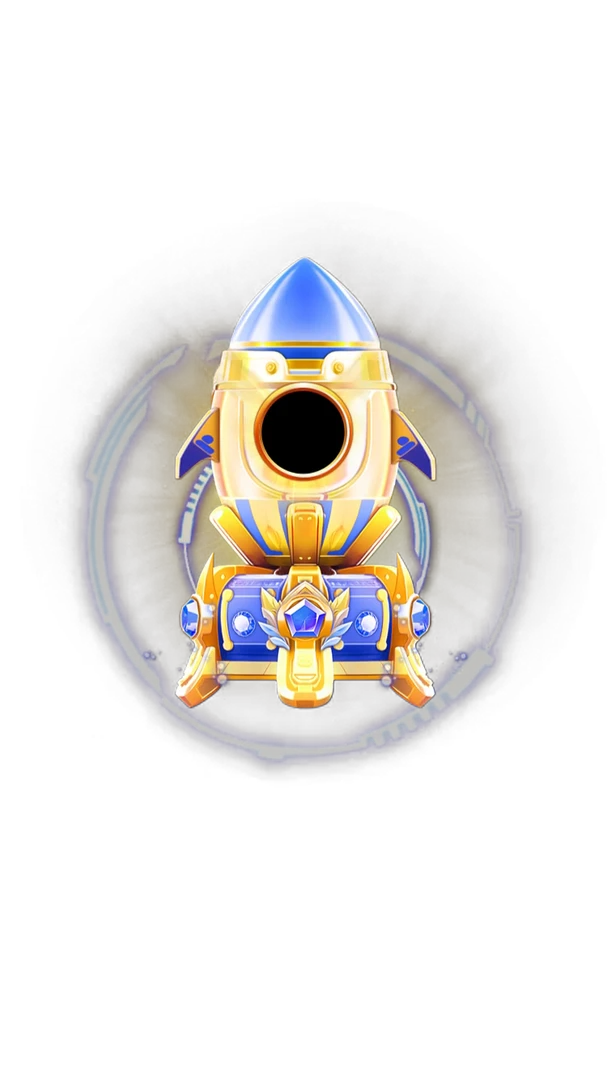
The Starship Rocket Full Pack takes the richer route. Five levels, in pearl-white, teal, sapphire, amethyst and gold, each with three VAP files (MP4 with alpha) at 750×1334 and 15 fps:
| Piece | Length | Size |
|---|---|---|
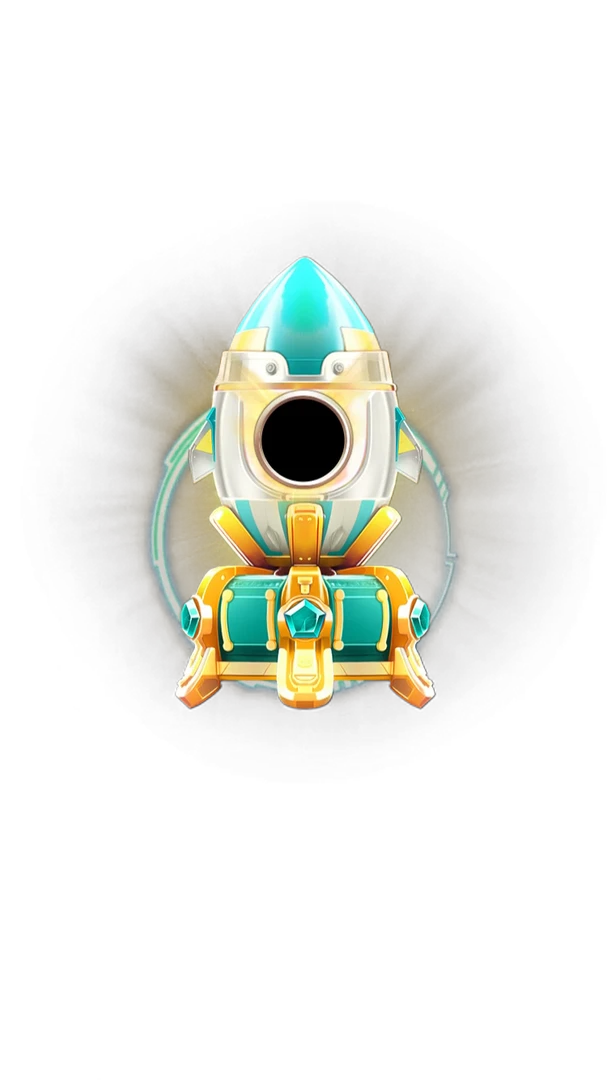
| Gift-panel icon | 1.4 s | 264–361 KB |
| Golden lucky burst | 2.2–2.4 s | 473–579 KB |
| Starfield launch, with sound | 3.3 s | 937 KB–1.00 MB |
Here the reward moment is built in: the lucky burst is a shower of gold for the payout, and the launch has its own sound. Each level is also sold on its own as a three-file pack.
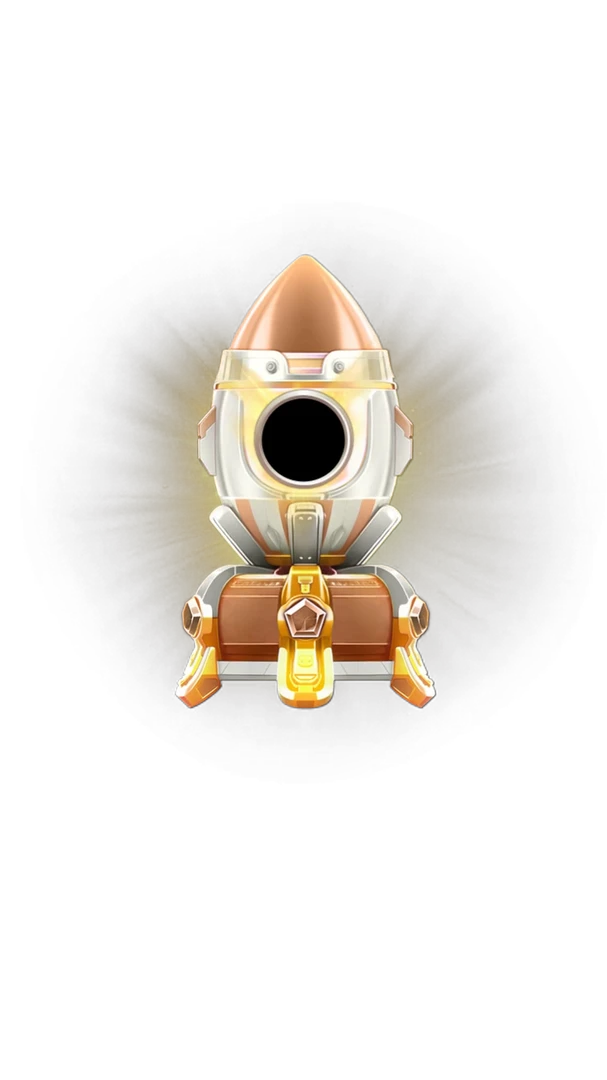 750×1334 · 1.4s
Rocket SetsVAP
Starship Rocket Lv 1 Gift Icon
 750×1334 · 2.2s
Rocket SetsVAP
Starship Rocket Lv 1 Lucky Burst
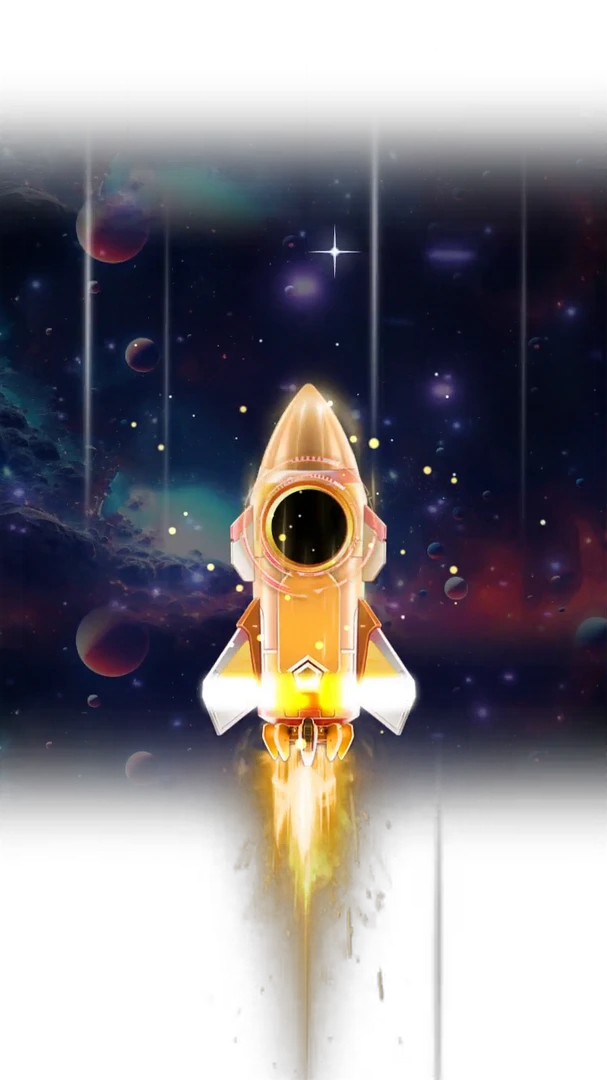 Has sound · 750×1334 · 3.3s
Rocket SetsVAP
Starship Rocket Lv 1 Launch
Which one to choose
| Countdown Flying Rocket | Starship Rocket | |
|---|---|---|
| Format | SVGA | VAP |
| Levels | 7 | 5 |
| Countdown | Shared galaxy background | Use your own timer |
| Reward burst | Use your own | Included |
| Sound | No | On the launch |
| Total size | About 3.6 MB | About 9 MB |
Choose the Flying Rocket if you want a longer ladder, a built-in countdown and the lightest files. Choose the Starship if you want richer light and sound and already have, or are happy to add, a VAP player. Because the beats are the same, you can also start with one and move to the other later without changing your event logic.
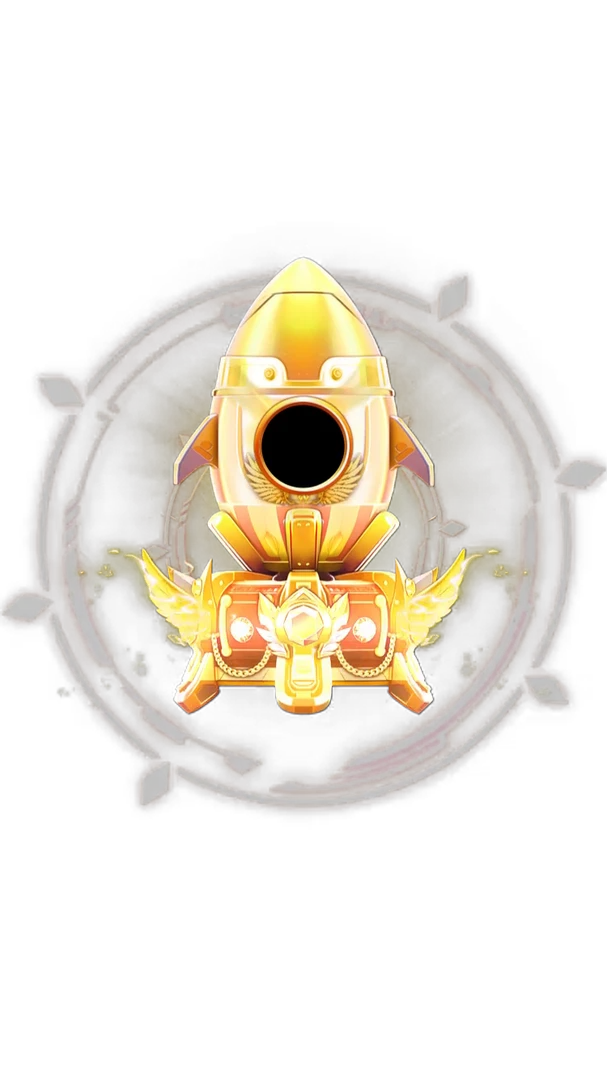 750×1334 · 1.4s
Rocket SetsVAP
Starship Rocket Lv 5 Gift Icon
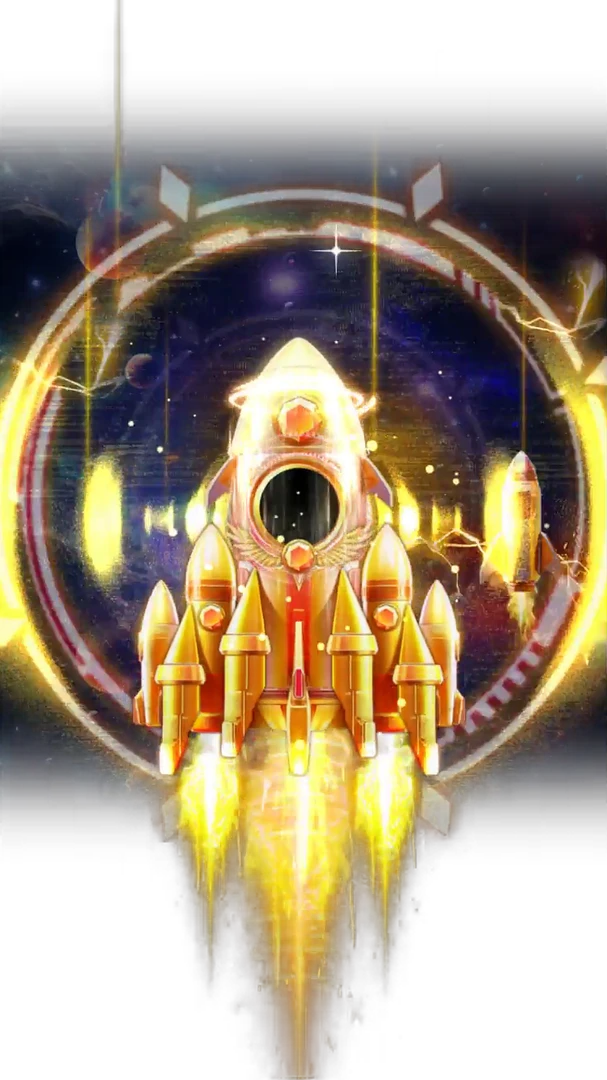 Has sound · 750×1334 · 3.3s
Rocket SetsVAP
Starship Rocket Lv 5 Launch
Running the event well
Show the fuel. A progress ring around the standing rocket keeps people sending.
Sync the countdown from the server, so every phone launches at the same moment.
Reward everyone present, with a bigger share for the top senders, so newcomers feel welcome.
Cap launches per room per hour, so the event stays special.
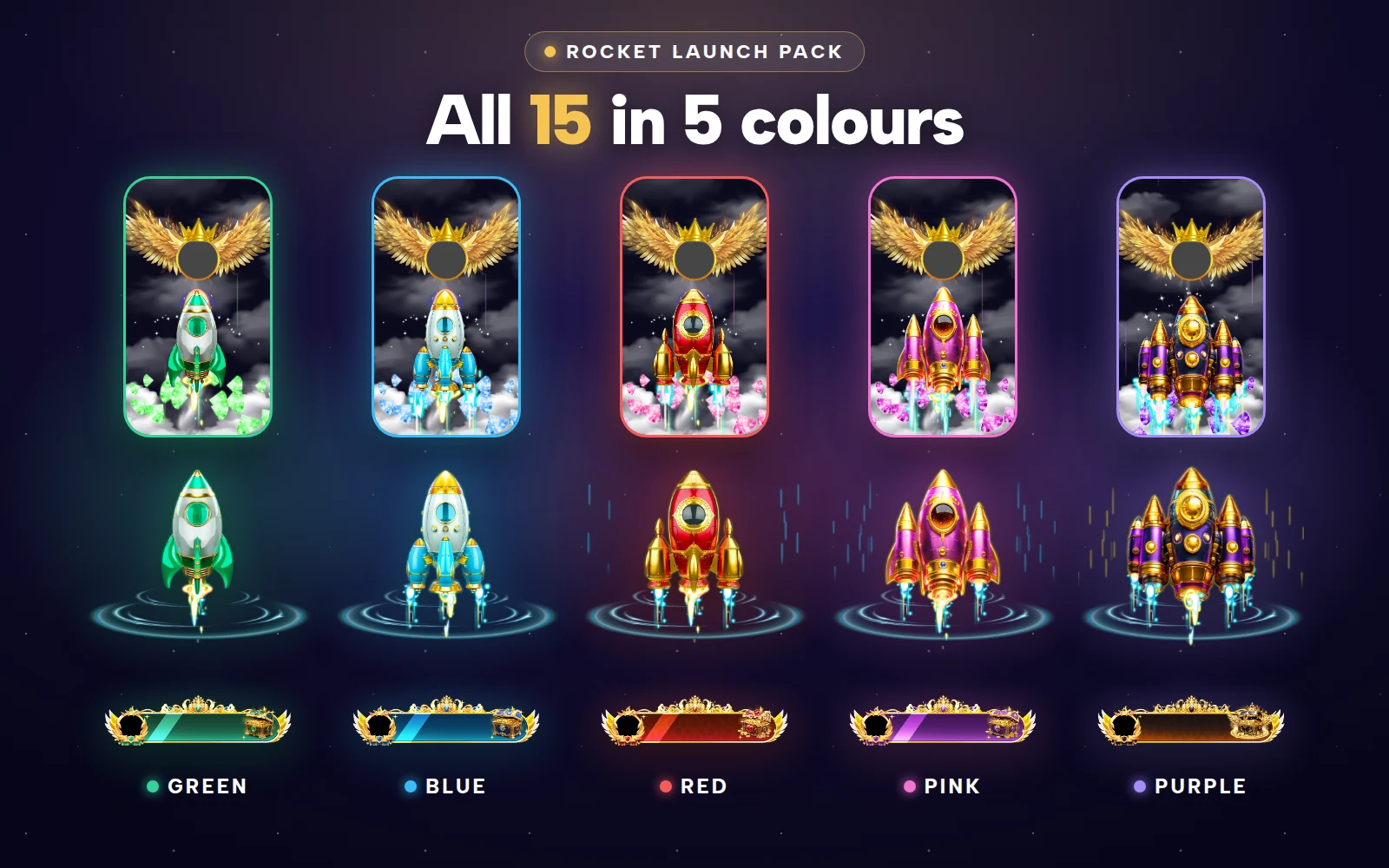
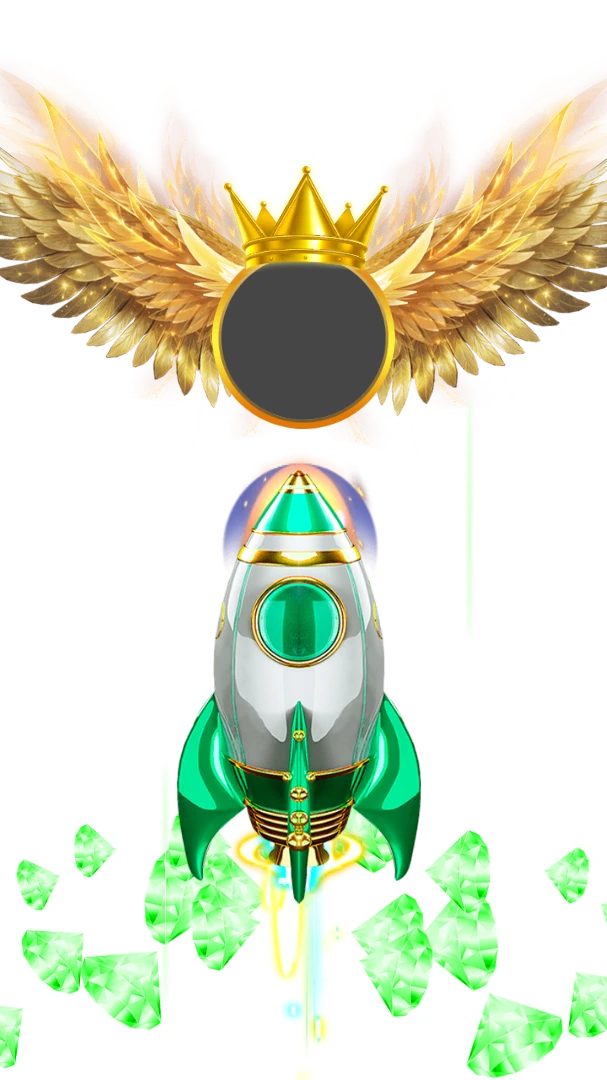
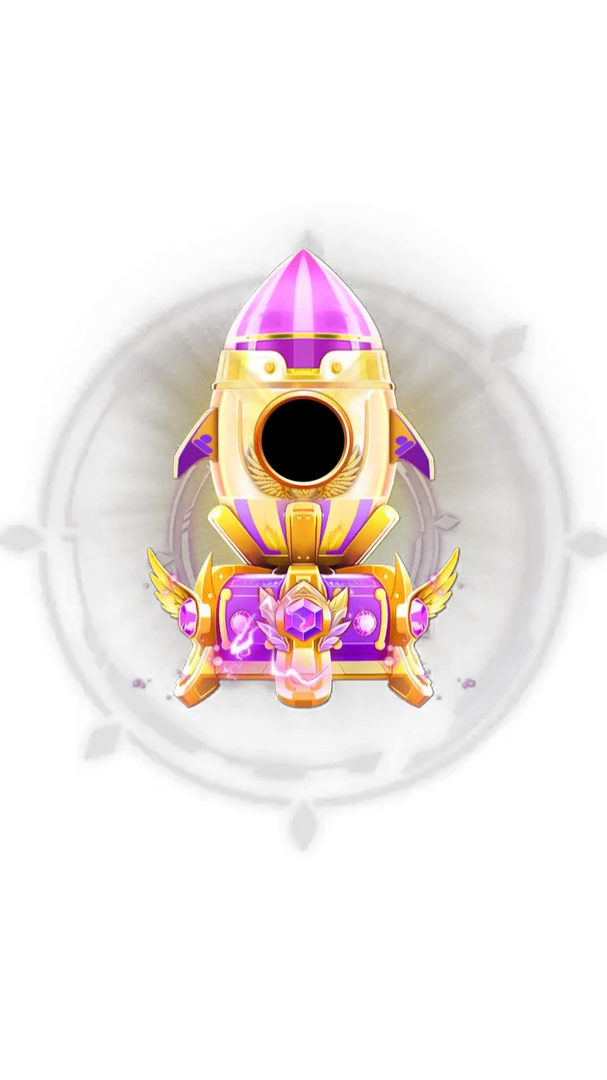
For a classic rocket set with a Winged Crest Rocket for the sender's avatar and Rocket Box reward bars, see the Rocket Launch Pack.
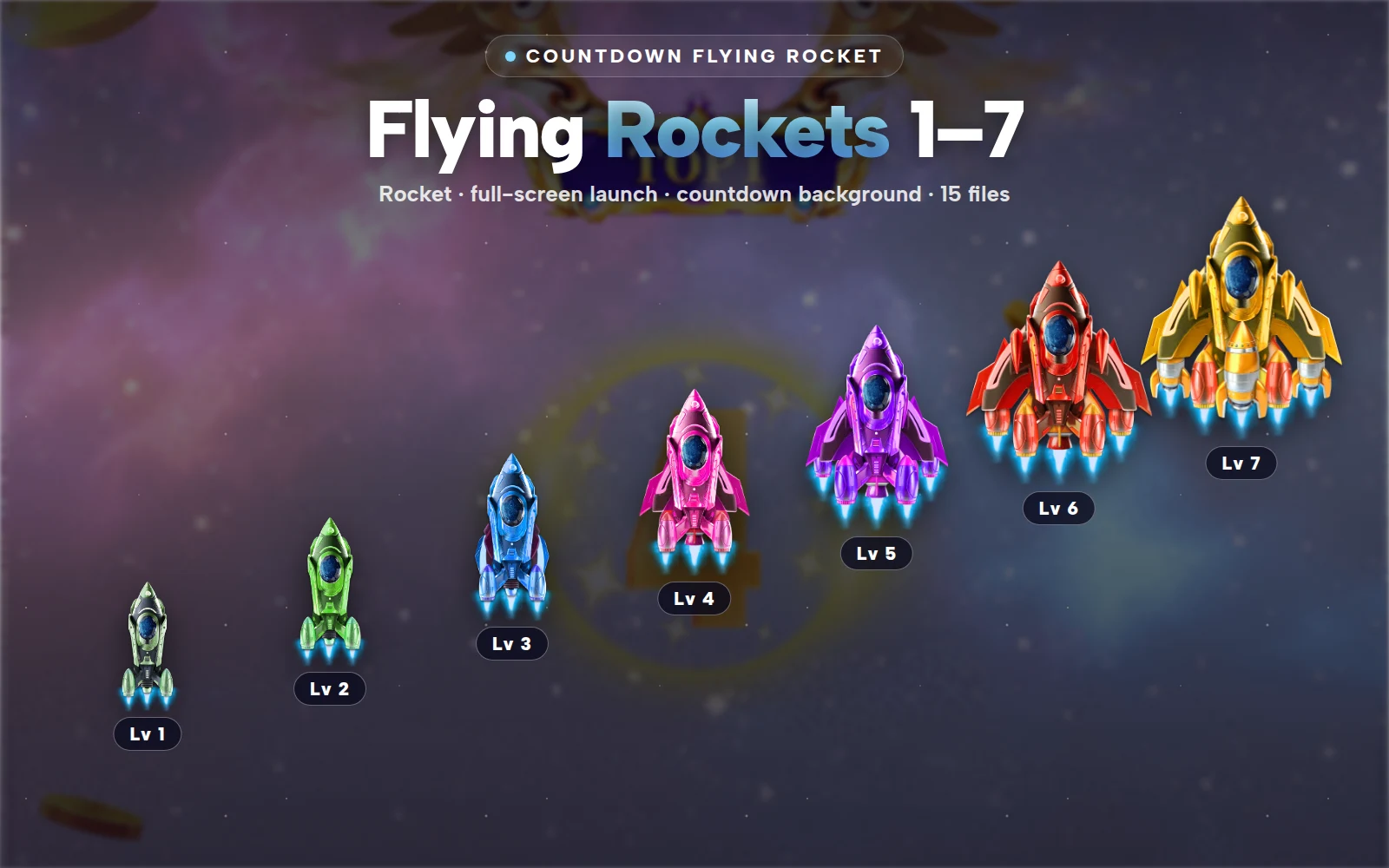
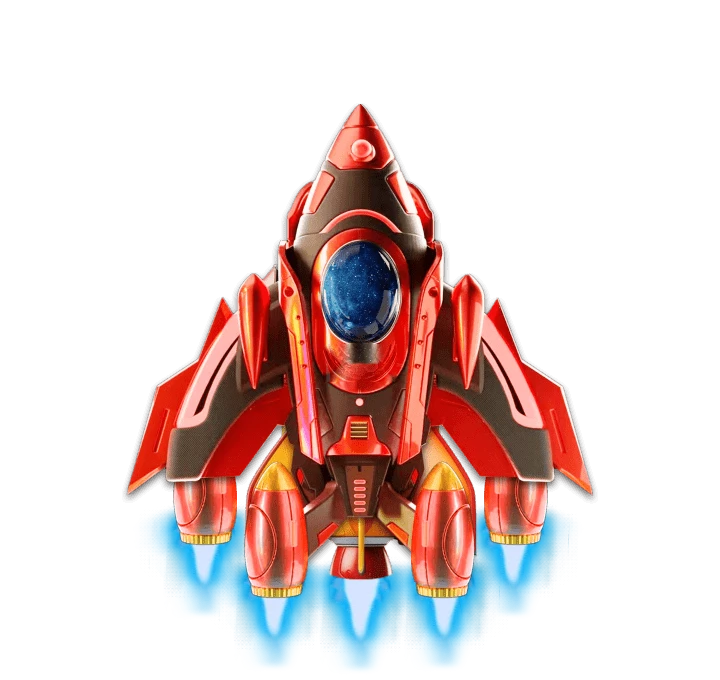
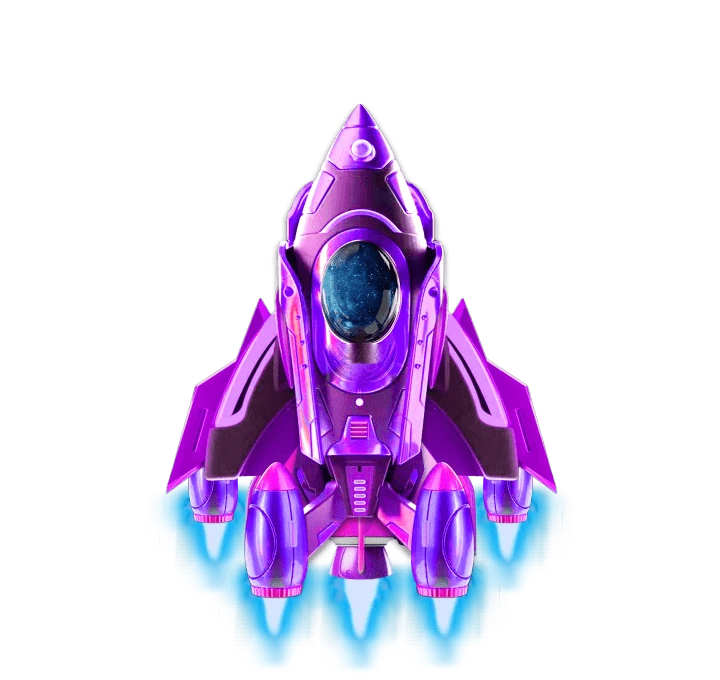
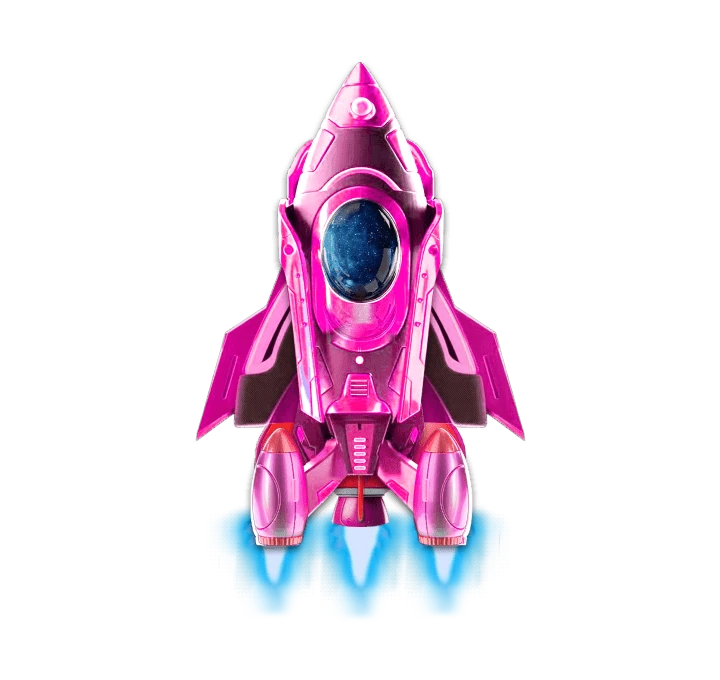
Countdown Flying Rocket Pack
Rocket levels 1 to 7, standing and launching
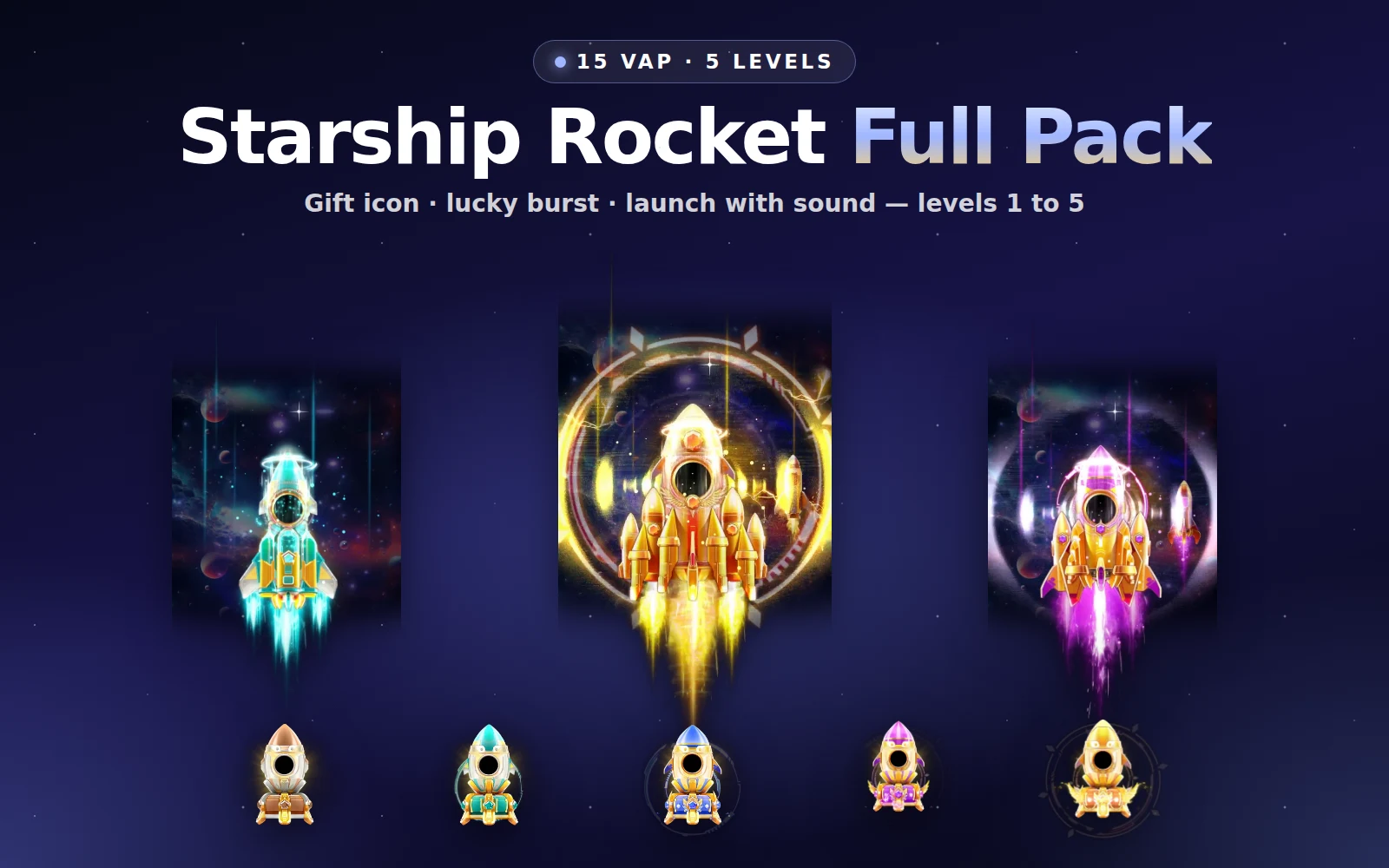
Starship Rocket Full Pack
All 5 starship rocket levels: 15 VAP animations
Next step
Decide your rocket levels and what fills the tank, then play both packs in the free viewer, which handles SVGA and VAP, over a screenshot of your room. Both are pack-only.