Big, Mega and Nice: designing win screens in three tiers
A win screen tells the player how well they did before they read a number. How a three-tier win kit works, the six parts of each tier, and how to keep the stage, chest and bar in step.
svgastore team3 min read

Every game inside a room, whether a lucky draw, a wheel or a match, ends in a result. The result screen is the part players remember, and the best ones communicate the size of the win before anyone reads a number. That is what tiers are for: a "Nice" win, a "Big" win and a "Mega" win each have their own colour, sign and chest, so the player knows at a glance which one they got.
The Big, Mega & Nice Win Kit is built around exactly those three tiers.
Three tiers, three colours
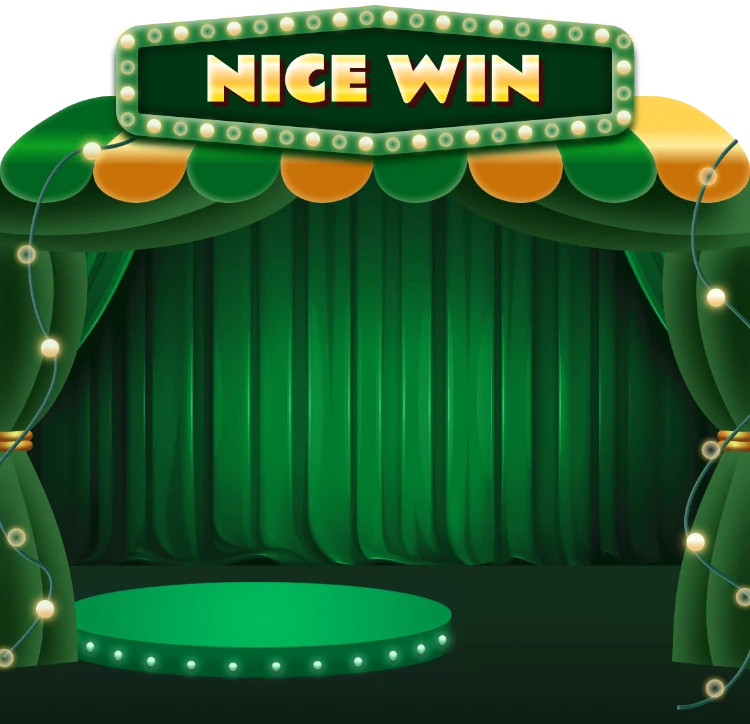
Nice, in green, for a solid win.
Big, in red and gold, for a strong win.
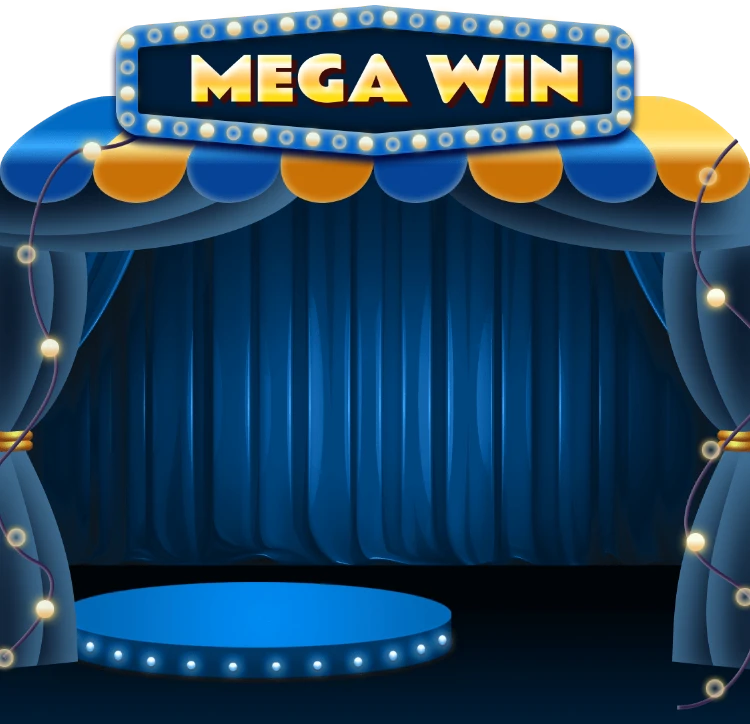
Mega, in blue, for the best result.
Keep the order consistent across your app. If Mega is the top tier in one game, it should be the top tier in every game, so players learn the scale once.
Six parts per tier
Each tier has the same six parts, which is how three tiers make 24 files (17 SVGA and 7 PAG):
| Part | Format | Canvas | Length | Size |
|---|---|---|---|---|
| Stage curtain with marquee sign | SVGA | 750×724 | 4 s | 350–358 KB |
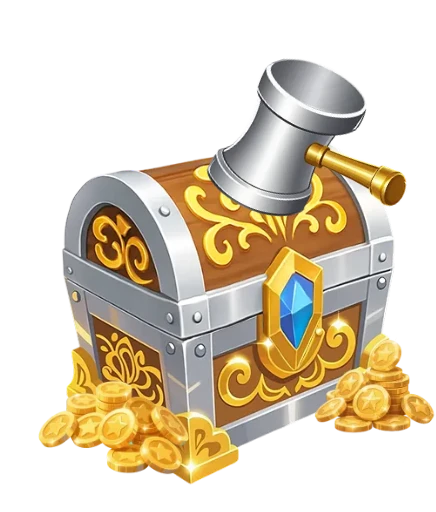
| Chest, idle | PAG | 334×392 | 7 s | 50–55 KB |
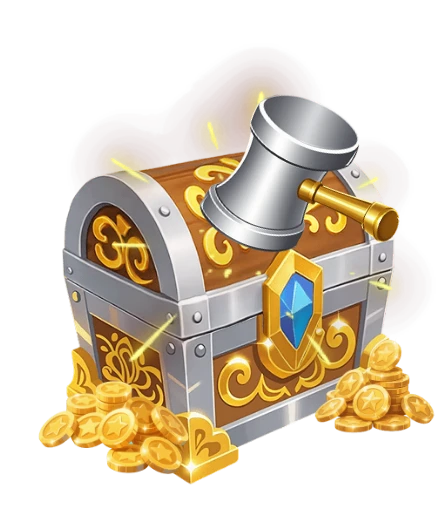
| Chest, tap | SVGA | 334×392 | 0.5 s | 165–171 KB |
| Chest, opening | SVGA | 334×392 | 1.6–7 s | 929–934 KB |
| Progress bar, empty and full | SVGA | 750×112 | 1.7–2 s | 26–28 KB |
| Broadcast bar, LTR and RTL | SVGA or PAG | 750×136 or 750×200 | 2.4–3.5 s | 24–123 KB |
- 750×724 · 4s
RewardsSVGA
Big Win Stage Curtain
 750×724 · 4s
RewardsSVGA
Mega Win Stage Curtain
 750×724 · 4s
RewardsSVGA
Nice Win Stage Curtain
How the parts play together
1. The stage
The curtained stage opens with the tier's marquee sign. This is the first thing the player sees, and it carries the tier: green curtains mean Nice before any text appears.
2. The chest waits
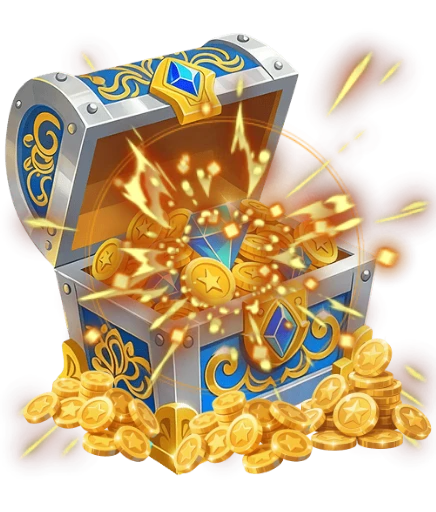
The idle chest sits on the stage, a light seven-second PAG loop of about 50 KB. It can wait as long as it needs to without costing anything.
3. The player taps
When the player taps, play the half-second tap animation. It is a small reaction, but it confirms the touch and builds a beat of anticipation before the reward.
4. The chest opens
The opening is the payoff. Show the reward amount as the lid opens, not before.
 334×392 · 7s
RewardsPAG
Big Win Chest (Idle)
 334×392 · 0.5s
RewardsSVGA
Big Win Chest Tap
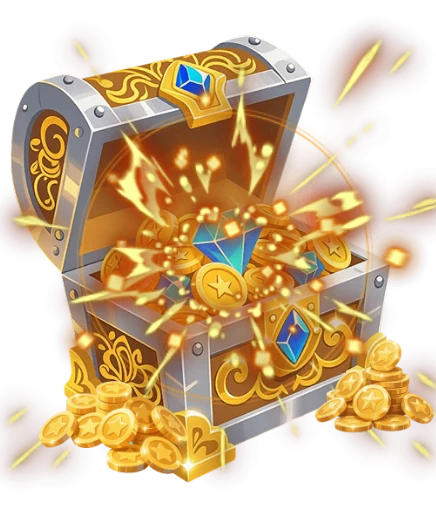 334×392 · 7s
RewardsSVGA
Big Win Chest Opening
5. The progress bar
The progress bar has an empty and a full state. Use it for a reward that fills over several rounds, such as "three more wins to open the Mega chest", and switch to the full state when it is ready.
6. The broadcast bar
Finally, tell the room. The broadcast bar carries the winner's name across the top of the room, and every tier has a left-to-right and a right-to-left version, so names in Arabic and other RTL languages sit on the correct side.
 750×112 · 1.7s
RewardsSVGA
Big Win Progress Bar
 750×112 · 2s
RewardsSVGA
Big Win Progress Bar (Full)
 750×200 · 3.5s
BannersPAG
Big Win Broadcast Bar
 750×136 · 2.7s
BannersSVGA
Mega Win Broadcast Bar
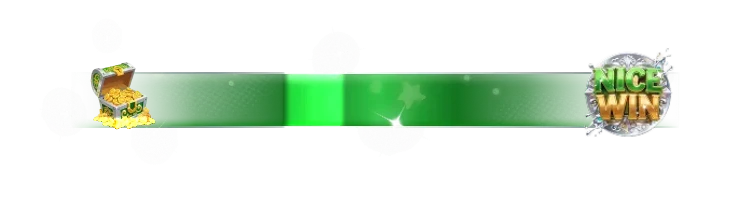 750×200 · 2.4s
BannersPAG
Nice Win Broadcast Bar
Two formats in one kit
The kit mixes SVGA and PAG: the idle chests and some broadcast bars are PAG, everything else is SVGA. Make sure both players are in your app before you build around it. The mix is deliberate: PAG keeps the long idle loops very small, while SVGA handles the short, image-heavy openings.
Keep the tiers honest
Set the thresholds in one place, on the server, and use the same ones in every game.
Do not inflate tiers. If every result is a Mega win, Mega stops meaning anything. A good share of results should be plain or Nice.
Broadcast only the top tiers. Announcing every Nice win to the room turns the broadcast bar into noise.
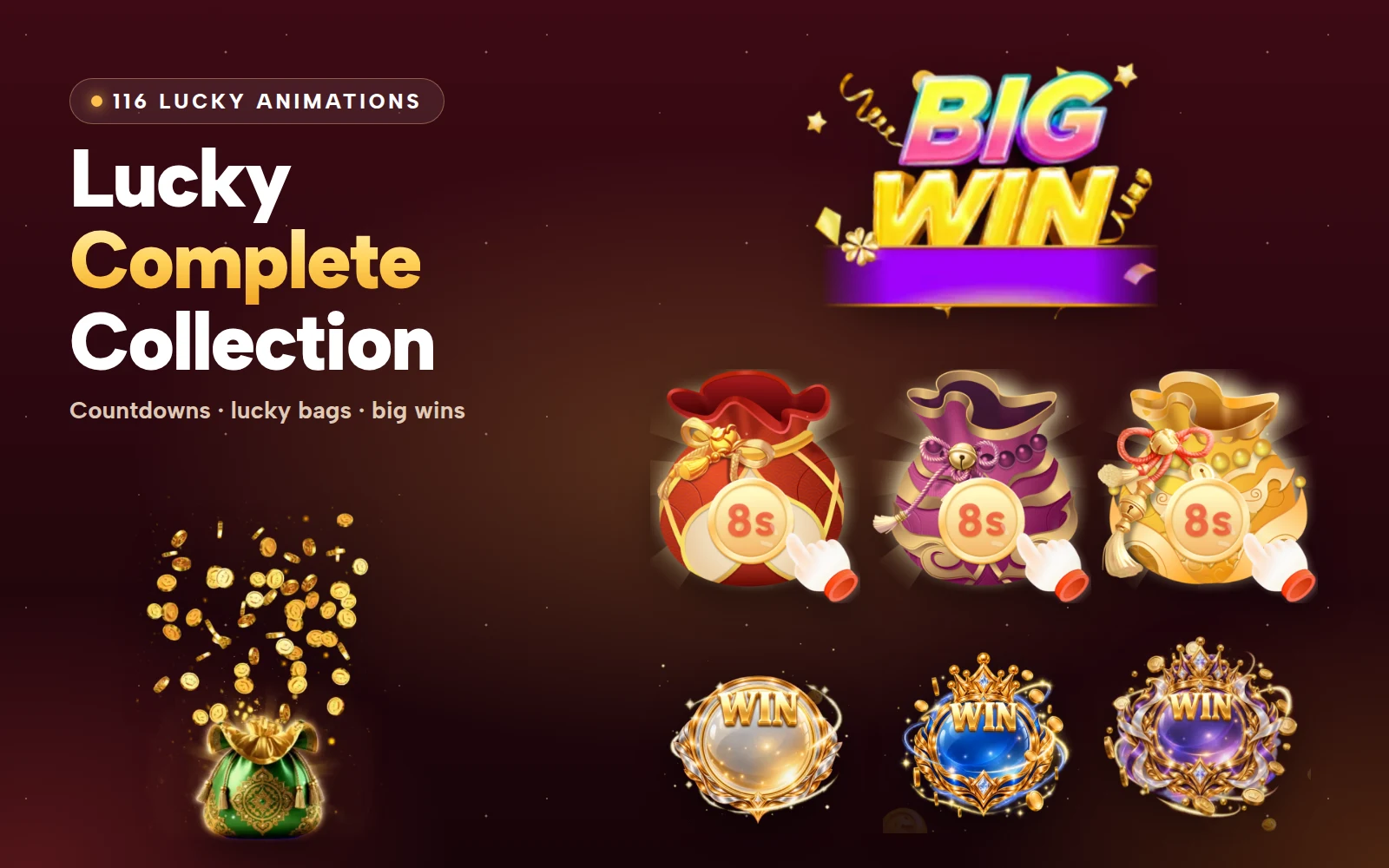
For lucky gift wins with their own tiered effects, see the Lucky Complete Collection.
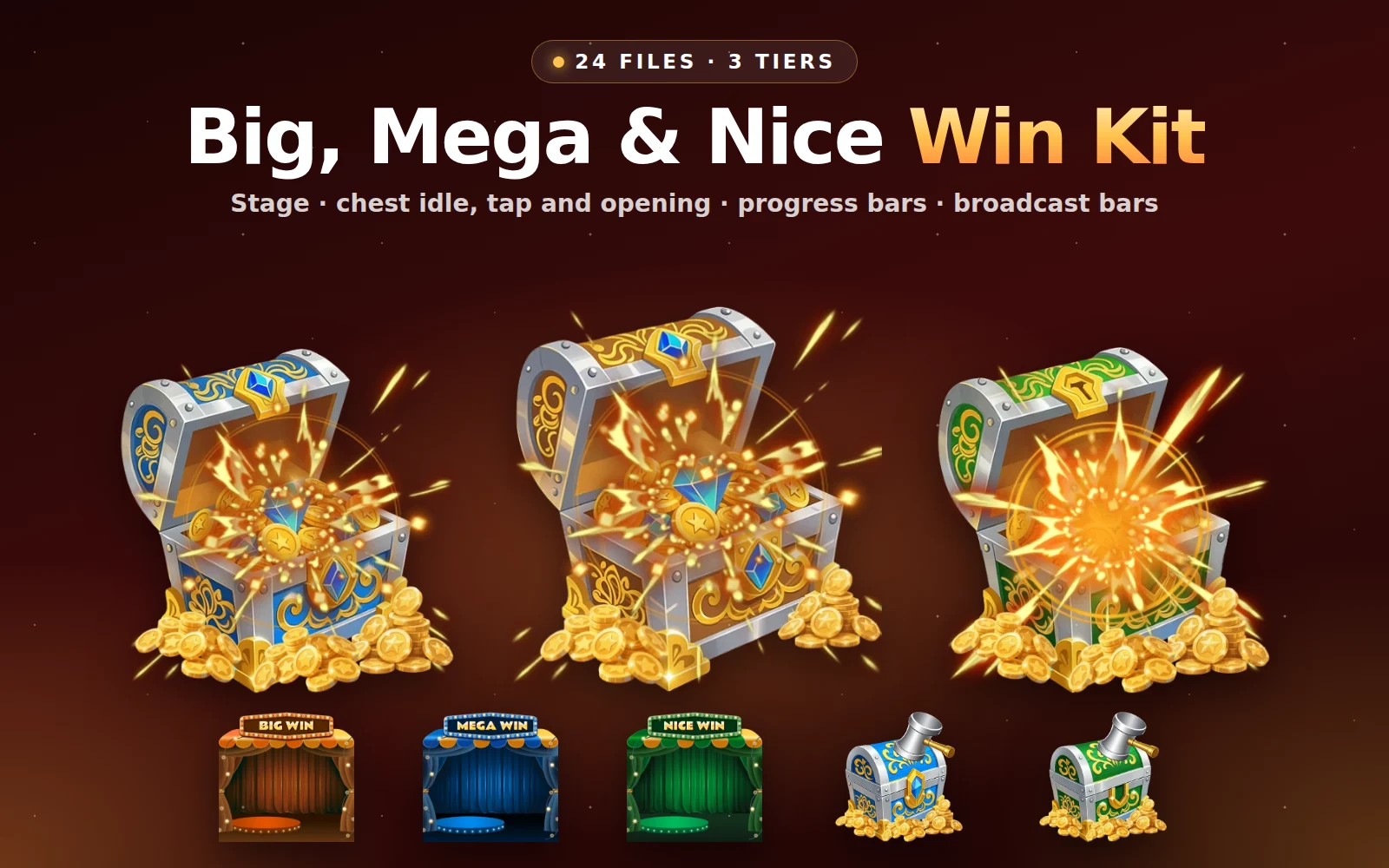
Big, Mega & Nice Win Kit
Three win tiers, each with a stage, a chest that is tapped and opens, progress bars and broadcast bars
Next step
Write your win thresholds for Nice, Big and Mega, and decide which tiers are announced to the room. Then play one full sequence, stage to broadcast, in the free viewer to time the gap between tap and opening.