VIP Legends Sets: eight golden VIP levels and a 34-piece VIP page kit
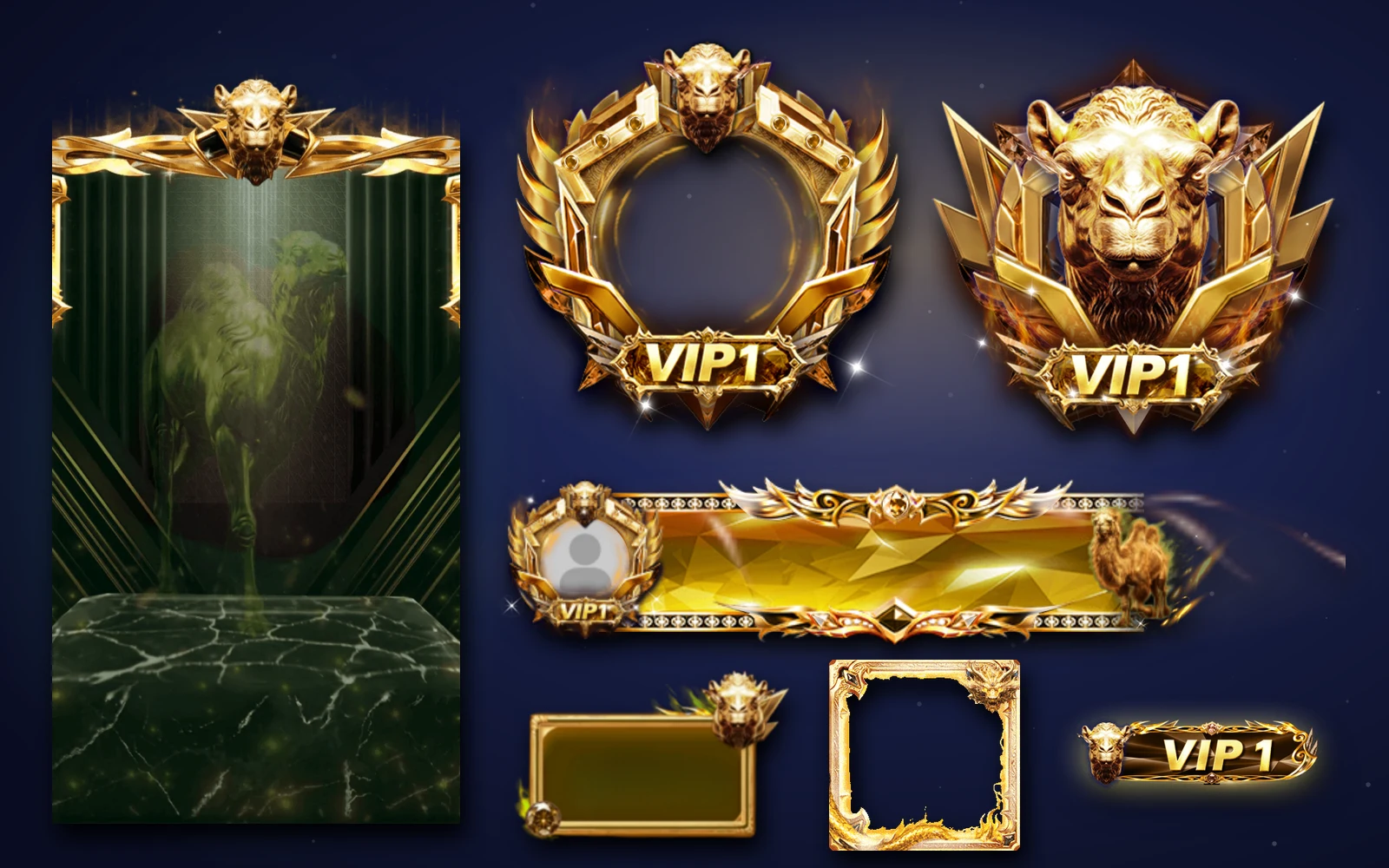
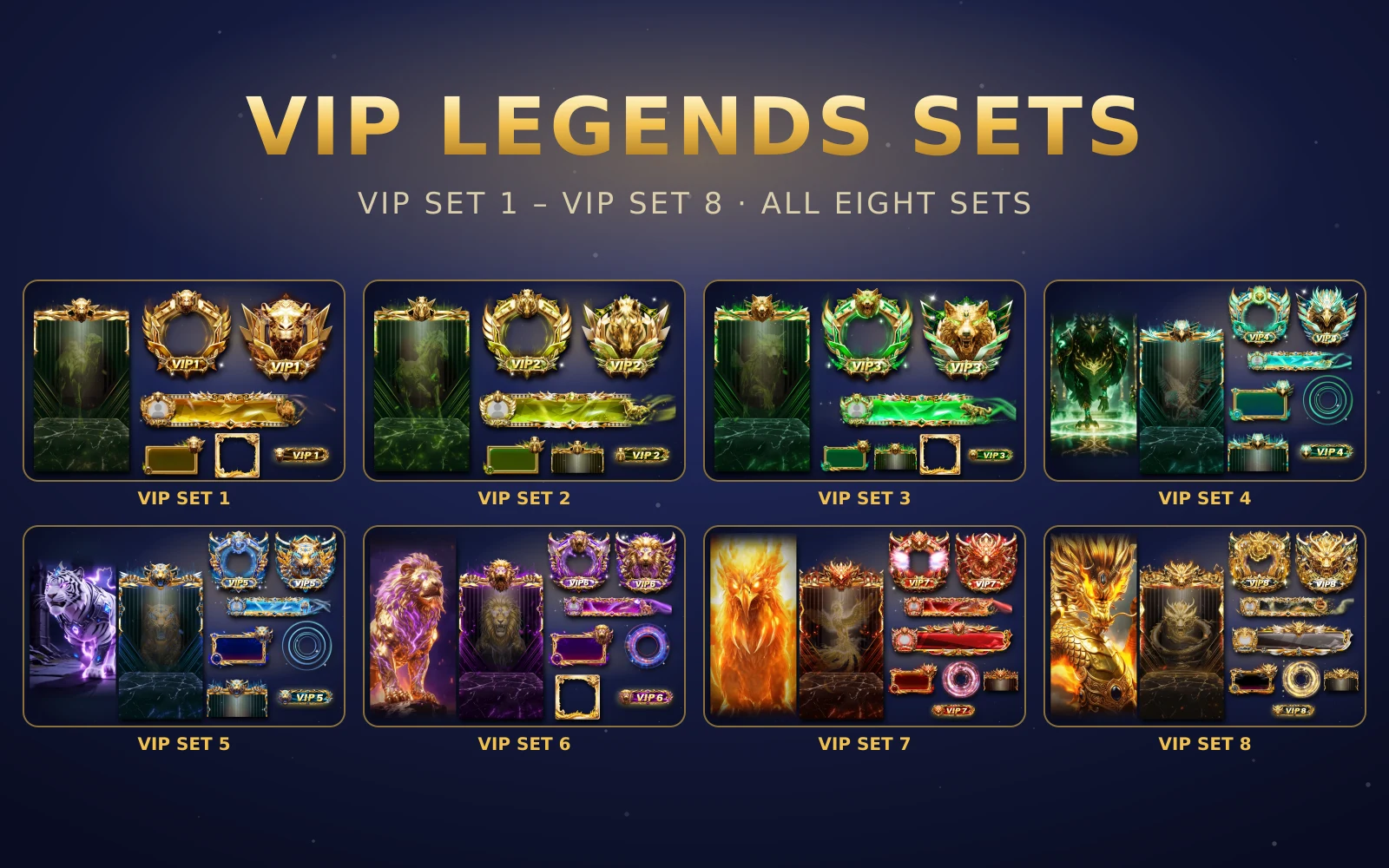
VIP Legends is the largest VIP collection in the store: eight golden levels from camel to dragon, 386 files, with VIP cards, frames, medals, entries and a 34-piece PNG kit for building the VIP page.
svgastore team3 min read
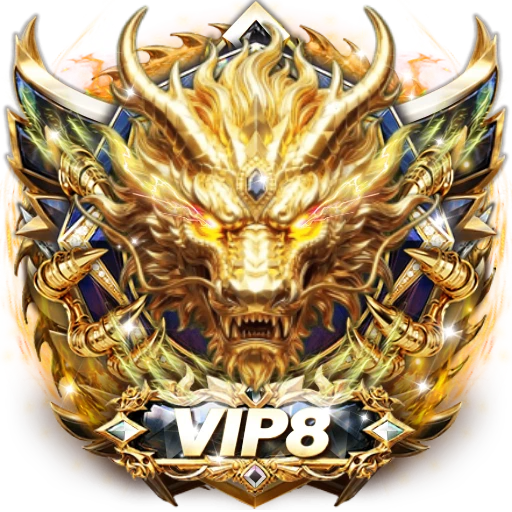
VIP Legends is the biggest VIP collection in the store: eight levels, 386 files, and a single golden look that runs from VIP 1 to VIP 8. Where other collections give each level its own colour, VIP Legends keeps everything gold and lets the animal carry the progression: camel, horse, wolf, eagle, tiger, lion, phoenix and dragon.
Eight levels that add as they climb
| Level | Animal | Files | What it adds |
|---|---|---|---|
| VIP 1 | Golden camel | 39 | Card, name bar, avatar frame, medal |
| VIP 2 | Golden horse | 42 | |
| VIP 3 | Golden wolf | 47 | |
| VIP 4 | Golden eagle | 52 | Full-screen entry with sound, mic sound-wave ring |
| VIP 5 | Golden tiger | 52 | |
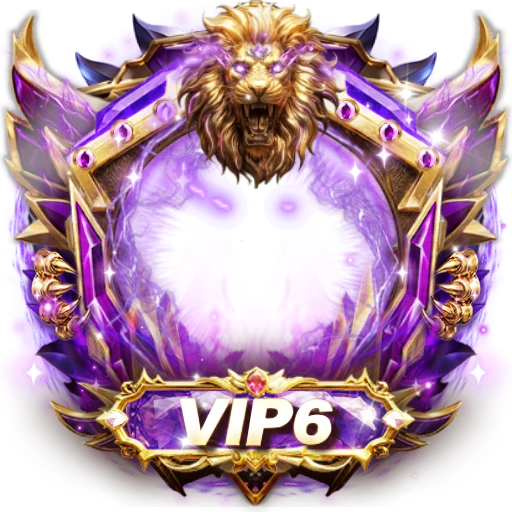
| VIP 6 | Golden lion | 50 | |
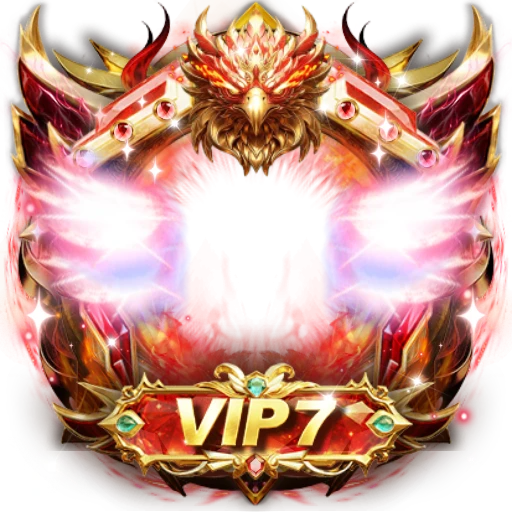
| VIP 7 | Golden phoenix | 52 | Entry banner |
| VIP 8 | Golden dragon | 52 |
All eight together come to 386 files: 51 SVGA animations and 335 PNG images.
 −20%440×440 · 3s
VIP SetsSVGA
VIP 1 Camel Medal
- −20%440×440 · 3s
VIP SetsSVGA
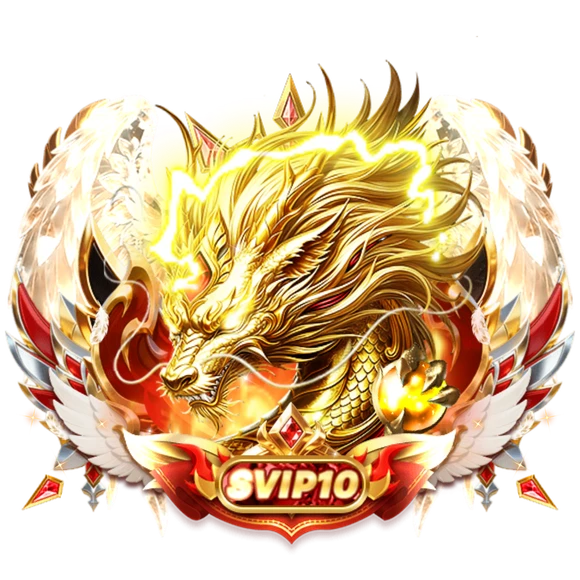
VIP 8 Dragon Medal
 −20%413×413 · 3s
VIP SetsSVGA
VIP 1 Camel Avatar Frame
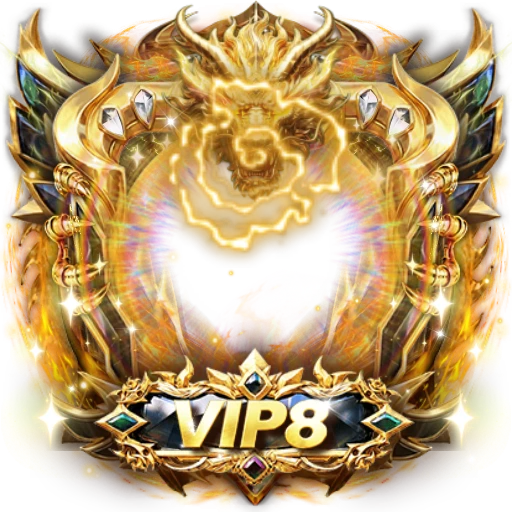 −20%413×413 · 3s
VIP SetsSVGA
VIP 8 Dragon Avatar Frame
The animations
| Piece | Canvas | Length | Size across levels |
|---|---|---|---|
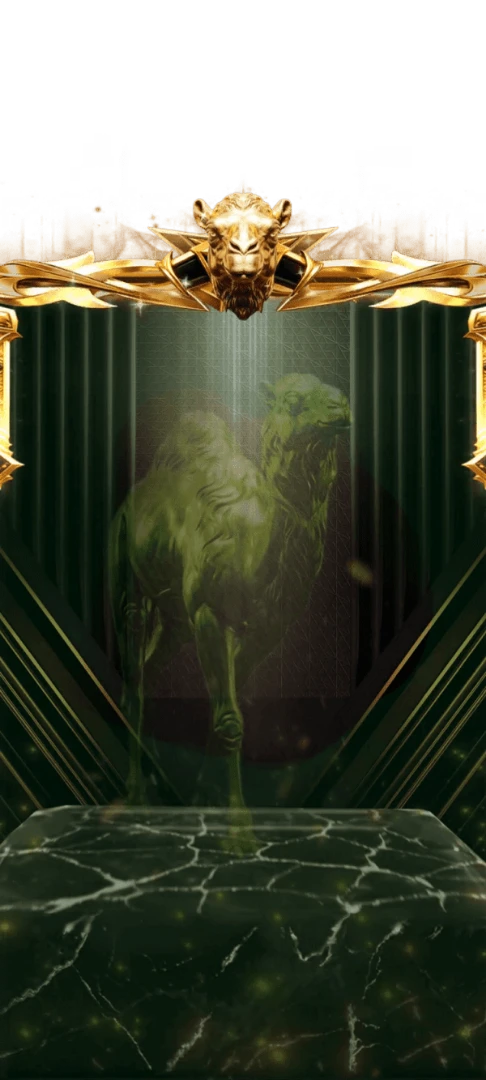
| VIP card | 750×1666 | 3 s | 7.52–10.35 MB |
| Entry name bar | 750×120 | 5 s | 795 KB–1.25 MB |
| Avatar frame | 413×413 | 3 s | 570 KB–1 MB |
| Medal | 440×440 | 3 s | 294–995 KB |
| Dragon room frame (all but VIP 2) | 246×246 | 3 s | 2.08 MB |
| Entry effect, with sound (VIP 4–8) | 750×1624 | 8.8–11.8 s | 18.32–26.21 MB |
| Mic sound-wave ring (VIP 4–8) | 318×318 | 2–2.7 s | 12–90 KB |
| Entry banner (VIP 7–8) | 747×210 | 5 s | 865–970 KB |
Two things stand out. The VIP card is a full-height animated card of 7.5 to 10.4 MB, so show its PNG still first and animate once it has loaded. And the entries are among the largest files in the store, up to 26.21 MB for the dragon. Download them in the background when a user reaches VIP 4, and never on the first entry.
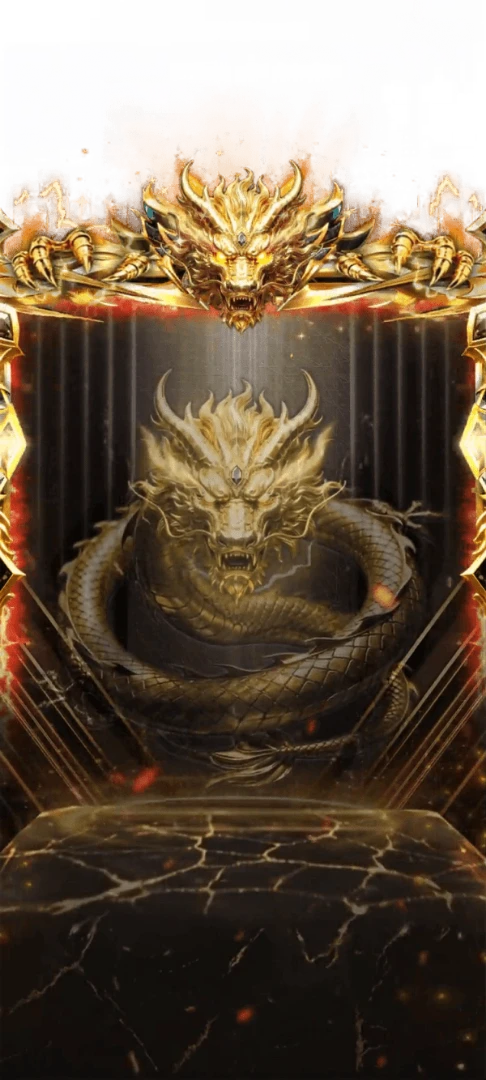 −20%750×1666 · 3s
VIP SetsSVGA
VIP 8 Dragon Card
 −20%750×120 · 5s
VIP SetsSVGA
VIP 8 Entry Name Bar
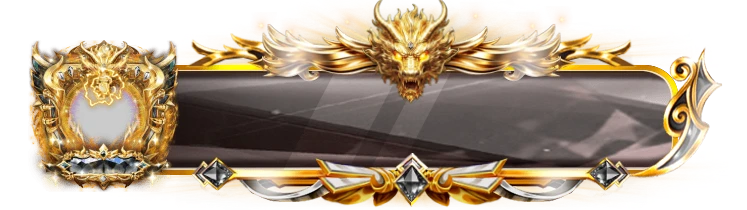 −20%747×210 · 5s
VIP SetsSVGA
VIP 8 Dragon Entry Banner
 −20%Has sound · 750×1624 · 12s
VIP SetsSVGA
VIP 8 Dragon Entry Effect
 −20%Has sound · 750×1624 · 12s
VIP SetsSVGA
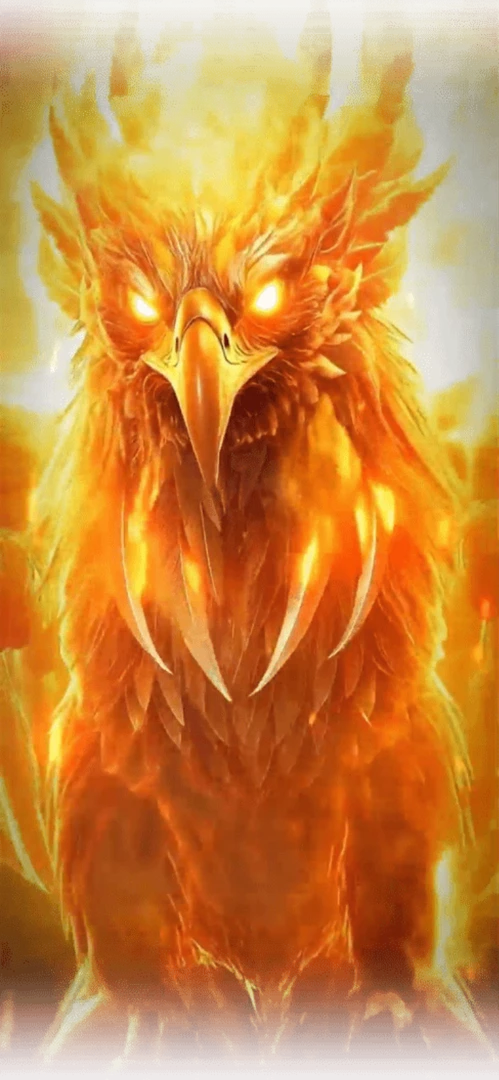
VIP 7 Phoenix Entry Effect
 −20%318×318 · 2.7s
VIP SetsSVGA
VIP 8 Sound-Wave Ring
The VIP page UI kit
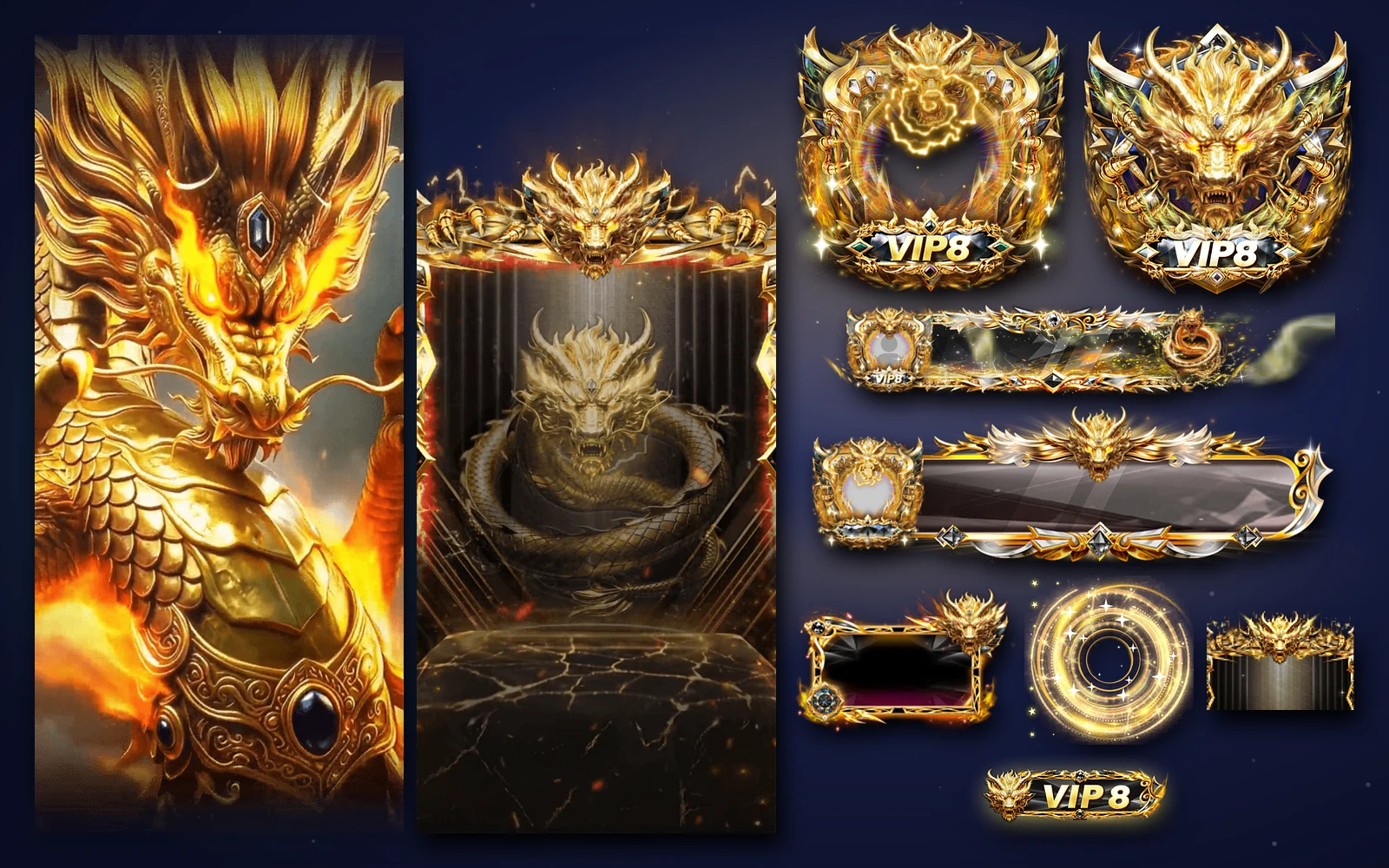
What makes VIP Legends different is its PNG side. Alongside a room card, a chat bubble, tags, a gold wordmark, key art and stills of the main animations, every set includes a 34-piece VIP page UI kit in that level's style. Taking the VIP 8 set as an example, the kit includes:
Page structure: a page background, a pop-up panel, a gold title band and a gold docking tab.
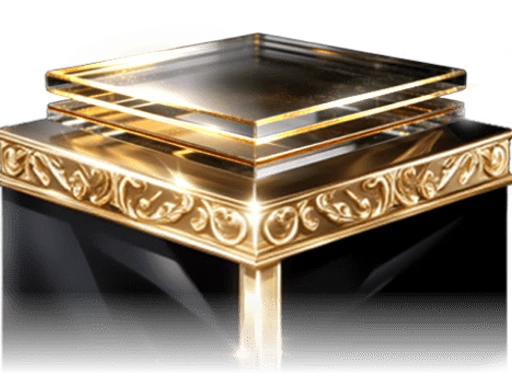
Showcase: a gilded glass podium to stand the medal or card on.
Benefits: benefit tiles, privilege icons (gift dash, GIF avatar, GIF card, message block, sparkle text, upload and shield icons) and a gift box icon.
Level ladder: level crests in emerald, violet and gold, and eight coloured level rows from copper to brass for listing every VIP level.
Controls: wide and small gold buttons, gold outlines in wide and tall shapes, frost tiles and decorative gold curves.
With these, the VIP page can be built entirely from matching parts: the level's medal on the podium, the benefits as tiles with icons, the full ladder as level rows, and a gold button to upgrade.
 −20%246×246 · 3s
VIP SetsSVGA
VIP 8 Dragon Room Frame
 −20%468×346
VIP SetsPNG
VIP 8 Gilded Glass Podium
Laying out the VIP page
Header: page background, the current level's medal on the podium, the gold title band with the level name.
Your benefits: benefit tiles in a grid, each with a privilege icon and a line of text.
Previews: the avatar frame, VIP card and, from VIP 4, the entry, each playable on tap.
All levels: the level rows, one per VIP level, with the current one highlighted.
Action: the wide gold button to upgrade or renew.

Next step
If your app does not have a VIP page yet, build it from one level's kit first and check it on a real phone. Then decide whether all eight levels should share the gold look, as VIP Legends does, or whether you want a collection with a colour per level. Preview the medals and entries in the free viewer, and buy single levels or all eight from the VIP Legends page.