Which VIP collection fits your app? Legends, Elite, Royal and Crest compared
The store now has four VIP collections. They differ in ladder length, look, file weight and what each level includes. A side-by-side comparison, and a simple way to choose.
svgastore team3 min read
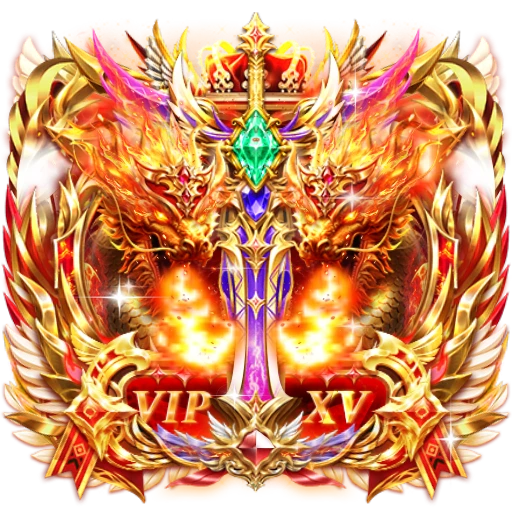
Over the past weeks, four complete VIP collections have gone live. Each one dresses a VIP ladder from its first level to its last, but they are built for different apps. Choosing well comes down to four questions: how many VIP levels you have, how you want the levels to look, how heavy your users' phones and connections can go, and whether you need a VIP page as well as the animations.
The four at a glance
| VIP Legends | VIP Elite | VIP Royal | VIP Crest | |
|---|---|---|---|---|
| Levels | 8 | 15 | 8 | 6 |
| Files (all levels) | 386 | 157 | 145 | 75 |
| Look | All gold, animal per level | Animal per level | Colour and animal per level | Colour and animal per level |
| Formats | SVGA, PNG | SVGA, VAP, PNG | SVGA, PNG | SVGA, PNG, one PAG |
| Entry effects | VIP 4–8 | Level 6–15 | Every level | Levels 4–6 |
| Extras | 34-piece VIP page kit per level | Cards and entries in VAP too | 20 VIP card frames, 5 seat icons | Mic wave, chat bubble, profile card |
 −20%440×440 · 3s
VIP SetsSVGA
VIP 8 Dragon Medal
- −20%440×440 · 5s
VIP SetsSVGA
VIP Elite 15 Dragon Medal
 −20%440×440 · 5s
VIPSVGA
VIP 8
 −20%488×340 · 3.8s
VIPSVGA
VIP 6 Lion Badge
Question 1: how long is your ladder?
Match the collection to the number of levels, or plan to combine two.
Six levels or fewer: VIP Crest covers exactly six.
Eight levels: VIP Legends or VIP Royal.
Ten or more: VIP Elite is the only one with fifteen.
A long ladder on a budget of effort: use VIP Crest for the lower levels and switch to a larger collection from level 7.
Question 2: how should the levels look?
One look for the whole ladder. VIP Legends keeps everything gold and changes only the animal. It reads as one premium brand, which suits apps that want VIP to feel like a single club.
A new colour at each level. VIP Royal and VIP Crest give each level its own colour as well as its own animal, so the level is easier to spot from across a room.
A slow build. VIP Elite adds pieces as the levels rise: frames and medals first, then a name bar and card, then entries. Lower levels feel lighter, and the top feels earned.
Question 3: how heavy can you go?
The entries and full-height cards are the heavy parts of any VIP set.
VIP Crest is the lightest overall. Its frames and banners run at 12 fps on 1.3-second loops, the mic wave is about 60 KB, and only levels 4 to 6 add an entry.
VIP Royal has an entry at every level, most of them 7 to 12 MB, and room cards up to 18.90 MB, so plan to pre-download.
VIP Legends has the largest entries, up to 26.21 MB at VIP 8, and VIP cards of 7.5 to 10.4 MB.
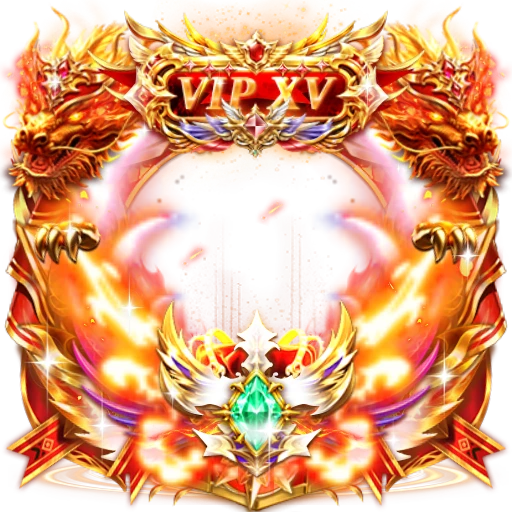
VIP Elite offers the escape hatch: its cards and entries also come as VAP, often well under half the size of the SVGA version, as long as your app can play VAP.
 −20%Has sound · 750×1624 · 12s
VIP SetsSVGA
VIP 8 Dragon Entry Effect
 −20%Has sound · 750×1624 · 14s
VIP SetsVAP
VIP Elite 15 Dragon Entry Effect (VAP)
Question 4: do you need a VIP page?
VIP Legends includes a 34-piece PNG page kit in every set: backgrounds, panels, podium, benefit tiles, privilege icons, level rows and buttons.
VIP Royal includes 20 VIP card frames and 5 mic-seat icons for building the VIP page and VIP seats.
VIP Elite includes privilege icons and PNG stills.
VIP Crest includes a full-height profile card and stills, but no page kit.
If you are building the VIP page from scratch, VIP Legends saves the most design work.
 −20%420×420 · 2.4s
VIP SetsSVGA
VIP Crest 6 Mic Wave
 −20%640×140 · 2.1s
VIP SetsSVGA
VIP 8 Entry Bar
A simple way to choose
Write down your number of VIP levels.
Decide whether VIP should look like one gold club or a colour ladder.
Check whether your app plays VAP.
Decide whether you need the VIP page kit.
Most apps land on one collection after those four answers. If two still fit, buy one level of each and try them in your app before committing to a full collection.
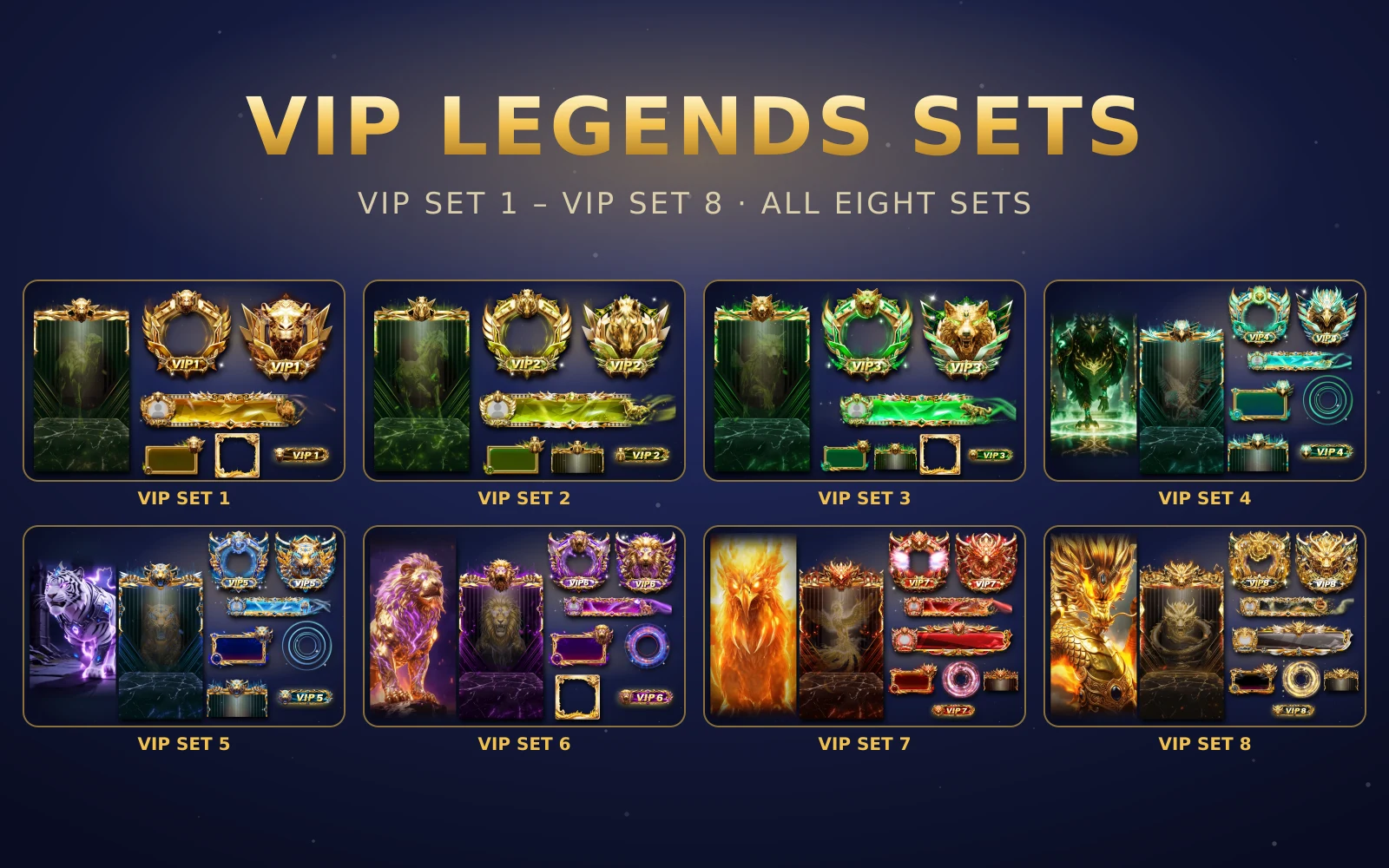




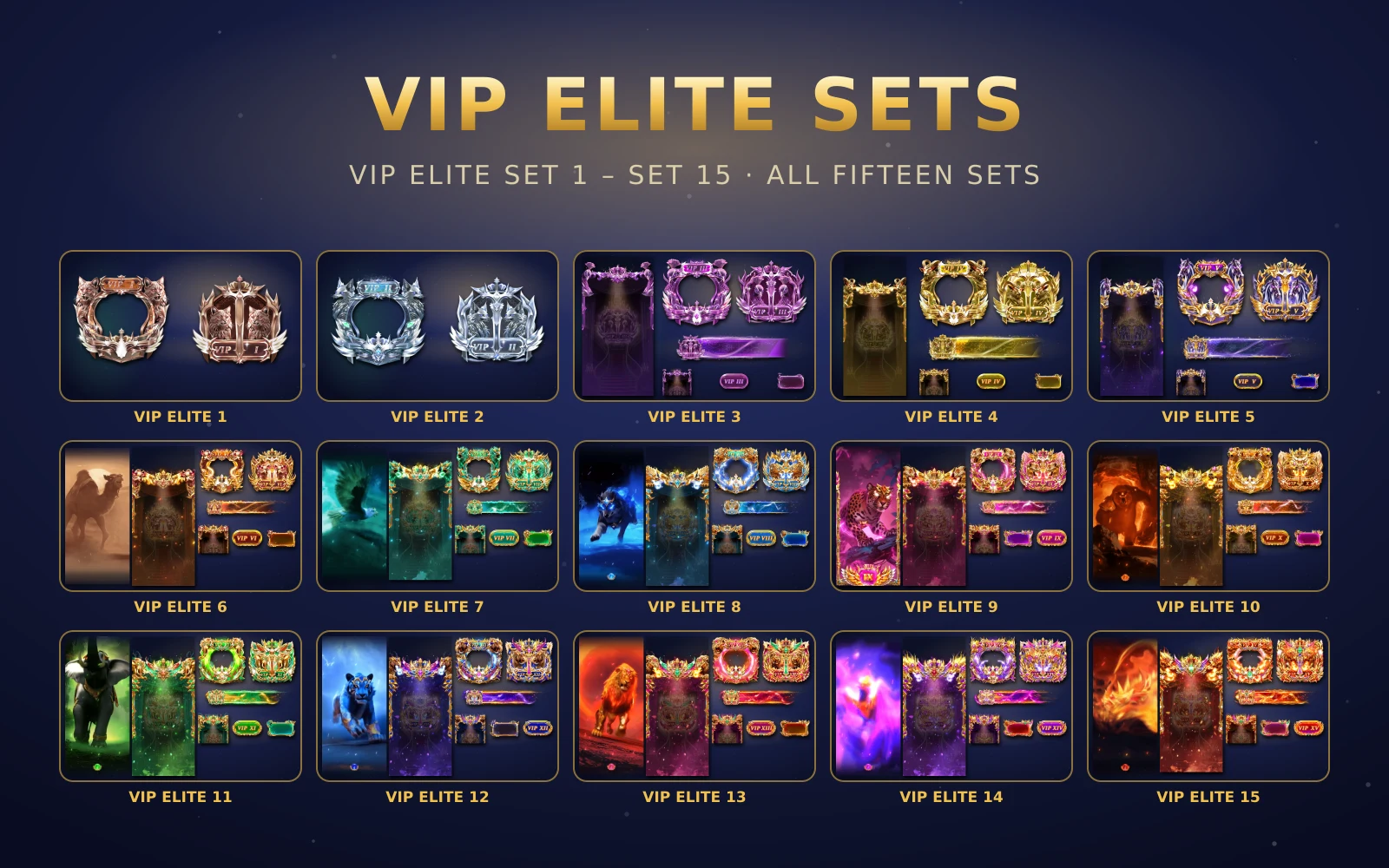
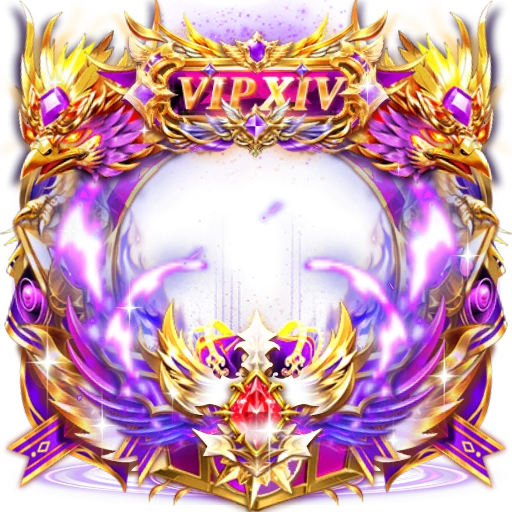


VIP Elite Sets — All 15
All fifteen VIP Elite sets in one order
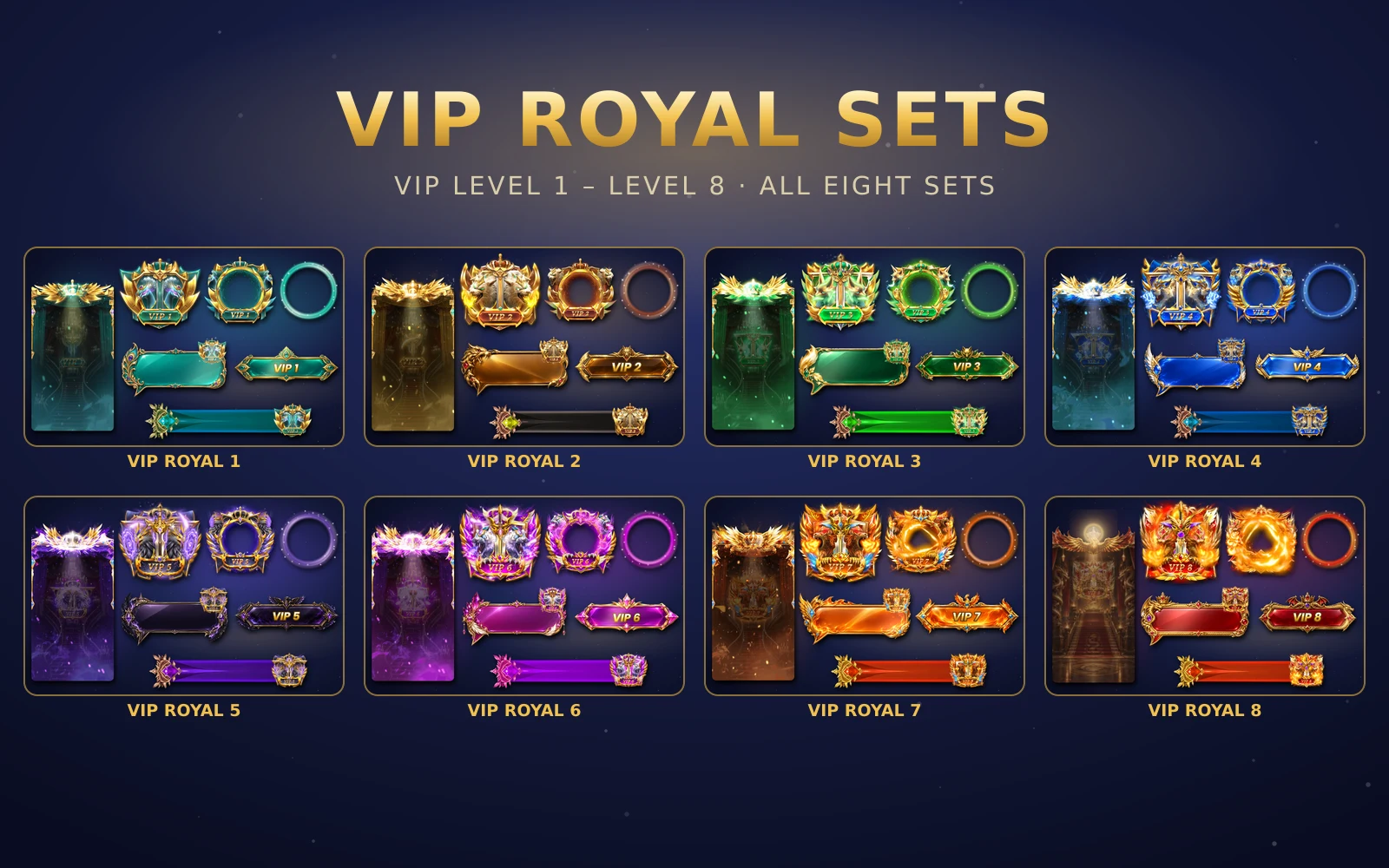




VIP Royal Sets — All 8
All eight VIP Royal sets in one order
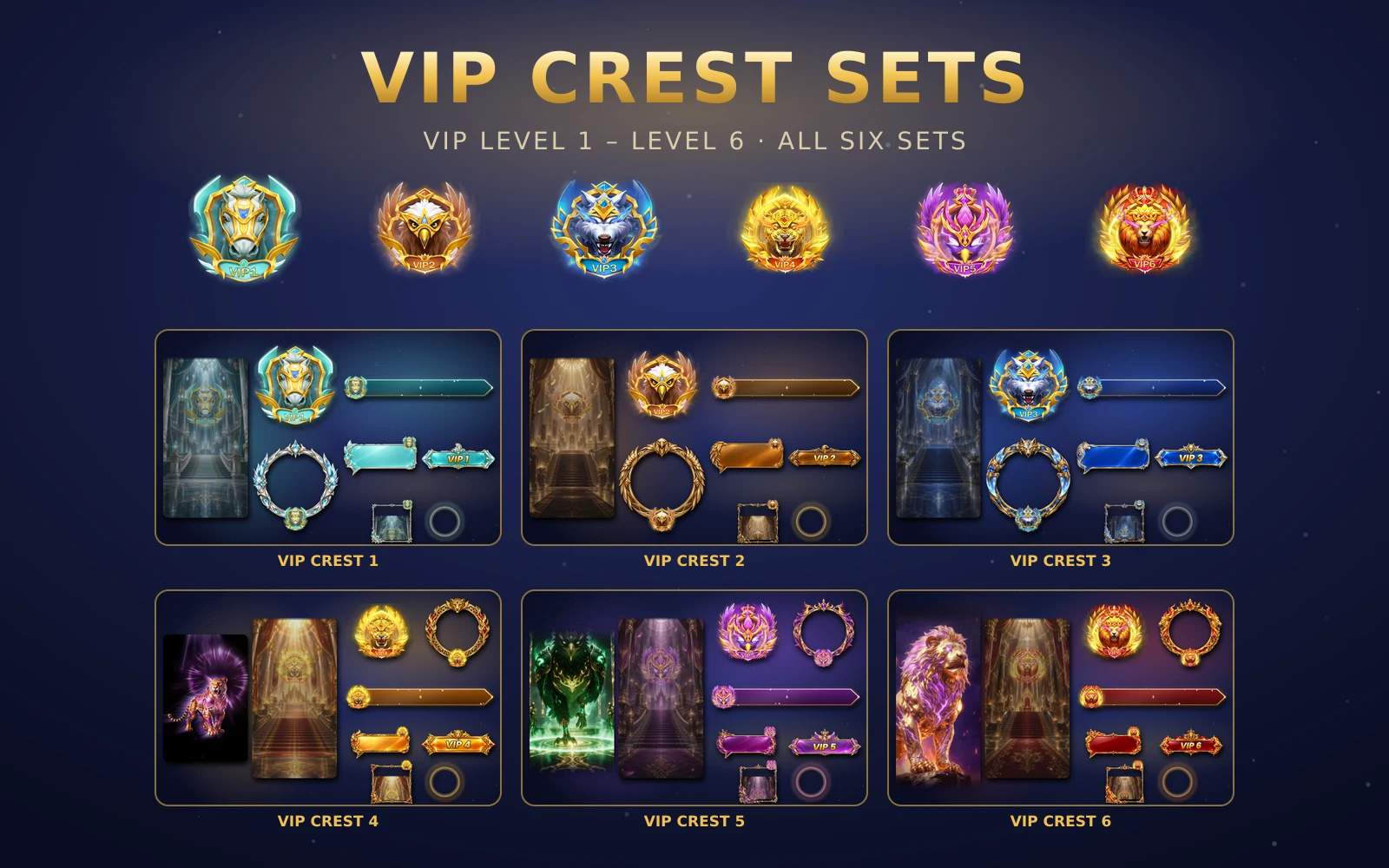


VIP Crest Sets — All 6
All six VIP Crest sets in one order
Next step
Open the four collection pages and play the top level of each in the free viewer on your room background. The top level is what your biggest spenders will see, so it is the fairest comparison.