Which SVIP collection fits your app? Supreme, Royal and Imperial compared
Three SVIP collections are now in the store, with nine, twelve and ten levels. They differ in what unlocks along the ladder, how much is animated, RTL support and file weight. A side-by-side comparison.
svgastore team3 min read
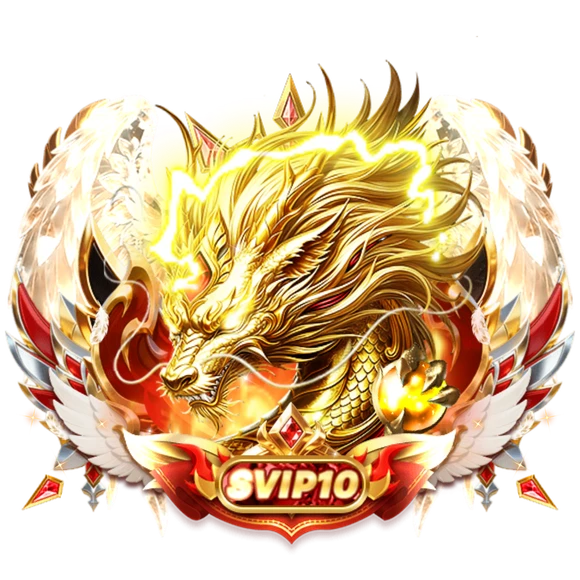
SVIP sits at the top of most live apps' spending ladders, and the people who reach it notice every detail. Three complete SVIP collections are now in the store. They share the basics, frames, medals or emblems, rings and entries, but each makes different choices about what an SVIP level should feel like.
The three at a glance
| SVIP Supreme | SVIP Royal | SVIP Imperial | |
|---|---|---|---|
| Levels | 9 | 12 | 10 |
| Themes | Cat to dragon | Bronze wolf to Olympian | Emerald wolf to golden dragon |
| Files (all levels) | 128 | 291 | 176 |
| Formats | SVGA, PNG | SVGA, PAG, PNG | SVGA, PNG |
| Entries | Levels 3–9 | Mounts from level 8 (PAG) | Levels 5–10 |
| Animated chat bubble | No (PNG) | Yes | Yes |
| RTL versions | No | Notices and entrance banners | No |
| Page kit | 5-piece SVIP page kit | 4 page backgrounds, 29 privilege icons | Animated room background and profile card |
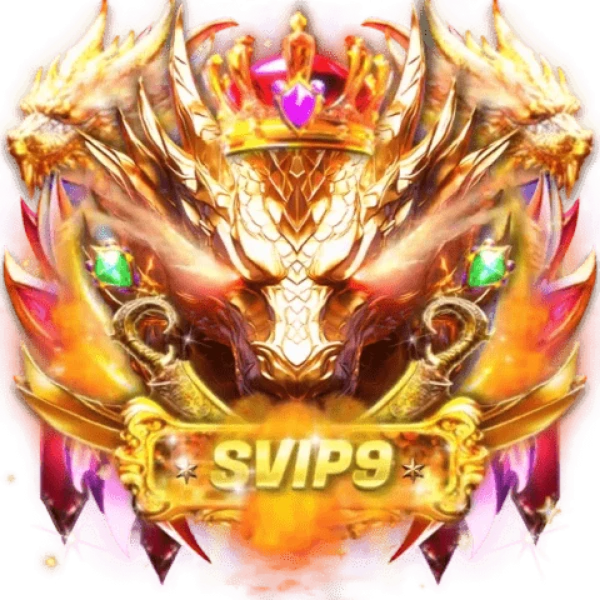 −20%600×600 · 2.1s
VIP SetsSVGA
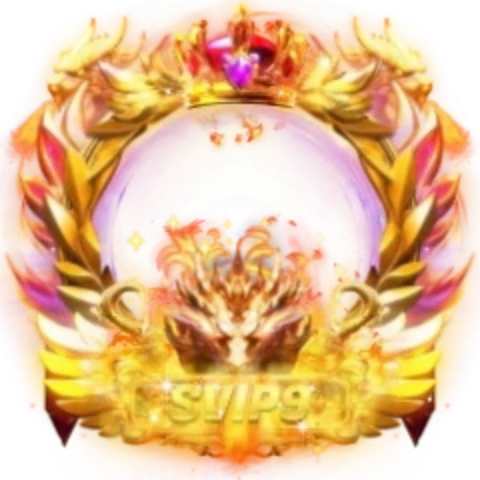
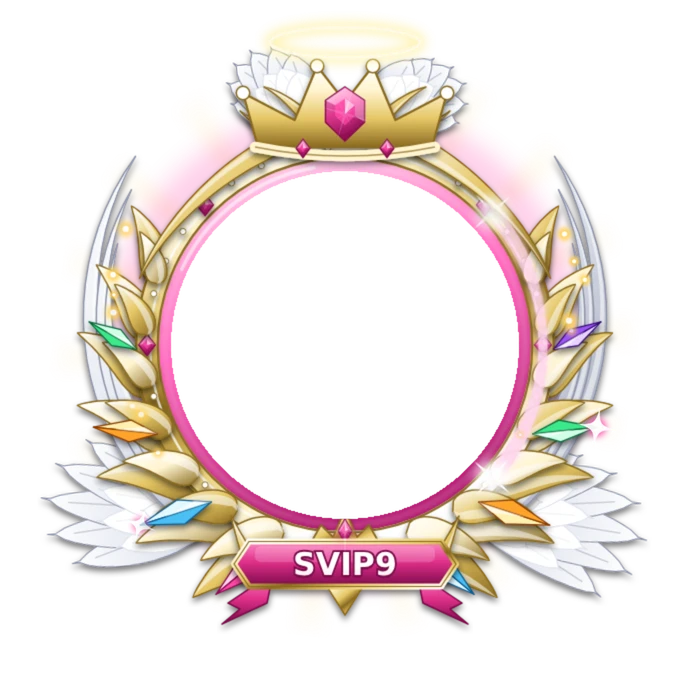
SVIP Supreme 9 Dragon Emblem
 −20%276×260 · 5s
SVIPSVGA
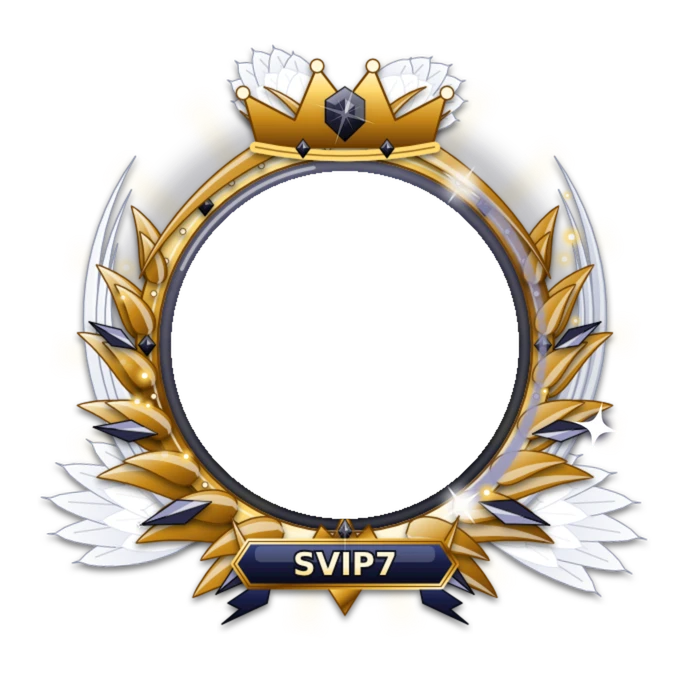
SVIP Detail Medal 12
- −20%580×580 · 6s
VIP SetsSVGA
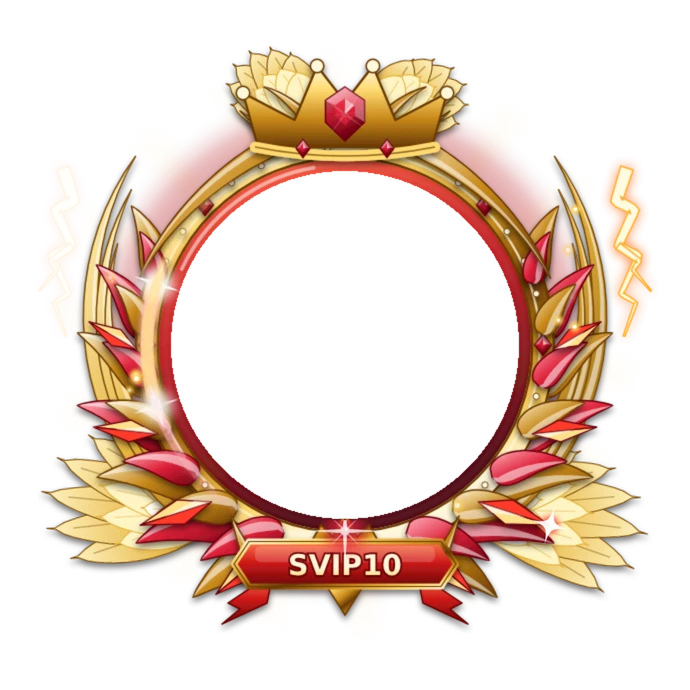
SVIP Imperial 10 Medal
SVIP Supreme: the SVIP page
Supreme's strength is the SVIP page. Every set has a five-piece PNG page kit (podium stage, gold fade band, divider, corner flourish and ID card tile), and from level 4 an animated page background. If your SVIP members spend time on their SVIP page, this is the collection that makes it look finished.
Watch the avatar frames: they are 240×240 on screen but 1.36 to 2.88 MB each, so use stills in busy seat lists.
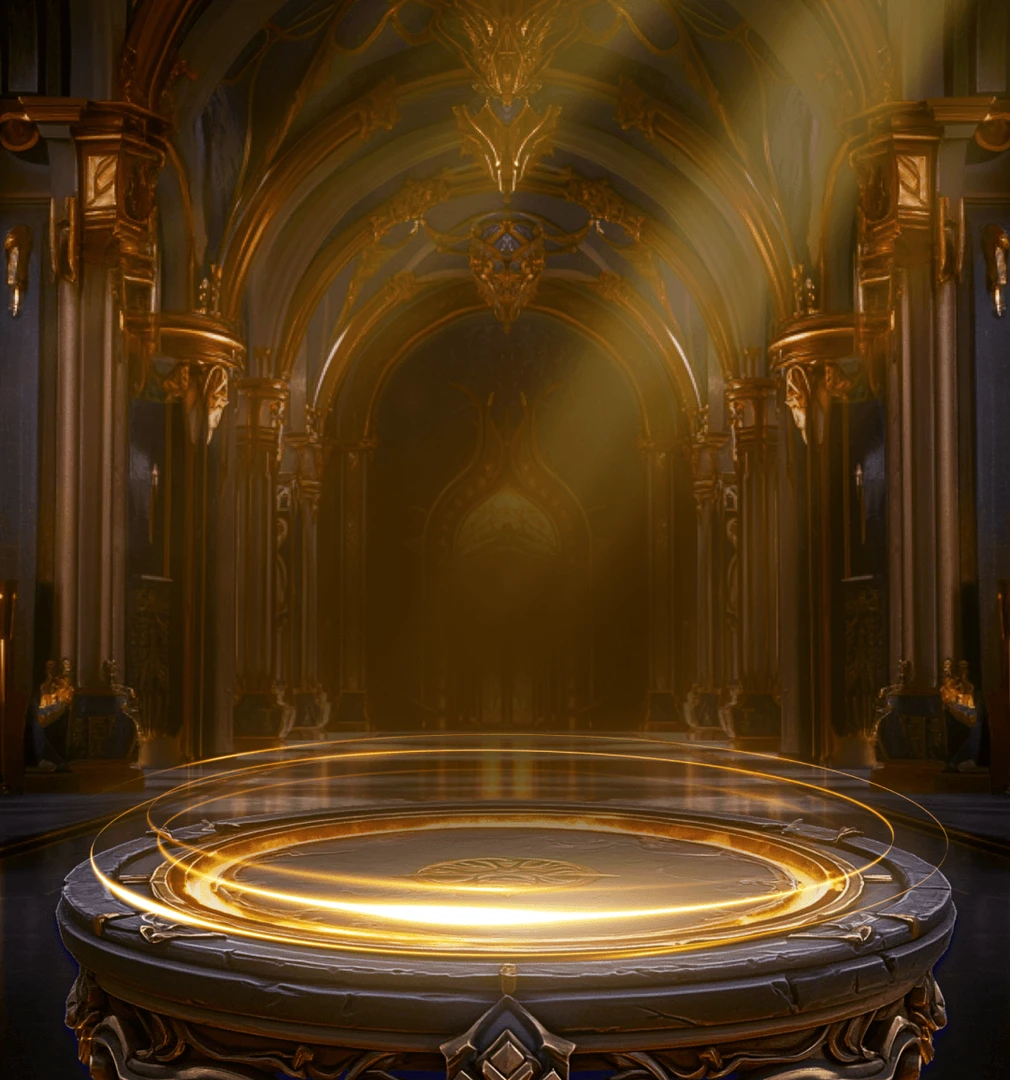 −20%1080×1155
VIP SetsPNG
SVIP Supreme 9 Podium Stage
SVIP Royal: unlocks along the way
Royal is built for a long ladder with clear steps. Every level has the same six animations (headwear frame, room frame, medal, two voice rings and chat bubble). Level 7 adds an online notice and a global gift banner. Level 8 adds an entrance banner, a room-entry mount and a small pet, all in PAG. It is also the only SVIP collection with right-to-left versions of its notices and entrance banners, which matters if you serve Arabic-speaking rooms.
With 29 privilege icons at 256×256, it also gives you a ready icon set for listing SVIP perks.
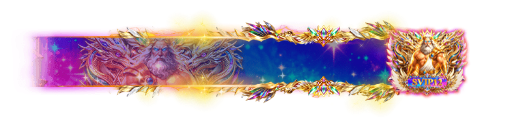 −20%750×180 · 6s
BannersSVGA
SVIP Online Banner Notice 12 RTL
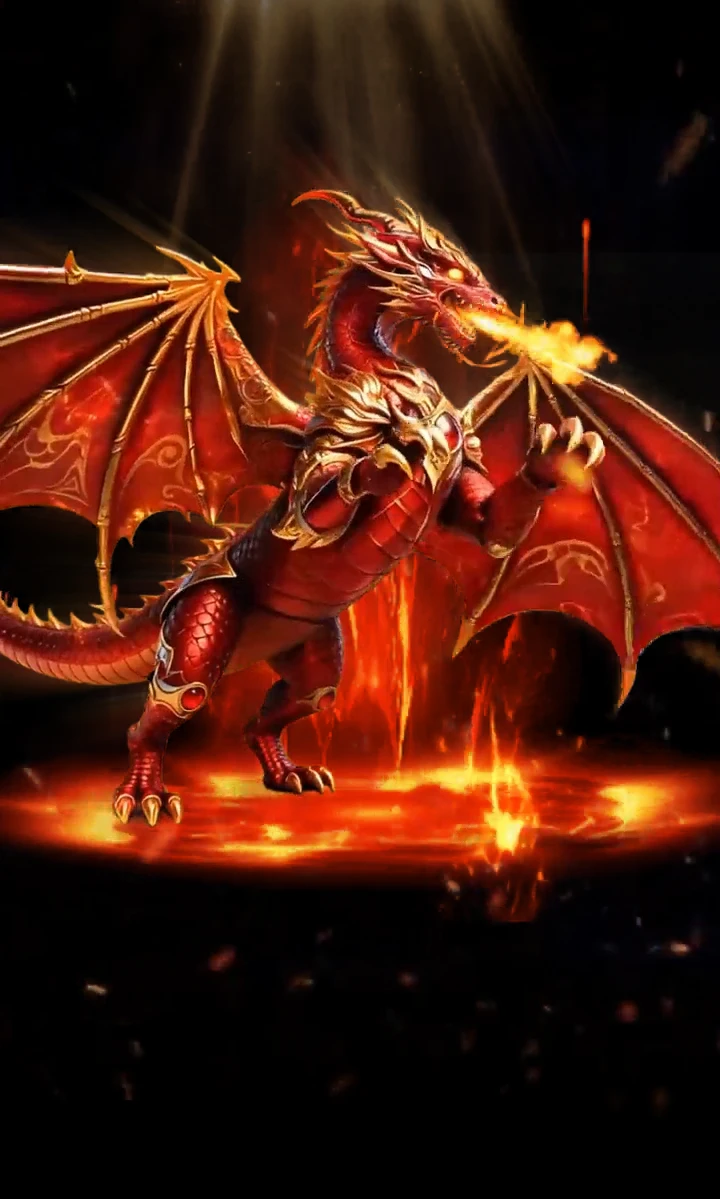 −20%720×1199 · 5s
SVIPPAG
SVIP 12 Mount
SVIP Imperial: everything moves
Imperial animates the most. At every level, the profile frame, profile card, room frame, room background, chat bubble, level tag, notification banner, mic wave and medal are all SVGA animations, each with a PNG still except the medal. Levels 5 to 10 add full-screen entries with sound.
That richness has a cost. The room backgrounds are 5.86 to 8.63 MB and the profile cards 7.24 to 12.11 MB, and the entries reach 26.21 MB. Imperial suits apps whose SVIP members are on good phones and connections, and teams willing to pre-download and cache.
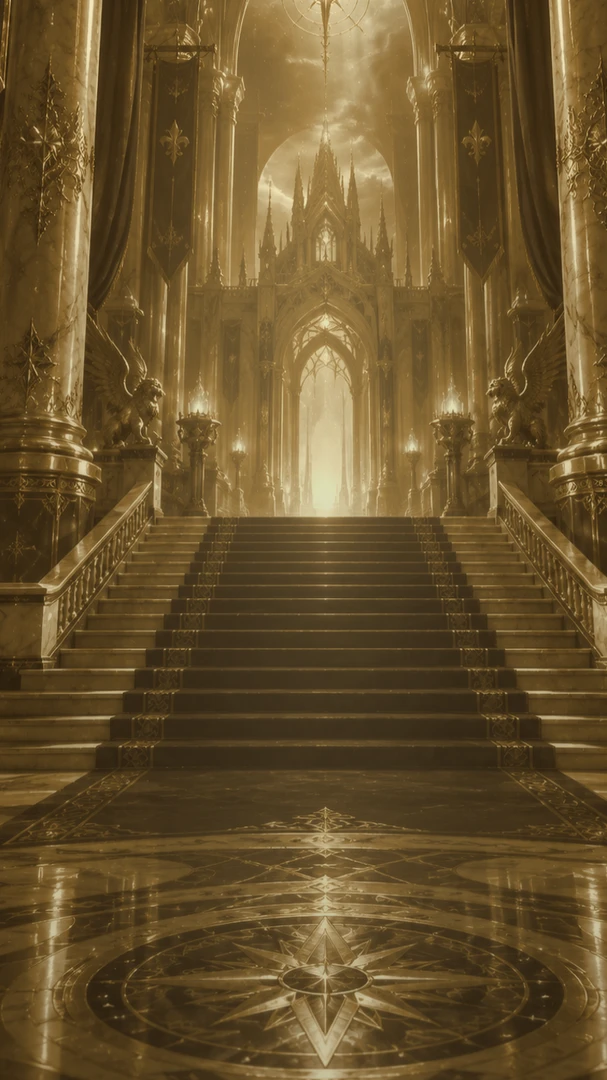 −20%750×1334 · 4s
VIP SetsSVGA
SVIP Imperial 10 Room Background
 −20%536×218 · 1.3s
VIP SetsSVGA
SVIP Imperial 10 Chat Bubble
How to choose
Your ladder length. Nine, twelve or ten levels: match it, or map your levels onto the closest collection.
RTL audiences. If you have Arabic or other right-to-left rooms, SVIP Royal handles the announcements for you.
Formats. Royal needs a PAG player for its mounts and entrance banners; Supreme and Imperial are SVGA and PNG only.
The SVIP page. If you need to build one, Supreme's page kit or Royal's icons save design time.
Weight. Supreme and Royal are the lighter choices on screen; Imperial is the richest and the heaviest.
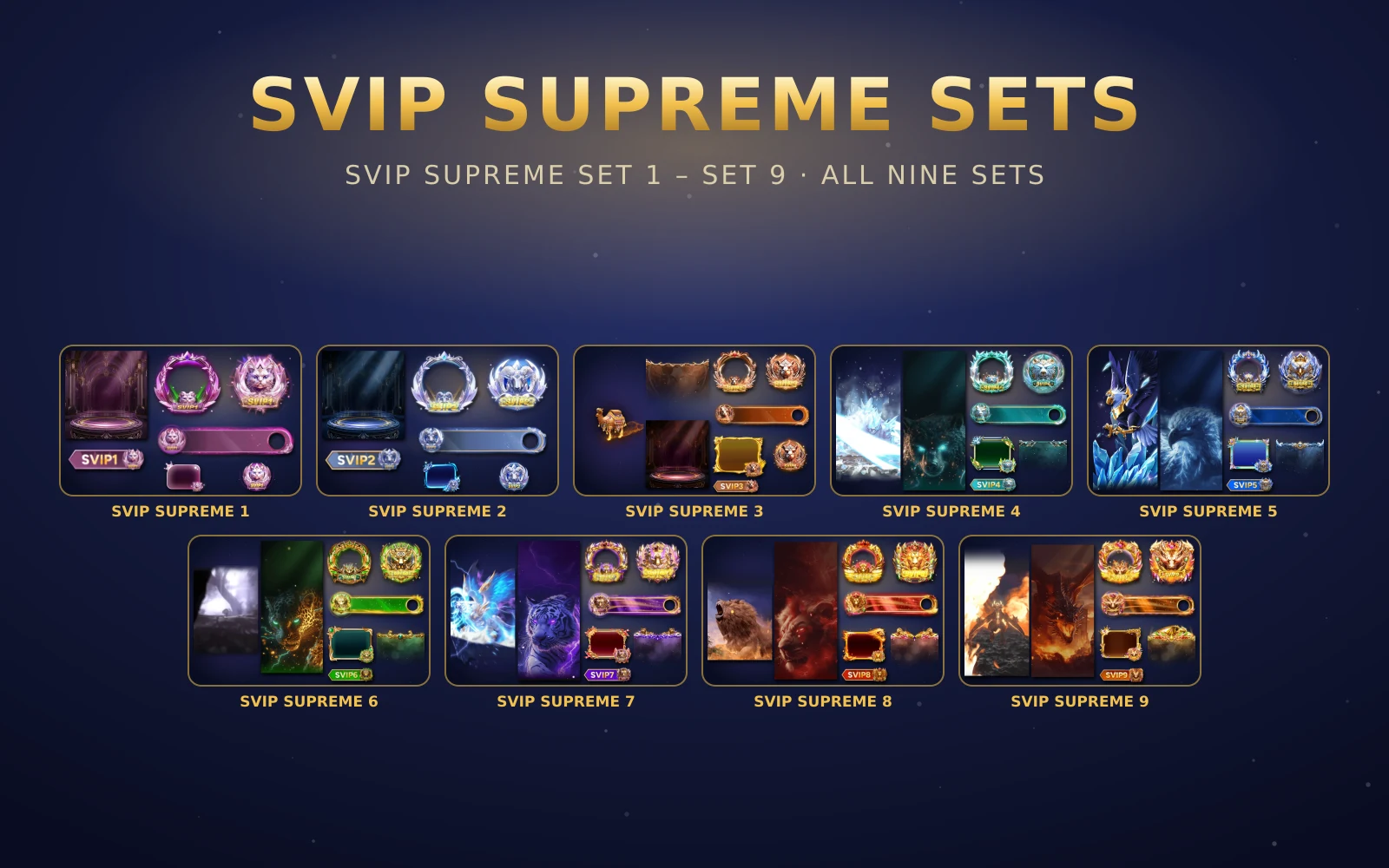
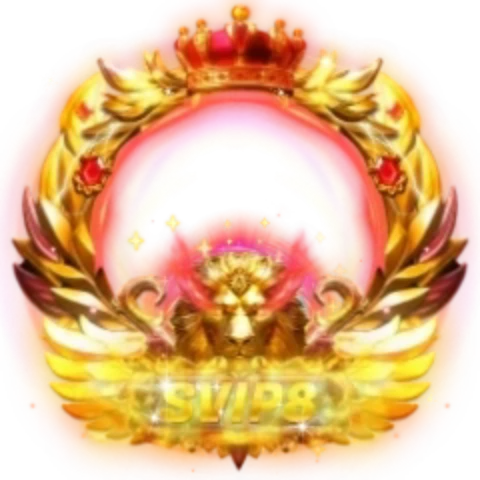
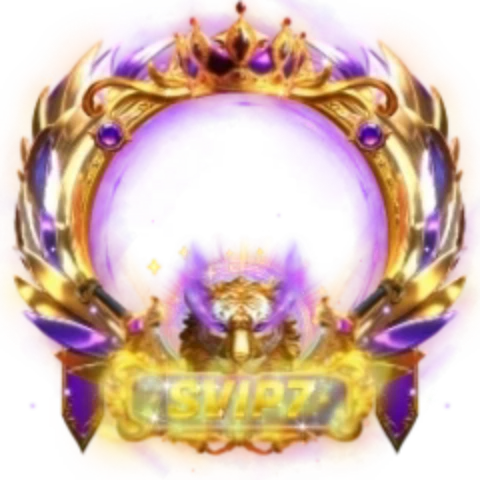
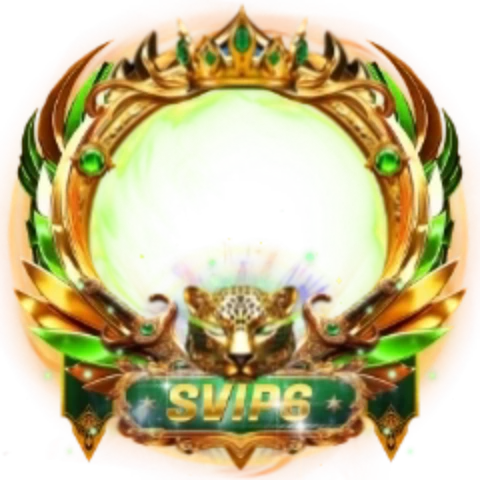
SVIP Supreme Sets — All 9
All nine SVIP Supreme sets in one order
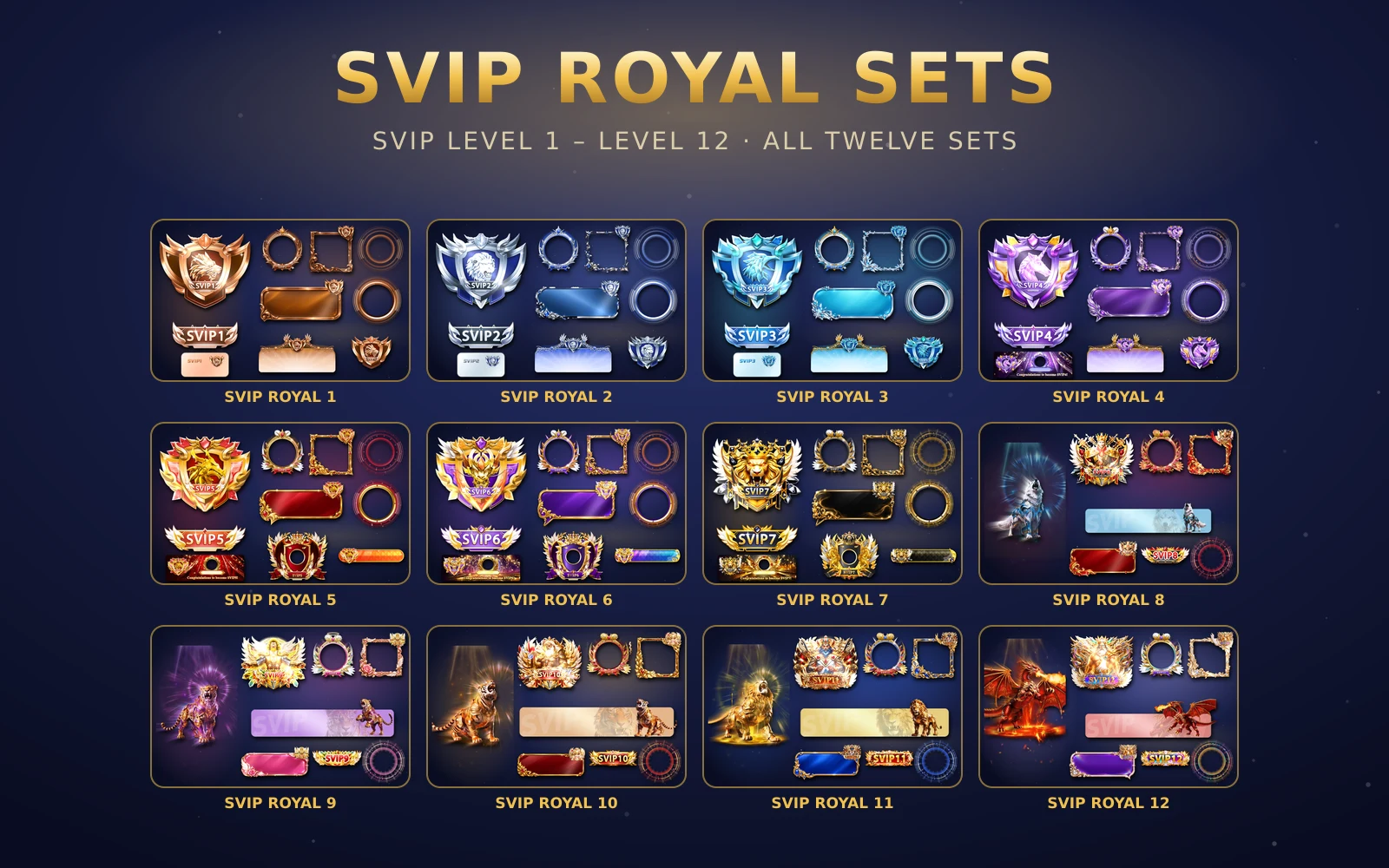
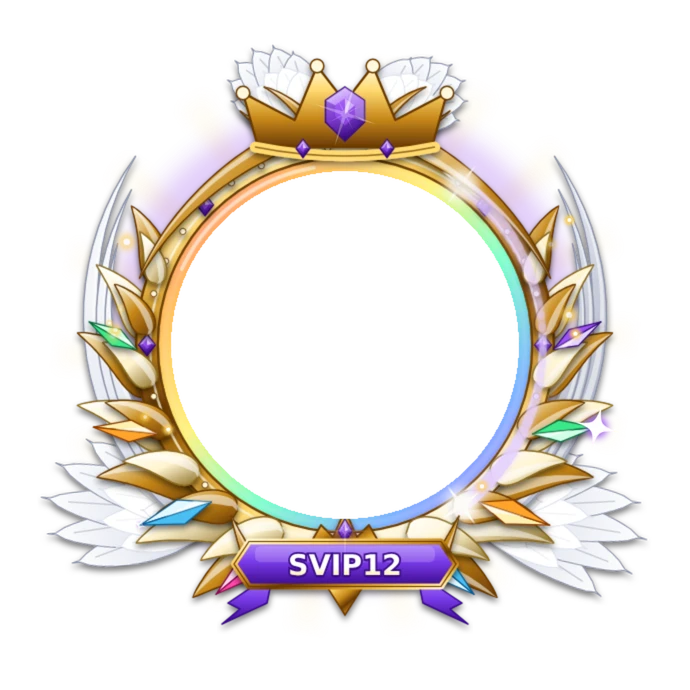
SVIP Royal Sets — All 12
All twelve SVIP Royal sets in one order
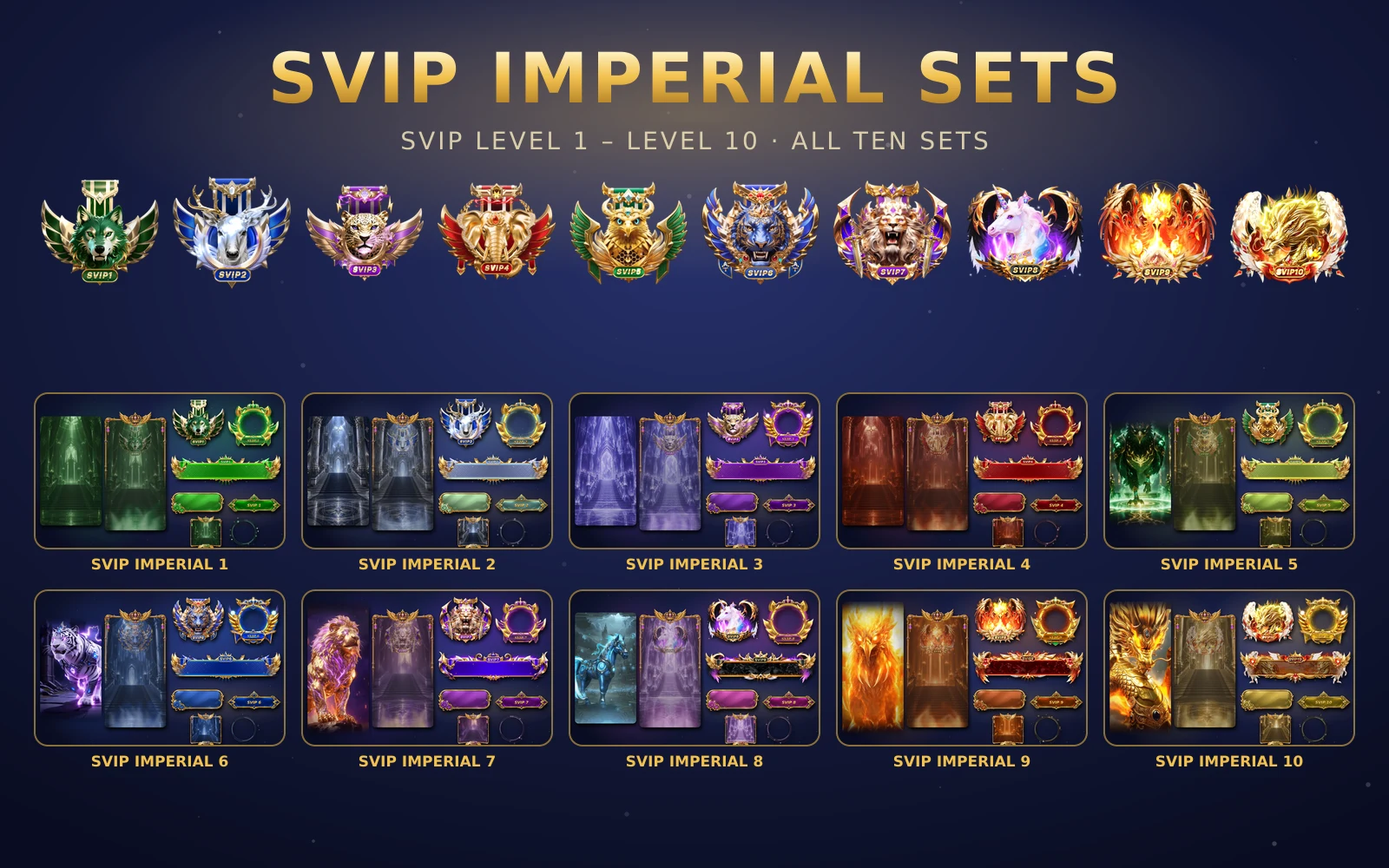
SVIP Imperial Sets — All 10
All ten SVIP Imperial sets in one order
Next step
Play the top level of each collection in the free viewer, on your room background and on your lowest supported phone. Each collection can be bought level by level, so trying one level of two collections in your app is the surest way to decide.