SVIP Supreme Sets: nine SVIP levels and a page kit to show them off
SVIP Supreme covers nine levels, from a cat to a dragon, with an avatar frame, entry banner, emblem and sound-wave ring at every level, entries and cards higher up, and a five-piece PNG kit for building the SVIP page itself.
svgastore team3 min read
Every SVIP programme eventually needs an SVIP page: the screen that shows a member their level, their perks and what the next level unlocks. It is often the last thing built and the least designed. The SVIP Supreme collection is unusual in shipping the parts for that page alongside the animations, so the page can look as good as the frames and entries it describes.
Nine levels
Cat, ram, camel, ice bear, eagle, leopard, tiger, lion and dragon. Levels 1 and 2 have 12 files each, level 3 has 14, and levels 4 to 9 have 15. All nine together come to 128 files: 56 SVGA and 72 PNG.
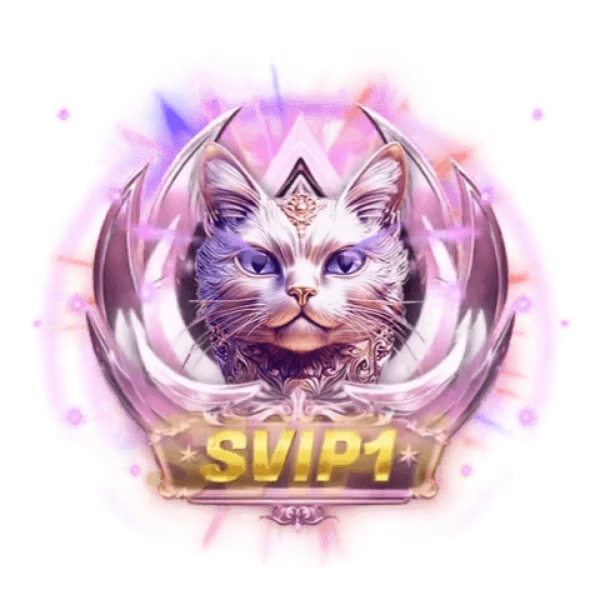 −20%601×600 · 2.4s
VIP SetsSVGA
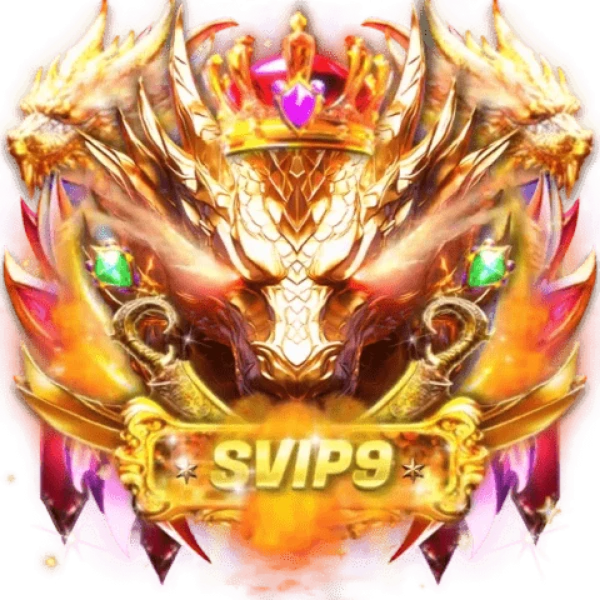
SVIP Supreme 1 Cat Emblem
- −20%600×600 · 2.1s
VIP SetsSVGA
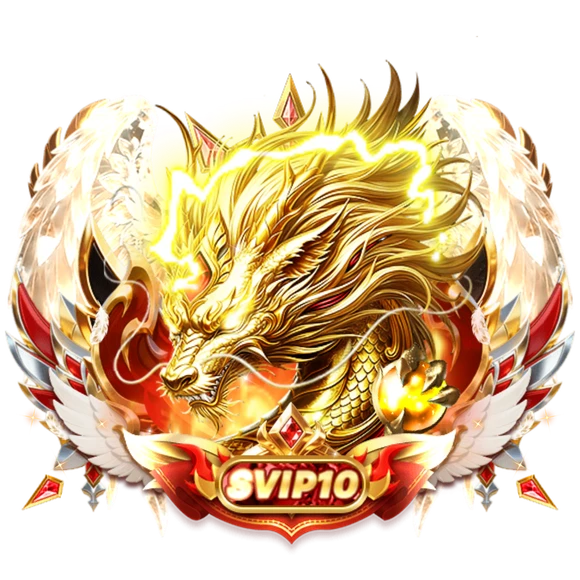
SVIP Supreme 9 Dragon Emblem
The animations, level by level
| Piece | From level | Canvas | Length | Size |
|---|---|---|---|---|
| Avatar frame | 1 | 240×240 | about 2 s | 1.36–2.88 MB |
| Entry banner | 1 | 600×200 | up to 4.1 s | 69–987 KB |
| Emblem | 1 | 600×600 | about 2 s | 1.27–3.02 MB |
| Mic sound-wave ring | 1 | 360×360 | 3.6–6.8 s | 78–487 KB |
| SVIP card | 3 | 720×720 | about 2 s | 2.25–2.64 MB |
| Entry effect | 3 | full screen | 5.3–11.1 s | 4.38–14.43 MB |
| SVIP page background | 4 | 720 px wide, full height | 2–3.2 s | 1.44–3.31 MB |
Entry effects from level 4 upwards carry their own sound.
 −20%240×240 · 2.1s
VIP SetsSVGA
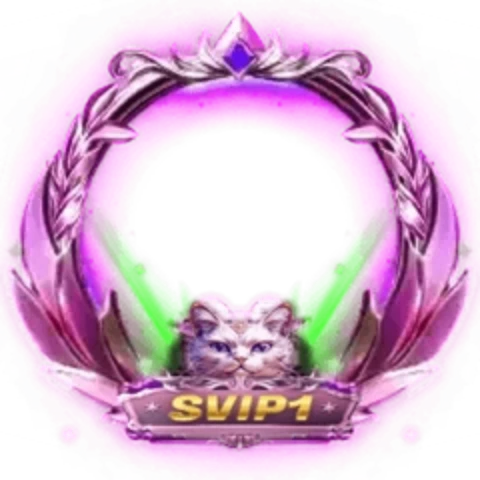
SVIP Supreme 9 Dragon Avatar Frame
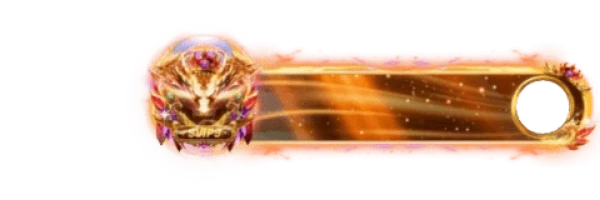 −20%600×200 · 4.1s
VIP SetsSVGA
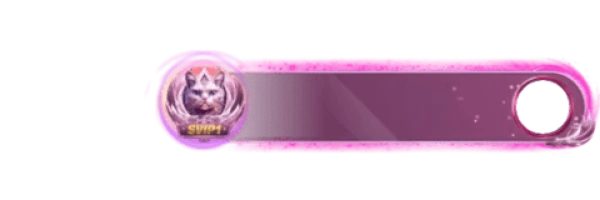
SVIP Supreme 9 Entry Banner
 −20%360×360 · 6.8s
VIP SetsSVGA
SVIP Supreme 9 Sound-Wave Ring
A note on the avatar frames
The avatar frames are small on screen, 240×240, but they are rich in detail and weigh 1.36 to 2.88 MB each. That is fine on a profile, where one frame is on screen. In a seat list with many SVIP users, it adds up quickly. Show the frame animated on the profile and for whoever is speaking, and keep a still or a lighter frame for the other seats. Test a full room of SVIP seats on your lowest supported phone before launch.
Entries and cards from level 3
From level 3, each set adds two of the pieces members care most about: a full-screen entry effect and an SVIP card for the profile. The entries grow with the level, from 4.38 MB at level 3 to 14.43 MB for the dragon at level 9. As with any large entry, download it in the background when the user reaches the level, and play it from the cache.
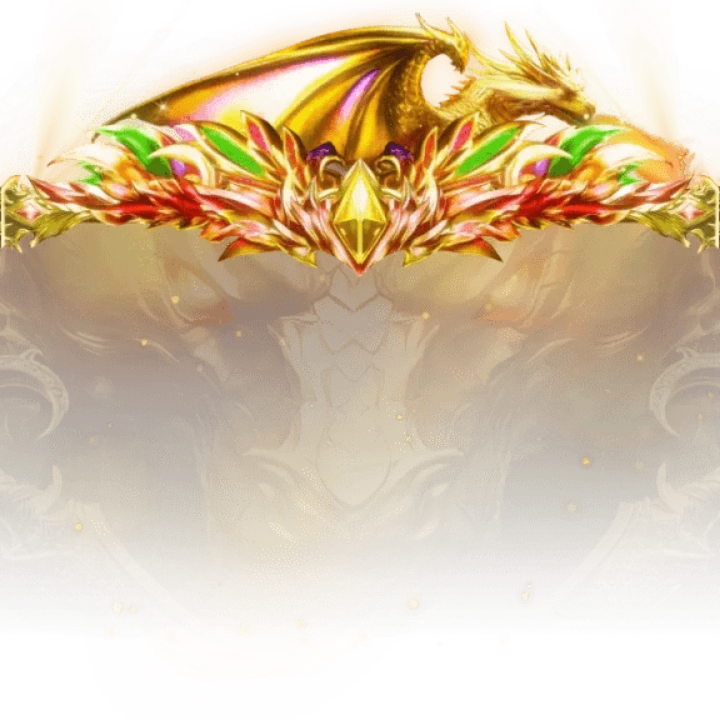 −20%720×720 · 2.1s
VIP SetsSVGA
SVIP Supreme 9 Dragon Profile Card
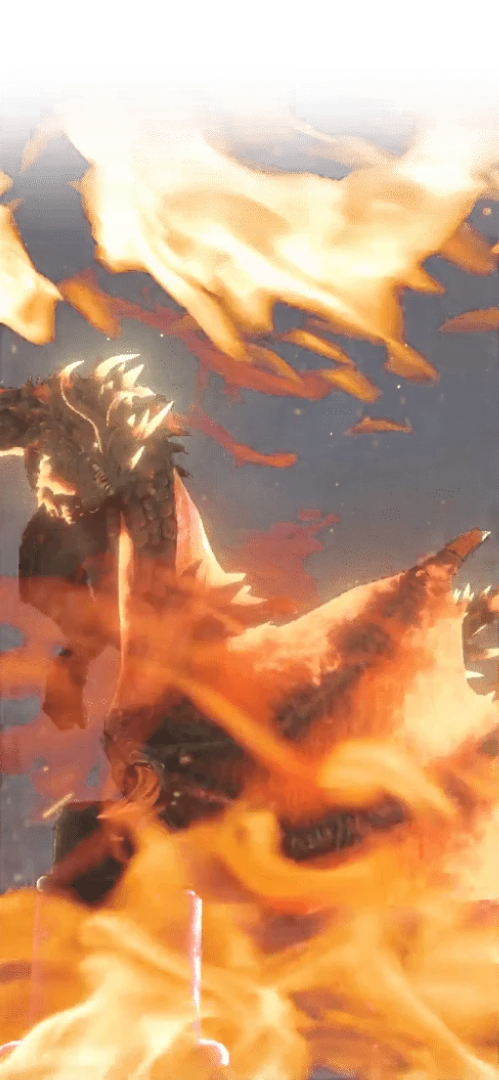 −20%Has sound · 750×1624 · 9s
VIP SetsSVGA
SVIP Supreme 9 Dragon Entry Effect
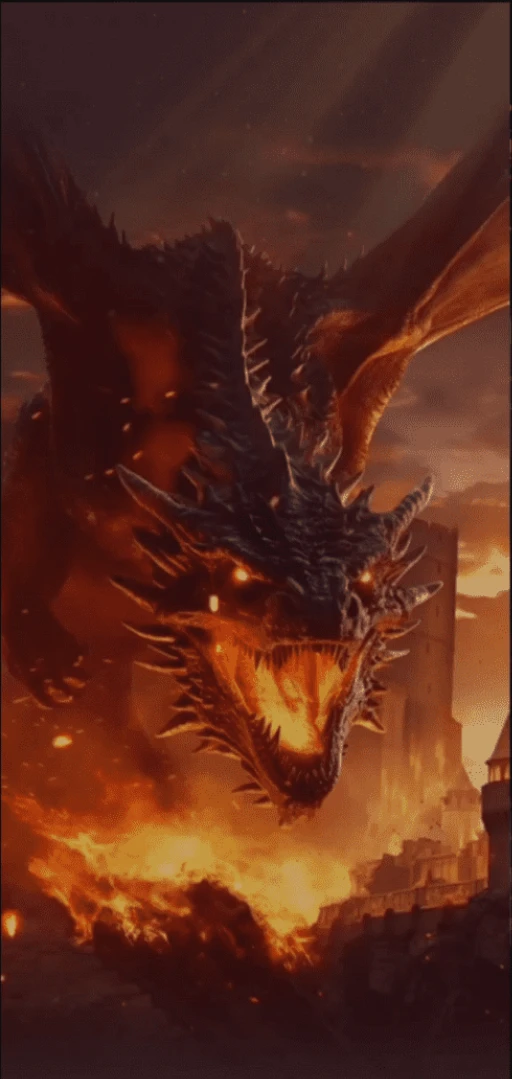 −20%720×1518 · 2s
VIP SetsSVGA
SVIP Supreme 9 Page Background
The SVIP page kit
Every set includes eight PNG files: a still of the emblem, a chat bubble, a name tag and a five-piece SVIP page UI kit in the level's style:
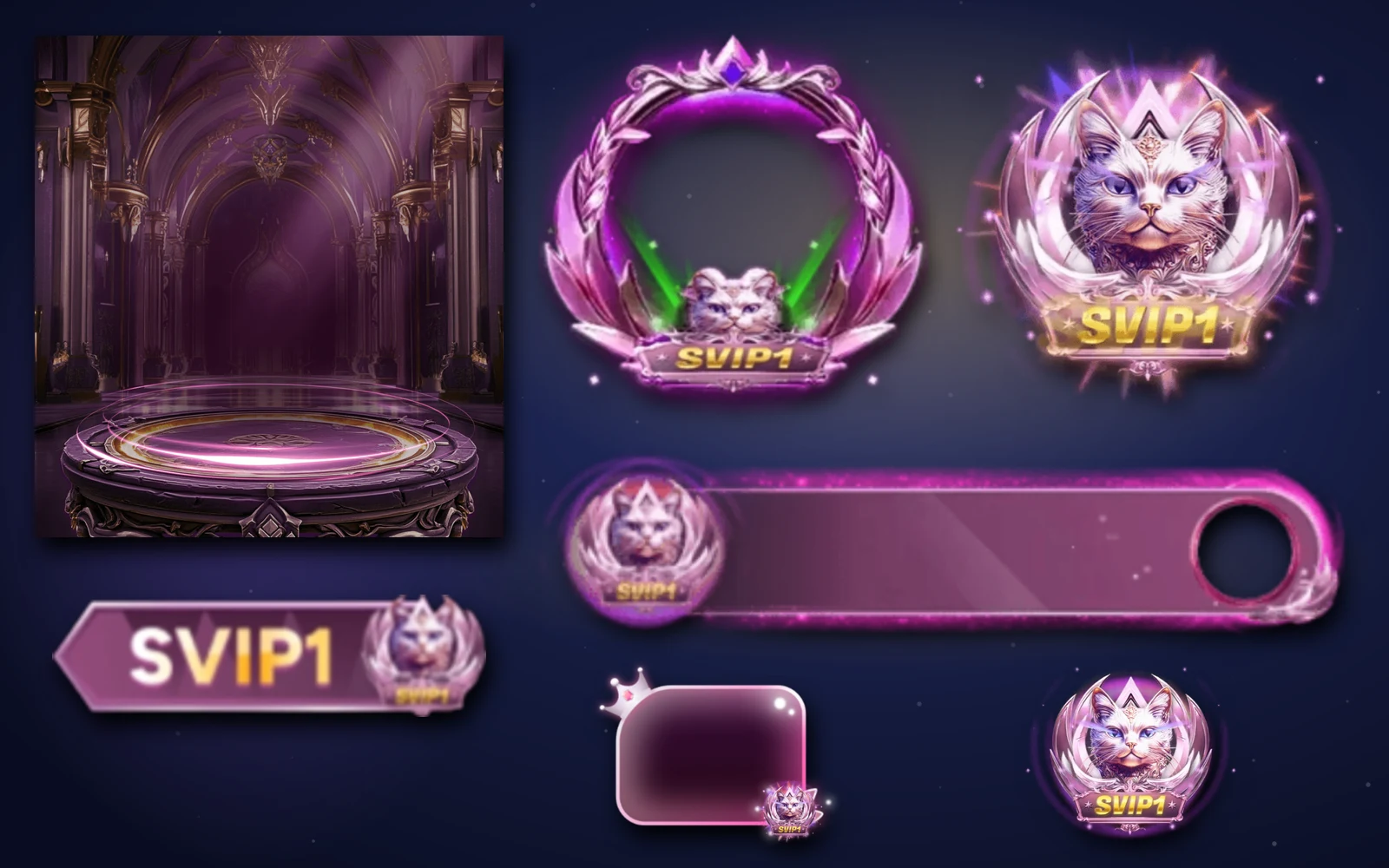
Podium stage, to stand the emblem on at the top of the page.
Gold fade band, a background band for headings.
Gold divider, between sections of the page.
Corner flourish, to frame cards and panels.
ID card tile, for the member's name, ID and level.
From level 4, the animated SVIP page background goes behind all of it. Put together, the emblem on the podium, the ID card, the perks list between dividers and the animated background, these make an SVIP page that changes with every level, which is exactly what makes members look forward to the next one.
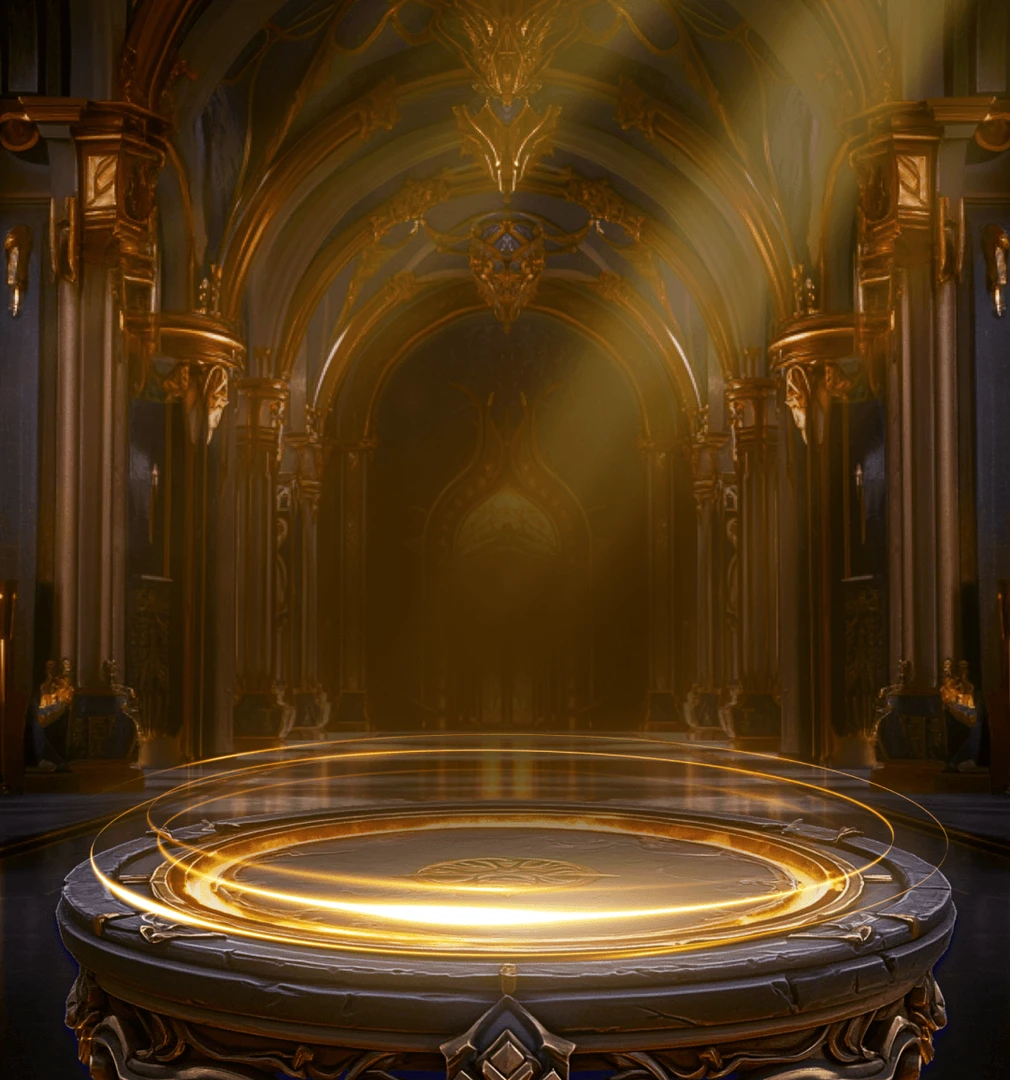 −20%1080×1155
VIP SetsPNG
SVIP Supreme 9 Podium Stage
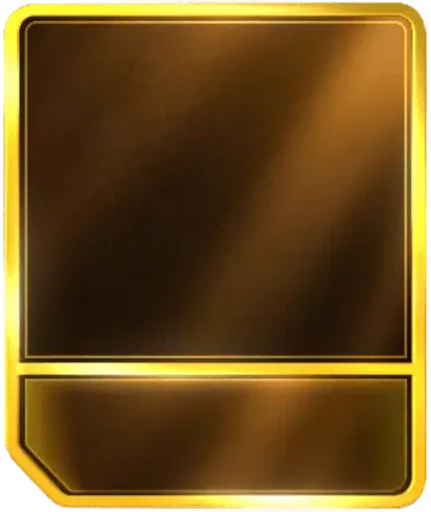 −20%318×378
VIP SetsPNG
SVIP Supreme 9 ID Card Tile
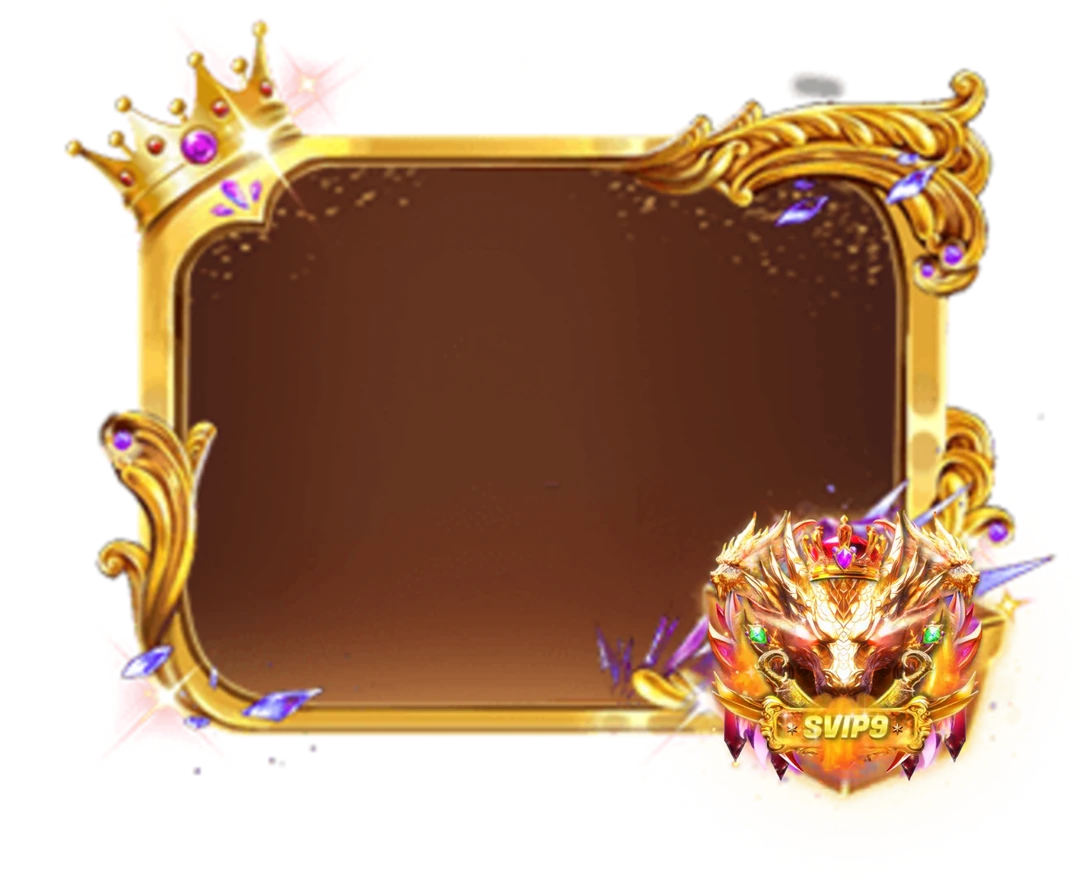 −20%1332×1080
VIP SetsPNG
SVIP Supreme 9 Chat Bubble
 −20%170×53
VIP SetsPNG
SVIP Supreme 9 Name Tag
Building the page
Top: the animated page background, the emblem on the podium stage.
Identity: the ID card tile with the user's name, ID and level, the name tag beside it.
Perks: a list of what the level includes, separated by gold dividers, each perk with a small icon.
Preview: the avatar frame, entry banner and chat bubble as previews the member can tap to play.
Next level: the next level's emblem as a still, with what it adds.
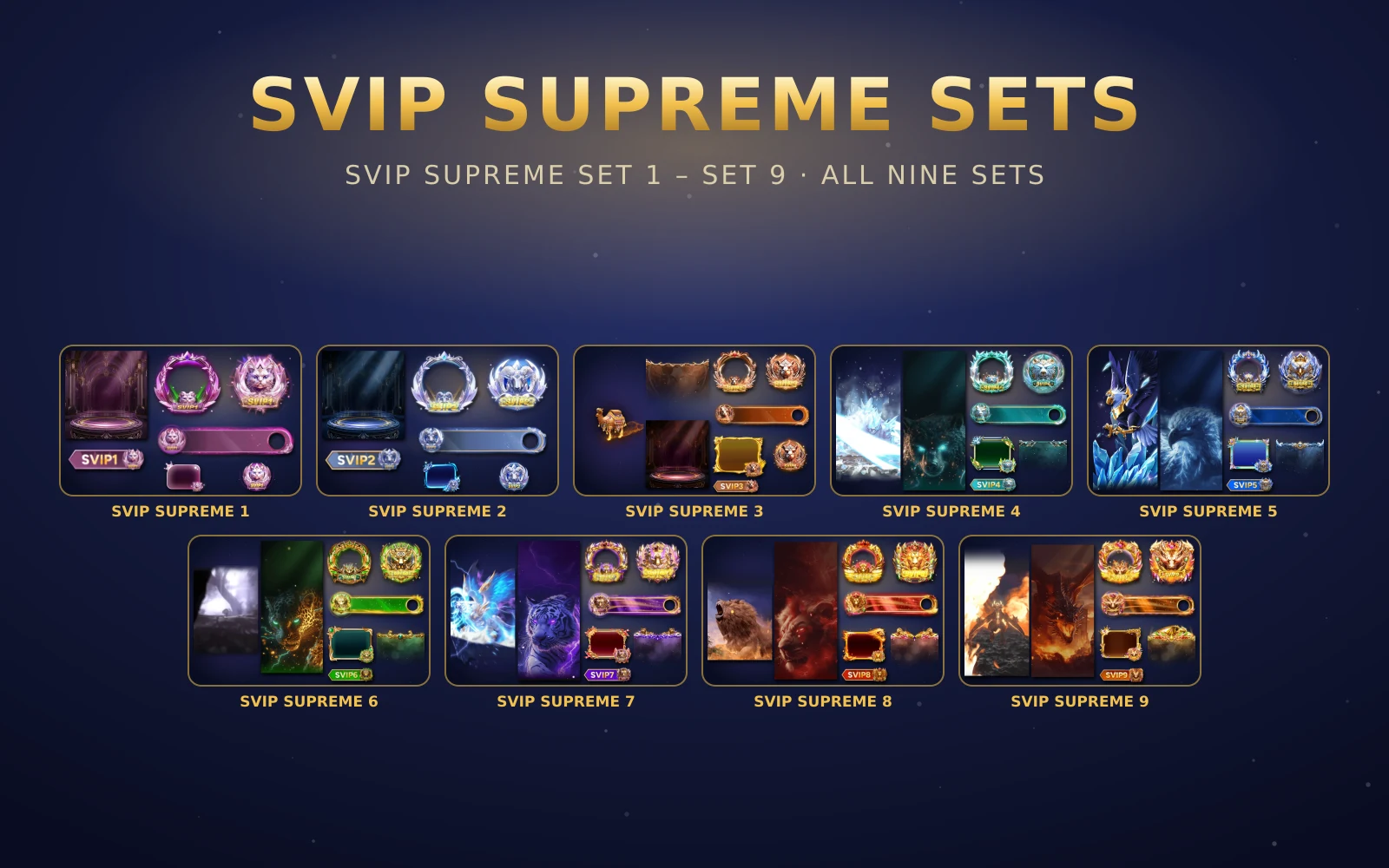
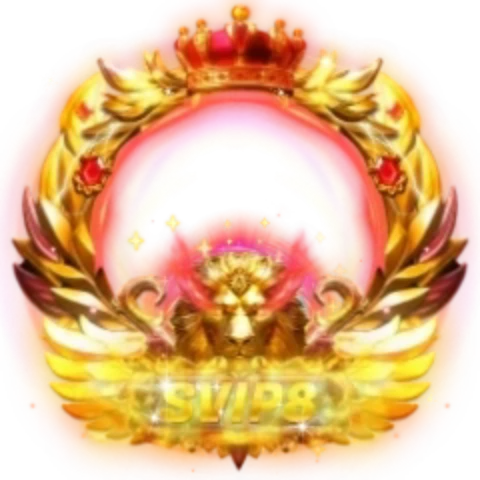
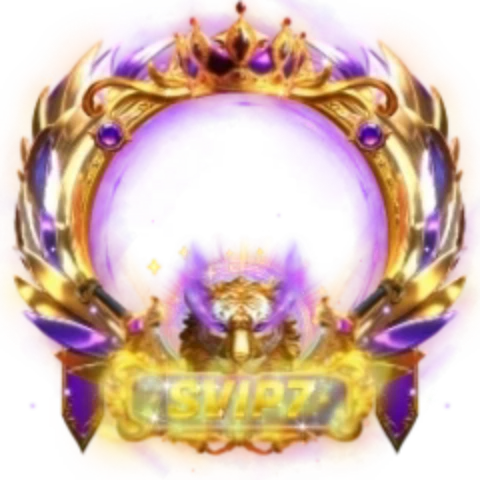
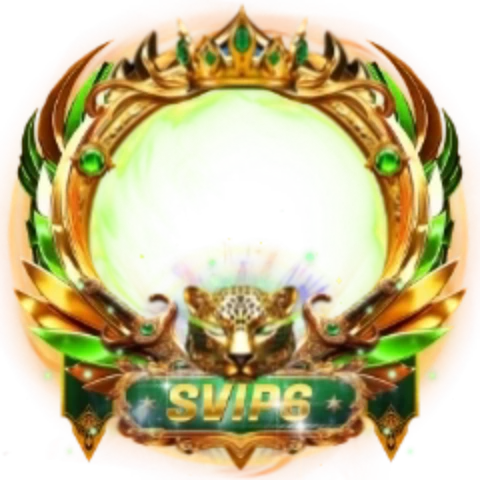
SVIP Supreme Sets — All 9
All nine SVIP Supreme sets in one order
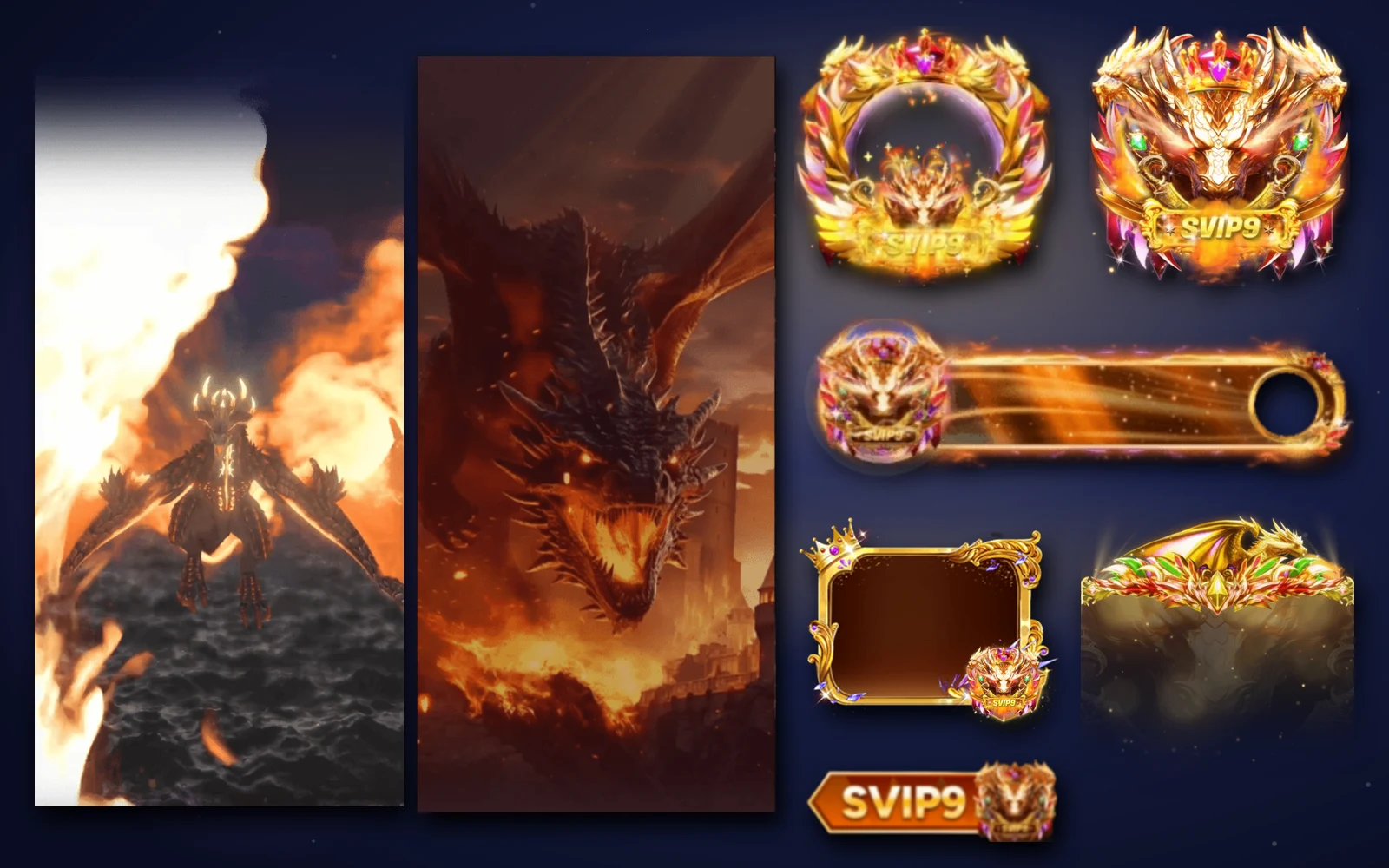
SVIP Supreme Set 9
The dragon kit for SVIP Supreme level 9
Next step
Sketch your SVIP page with the five-step layout above, then drop in one level's page kit to see how it reads. Preview the emblems and frames in the free viewer, and buy single levels or all nine from the SVIP Supreme page.