How to Add SVGA Gifts to a Flutter App
Play SVGA gift animations in Flutter with svgaplayer_flutter: add the package, load a gift from a URL, play it once when it is sent, queue several gifts and keep memory low.
SVGA Store team4 min read

If your live-streaming or voice chat app is built with Flutter, the easiest way to play SVGA gift animations is the open-source svgaplayer_flutter package. This guide covers the whole SVGA Flutter integration for a gift system: adding the player package, loading a gift from a URL, playing it once when a gift is sent, queueing several gifts so they don't overlap, and keeping memory low on budget phones. The code follows the package's API (svgaplayer_flutter 2.2.0).
1. Add the player package
Add svgaplayer_flutter to pubspec.yaml:
dependencies:
  flutter:
    sdk: flutter
  svgaplayer_flutter: ^2.2.0
Then run flutter pub get. The package plays SVGA 2.x files — if an old file shows nothing, check it in the SVGA viewer: a 1.x file has to be re-exported as 2.x.
2. The quickest test: SVGASimpleImage
To check that a gift plays at all, drop an SVGASimpleImage into any screen. It downloads the file and loops it:
import 'package:flutter/material.dart';
import 'package:svgaplayer_flutter/svgaplayer_flutter.dart';

class GiftPreview extends StatelessWidget {
  const GiftPreview({super.key});

  @override
  Widget build(BuildContext context) {
    return const SizedBox(
      width: 300,
      height: 300,
      child: SVGASimpleImage(resUrl: 'https://your-cdn.example.com/gifts/rose.svga'),
    );
  }
}
That is fine for a preview list, but a gift has to play once, when it is sent, and then get out of the way. For that you need a controller.
3. Load a gift from a URL and play it once
SVGAAnimationController is a normal Flutter AnimationController with an SVGA movie attached. SVGAParser.shared.decodeFromURL downloads and decodes the file; you hand the result to the controller and call forward() to play it once:
class GiftLayer extends StatefulWidget {
  const GiftLayer({super.key});

  @override
  State<GiftLayer> createState() => GiftLayerState();
}

class GiftLayerState extends State<GiftLayer> with SingleTickerProviderStateMixin {
  late final SVGAAnimationController _controller;

  @override
  void initState() {
    super.initState();
    _controller = SVGAAnimationController(vsync: this);
  }

  Future<void> playGift(String url) async {
    final movie = await SVGAParser.shared.decodeFromURL(url);
    if (!mounted) return;
    _controller.videoItem = movie;
    await _controller.forward(from: 0); // play once
    if (!mounted) return;
    _controller.videoItem = null; // clear the screen and free the images
  }

  @override
  void dispose() {
    _controller.dispose();
    super.dispose();
  }

  @override
  Widget build(BuildContext context) {
    // the gift layer sits over the room and never blocks taps
    return IgnorePointer(child: SVGAImage(_controller));
  }
}
Put GiftLayer in a Stack above your room, give it a GlobalKey<GiftLayerState>, and call playGift(url) when a gift message arrives. Use repeat() instead of forward() for things that should loop, such as an avatar frame or a seat effect.
4. Queue gifts so they don't overlap
In a busy room, gifts arrive faster than they play. Starting a new gift on top of a running one cuts it off; playing them all at once is unreadable and heavy. Keep a queue and play one at a time:
final _queue = <String>[];
bool _busy = false;

void enqueueGift(String url) {
  _queue.add(url);
  if (!_busy) _playNext();
}

Future<void> _playNext() async {
  if (_queue.isEmpty) {
    _busy = false;
    return;
  }
  _busy = true;
  final url = _queue.removeAt(0);
  try {
    await playGift(url); // from step 3
  } catch (e) {
    debugPrint('Gift failed to play: $e'); // a bad file must not stop the queue
  }
  if (mounted) _playNext();
}
Add these to GiftLayerState and call enqueueGift instead of playGift. A few refinements most apps add:
Cap the queue. If 50 gifts arrive at once, keep the biggest few and drop or merge the rest into a combo counter.
Skip the queue for small gifts. Tiny gifts can play in a corner without waiting for a full-screen one to finish.
Show the sender. A banner with the sender's name above the gift tells the room who sent it.
5. Keep memory low
Full-screen gifts are the heaviest thing your room draws. A few habits keep them smooth on budget phones:
One controller for the whole gift layer. Don't create a new player per gift.
Clear
videoItemafter every gift. The decoded movie is released when you resetvideoItemor dispose of the controller — and it can't be reused afterwards, so decode again for the next play.Cache the bytes, not the movie. The package doesn't cache downloads. Fetch each file once with your HTTP client, keep the bytes, and decode with
SVGAParser.shared.decodeFromBuffer(bytes)each time:
import 'package:http/http.dart' as http;

final _bytes = <String, List<int>>{};

Future<MovieEntity> loadGift(String url) async {
  final bytes = _bytes[url] ??= (await http.get(Uri.parse(url))).bodyBytes;
  return SVGAParser.shared.decodeFromBuffer(bytes);
}
Prefetch the expensive gifts. Download the big gifts when the room opens, not at the moment someone sends one.
Watch the file sizes. Most gifts in this store are a few hundred kilobytes; full-screen showpieces can reach several megabytes. Check each file's size, canvas and frame rate on its page or in the viewer before you put it in the tray.
To ship gifts inside the app instead of downloading them, add the files under assets: in pubspec.yaml and load them with SVGAParser.shared.decodeFromAssets('assets/gifts/rose.svga').
6. What about sound?
Some gift and entry animations carry their own sound track. The svgaplayer_flutter documentation doesn't cover audio, so test sound in your build — many apps play the gift's sound effect separately with an audio package, started together with forward(), which also makes it easy to respect the room's mute setting.
Where to get SVGA gifts
SVGA Store has 4,500+ animations for live-streaming and voice chat apps, and every one plays live on its page before you buy. Start with SVGA gift animations, add entry effects and avatar frames, or browse the whole catalogue. New to the format? Read What is an SVGA file?
 750×1334 · 4.1s
Most viewedSVGA
Cloud Castle Dream
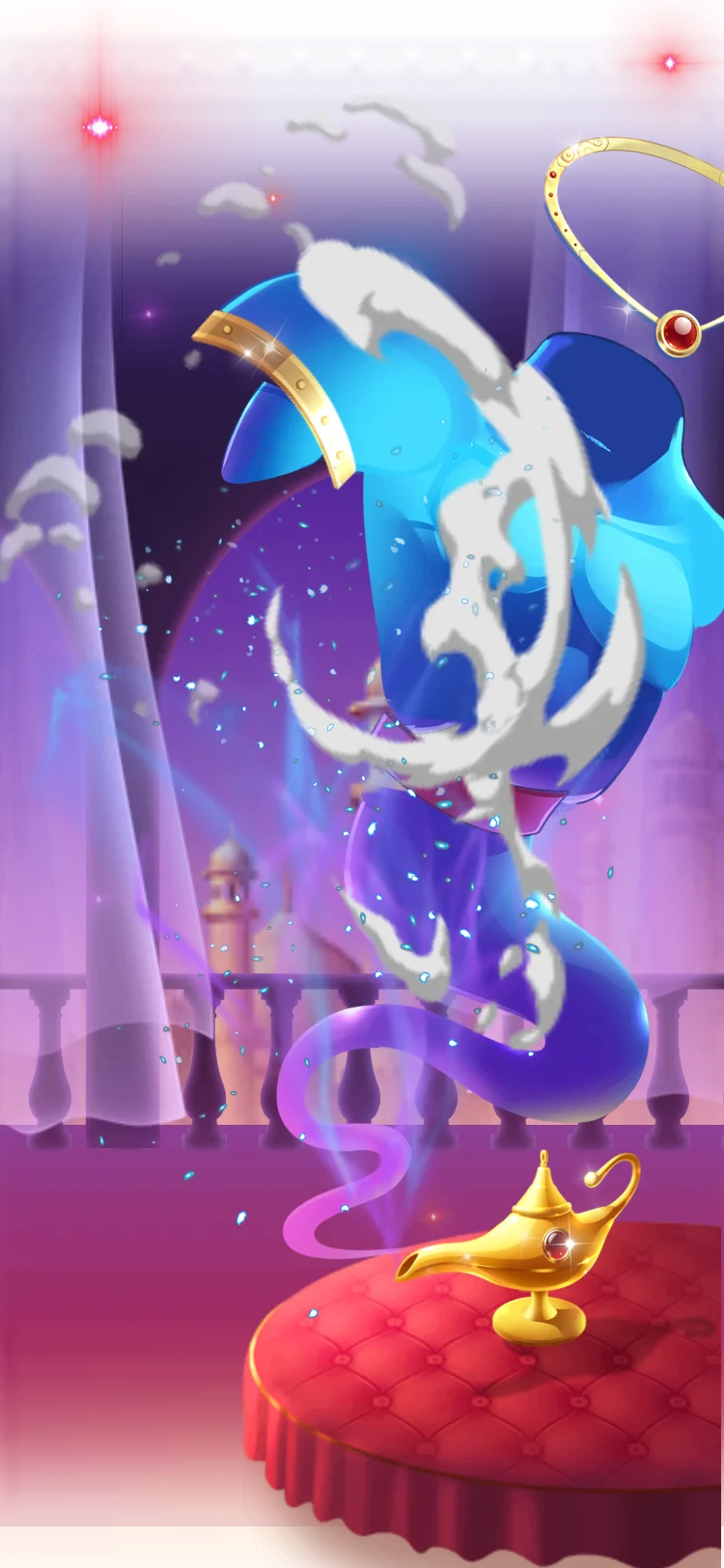 750×1624 · 7s
GiftsSVGA
Genie Lamp Wish
 Has sound · 750×1334 · 4s
Best sellerSVGA
Lightning Hot Rod


