PK Full Pack: the animations and the screens for a complete PK mode
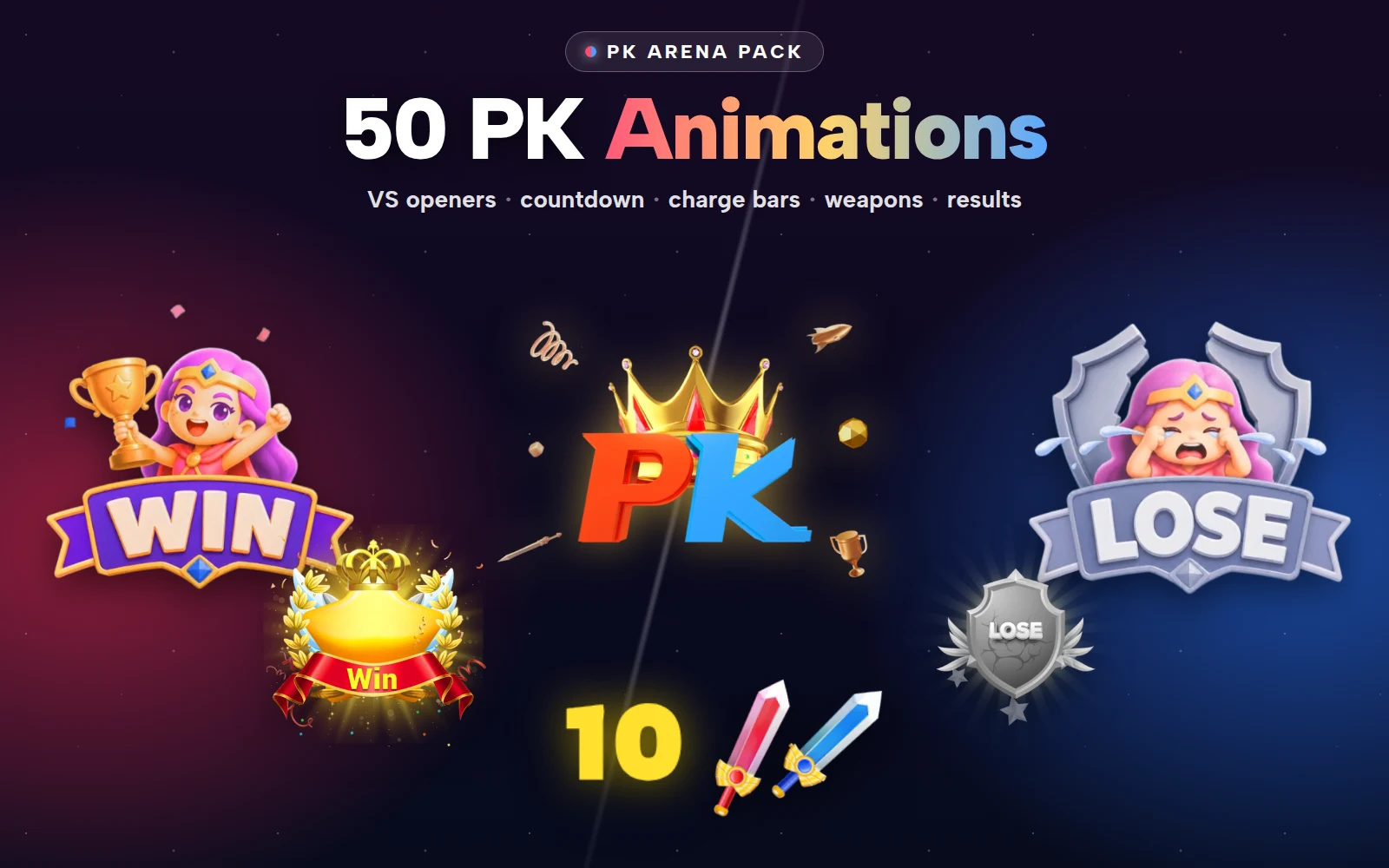
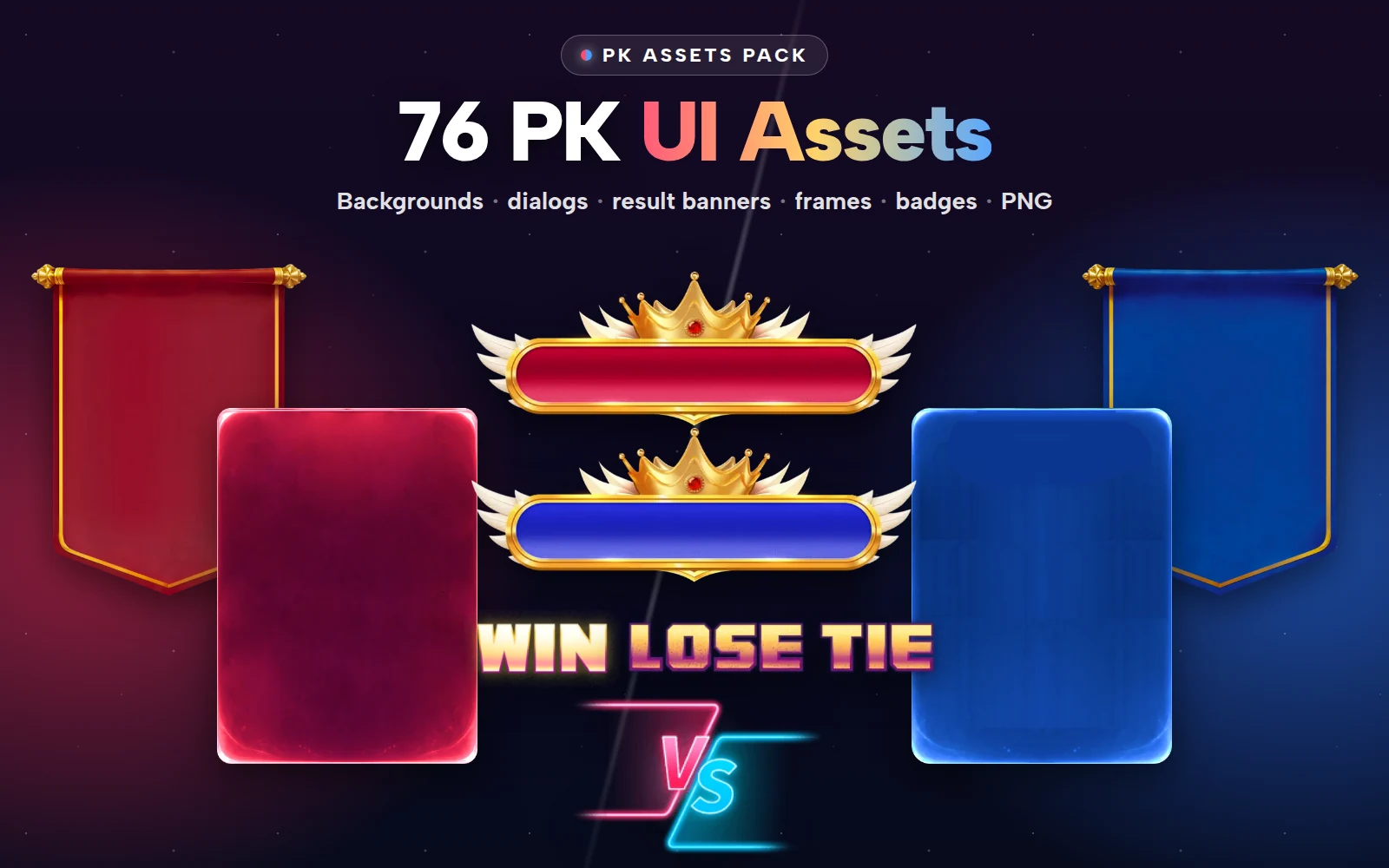
A PK mode needs more than a VS flash. It needs the backgrounds, dialogs, cards, bars and result banners around it. How the PK Full Pack's 50 animations and 76 PNG screens map onto every stage of a PK round.
svgastore team3 min read
Most PK (player kill) modes in voice-chat apps start the same way: someone designs a great VS flash, and then the team realises they also need a start screen, a countdown, a score bar, an invite dialog, result banners for three outcomes and a frame for the winner. The PK Full Pack is built so that nothing is missing. It joins two packs:
The PK Arena Pack: 50 animations in SVGA, PAG and VAP.
The PK Assets Pack: 76 PNG screens, dialogs, banners, frames and badges.
That is 126 files, sold as one pack or as the two packs separately, but not file by file.
Stage 1: the invite and the opener
A PK starts with an invitation. The assets pack has the invite dialog, invite sheet backgrounds and a rules panel as PNG. Once both sides accept, the opener plays. The arena pack has a range of them:
Crowned 3D PK Opener (750×750, 2 s, 134 KB)
Twin Avatar VS Splash (750×1624, 4 s, 136 KB), a full-screen splash built around the two hosts
Cross-Room PK VS Cards (VAP, 750×530, 2 s), in LTR and RTL
Game PK Winged VS (VAP, 750×592, 3.6 s), in LTR and RTL
Smaller title pieces: 1v1 PK Start Flash, Ice Fire PK Title, Violet Lightning PK, PK Boxing Gloves Start
- 750×750 · 2s
PK & GamesSVGA
Crowned 3D PK Opener
 750×1624 · 4s
PK & GamesSVGA
Twin Avatar VS Splash
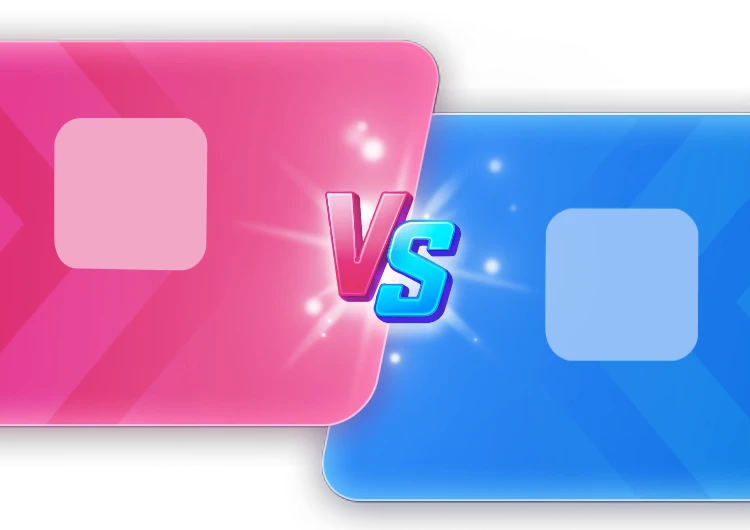 750×530 · 2s
PK & GamesVAP
Cross-Room PK VS Cards
Stage 2: the countdown
Two countdowns cover the two common cases: the PK 3-2-1 Countdown (375×812, 2 s) before the round starts, and a tiny PK Countdown (72×72, 10 s, 9 KB) for the last ten seconds of a round, light enough to sit in the score bar.
Stage 3: the round
During the round, the small pieces matter most, because they play continuously:
Charge bars, red and blue, 116×60, about 12 KB each, with a clash piece for the centre of the score bar.
Mic swords, red and blue, 80×80, 13 to 15 KB, to mark which side each mic belongs to.
Bonus weapons: gun, sword and axe at 150×150, for power-ups during a team PK.
Every directional piece, the charge bars and the mic swords, comes in a left-to-right and a right-to-left version. In an Arabic room the red side may sit on the right, and the animation needs to point the right way.
On the PNG side, the round uses the room backgrounds (single, cross-room, red-blue split, live and VIP PK), the score bar, the user bars, the seat frames and the contribution headers.
 375×812 · 2s
PK & GamesSVGA
PK 3-2-1 Countdown
 116×60 · 1.2s
PK BattleSVGA
PK Charge — Red
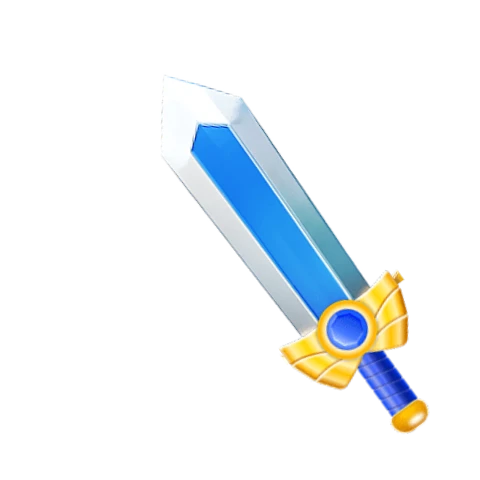 80×80 · 1.5s
PK BattleSVGA
PK Mic Sword — Blue
 150×150 · 1s
PK & GamesSVGA
Team PK Bonus Weapon Sword
Stage 4: the result
A PK has three outcomes, and each needs its own moment:
| Outcome | Animations | PNG |
|---|---|---|
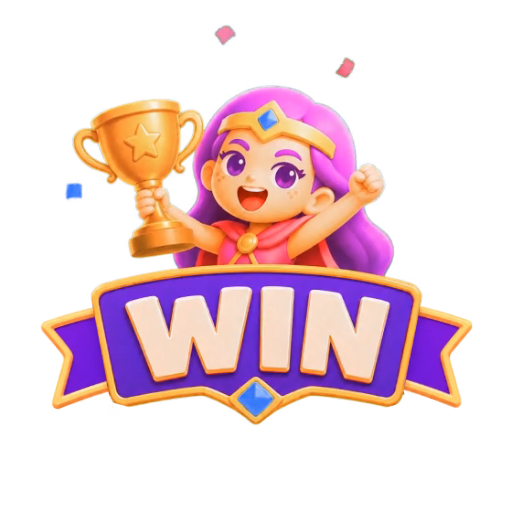
| Win | Crowned Win Shield, PK Victory Crest, Team Battle Win, Win, confetti shower, blue victory top | Blue and red result banners, crowned result plates, gold WIN badge |
| Draw | Purple Draw Shield, PK Draw Burst, Team Battle Draw, Tie, draw dialog top | Draw result banner, crowned draw plate, gold TIE badge |
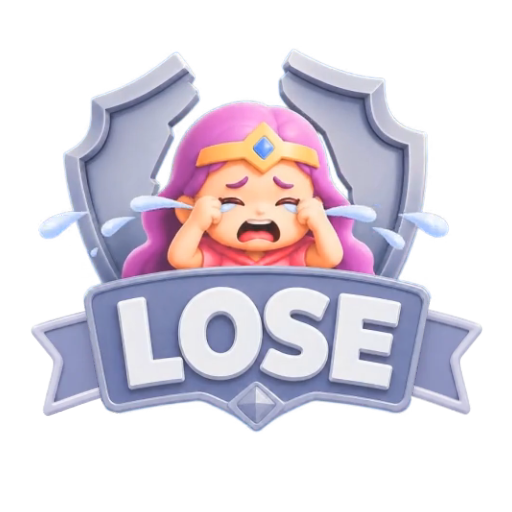
| Lose | Cracked Lose Shield, PK Defeat Ribbon, Team Battle Lose, Lose | Gold LOSE badge |
The lose side matters as much as the win. A defeat that looks like a dignified ending, a cracked shield rather than a mocking effect, keeps the losing host willing to play again.
 512×512 · 4s
PK & GamesSVGA
Crowned Win Shield
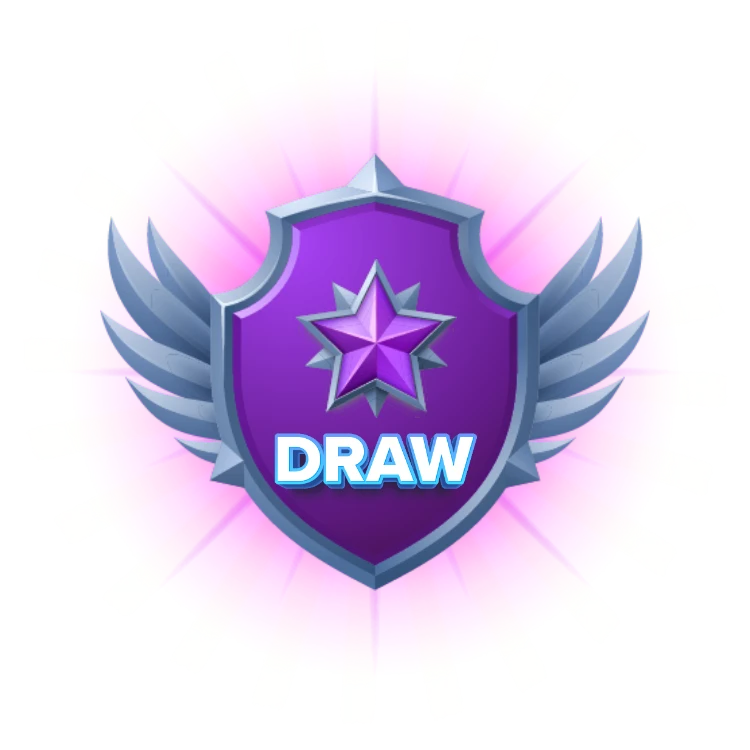 750×750 · 4s
PK & GamesSVGA
Purple Draw Shield
 750×750 · 4s
PK & GamesSVGA
Cracked Lose Shield
Stage 5: the MVP
Finally, the Crowned PK MVP Frame (750×1624, 3 s, 256 KB) puts the round's top contributor in a full-screen frame. Pair it with the contribution headers from the assets pack, which list who sent the most to each side.
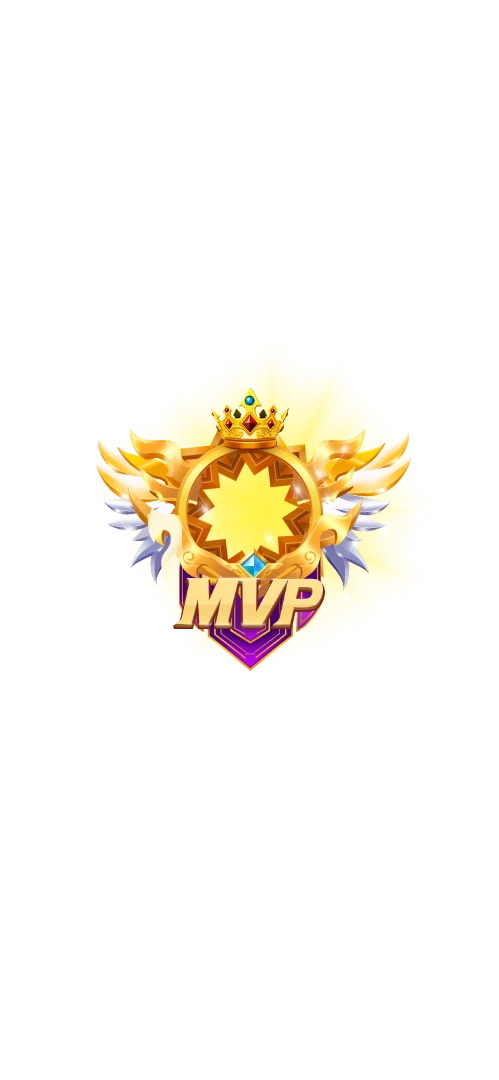 750×1624 · 3s
PK & GamesSVGA
Crowned PK MVP Frame
 720×1280 · 2.3s
PK & GamesSVGA
PK Win Confetti Shower
Formats to plan for
The arena pack mixes formats: most pieces are SVGA, the Team Battle start and results are PAG, and the cross-room and game VS cards are VAP. If your app has only an SVGA player, you can still build a full PK mode from the SVGA pieces and the PNG screens, and add the others when you add their players.
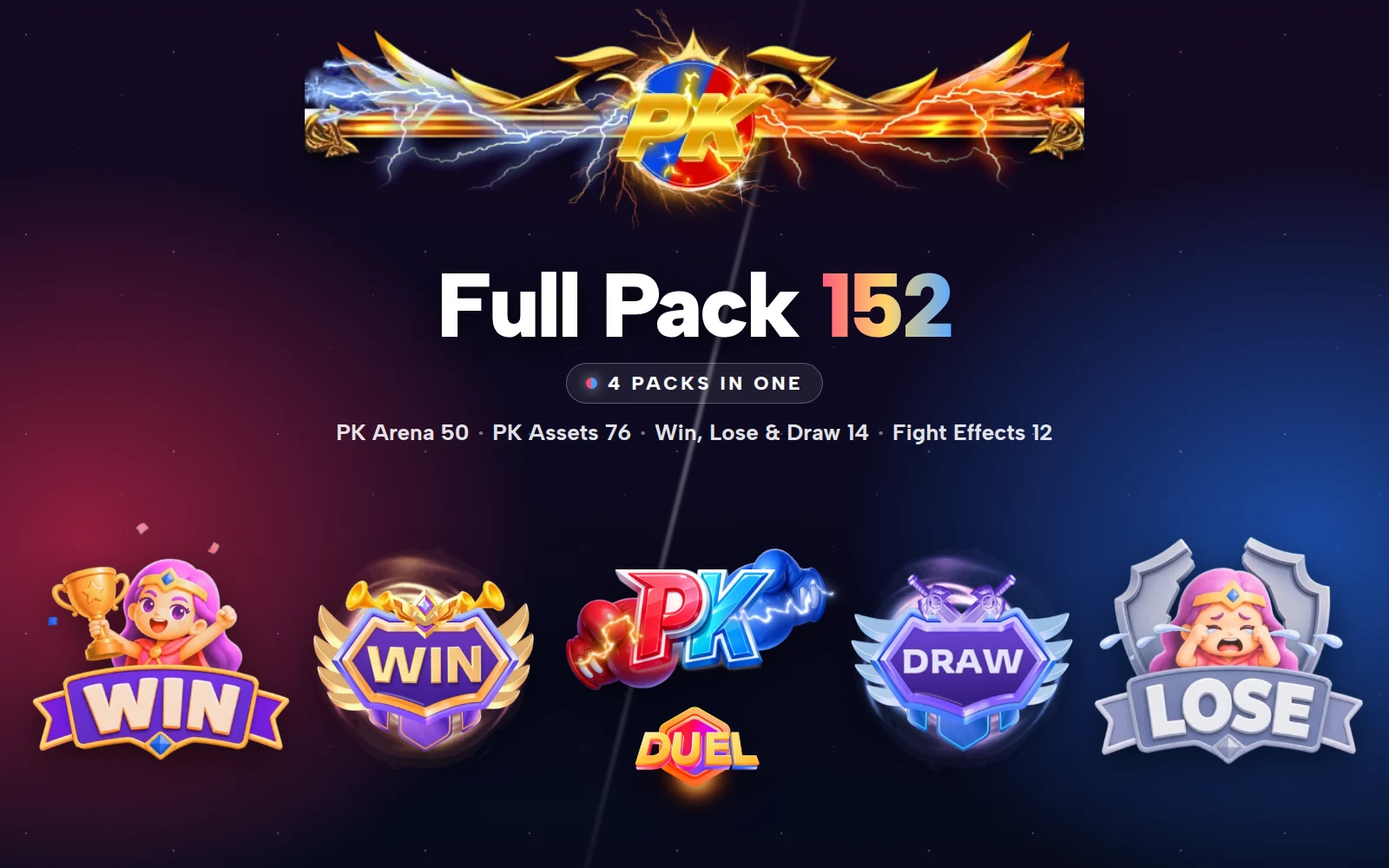
PK Full Pack
Every PK animation, screen piece, result badge and fight effect — four packs in one
Next step
Draw your PK round as five stages, invite to MVP, and tick off which file covers each screen. Check the LTR and RTL pieces in the free viewer if you serve right-to-left languages.