Gift numbers and coin multipliers: the counts that burst over a room
When gifts stack up, the room wants to see the count. Which numbers to celebrate, why 66, 88 and 888 deserve their own animation, two styles of gift number, and the coin-return multipliers from x5 to x1000.
svgastore team3 min read

When someone sends the same gift again and again, the room should feel the count rising. A small "x12" in the corner does not do that. A big number that bursts over the room at the right moments does. The question is which moments, and two new packs answer it with a ready-made list of counts.
Which numbers to celebrate
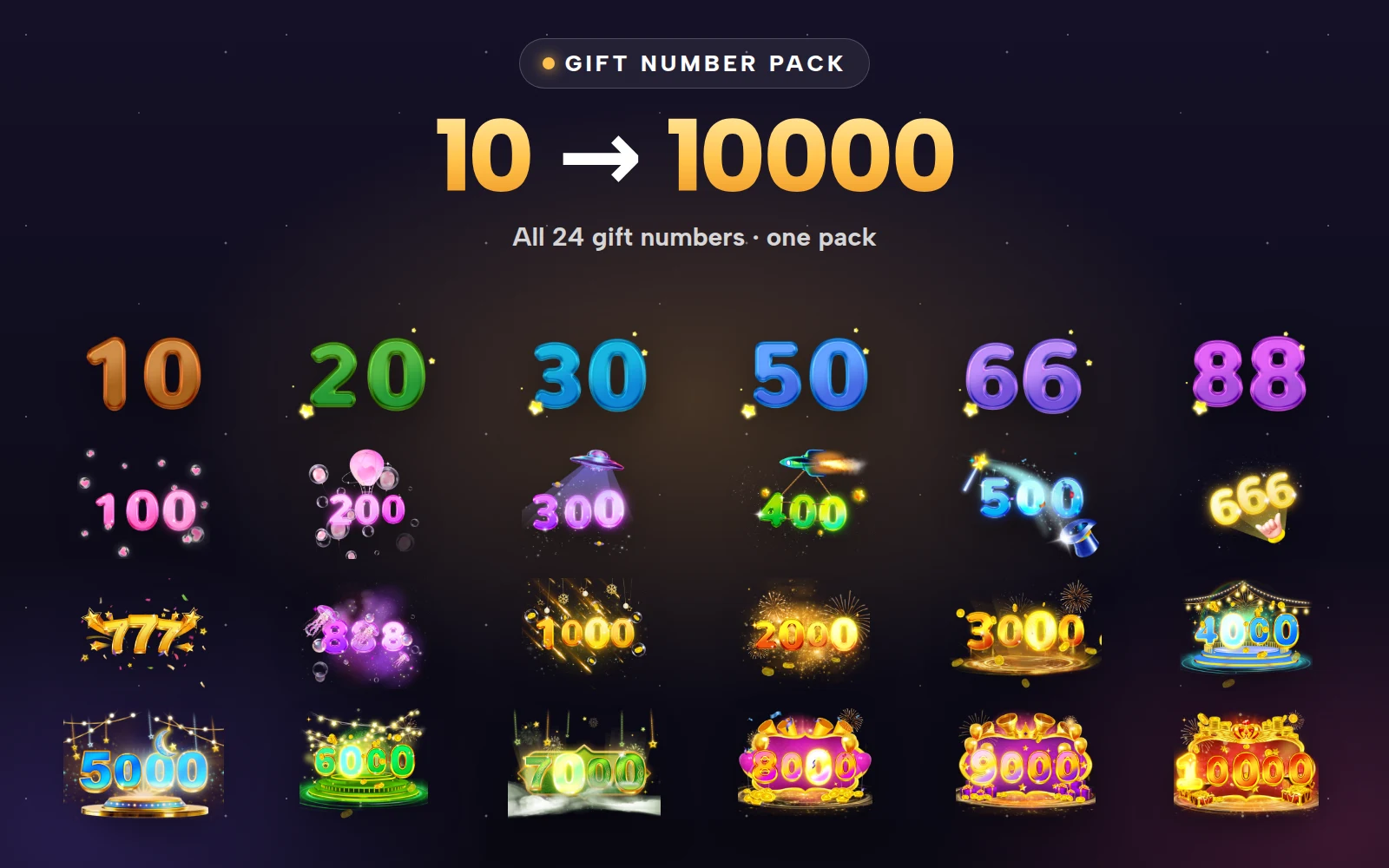
Celebrating every gift would bury the room in numbers. The Gift Number Pack picks 24 milestones:
Small steps: 10, 20, 30, 50
Lucky numbers: 66, 88
Hundreds: 100, 200, 300, 400, 500
Lucky hundreds: 666, 777, 888
Thousands: 1000, 2000, 3000, 4000, 5000, 6000, 7000, 8000, 9000
The top: 10000
The lucky numbers are the interesting part. In many of the markets where voice-chat apps are popular, repeated digits such as 66, 88, 666 and 888 carry meaning of their own, and senders aim for them on purpose. Giving those counts their own animation turns them into targets.
 750×660 · 2s
CombosSVGA
Gift Number 10
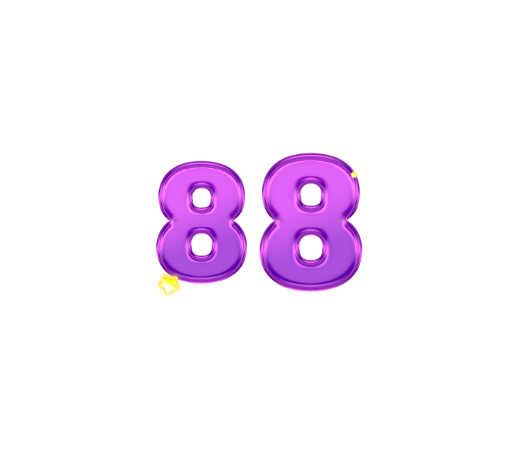 750×660 · 2s
CombosSVGA
Gift Number 88
 750×660 · 3s
CombosSVGA
Gift Number 666
- 750×660 · 3s
CombosSVGA
Gift Number 1000
 750×660 · 3.1s
CombosSVGA
Gift Number 10000
How the files are built
Every gift number in both packs is an SVGA animation at 750×660. The size and length grow with the count, which is the right way round: small milestones pass quickly and big ones take their time.
| Range | Length | Size |
|---|---|---|
| 10 to 88 | 1.8–2 s | 17–27 KB |
| 100 to 888 | 2.5–3.6 s | 69–187 KB |
| 1000 to 10000 | 3–3.6 s | 148–371 KB |
The whole first pack is under 3.5 MB, light enough to bundle with the app so a count never waits on the network.
Two styles
The Gift Number Pack II has 21 counts in a second style, where each number appears inside a scene: balloons, rockets, fireworks, lanterns and stages. It covers the same range from 10 to 10000, without 777, 5000 and 7000.
Two styles give you options:
Use one style for ordinary gifts and the other for event gifts, so a count during a festival looks different from an everyday one.
Or use one style per tier of gift, so a big count on a small gift and a big count on a premium gift do not look the same.
 750×660 · 3.6s
CombosSVGA
Gift Number 888 II
 750×660 · 3s
CombosSVGA
Gift Number 1000 II
 750×660 · 3.6s
CombosSVGA
Gift Number 10000 II
Coin multipliers for lucky gifts
A lucky gift pays some coins back to the sender, sometimes many times the gift's value. That moment needs its own display, separate from the gift count. The Coin Multiplier Pack has six: x5, x10, x100, x250, x500 and x1000, each a glossy bubble number beside a gold coin.
All six are SVGA banners at 750×300 and 15 fps, from 20 to 86 KB.
They grow in colour and length with the multiplier, from purple and blue at the low end to green and gold at the top: x5 runs for 1.9 seconds, x250 and x500 for 4.
Show the multiplier to the sender full-width, and announce the big ones (x500 and x1000) to the whole room. Those are the moments that make other people try a lucky gift.
 750×300 · 1.9s
CombosSVGA
Reback Gift Multiple 5
 750×300 · 2.2s
CombosSVGA
Reback Gift Multiple 100
 750×300 · 3.7s
CombosSVGA
Reback Gift Multiple 1000
Rules that keep counts readable
One count on screen at a time. If a new milestone arrives while one is playing, replace it rather than stacking.
Count per sender, per gift. A count that mixes different gifts or different senders means nothing to the room.
Reset after a pause. If a sender stops for more than a few seconds, end the streak and start again from 1.
Keep multipliers apart from counts. A count says how many; a multiplier says how much came back. Show them in different places so nobody confuses the two.
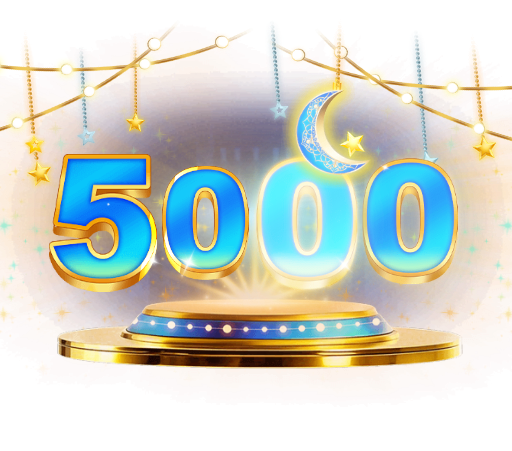


Gift Number Pack
Every gift number from 10 to 10000 in one pack
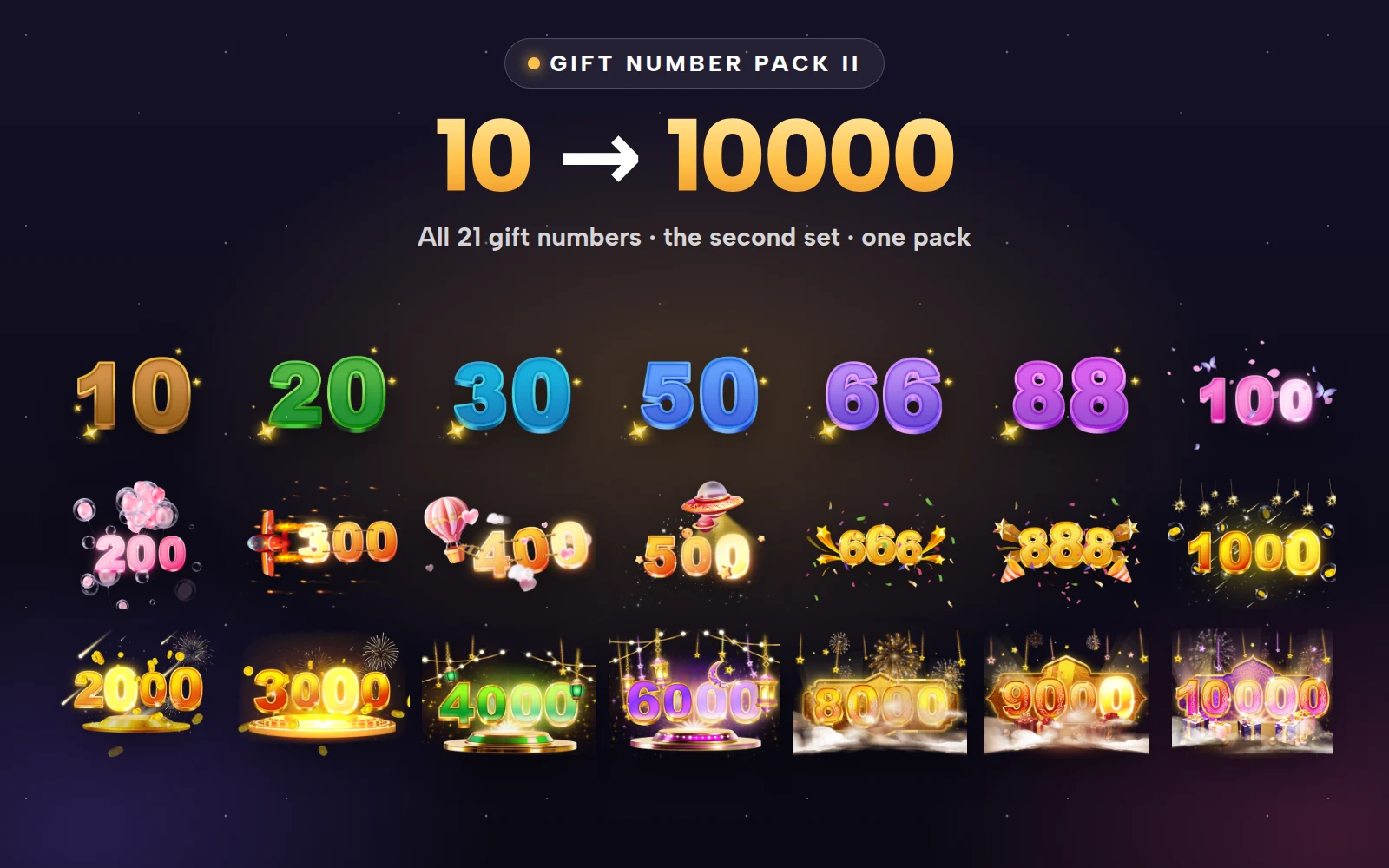


Gift Number Pack II
The second gift-number set, 10 to 10000
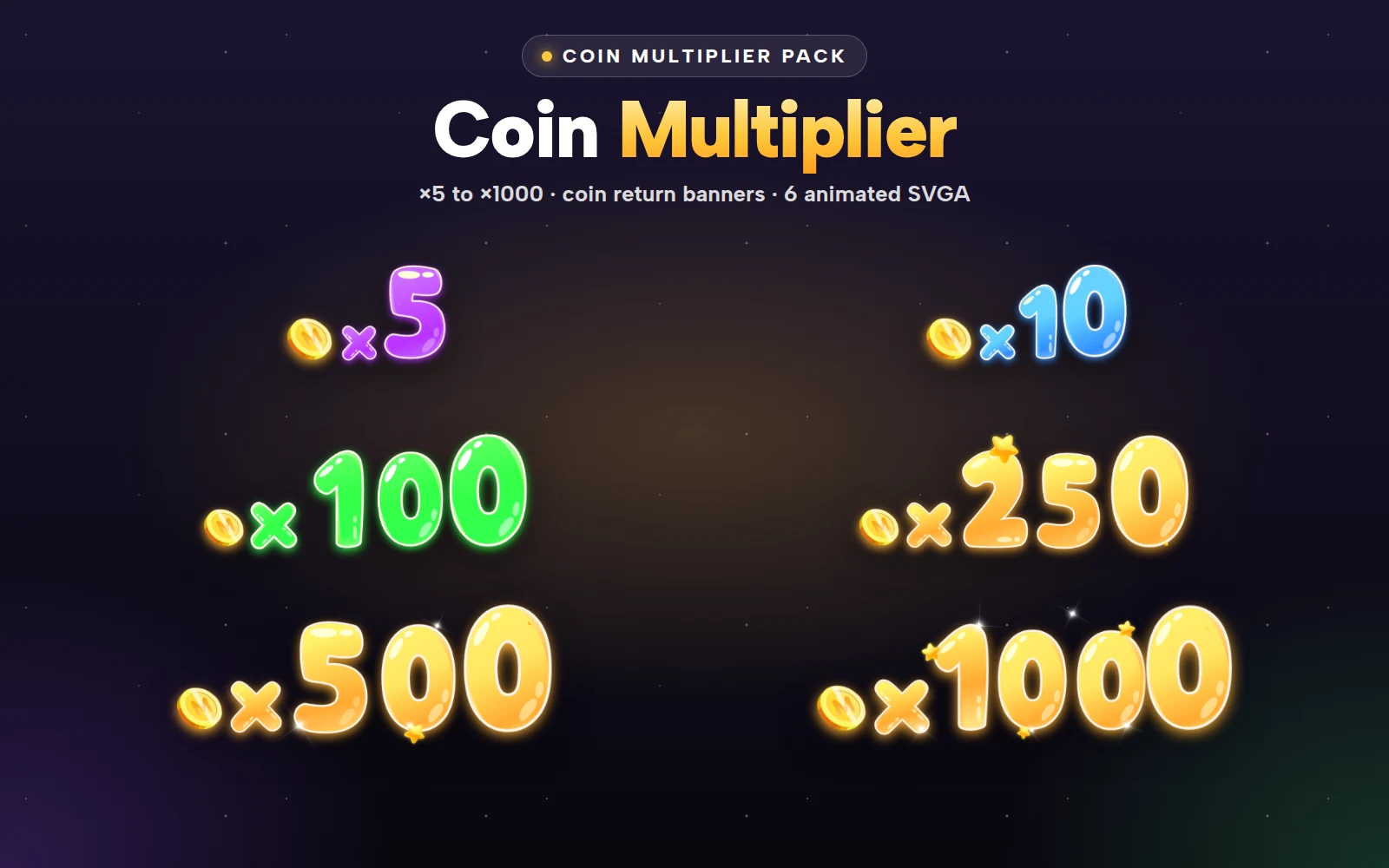
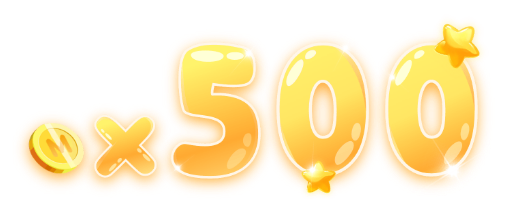

Coin Multiplier Pack
Coin return ×5 to ×1000 in bubbly numbers
Next step
Pick which of the 24 milestones your app will show, and mark the lucky numbers your audience cares about most. Then play the two styles side by side in the free viewer on your room background to choose between them.