Animation or still? Why the new packs ship PNG alongside SVGA
Most of October's packs pair every animation with a PNG still, and some packs are PNG only. Here is why, where a still is the better choice, and how the CP Assets and PK Assets packs fill in the screens around the animations.
svgastore team3 min read
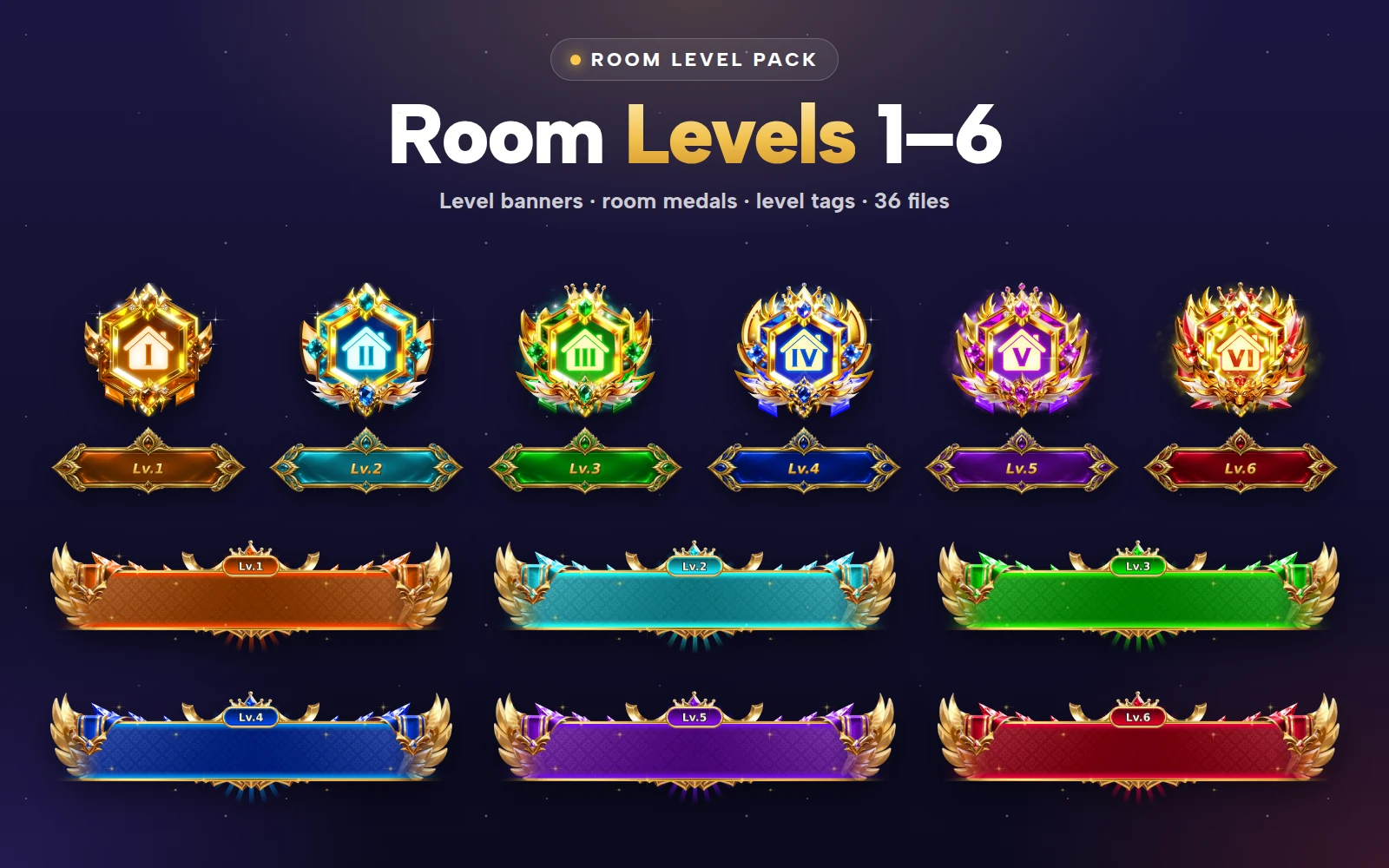
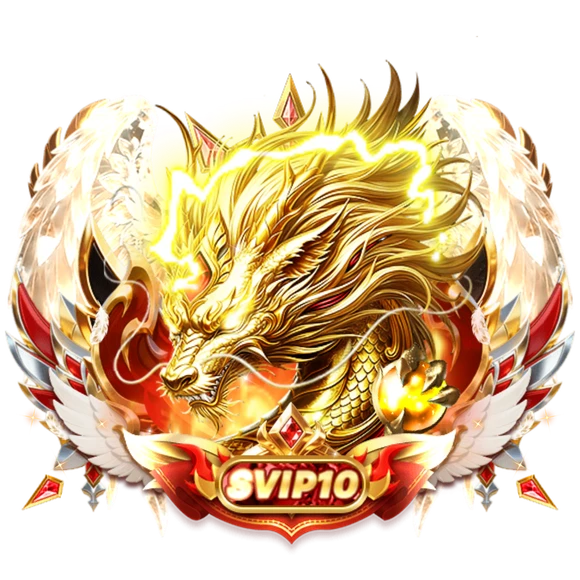
Look through the packs added in October and a pattern stands out. The Room Level Pack has 18 animations and 18 PNG stills. The Influence Level Pack has 30 of each. The Game Tier Pack pairs every badge with a PNG medal and every banner with a still. The SVIP Imperial sets ship a still for eight of their nine animations. And some packs, such as the CP Assets Pack and the PK Assets Pack, are PNG only.
This is not padding. A live app needs both, and knowing which to show where is one of the easiest ways to keep it fast.
The rule of thumb
Animate the thing the user is looking at. Show a still for everything else.
An animation earns its cost when it is the focus of the screen: a profile being opened, a level-up moment, an entry. A still is the better choice whenever many items appear together, when the item is small, or when the screen scrolls.
| Screen | Show |
|---|---|
| A user's own profile | Animation |
| A level-up or rank-up moment | Animation |
| A room entry | Animation |
| A seat list with 8 to 16 seats | Animation for the speaker, stills for the rest |
| Chat | Animation for the newest message, stills for older ones |
| Rankings and leaderboards | Stills below the top three |
| Search results and room lists | Stills |
| Push notifications and emails | Stills |
Same canvas, easy swap
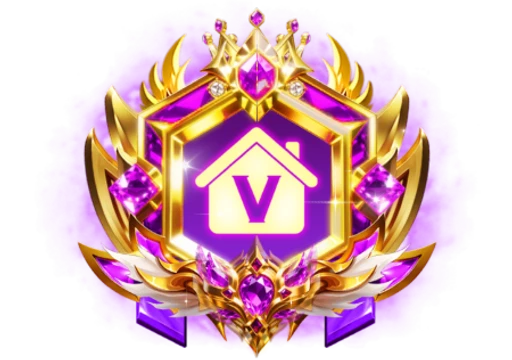
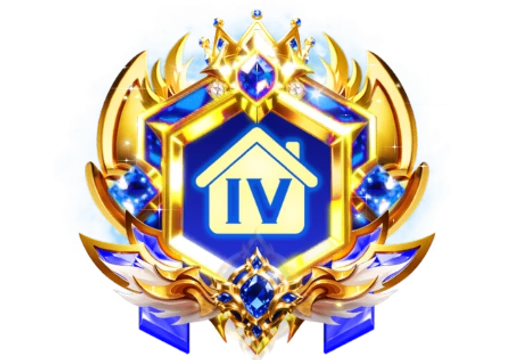
In the new packs, each still has the same canvas as its animation. A room level medal is 450×316 whether it moves or not; an influence tag is 228×80 either way. That makes the swap trivial: render the still first, then replace it with the animation once it has loaded and the item is in focus, with no change to the layout.
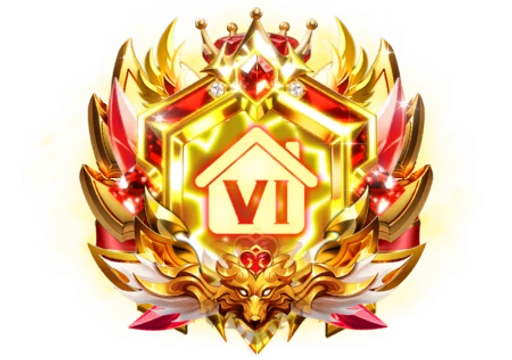 −20%450×316 · 3s
Room Level SetsSVGA
Room Level 6 Medal
- −20%450×316
Room Level SetsPNG
Room Level 6 Medal Still
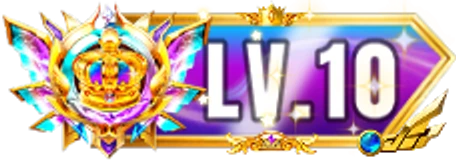 −20%228×80 · 2s
Influence SetsSVGA
Influence Lv 10 Tag
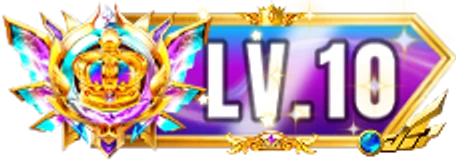 −20%228×80
Influence SetsPNG
Influence Lv 10 Tag Still
The size difference
The saving is often large. Some real pairs from the new packs:
| Piece | Animation | Still |
|---|---|---|
| Room Level 6 banner | 1.42 MB | 143 KB |
| Influence Lv 10 banner | 1.41 MB | 146 KB |
| Influence Lv 10 tag | 73 KB | 40 KB |
| SVIP Imperial 1 room background | 6.56 MB | 801 KB |
| SVIP Imperial 1 profile card | 7.24 MB | 968 KB |
A list of twenty users with animated banners would download about 28 MB; with stills, under 3 MB. And download size is only half of it: every animation on screen also costs memory and drawing time on the phone.
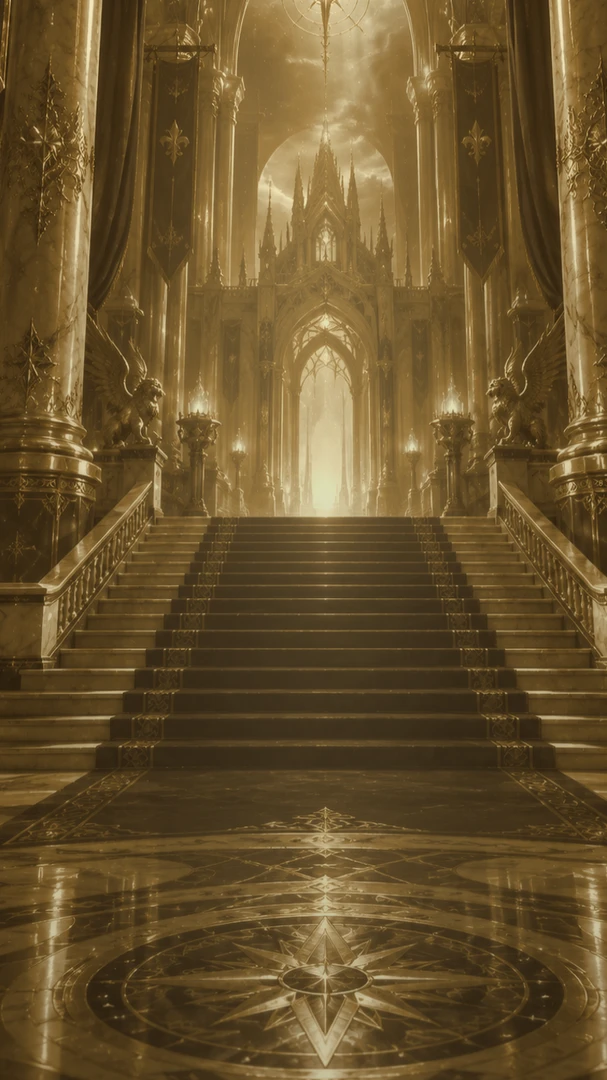 −20%750×1334 · 4s
VIP SetsSVGA
SVIP Imperial 10 Room Background
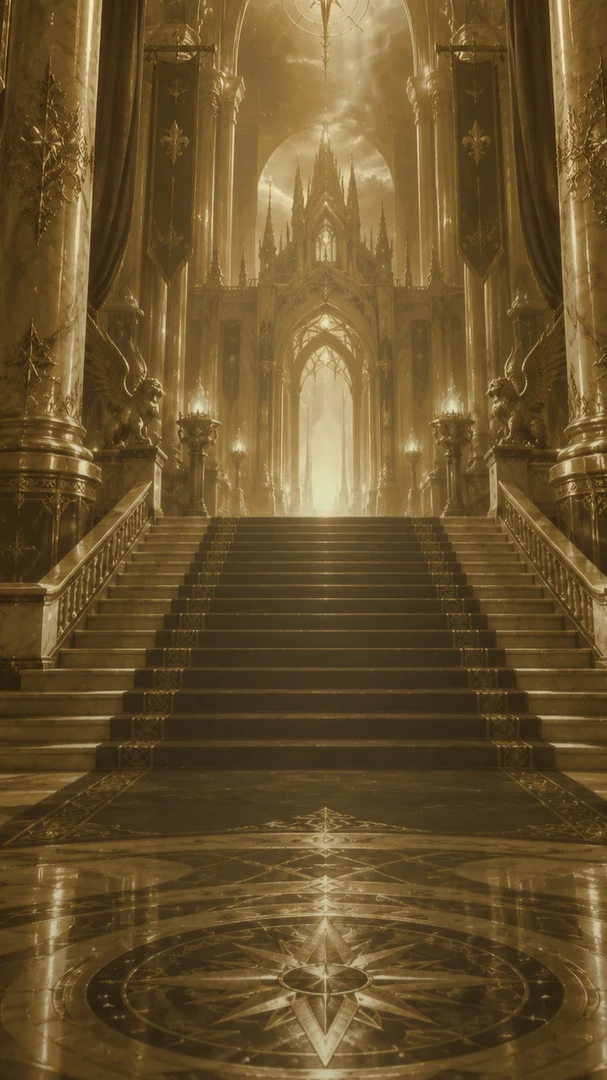 −20%750×1334
VIP SetsPNG
SVIP Imperial 10 Room Background Still
When the whole pack is PNG
Some parts of an app should never move: dialogs, panels, cards, backgrounds behind text, tabs and bars. For those, two new packs are PNG only.
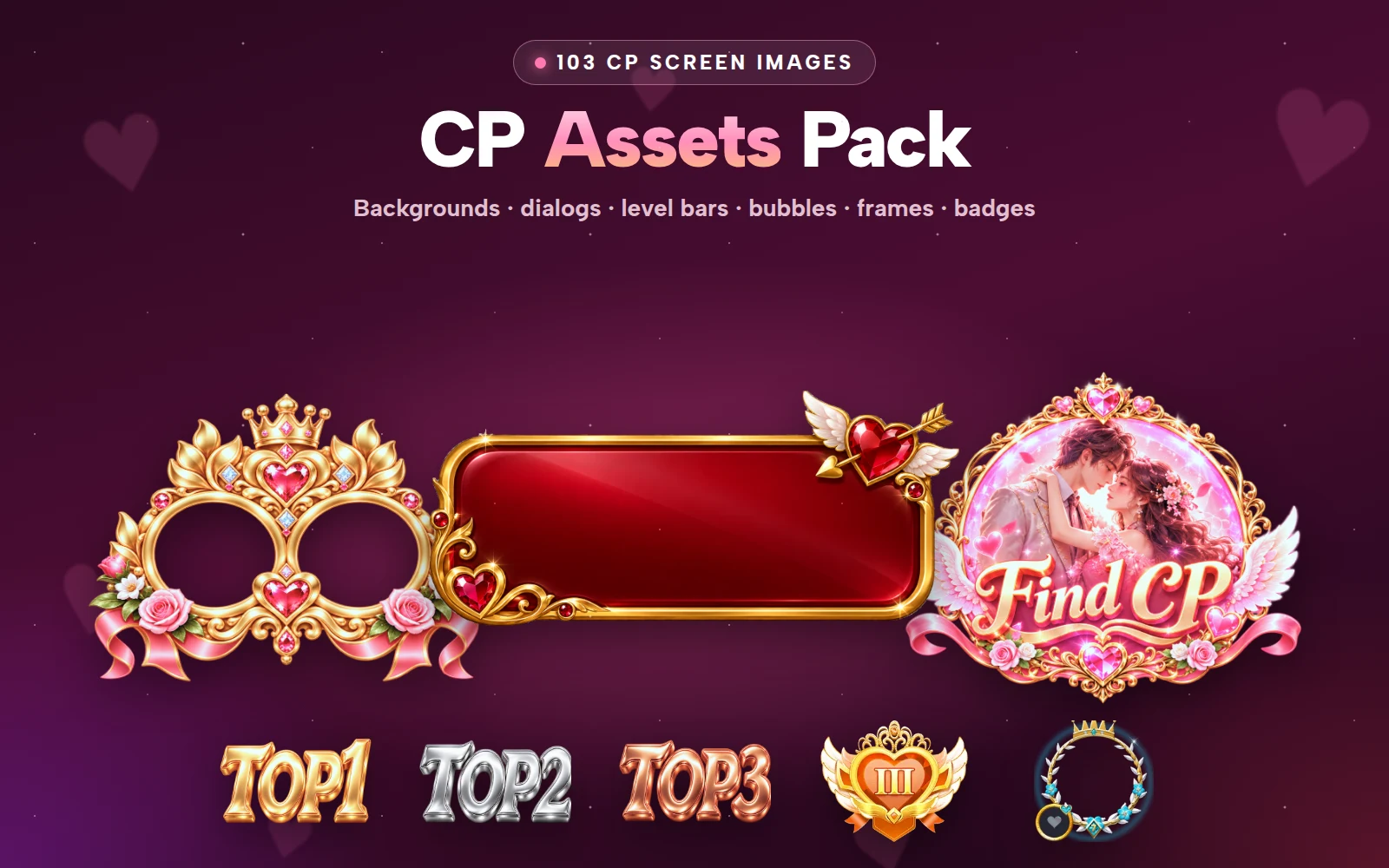
CP Assets Pack (103 PNG)
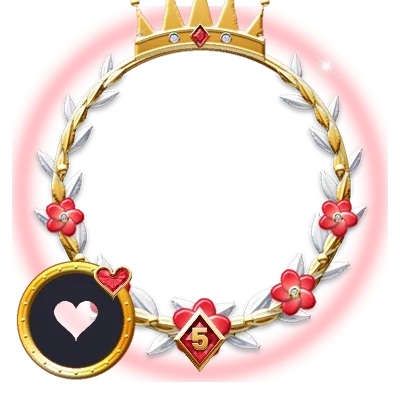
The CP Assets Pack is the screen kit around the CP animations: full-screen backgrounds and page headers, dialogs and panels, CP cards, CP level bars 1 to 7 and rank bars, four large chat bubbles, CP avatar frames for levels 1 to 10, couple frames for the weekly top three, TOP 1 to 3 titles, CP medals I to V, badges, tabs, gift tiles and gender icons.
PK Assets Pack (76 PNG)
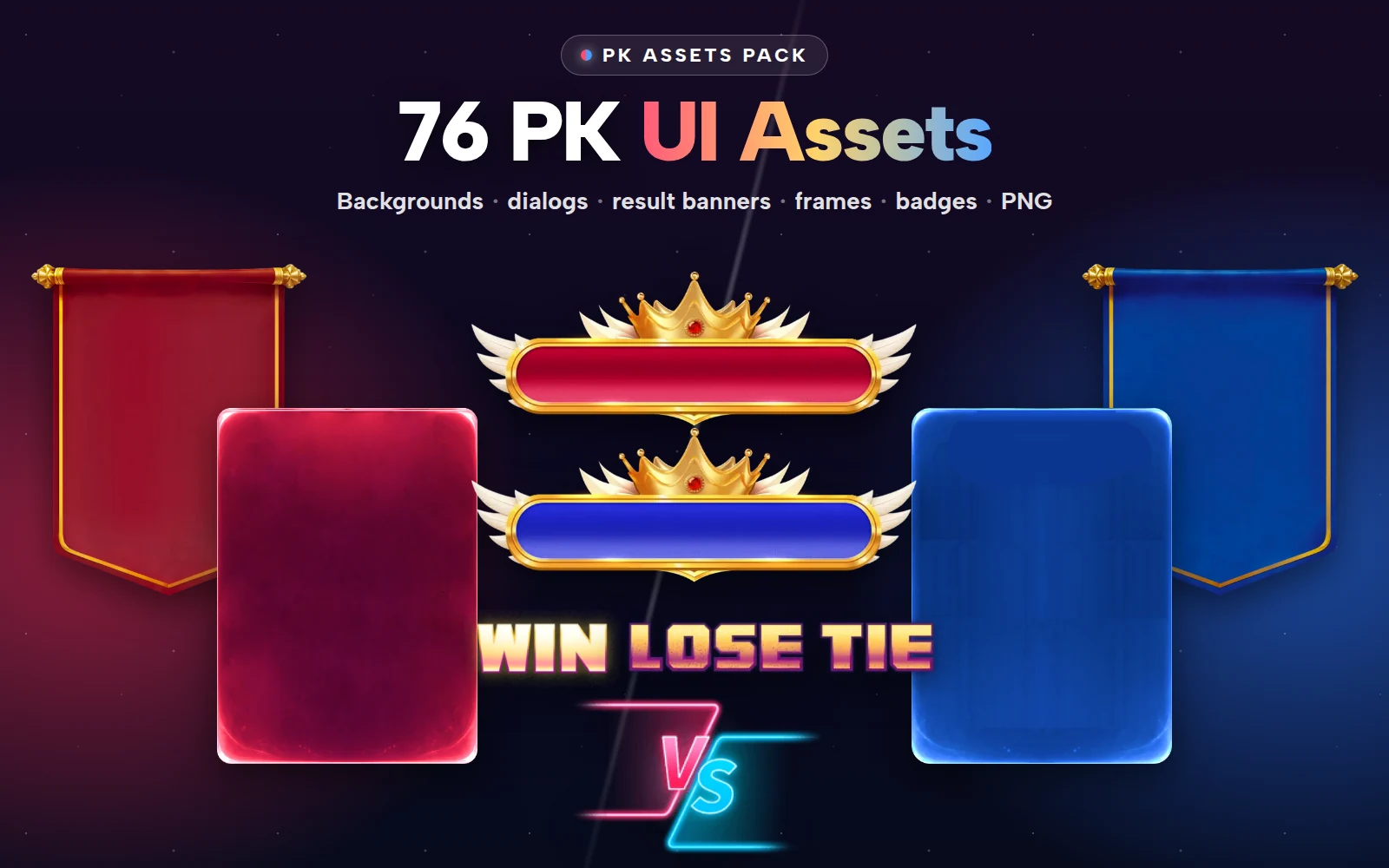
The PK Assets Pack does the same for PK: room backgrounds, panel backdrops, invite and result dialogs, red and blue team cards, result banners and plates, WIN, LOSE and TIE badges, seat frames, name strips, score bars and level ribbons.
Neither is meant to replace the animations. They are what the animations sit on.
Levels that are PNG by design
Long level ladders are a special case. The Rich Level and Charm Level packs each hold 101 PNG badges, levels 0 to 100. A badge next to every user name in a busy room, all animated, would be far too much; as PNG, each rich level badge is 23 to 49 KB. Pair them with an animated moment, such as a level-up banner, for the times the level actually changes.
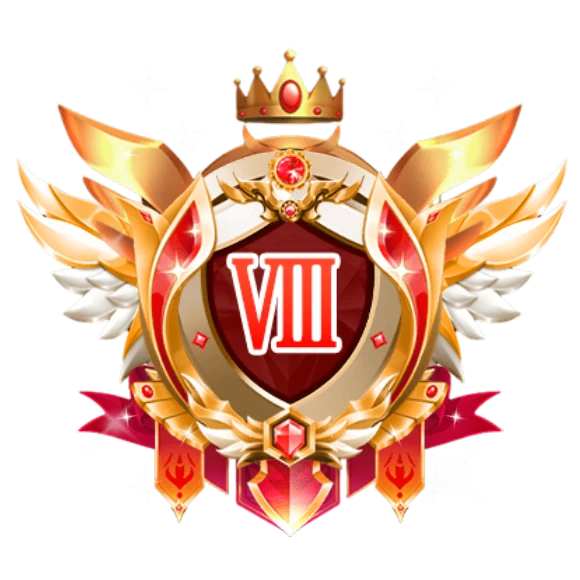 −20%580×580 · 3.4s
Rank SetsSVGA
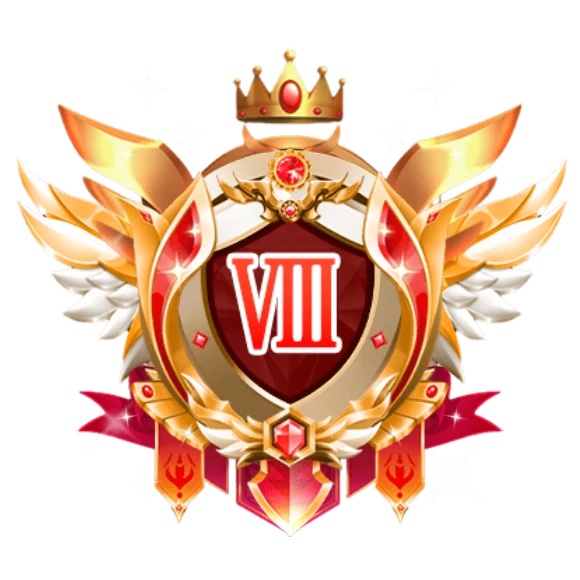
Game Tier Conqueror Badge
 −20%580×580
Rank SetsPNG
Game Tier Conqueror Medal
 −20%400×160
CPPNG
CP Level 7 Bar
 −20%258×117
RichPNG
Rich Level 100

CP Assets Pack
103 CP screen images: backgrounds, dialogs, level bars, chat bubbles, frames and badges
PK Assets Pack
76 PK screen backgrounds, dialogs, result banners, frames and badges
Next step
List the screens in your app where a badge, frame or banner appears, and mark each one "animate" or "still" using the table above. Then check that every animated file you buy has its still, or that you can export one. Most of the new level and VIP packs include them.