


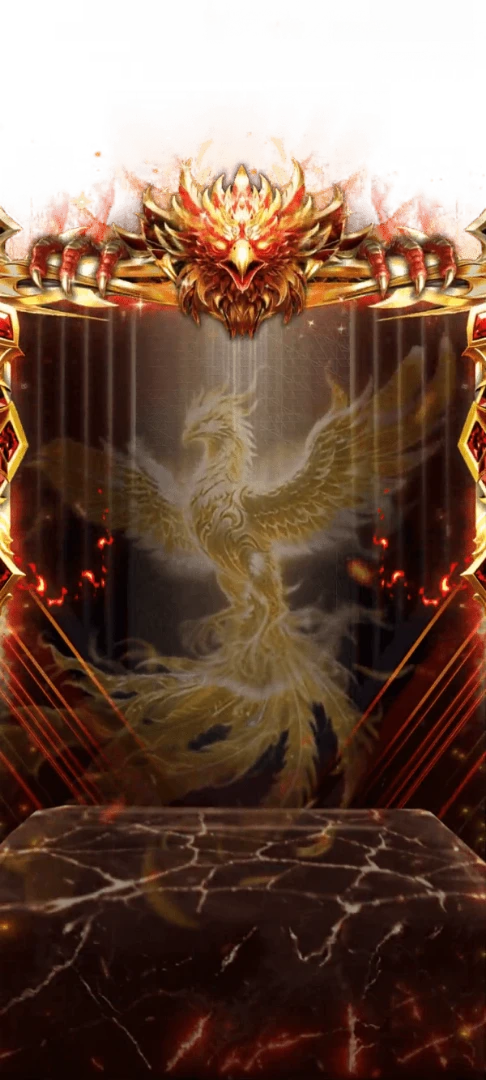
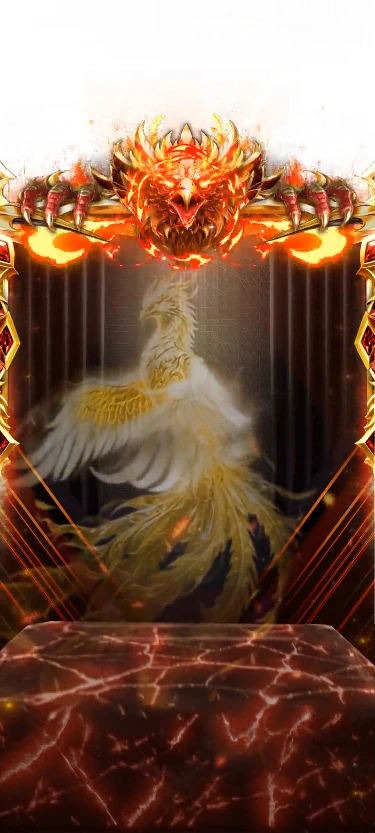
750×154 · 4s
New: App Starter Pack — 368 files for a new app at $199 (Save 64%)See the pack
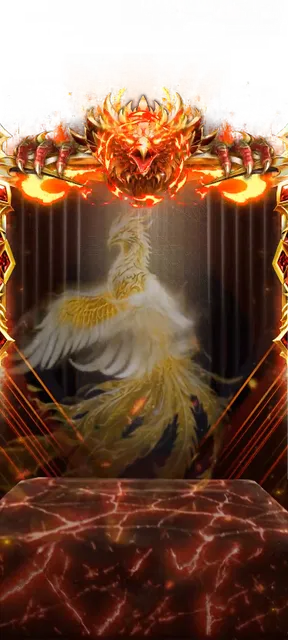
The phoenix card held as one still
In this still the crest above the curtains glows with molten orange cracks, flames lick both ends of its gold bar and a pale gold phoenix spreads white and gold wings over the red-veined marble block. Measuring 375×833, half the reveal's width and height, the 595 KB PNG fills static card spots on the VIP 7 page.
Sold with the set
Part of VIP Set 7
This file comes with the whole VIP Set 7 set and is not sold on its own.
Format
PNG
Dimensions
375×833
Type
Still artwork
Transparency
Alpha
File size
595 KB
Use
Any app
Better value
Included in VIP Set 7
52 animations for $26 (save 69%)
Works out at $0.50 per animation vs $1 on its own.
VIP 7 Phoenix Card Still is a PNG gift image for live-streaming and voice chat apps. In this still the crest above the curtains glows with molten orange cracks, flames lick both ends of its gold bar and a pale gold phoenix spreads white and gold wings over the red-veined marble block. Measuring 375×833, half the reveal's width and height, the 595 KB PNG fills static card spots on the VIP 7 page.
A 375×833 still image. The whole file is 595 KB.
| SKU | AVG-5606 |
|---|---|
| File name | vip_7_phoenix_card_still.png |
| Format | PNGStill image with alpha transparency |
| Version | PAG |
| File size | 595 KB609,756 bytes |
| Dimensions | 375 × 833 px |
|---|---|
| Aspect ratio | 1:2.22 |
| Shape | Tall |
| Suggested stage | Dark background |
| Category | VIP Sets |
|---|---|
| Added | Oct 16, 2026 |
Figures are read from the .png file itself, not typed in by hand.
More VIP Sets
More from VIP Sets and matching tags — hover a card, or tap its play button, to see it move.


VIPSVGA

GiftsSVGA

FramesSVGA

BadgesSVGA
BadgesSVGA
BadgesSVGA

BadgesSVGA
BannersSVGA

BannersSVGA

BannersSVGA