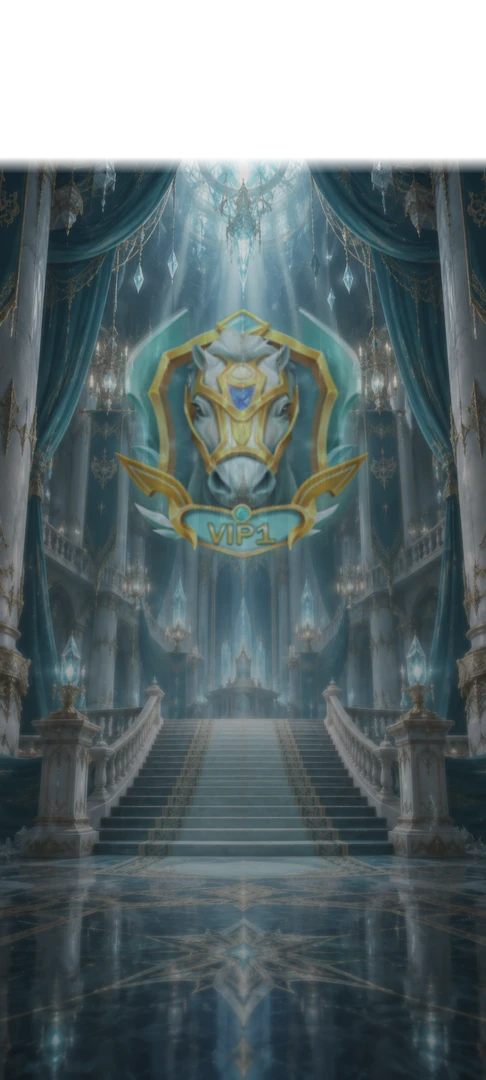
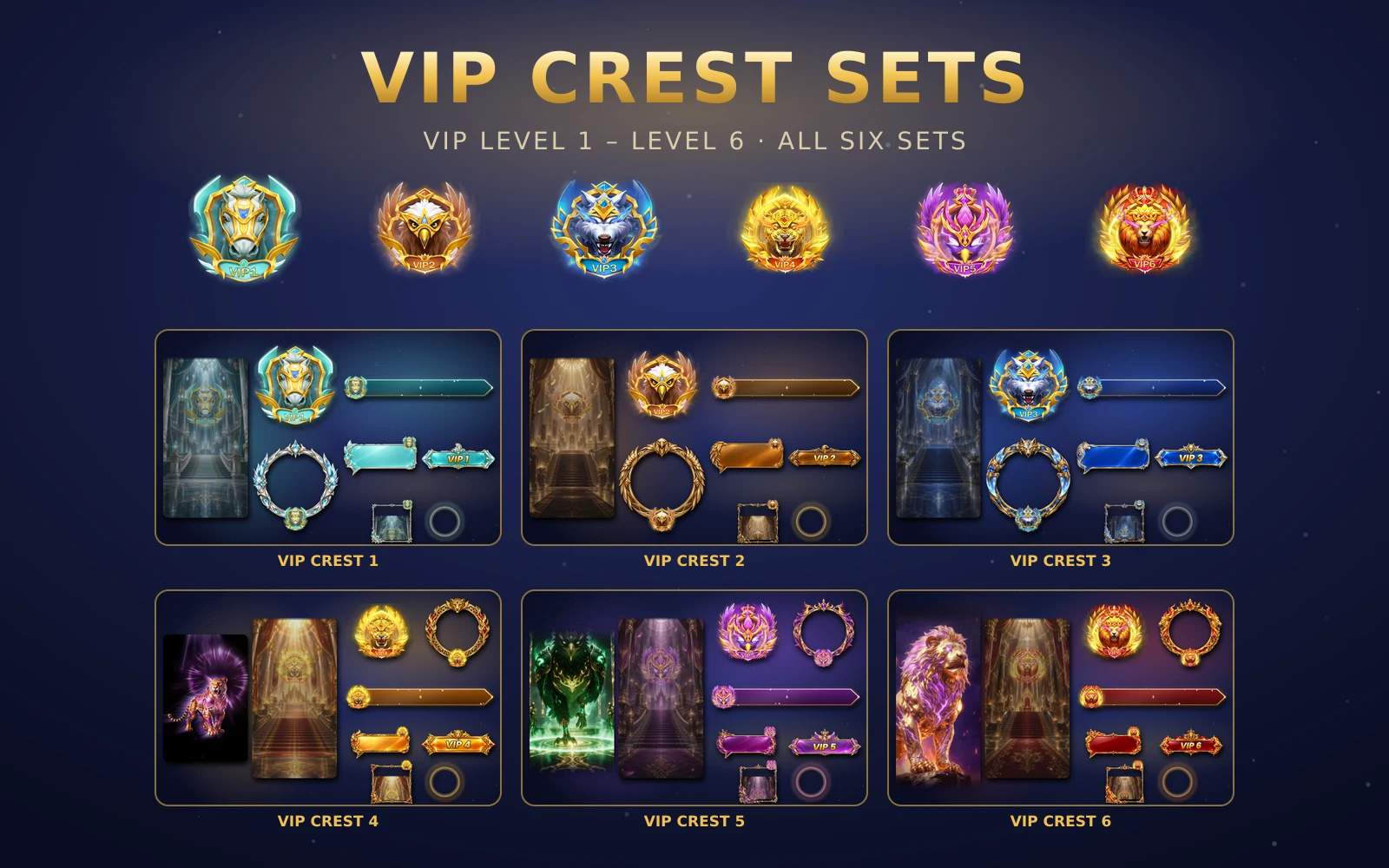
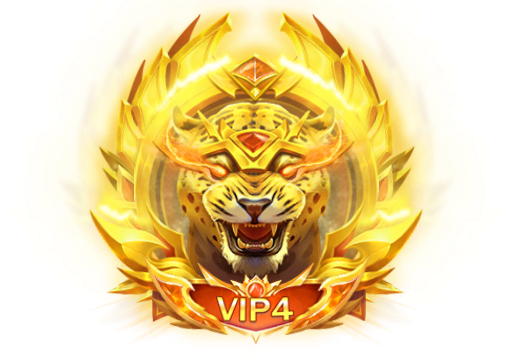
VIP Crest Sets: six matched kits for VIP levels 1 to 6
The VIP Crest collection gives VIP levels 1 to 6 one animal each, from a silver horse to a crimson lion, with the profile frame, room frame, banner, mic wave, badge, chat bubble, tag and card to match.
svgastore team4 min read

A VIP level only feels like a level when people can see it. The user who reaches VIP 3 wants the room to notice: on their avatar, on their seat, in the chat and in the banner that announces them. The VIP Crest collection is built for exactly that. It covers VIP levels 1 to 6, gives each level one animal and one colour, and puts that crest on every surface a VIP user touches.
One animal per level
The six sets climb in both animal and finish:
| Set | Animal | Files |
|---|---|---|
| VIP Crest Set 1 | Silver horse | 12 |
| VIP Crest Set 2 | Bronze eagle | 12 |
| VIP Crest Set 3 | Sapphire wolf | 12 |
| VIP Crest Set 4 | Golden leopard | 13 |
| VIP Crest Set 5 | Violet phoenix | 13 |
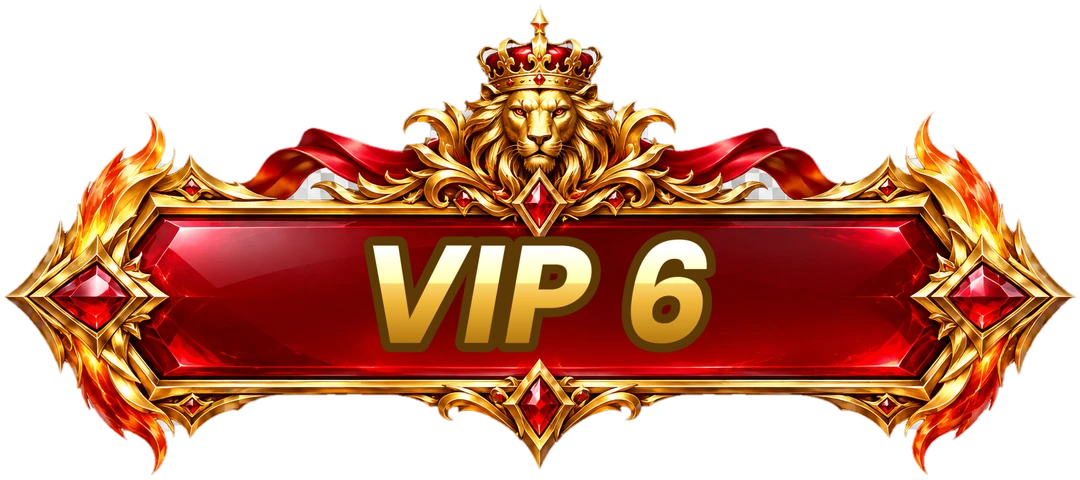
| VIP Crest Set 6 | Crimson lion | 13 |
Bought together as VIP Crest Sets — All 6, that is 75 files: 32 SVGA animations, 42 PNG images and one PAG.
The progression matters more than any single animal. A user at level 2 should be able to see level 6 in someone else's profile and understand at once that it is further up the same ladder. Keeping the frame shapes, banner sizes and badge sizes identical across all six sets, and changing only the animal and colour, does that work for you.
 488×340 · 3.8s
VIPSVGA
VIP 1 Horse Badge
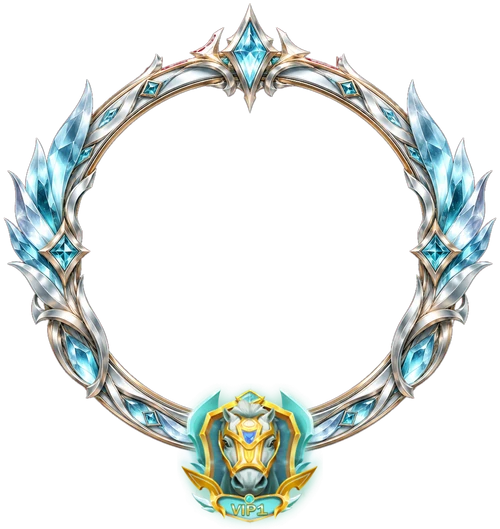 500×529 · 1.3s
VIP SetsSVGA
VIP Crest 1 Profile Frame
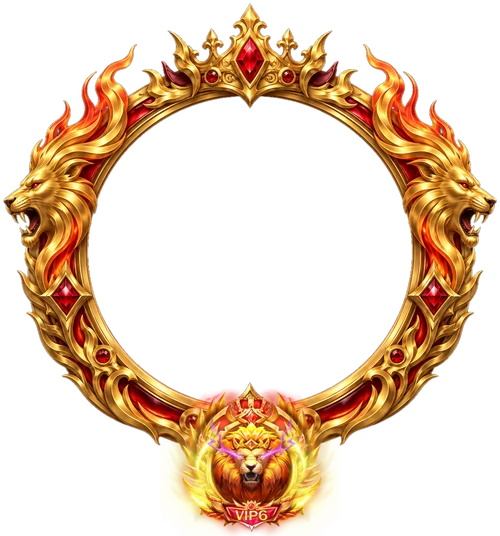 500×536 · 1.3s
VIP SetsSVGA
VIP Crest 6 Profile Frame
- 488×340 · 3.8s
VIPSVGA
VIP 6 Lion Badge
What is in each set
Every set carries the same core pieces, so you can wire them up once and swap the files by level.
Animated (SVGA)
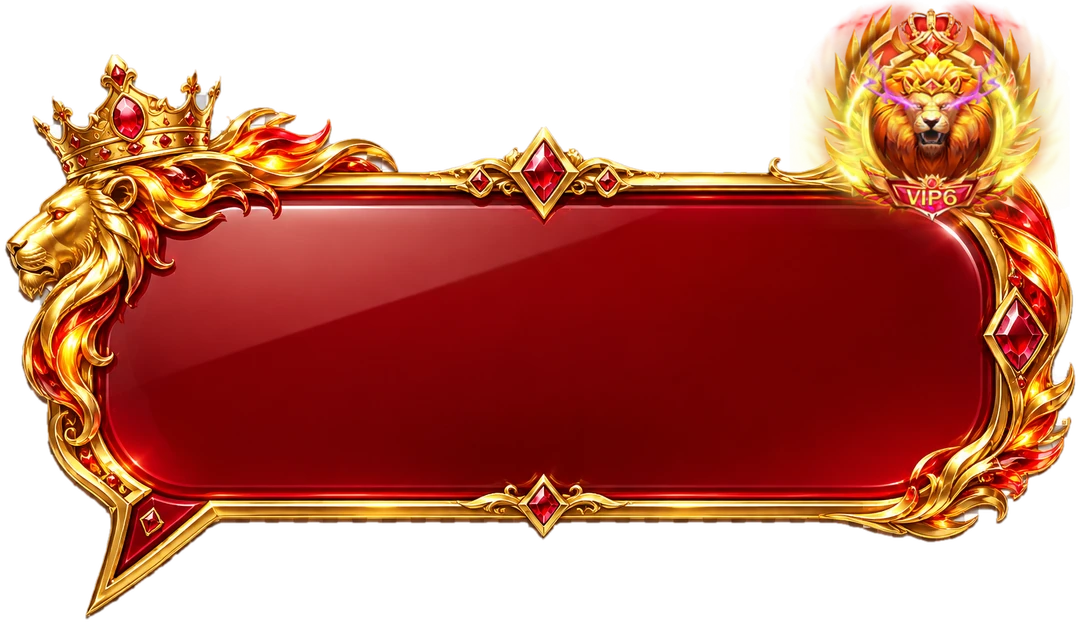
Profile frame. 500 px wide and 529 to 560 px tall, 12 fps, a 1.3-second loop, about 1.0 to 1.3 MB. It sits around the avatar on the profile page.
Room frame. 560 px wide, 12 fps, 1.3 seconds. This is the version for the mic seat inside a room, where it plays next to other users' frames.
Notification banner. 900×147, 12 fps, 1.3 seconds, about 540 to 580 KB. Use it when a VIP joins or when the room announces their level.
Mic wave. 420×420, 20 fps, 2.4 seconds and only 54 to 61 KB. It plays around the seat while the user speaks.
Badge. The animated animal badge, 488×340, 20 fps, 3.8 seconds, from 196 KB for the horse to 608 KB for the lion.
Still (PNG)
Chat bubble and level tag as high-resolution images.
Profile card, a full-height 750×1666 card for the VIP page.
Stills of the profile frame, room frame, banner and badge, for lists, previews and places where an animation would be too much.
Why the frames run at 12 fps
The profile and room frames, and the banner, all run at 12 frames per second on a 1.3-second loop. That is a deliberate choice for pieces that stay on screen. A room can show eight or more seats at once, and a frame that loops forever on every seat costs more than a gift that plays once. A low frame rate and a short loop keep the shimmer visible without asking a budget phone to redraw several large frames 30 times a second.
The mic wave is different. It is small, it only plays while someone talks, and it needs to feel responsive, so it runs at 20 fps and still weighs about 60 KB.
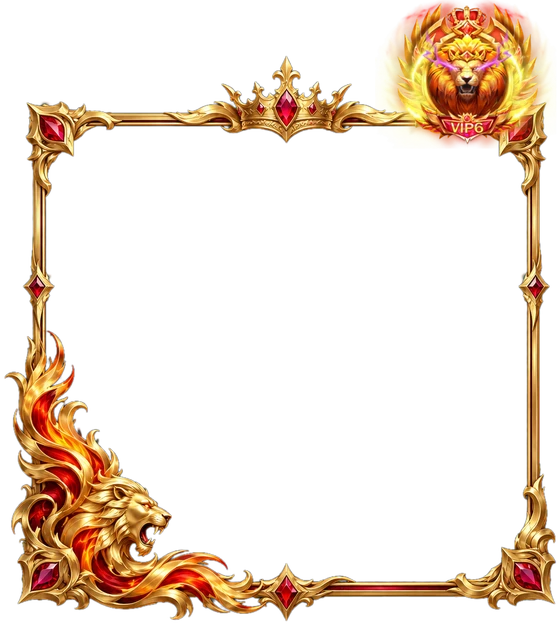 560×625 · 1.3s
VIP SetsSVGA
VIP Crest 6 Room Frame
 900×147 · 1.3s
VIP SetsSVGA
VIP Crest 6 Notification Banner
 420×420 · 2.4s
VIP SetsSVGA
VIP Crest 6 Mic Wave
The entries for levels 4 to 6
Sets 4, 5 and 6 each add one full-screen entry, which is why they hold 13 files instead of 12:
Set 4: SVIP 9 Mount, a PAG file at 720×1199, 5 seconds, 1.63 MB.
Set 5: VIP 4 Eagle Entry Effect, SVGA at 750×1624, 24 fps, 8.8 seconds, with sound, 20.41 MB.
Set 6: VIP 6 Lion Entry Effect, SVGA at 750×1624, 20 fps, 10.3 seconds, with sound, 20.20 MB.
The two SVGA entries are the heaviest files in the collection by far. Download them in the background on Wi-Fi when a user reaches the level, rather than on their first entry into a room, so the moment they paid for does not start with a loading spinner.
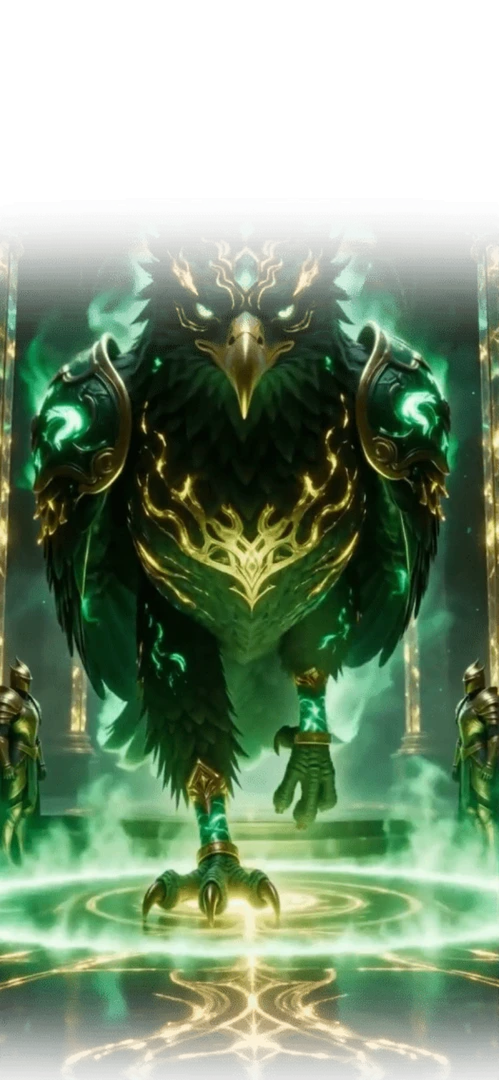 Has sound · 750×1624 · 8.8s
VIP SetsSVGA
VIP 4 Eagle Entry Effect
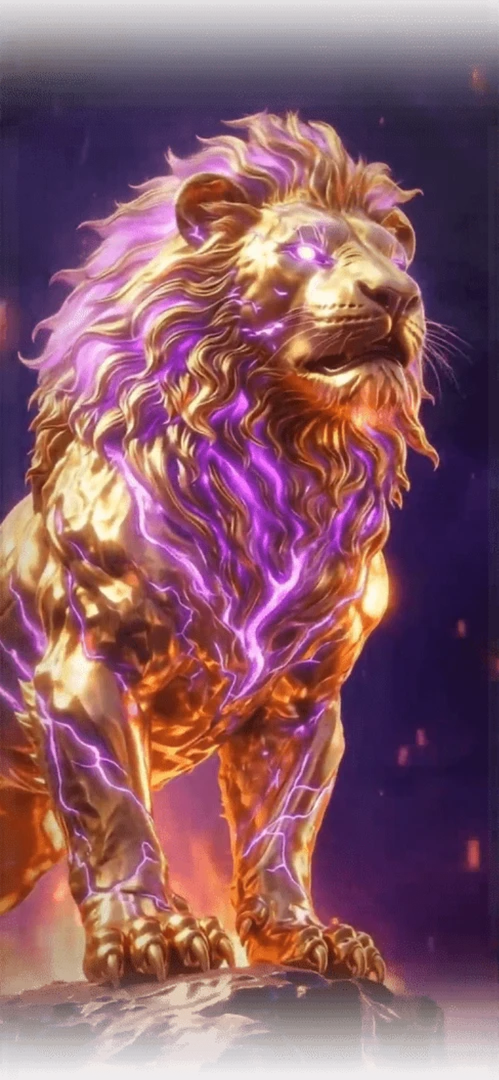 Has sound · 750×1624 · 10s
VIP SetsSVGA
VIP 6 Lion Entry Effect
Using the stills well
The PNG stills are not an afterthought. A VIP list, a leaderboard row or a settings page might show twenty badges at once, and twenty animations on one screen is both distracting and expensive. Show the still in lists and grids, and play the animation only when the user opens a profile or the item is the focus of the screen. The same goes for the chat bubble: an image is the right choice for a chat that scrolls.
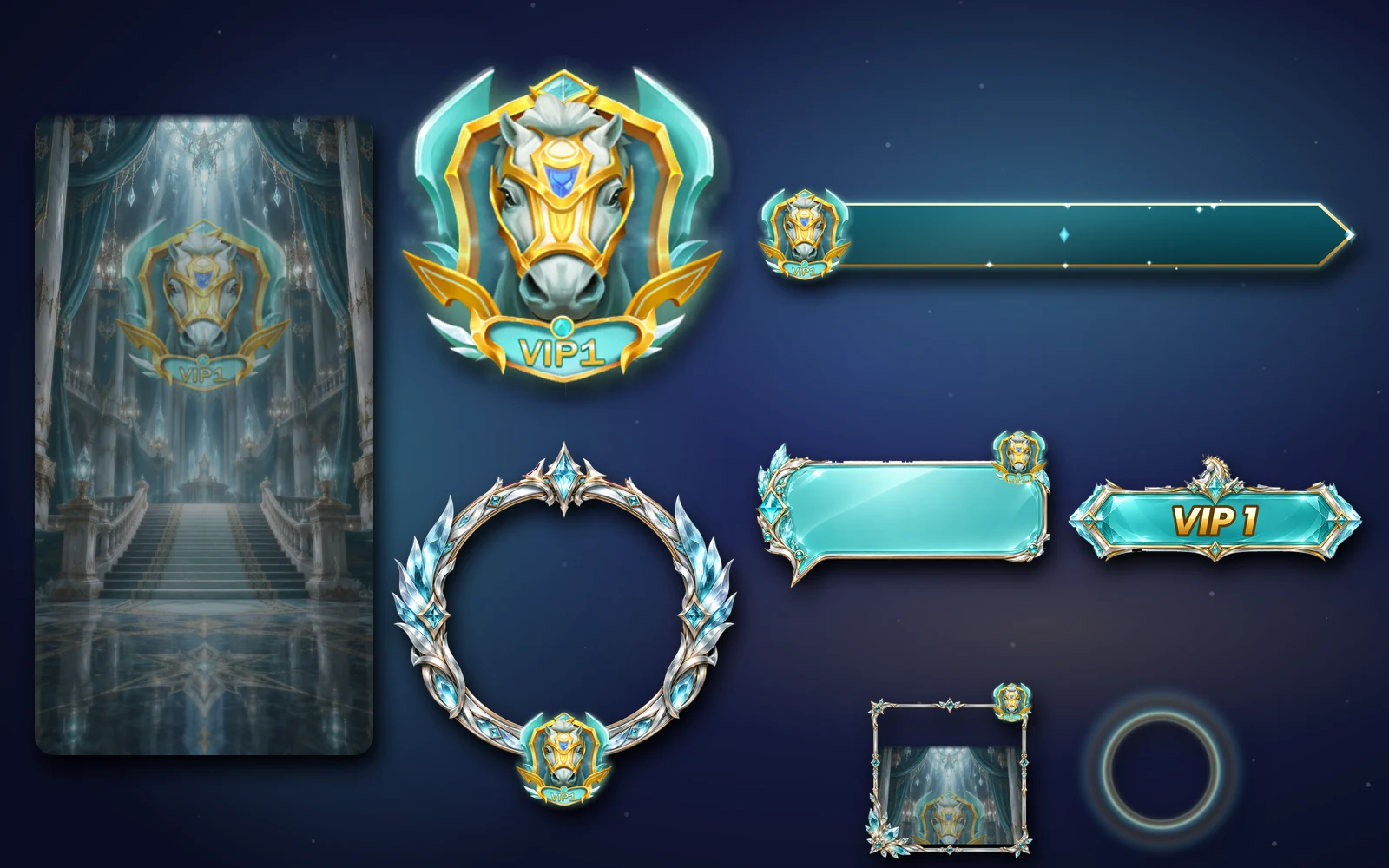
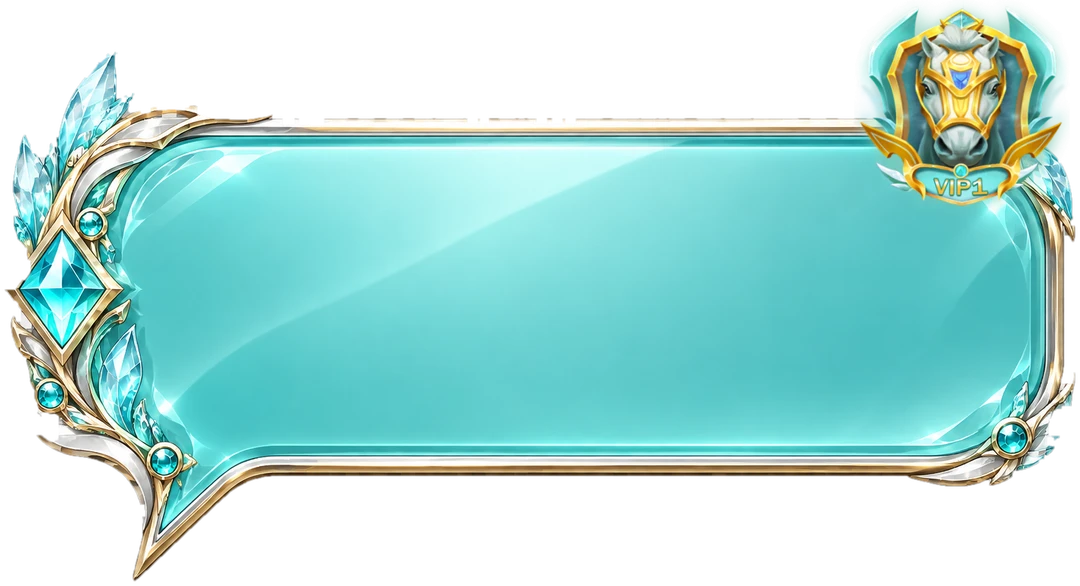
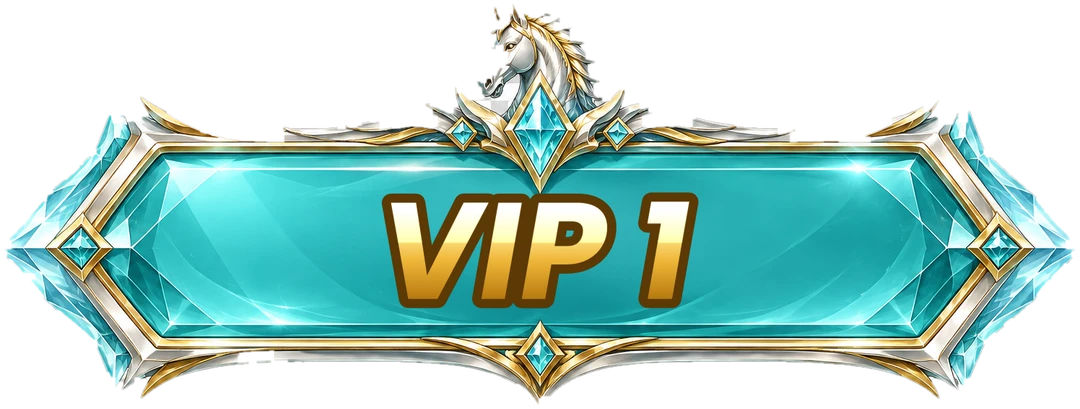
VIP Crest Set 1
The horse kit for VIP level 1
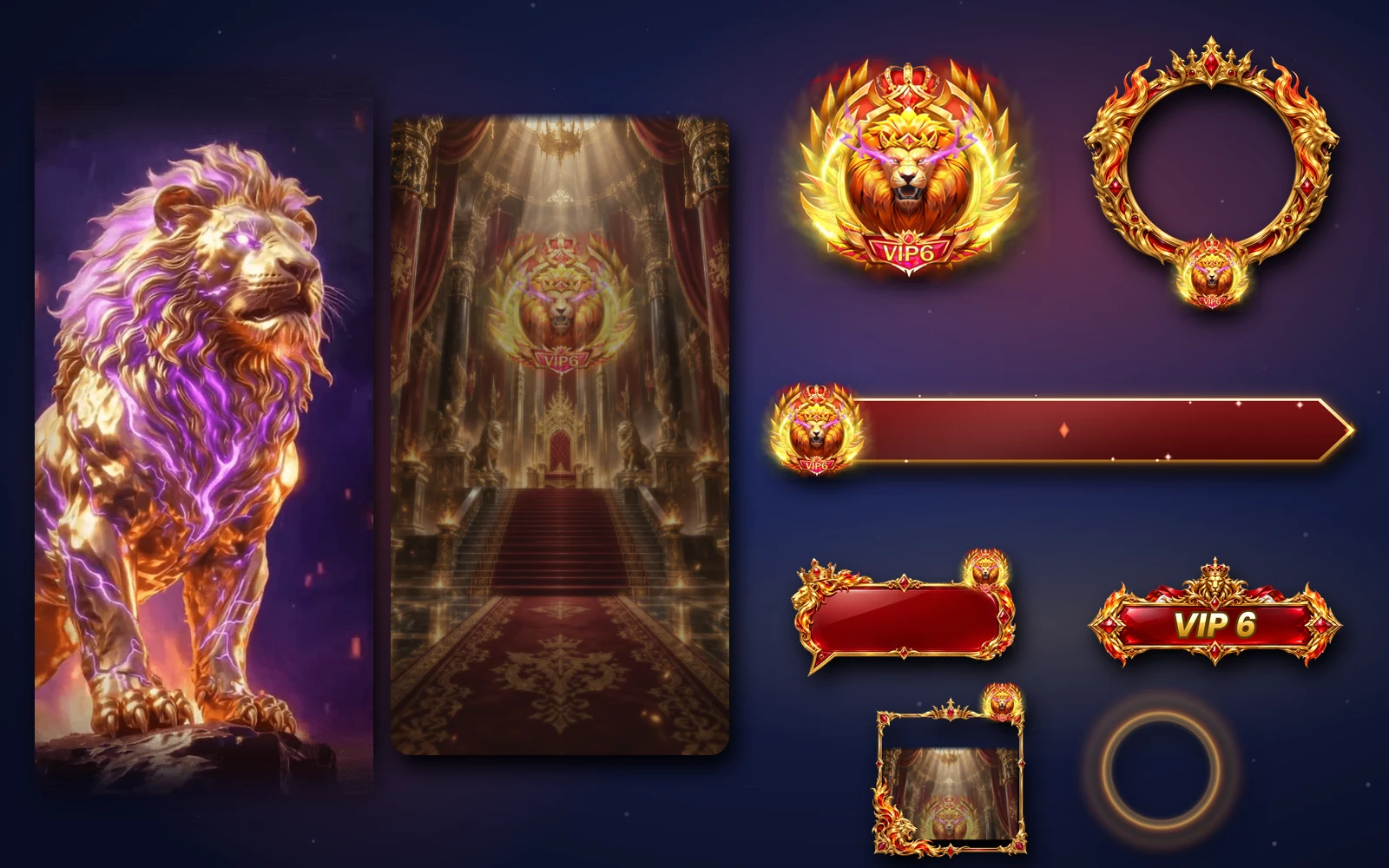
VIP Crest Set 6
The lion kit for VIP level 6
Next step
Decide which six of your VIP levels the crests should cover. If your ladder is longer than six levels, the VIP Crest sets work well as the lower half, with a larger collection taking over from level 7. Then check the frames on a dark room background in the free viewer, and buy the sets level by level or all six together.