Treasure Box and Daily Reward Animations for Apps
Treat rewards as states: waiting, opening, result and announcement. Real specs for treasure boxes, daily check-in files and recharge offers, plus how to load them.
svgastore team5 min read

A treasure box or a check-in calendar is a promise the app renews every day. The animation's job is quieter than a gift's: make a small win feel worth coming back for, and still be pleasant on the fortieth viewing. This guide treats rewards as a sequence of states and uses files from the Rewards & Treasure collection as worked examples.
Plan states, not single animations
A treasure box is not one animation. It is a short story told in parts, and each part has its own playback rule:
Waiting – the box sits closed until the user qualifies. It loops, so it needs to be light and calm.
Opening – plays once, on the user's tap, then hands over to the result.
Result – what was won. This is usually native UI (text, icons, amounts) shown over or after the animation, so rewards can change without new artwork.
Announcement – an optional banner telling the room that someone opened a box. It plays once and leaves.
The store's treasure files follow that split, and the wider reward set adds pieces for the screens around it. Here is how the specs line up:
| Role | File | Format | Canvas | fps | Length | Size |
|---|---|---|---|---|---|---|
| Waiting | Treasure Box 1 | PAG | 750x750 | 20 | 1.9 s | 192 KB |
| Opening | Treasure Box Open 1 | PAG | 750x750 | 20 | 3 s | 1.05 MB |
| Opening (second style) | Svg Baoxiang Open 1 | PAG | 750x750 | 25 | 3 s | 889 KB |
| Daily sign-in | Daily Sign Height Box | SVGA | 220x220 | 20 | 3.8 s | 45 KB |
| Room entry point | Treasure Chest Burst | SVGA | 180x180 | 20 | 3 s | 198 KB |
| Offer pop-up | Charge Open | SVGA | 750x750 | 20 | 2 s | 154 KB |
Two things stand out. The waiting and opening files share a 750x750 canvas, so one layout slot holds both and moving between states is a file swap, not a layout change. And each opening file is several times the weight of its waiting version – 1.05 MB against 192 KB for box 1 – which should shape how you load them.
 750×750 · 2s
Treasure SetsPAG
Treasure Box 1
 750×750 · 3s
Treasure SetsPAG
Treasure Box Open 1
 750×110 · 2s
Treasure SetsPAG
Treasure Box Banner 1
Five boxes, five tiers
Treasure Box 1 to 5 and Treasure Box Open 1 to 5 give you a ready-made ladder. The waiting versions run from 192 KB to 229 KB; the opening versions from 777 KB to 1.05 MB. A sensible way to use them:
Tie each box to a threshold the user can watch filling up – time in a room, messages sent, tasks completed. A box that unlocks without visible progress feels random rather than earned.
Load the waiting boxes with the screen, because they are light. Fetch the opening file when a box becomes claimable, not when it is tapped, so the reward feels instant.
After the opening plays, show the result as a still. A box left looping in its open state invites repeat taps.
For a second visual style on the same mechanic, the Svg Baoxiang Open files ("baoxiang" is Chinese for treasure box) add five more openings. Files 1 to 4 are 750x750 at 25 fps; file 5 is 720x720 at 24 fps, so give its slot a fit rule rather than assuming an exact match.
Daily check-in: small, early and every day
A check-in panel usually appears at the start of a session, while the app is also fetching the room list, profile and balance. That makes file weight matter more here than anywhere else in the reward flow. Daily Sign Height Box is 45 KB for 3.8 seconds at 220x220 – a budget that will not hold up a cold start.
The daily sign-in files also include silver and golden boxes, each in a "bling" version and an "open" version. A common pattern is silver for ordinary days and gold for the day that completes a streak. A few rules keep check-in pleasant:
Play the opening once per claim, and only on a screen the user chose to open.
Show already-claimed days as still artwork. Seven boxes looping at once is noise, not celebration.
If a user misses a day, reset the streak quietly. Animation that dramatises a loss teaches people to dismiss the panel.
Entry points at the edge of the room
Small floating icons – a chest in the corner of a live room, a recharge shortcut beside the gift button – stay on screen for the whole session. Treasure Chest Burst and Gift Treasure are both 180x180, 20 fps, 3 seconds and 198 KB; Continuous Recharge Entry is 180x180 at 15 fps, 2.1 seconds and 283 KB.
Because these loop for minutes at a time, check the loop seam before shipping, pause them when a sheet covers the room or the app goes to the background, and size the tap target to the visible art rather than the whole canvas.
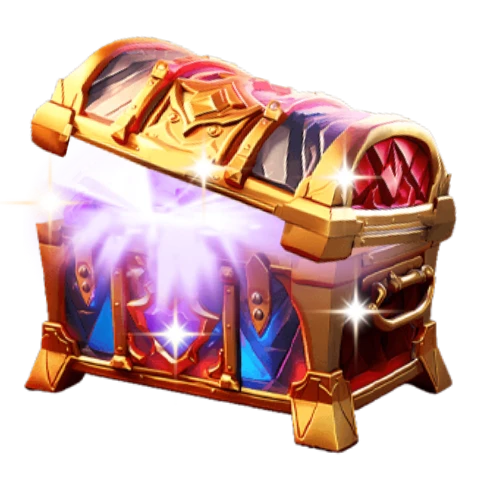 New180×180 · 3s
Treasure SetsSVGA
Treasure Chest Burst
 180×180 · 2.1s
RewardsSVGA
Continuous Recharge Entry
Recharge offers: keep the motion honest
Offer screens are where reward animation can tip into pressure. The files themselves are modest – Charge Open and Charge Open II are 154 KB for 2 seconds at 750x750, and New User Pack is 709 KB for 5 seconds on the same canvas. The decisions that matter are yours:
Animate the offer once as it appears, then let it settle.
Keep the close control still, visible and in the same place every time.
Check weight before placing anything on a home screen. Icon Recharge Banner has a 400x248 canvas but weighs 1.72 MB for 1.6 seconds, while Charge Open's larger canvas comes in at 154 KB. Canvas size does not predict file size; the bitmaps inside do.
Which pack fits your reward system
The collection holds 183 files – 144 SVGA and 39 PAG – from 1.6 KB to 5.12 MB, with a median of 69 KB. If you are building more than one reward screen, a pack is simpler:
| Pack | Files | Covers |
|---|---|---|
| Treasure Box Pack | 21 | Boxes 1–5 closed, opening and as banners |
| Daily Rewards Pack | 15 | Chests, lucky bags and gift reveals for daily rewards |
| Rewards & Treasure Pack | 9 | Chests, trophies and coin bursts |
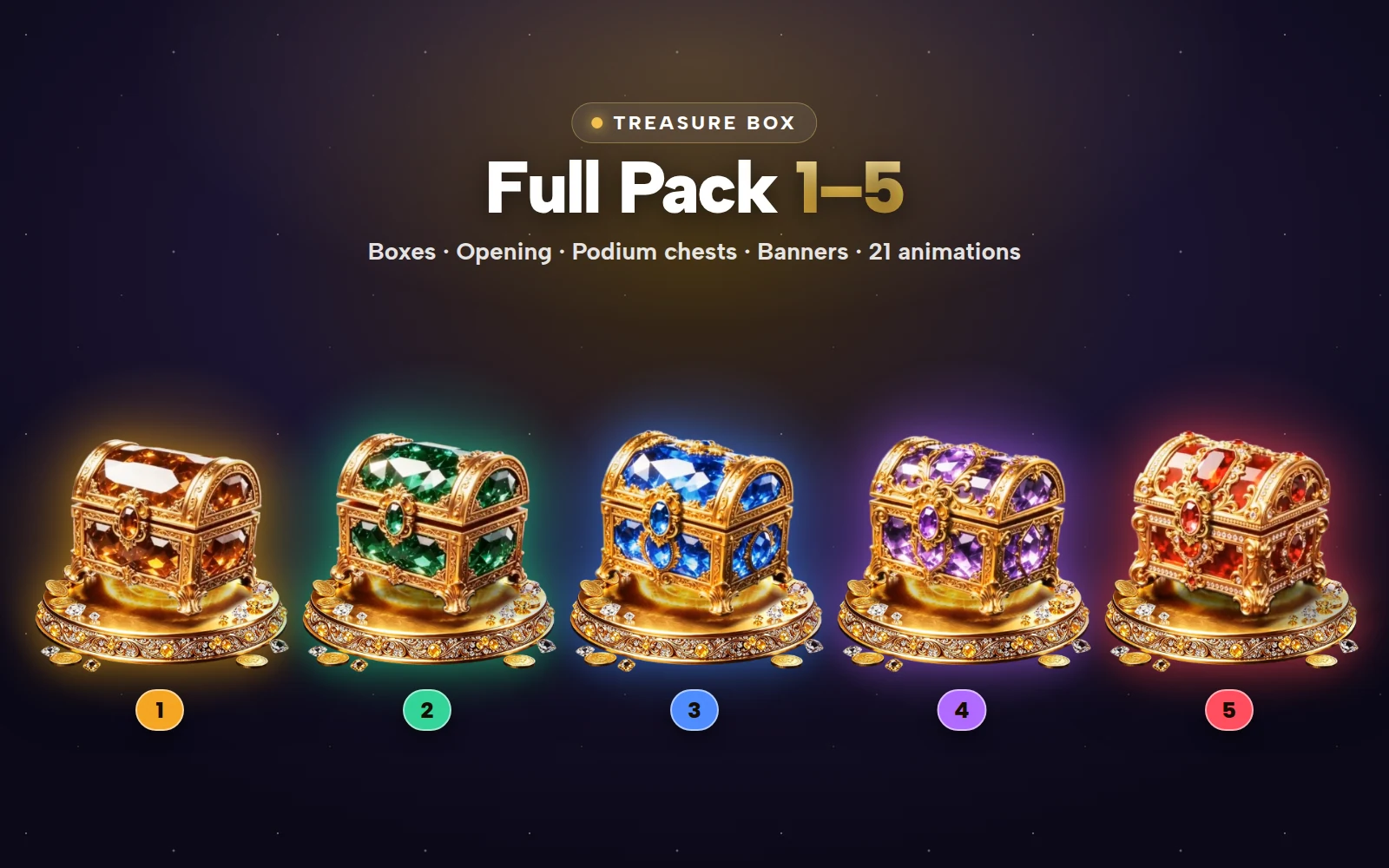


Treasure Box Full Pack
Treasure boxes 1–5: closed, opening, podium chests and banners in one pack
Start with the Treasure Box Pack if a box ladder is your main mechanic; the Daily Rewards Pack suits a check-in calendar.
Next step
Sketch your reward flow as states – waiting, opening, result, announcement – and note the screen each one appears on. Then drop your candidate files into the free SVGA and PAG viewer to check size, frame rate and how they sit on a dark room background before you commit to a set.