SVIP Imperial Sets: ten SVIP levels, from emerald wolf to golden dragon
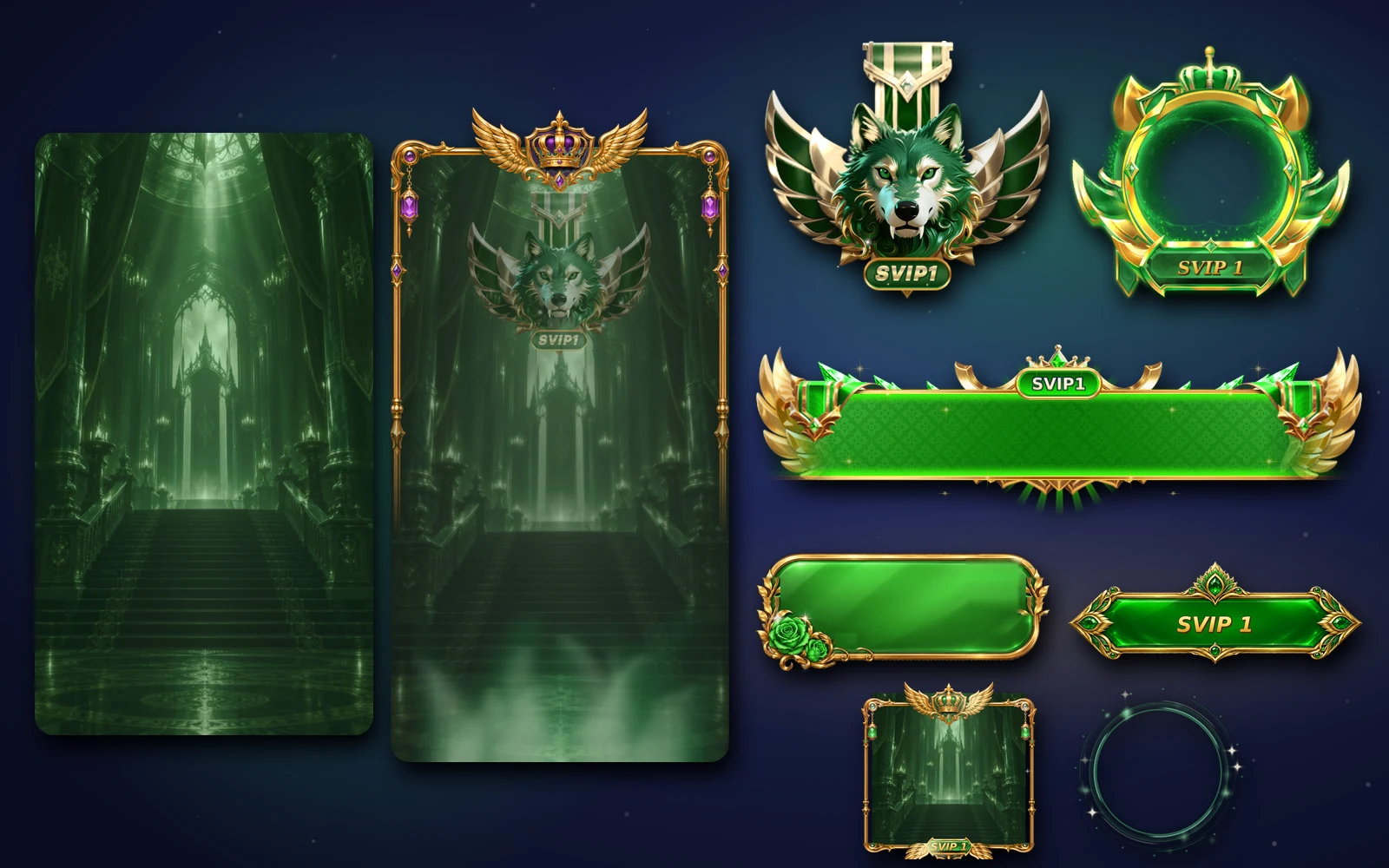
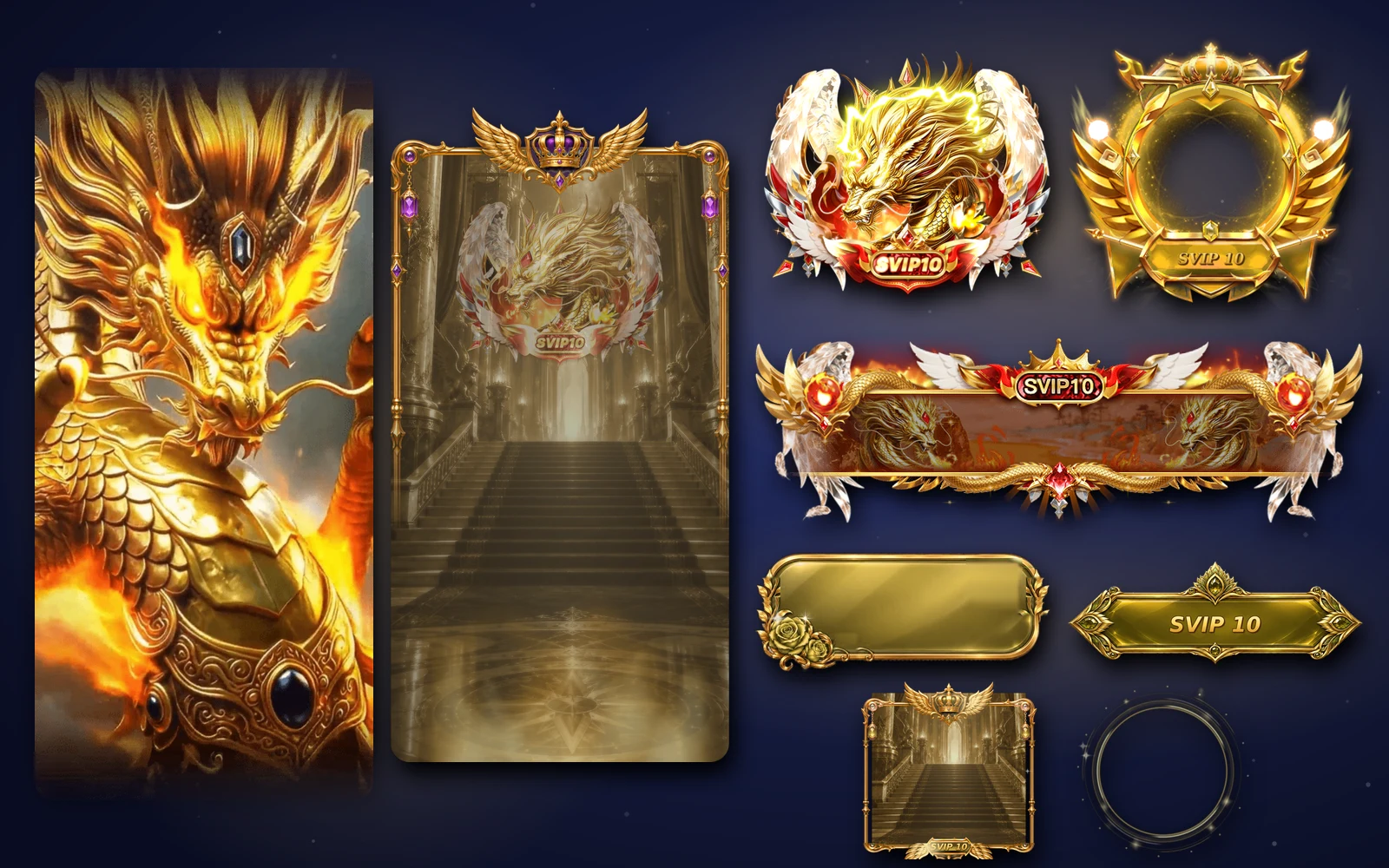
SVIP Imperial dresses SVIP levels 1 to 10 in matched kits: profile frame and card, room frame and background, chat bubble, level tag, banner, mic wave and medal, all animated, with stills and six full-screen entries.
svgastore team4 min read
SVIP is usually the top of an app's spending ladder, and the people who reach it expect their status to show everywhere: on the profile, in the room, in the chat and on the mic. The SVIP Imperial collection is the most complete SVIP kit in the store. It covers ten levels, and at every level the chat bubble, level tag and room background are animated, not just the frame.
Ten levels, ten animals
| Level | Theme | Files |
|---|---|---|
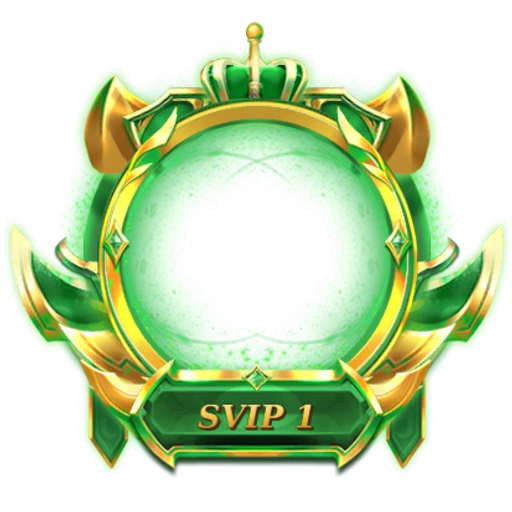
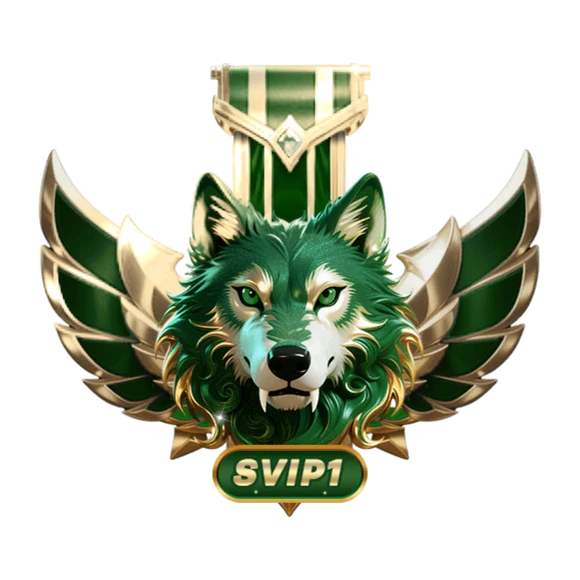
| SVIP 1 | Emerald wolf | 17 |
| SVIP 2 | Silver stag | 17 |
| SVIP 3 | Amethyst leopard | 17 |
| SVIP 4 | Ruby elephant | 17 |
| SVIP 5 | Peridot eagle | 18 |
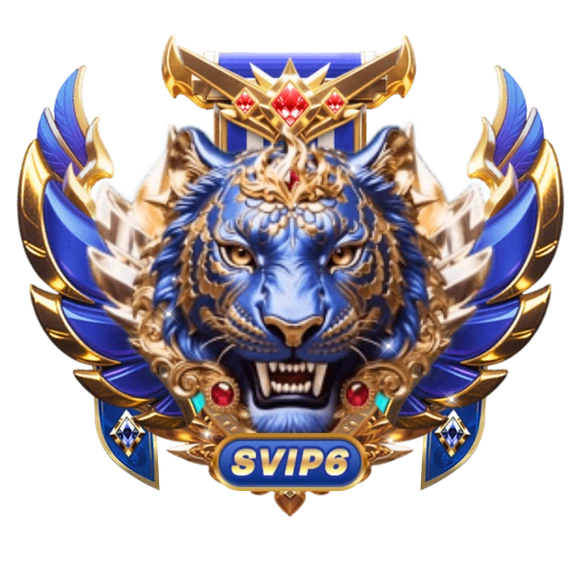
| SVIP 6 | Sapphire tiger | 18 |
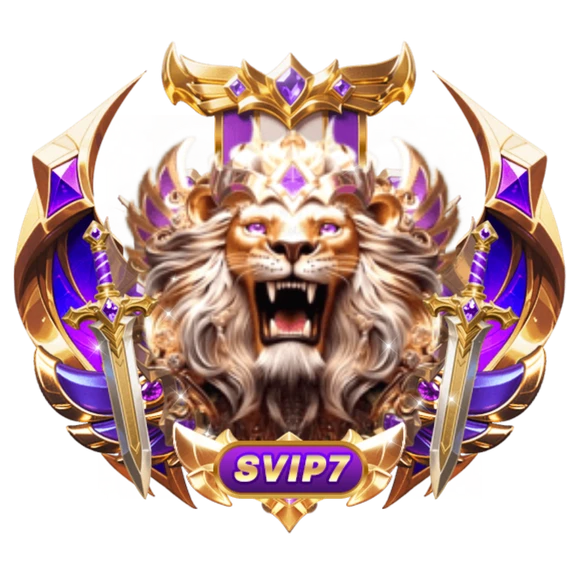
| SVIP 7 | Violet lion | 18 |
| SVIP 8 | Orchid unicorn | 18 |
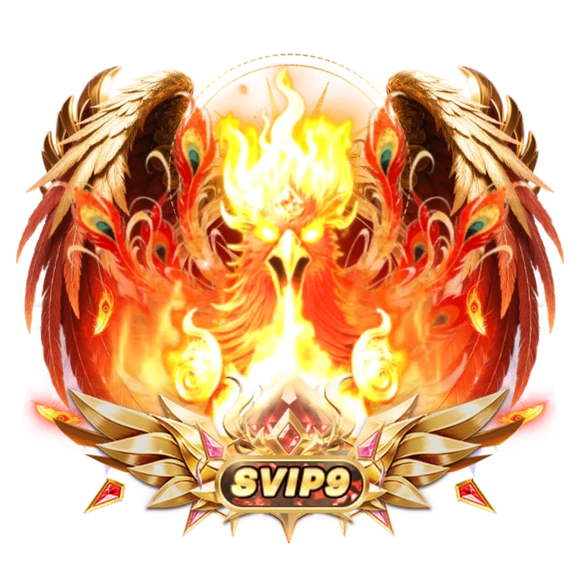
| SVIP 9 | Amber phoenix | 18 |
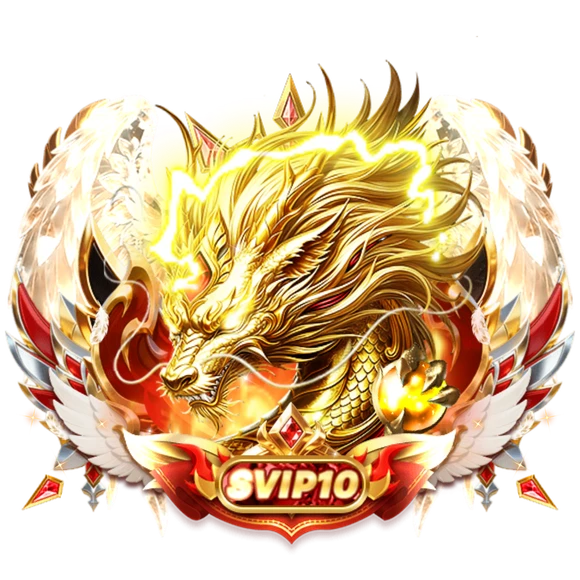
| SVIP 10 | Golden dragon | 18 |
Levels 5 to 10 carry one extra file each: a full-screen entry. All ten sets together, as SVIP Imperial Sets — All 10, come to 176 files.
 580×580 · 6s
VIP SetsSVGA
SVIP Imperial 1 Medal
- 580×580 · 6s
VIP SetsSVGA
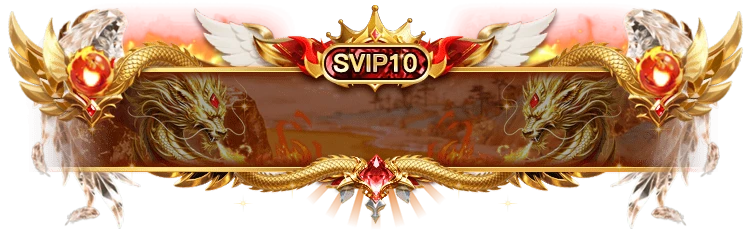
SVIP Imperial 10 Medal
 413×413 · 3s
VIP SetsSVGA
SVIP Imperial 10 Profile Frame
Nine animations per level
Every set has the same nine SVGA animations, each with a PNG still except the medal:
| Piece | Canvas | Length | Size across the 10 levels |
|---|---|---|---|
| Profile frame | 413×413 | 3 s | 0.38–0.64 MB |
| Profile card | 750×1666 | 6 s | 7.24–12.11 MB |
| Room frame | 413×413 | 1.6 s | 0.74–0.75 MB |
| Room background | 750×1334 | 4 s | 5.86–8.63 MB |
| Chat bubble | 536×218 | 1.3 s | 0.77–0.81 MB |
| Level tag | 752×268 | 1.3 s | 0.92–0.94 MB |
| Notification banner | 750×240 | 6 s | 0.56–1.48 MB |
| Mic wave | 500×500 | 2 s | 1.34–1.42 MB |
| Medal | 580×580 | 6 s | 0.33–2.27 MB |
The stills (profile frame, profile card, room frame, chat bubble, level tag, banner, room background and mic wave) are the same canvas as their animation, so you can swap one for the other without touching the layout.
Where the weight is
Two pieces account for most of the size: the profile card and the room background, both full-screen and both between about 6 and 12 MB. That is normal for a full-screen animated surface, but it changes how you ship them.
Room background. It plays for as long as the room is open, so load it when an SVIP user opens their own room, and fall back to the PNG still (0.77 to 1.24 MB) on slow connections or low-memory phones.
Profile card. It is seen when someone opens the SVIP user's profile. Show the still first and start the animation once it has downloaded, so the page opens instantly.
The smaller pieces are the ones that appear most often. The room frame runs at 15 fps on a 1.6-second loop and stays at about 0.75 MB at every level, which keeps a room full of SVIP seats predictable.
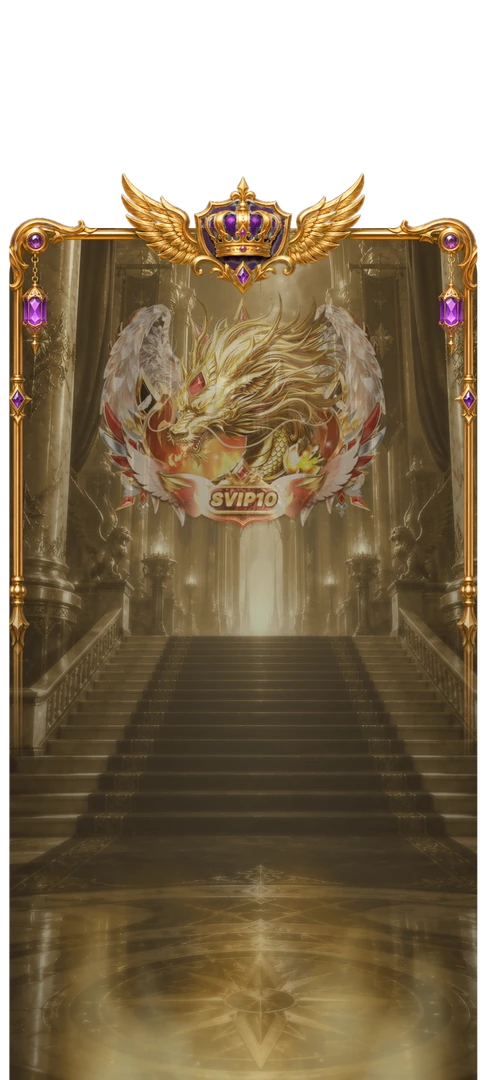 750×1666 · 6s
VIP SetsSVGA
SVIP Imperial 10 Profile Card
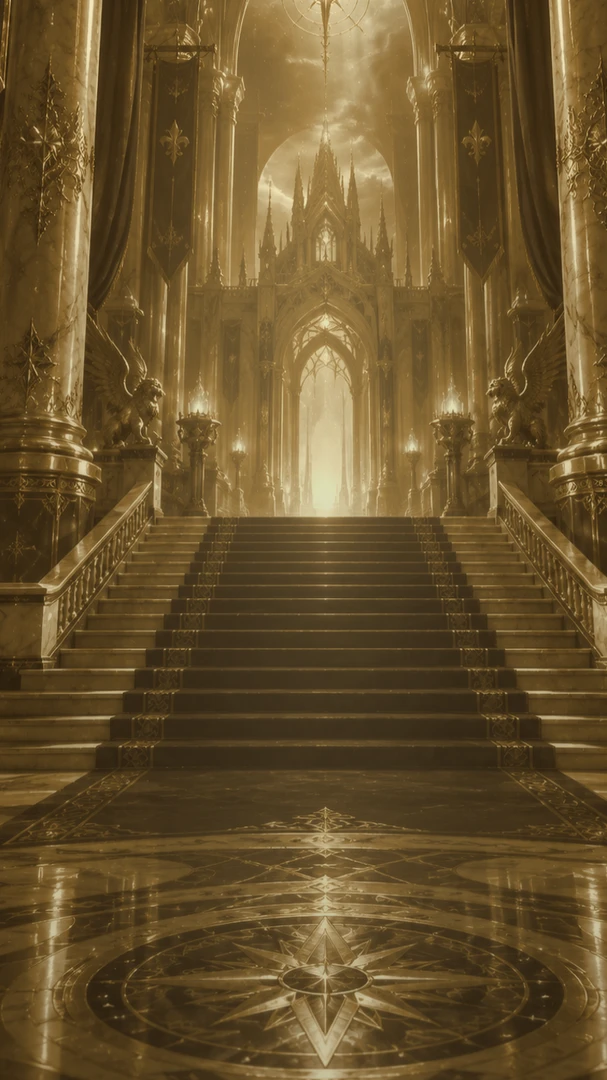 750×1334 · 4s
VIP SetsSVGA
SVIP Imperial 10 Room Background
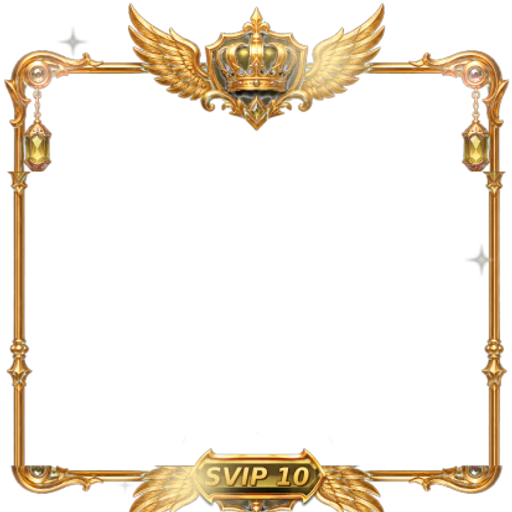 413×413 · 1.6s
VIP SetsSVGA
SVIP Imperial 10 Room Frame
Animated chat bubbles and tags
Most VIP kits ship chat bubbles and level tags as images. SVIP Imperial animates both: a 1.3-second loop at 12 fps for each. In a fast chat, many messages from SVIP users can sit on screen at once, so treat these like any repeating element:
Animate only the newest message from each SVIP user, and use the still for older ones.
Pause bubble animations while the chat is scrolling.
Keep the level tag animated on the profile and in the seat list, where there is only one per user.
 536×218 · 1.3s
VIP SetsSVGA
SVIP Imperial 10 Chat Bubble
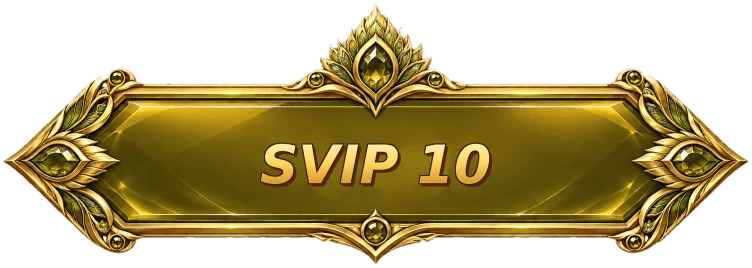 752×268 · 1.3s
VIP SetsSVGA
SVIP Imperial 10 Level Tag
 500×500 · 2s
VIP SetsSVGA
SVIP Imperial 10 Mic Wave
The six entries
Levels 5 to 10 each add a full-screen entry with sound, all SVGA:
SVIP 5: VIP 4 Eagle Entry Effect, 750×1624, 8.8 s, 20.41 MB
SVIP 6: VIP 5 Tiger Entry Effect, 750×1624, 8.8 s, 18.32 MB
SVIP 7: VIP 6 Lion Entry Effect, 750×1624, 10.3 s, 20.20 MB
SVIP 8: VIP 3 Entry Effect, 415×750, 7.5 s, 12.04 MB
SVIP 9: VIP 7 Phoenix Entry Effect, 750×1624, 11.8 s, 22.70 MB
SVIP 10: VIP 8 Dragon Entry Effect, 750×1624, 11.5 s, 26.21 MB
These are big files built for the biggest moment an SVIP user has. Pre-download them when the user reaches the level, keep them in a persistent cache, and never let two of them play at the same time in one room.
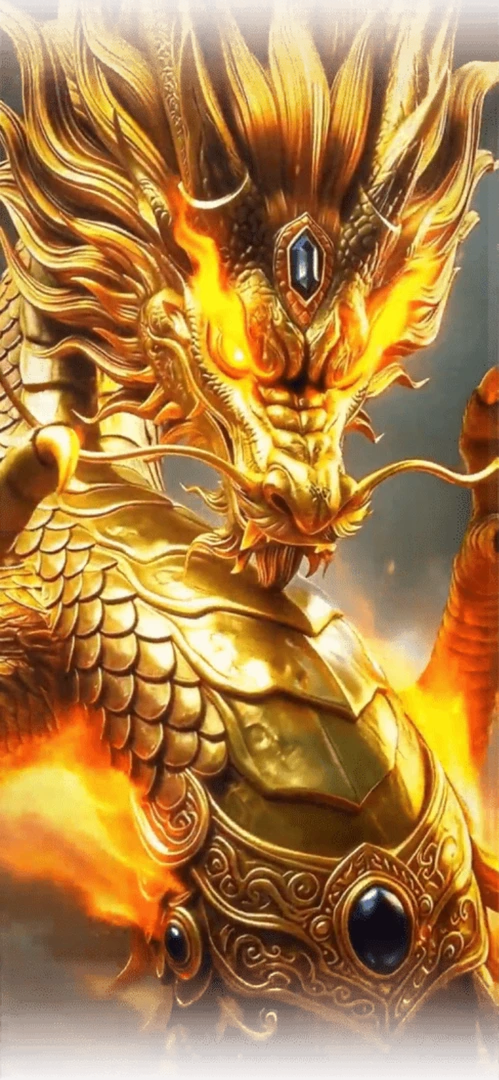 Has sound · 750×1624 · 12s
VIP SetsSVGA
VIP 8 Dragon Entry Effect
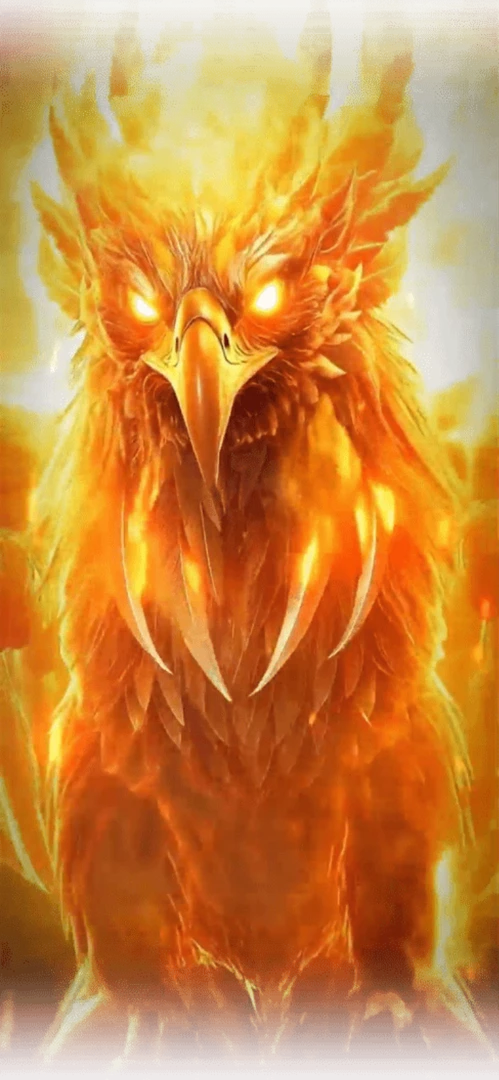 Has sound · 750×1624 · 12s
VIP SetsSVGA
VIP 7 Phoenix Entry Effect
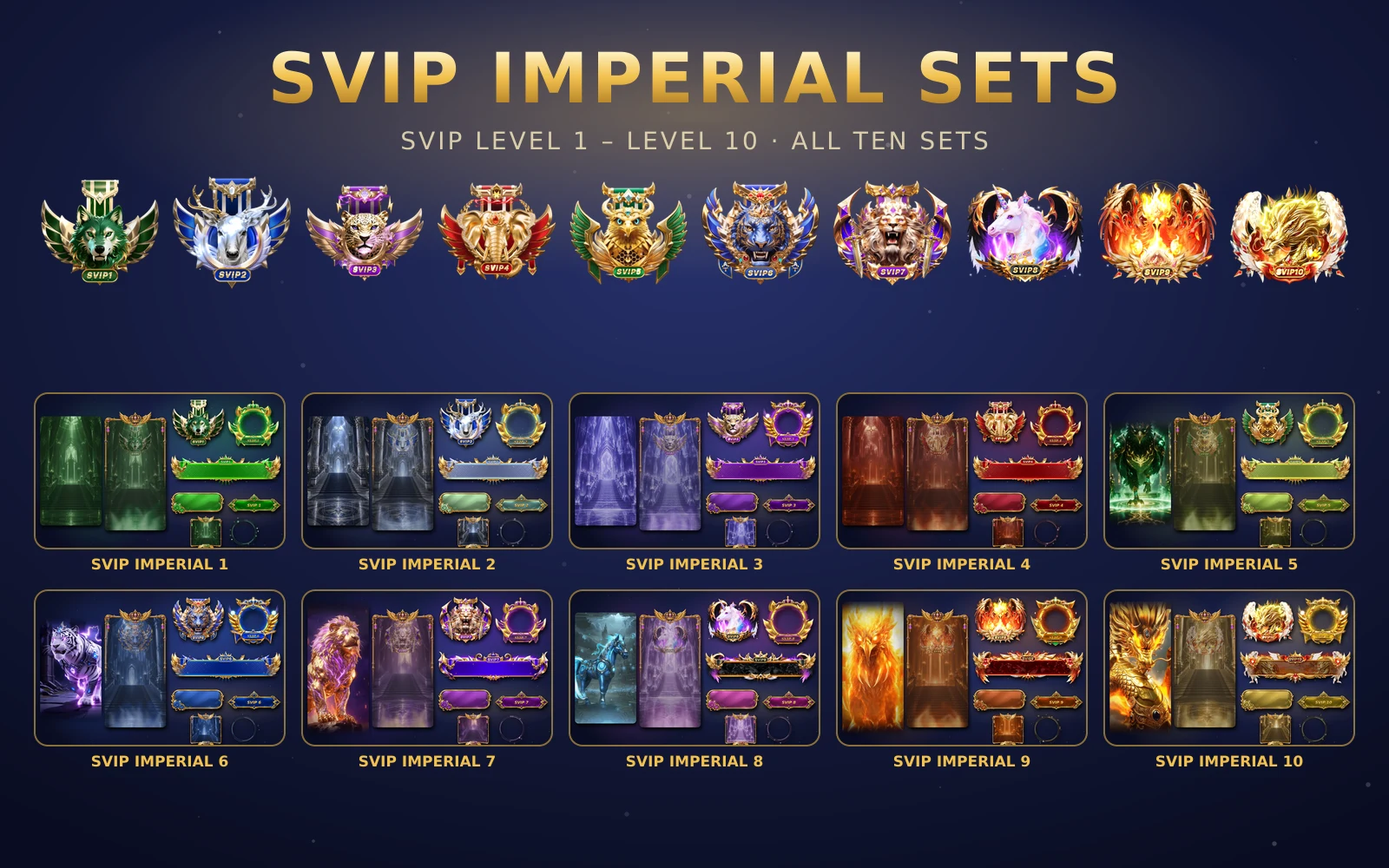
SVIP Imperial Sets — All 10
All ten SVIP Imperial sets in one order
Next step
Map your SVIP levels to the ten sets, starting with the top: the golden dragon set is the one your highest spenders will see most. Check the room background and profile card on your lowest supported phone before launch. Each set can be bought on its own, or all ten as one order from the SVIP Imperial page.