SVIP done right: banners, medals and entrances for top supporters
How to build the SVIP layer above VIP: medals 1 to 12, SVIP 7 to 12 banners, Big Lv mascots and pets, and entrance and online-notice bars in LTR and RTL.
svgastore team5 min read

A VIP ladder rewards regular supporters; an SVIP layer is for the smaller group above them, and it has to look different everywhere those users appear. That means more surfaces than VIP: a medal on the profile, a mascot on the privilege page, an entrance bar when they join a room and a banner that crosses the whole app. This post maps each surface to real files and covers the decisions that keep the layer coherent.
Start with a map of surfaces
Before choosing art, list every place an SVIP user is visible and decide which tiers earn it. The SVIP collection holds 33 files (23 SVGA and 10 PAG), and the SVIP 7 to 12 banners sit in Banners & Broadcasts. If the tiers underneath are still in progress, design them from the VIP collection so both ladders share one visual logic.
| Surface | Files | Format and canvas | Motion | Size |
|---|---|---|---|---|
| Profile medal | SVIP Detail Medal 1–12 | SVGA, 276×260 | 20 fps, 5 s | 563 KB (Medal 1) to 954 KB (Medal 12) |
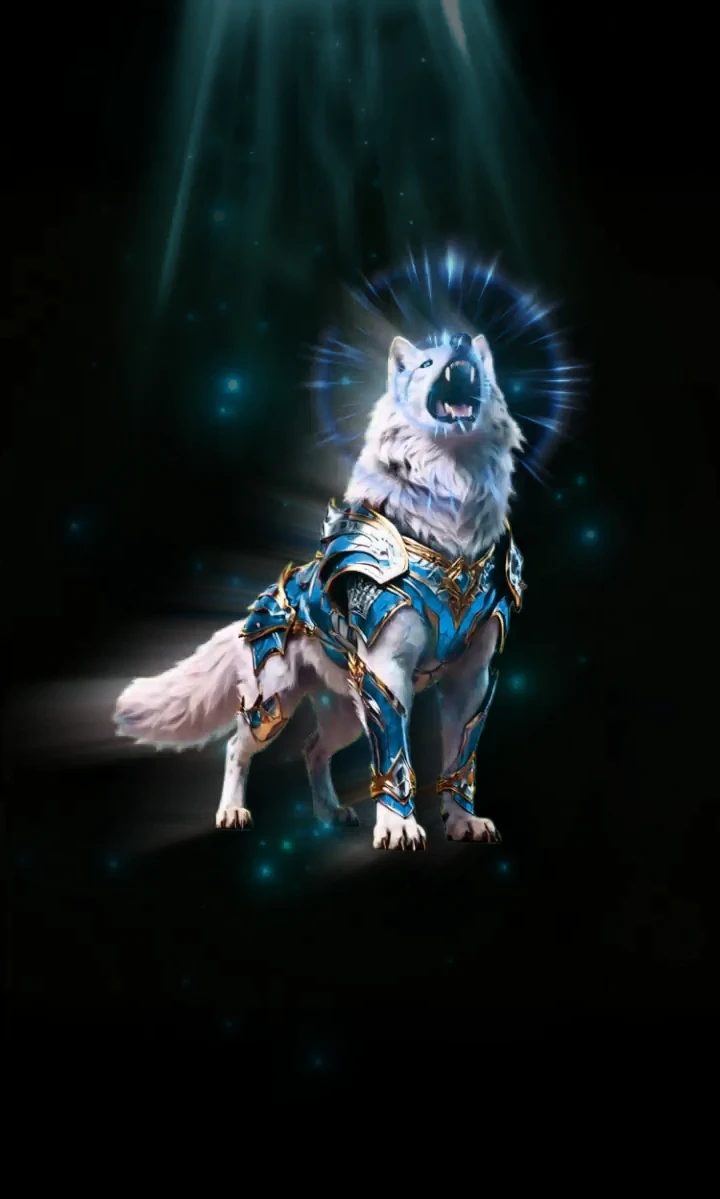
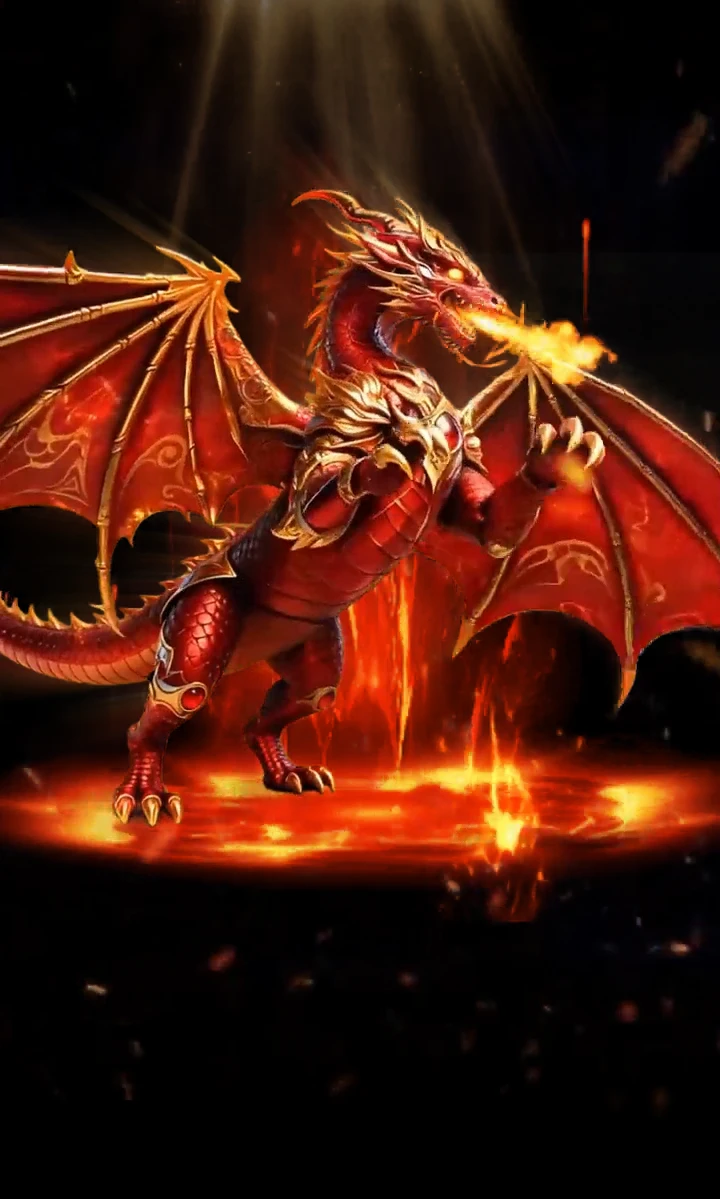
| Privilege mascot | SVIP Big Lv 1–5 | PAG, 720×1199 | 20 fps, 5 s | 1.59 MB to 1.91 MB |
| Companion pet | SVIP Pet Small Lv 1 and 2 | PAG, 400×400 | 20 fps, 5 s | 83 KB and 79 KB |
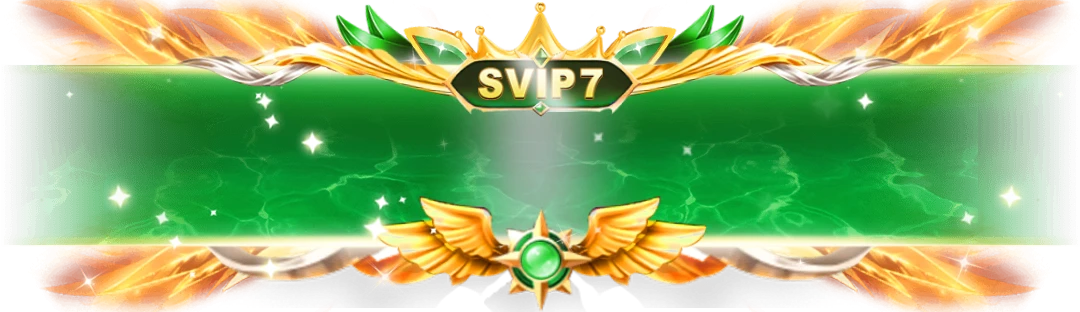
| App-wide banner | SVIP 7–12 banners | SVGA, 1080×312 or 1080×313 | 12–15 fps, 2 s | 224 KB to 308 KB |
| Status change | Upgrade and relegation titles | SVGA, 600×250 | 20 fps, 3 s | 833 KB and 837 KB |
| Joining a mic | Room SVIP Join Mic and Join Mic Welcome | SVGA, 200×200 | 20 fps for 4 s; 30 fps for 2.7 s | 1.08 MB and 61 KB |
| Name tag | SVIP | SVGA, 96×32 | 30 fps, 1.8 s | 67 KB |
Two numbering systems, one ladder
Medals run from SVIP 1 to 12, and the banners and online notices cover SVIP 7 to 12. The mascots, pets and entrance bars run from Lv 1 to 5. Decide early how the five-step series map onto your tiers:
Bands. Lv 1 covers SVIP 1–2, Lv 2 covers 3–4, Lv 3 covers 5–6, Lv 4 covers 7–9 and Lv 5 covers 10–12.
Top only. Keep the five-step pieces for the upper tiers and let the lower ones rely on the medal and name tag.
Either way, keep the mapping in server-side config so you can rebalance it without an app release.
Medals: the piece people look at most
Medals are the everyday proof of status, so they must read as a sequence. The twelve SVIP Detail Medals share one canvas, one frame rate and one length, which lets a user compare SVIP 4 with SVIP 9 at a glance. File size climbs broadly with the tier, from 563 KB for Medal 1 to 954 KB for Medal 12.
Medals are sold individually, or all twelve in order as the SVIP Medal Set.
At over half a megabyte each, they belong on profile and privilege pages rather than in every chat row. For dense lists, the 96×32 SVIP tag at 67 KB does the job.
Never mix medals from different series inside one ladder; consistency is what makes the order readable.
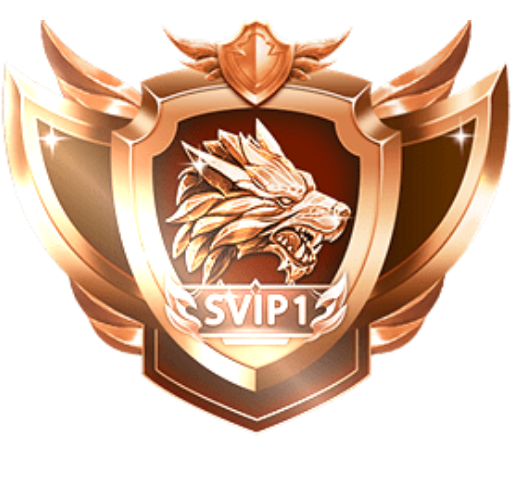 276×260 · 5s
SVIPSVGA
SVIP Detail Medal 1
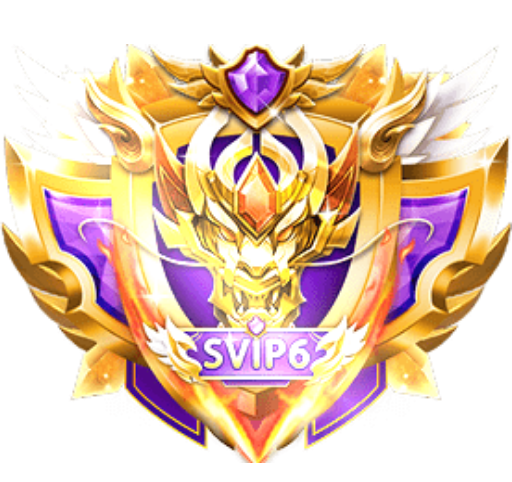 276×260 · 5s
SVIPSVGA
SVIP Detail Medal 6
- 276×260 · 5s
SVIPSVGA
SVIP Detail Medal 12
Banners: keep app-wide moments rare
An app-wide banner is the loudest thing a user can earn, so keep it scarce. The six SVIP banners, Emerald (7), Sapphire (8), Amethyst (9), Ruby (10), Royal (11) and Obsidian (12), start at SVIP 7, which leaves lower tiers with in-room recognition and gives the upper half something to reach for. Each is a 2-second SVGA at 1080×312 (1080×313 for SVIP 12), between 224 KB and 308 KB, sold individually or all six together as the SVIP Banner Set.
Loop the animation while your bar is on screen, or play it once as the bar slides in, and control display time in your own UI.
Check in the viewer that your text overlay does not collide with the moving parts.
If several top-tier users come online together, queue the banners instead of stacking them.
Entrances and online notices, in both directions
When an SVIP user joins a room or comes online, two more pieces are involved. The SVIP Entrance & Notice Pack holds 22 files: entrance bars for Lv 1 to 5 and online notices for SVIP 7 to 12, each in a left-to-right and a right-to-left version.
Direction matters because these bars carry text and directional motion. A sweep that enters from the left reads as backwards in an Arabic or Urdu interface.
Choose the version by the viewing device's layout direction, not by the language of the joining user's name.
Keep each pair together in your asset table, such as svip-entrance-lv-3 and svip-entrance-lv-3-rtl, so a release never ships one without the other.
Mirror the avatar and text overlay as well as the animation.
 750×250 · 5s
BannersPAG
SVIP 8 Entrance Banner
 750×250 · 5s
BannersPAG
SVIP 8 Entrance Banner RTL
 750×180 · 6s
BannersSVGA
SVIP Online Banner Notice 7
Upgrades, relegations and the mascot layer
If SVIP status can lapse, you need both sides of the change. The upgrade and relegation titles share a 600×250 canvas and a 3-second length, so they can sit in the same pop-up. Keep relegation calm: show what the user keeps and what it takes to return, and play the animation once rather than on every app open.
The SVIP Big Lv mascots are the showpieces: PAG files at 720×1199, between 1.59 MB and 1.91 MB. They suit a privilege page or a tier-up moment and, given their size, should be downloaded when a user becomes eligible rather than when the page opens. The small pets in the table are far lighter and can travel with the user into rooms. The mascots and pets in the table are PAG, so your app needs Tencent's libpag alongside SVGAPlayer.
Buying the layer in one go
For the whole tier, the SVIP Complete Collection contains 59 files covering banners, medals, mascots, entrances and pets, for less than buying them separately. Before committing, play the medals and banners in the free SVGA & PAG viewer over different room backgrounds to check contrast.
Next step
Write down your SVIP tiers, list the surfaces each one unlocks and fill the gaps from the table above. Start with the medals and the name tag, because they appear most often, then add banners and entrances for the tiers you want the whole app to notice.