Planning seasonal gifts: an event calendar for live rooms
How to plan festival, love and birthday gifts across the year: pick real files early, pair each season with red packets or treasure boxes, and schedule releases backwards from the date.
svgastore team5 min read
A festival gift that reaches the app on the morning of the festival has already missed most of its moment. Seasonal gifts work when they are chosen, tested and switched on before the room fills up, and when they arrive with an event around them rather than on their own. This guide sets out a planning calendar you can adapt to your own audience, using real files from the store as examples.
Sort occasions into three kinds
Sort occasions by how predictable they are, because each kind needs different preparation.
Fixed cultural festivals. Lantern and moon festivals, Ramadan and Eid, Diwali, Christmas and the New Year. Several follow lunar calendars and move each year, so add next year's dates to the plan as soon as they are published.
Romantic days. Valentine's Day and its local equivalents. These suit couple features, so plan them alongside your CP and couple systems rather than in the general gift list.
Personal and in-app occasions. A user's birthday, a host's anniversary in the app, your app's own launch anniversary, the end of a ranking season. These repeat all year, so the gifts behind them should be permanent and an event layer should do the seasonal work.
The practical consequence: festival gifts are limited-time stock you rotate, while birthday and love gifts are evergreen inventory you build once.
A calendar built from real files
The table maps occasions to gifts in the store today, with real specs. All are SVGA files from the Animated Gifts collection.
| Occasion | File | Canvas | fps | Length | Size |
|---|---|---|---|---|---|
| Lantern and moon festivals | Lantern Hanfu Lady | 750x1624 | 20 | 15 s | 2.50 MB |
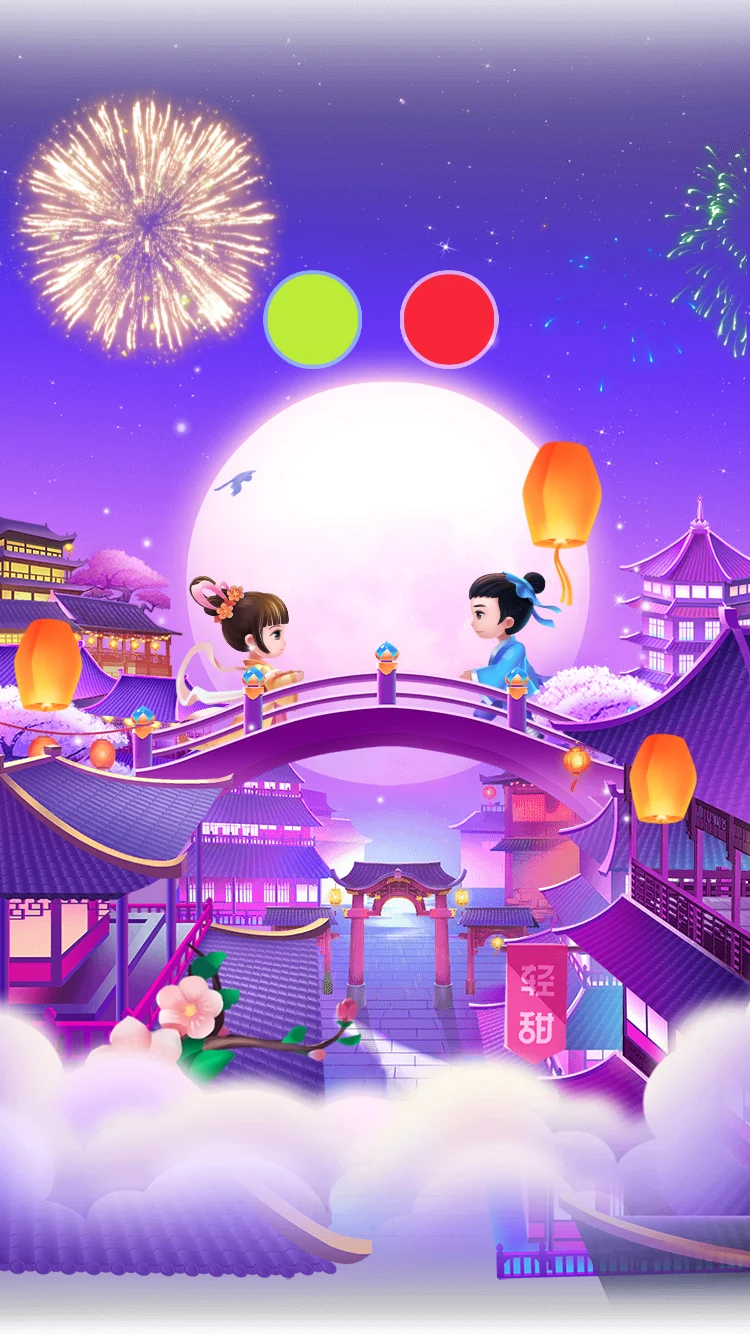
| Lantern and moon festivals | Moonlit Bridge Festival | 750x1334 | 20 | 8 s | 4.20 MB |
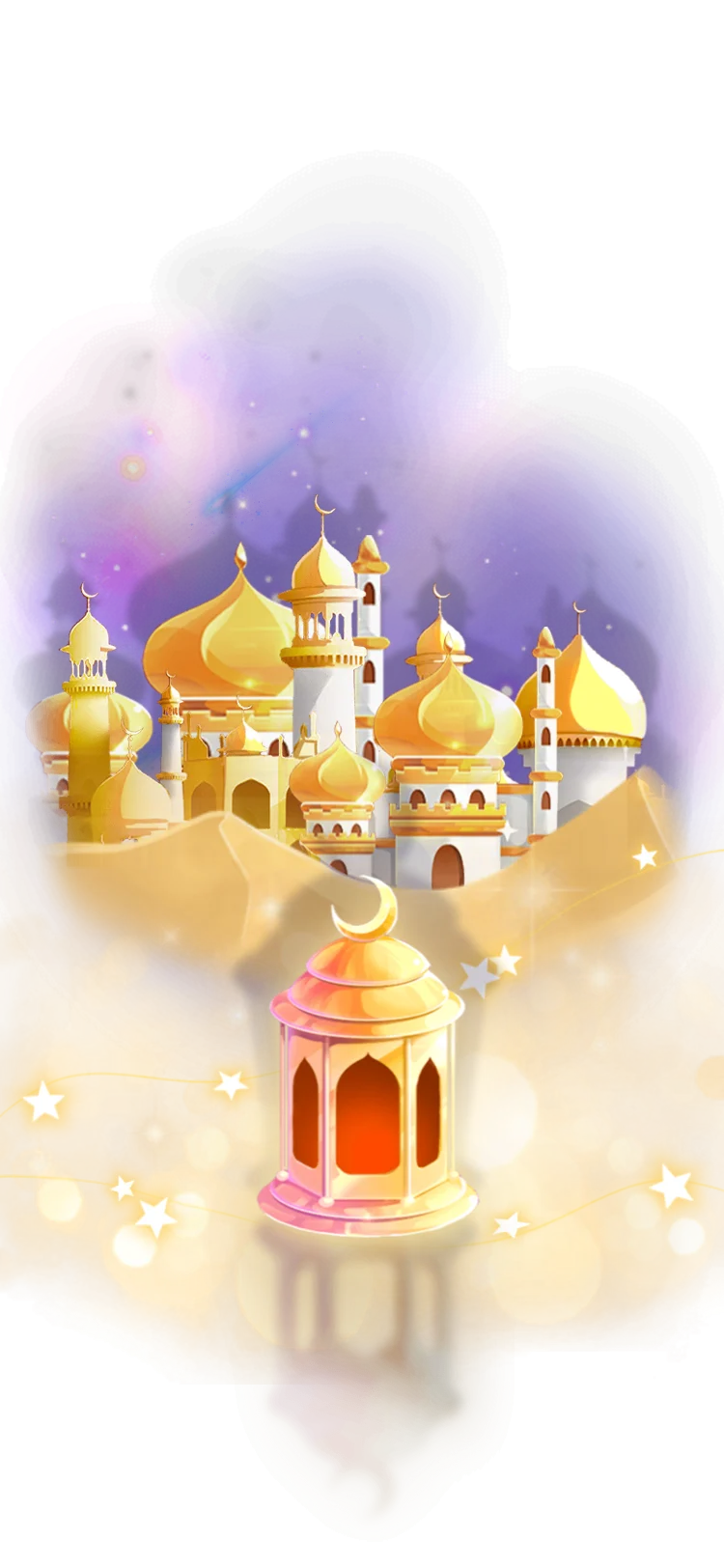
| Ramadan and Eid | Golden Mosque Lantern | 750x1624 | 20 | 5 s | 733 KB |
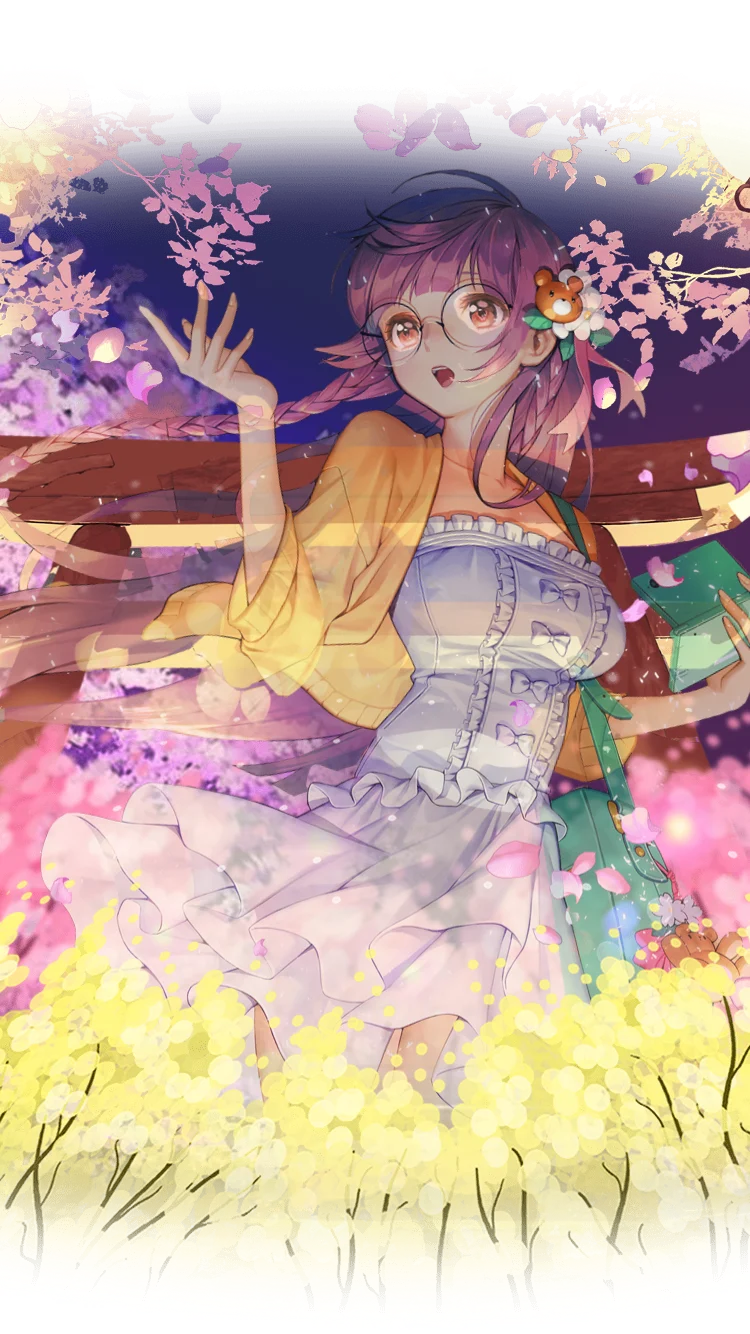
| Spring and blossom season | Cherry Blossom Parasol (with sound) | 750x1624 | 10 | 6 s | 4.15 MB |
| Spring and blossom season | Golden Flower Field | 750x1334 | 20 | 8.8 s | 1.31 MB |
| New Year and fireworks nights | Sparkler Fireworks Night | 750x1624 | 30 | 6.7 s | 1.72 MB |
| Love days and weddings | Heart Balloon Wedding | 750x1624 | 15 | 10.9 s | 629 KB |
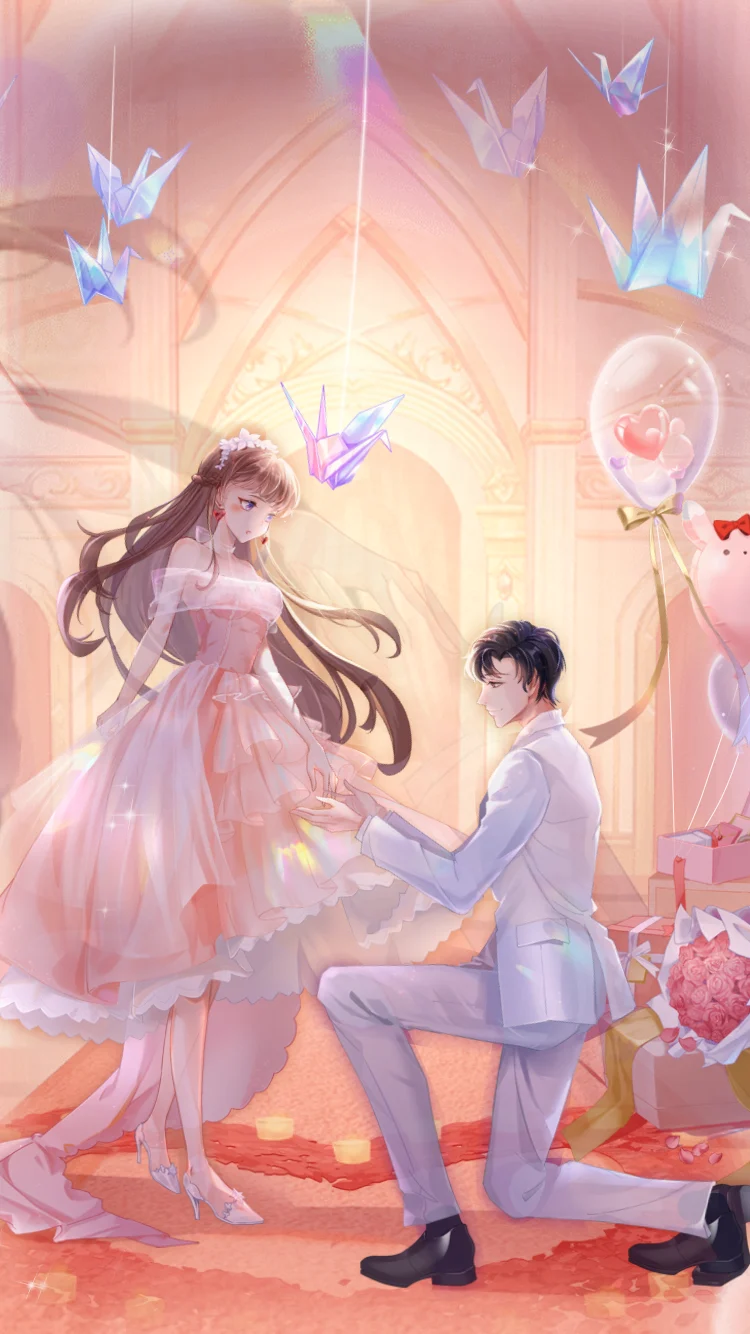
| Love days and weddings | Chapel Proposal Scene | 750x1334 | 30 | 10 s | 1.66 MB |
Two things stand out. Lengths run from 5 seconds to 15, so not every festival gift belongs in the same price tier: a 15-second piece such as Lantern Hanfu Lady is a centrepiece, while a 5-second gift can be the one people send again and again. Sizes run from 629 KB to 4.20 MB, which matters on busy festival nights when many gifts queue in one room.
- New750×1334 · 8s
Most viewedSVGA
Moonlit Bridge Festival
 750×1624 · 5s
GiftsSVGA
Golden Mosque Lantern
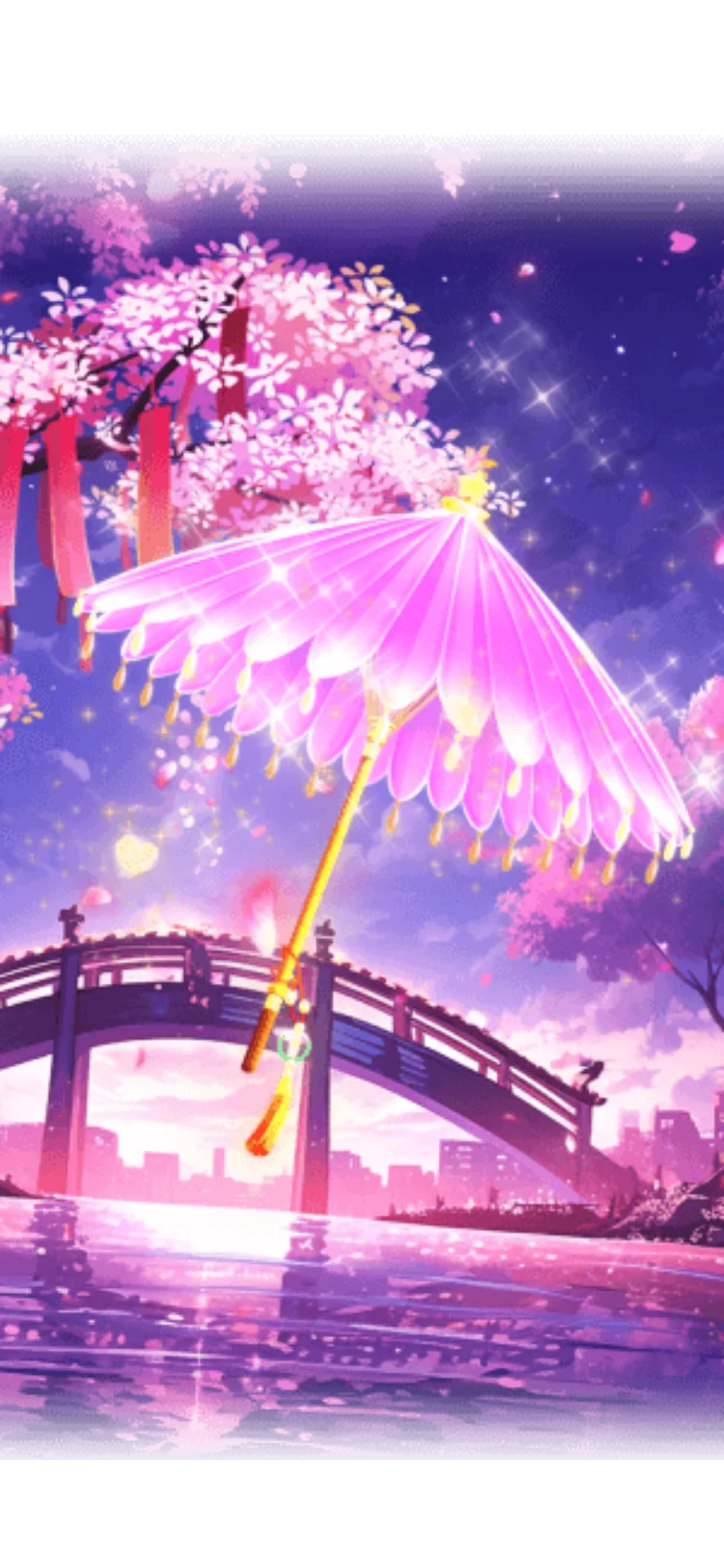 Has sound · 750×1624 · 6s
GiftsSVGA
Cherry Blossom Parasol
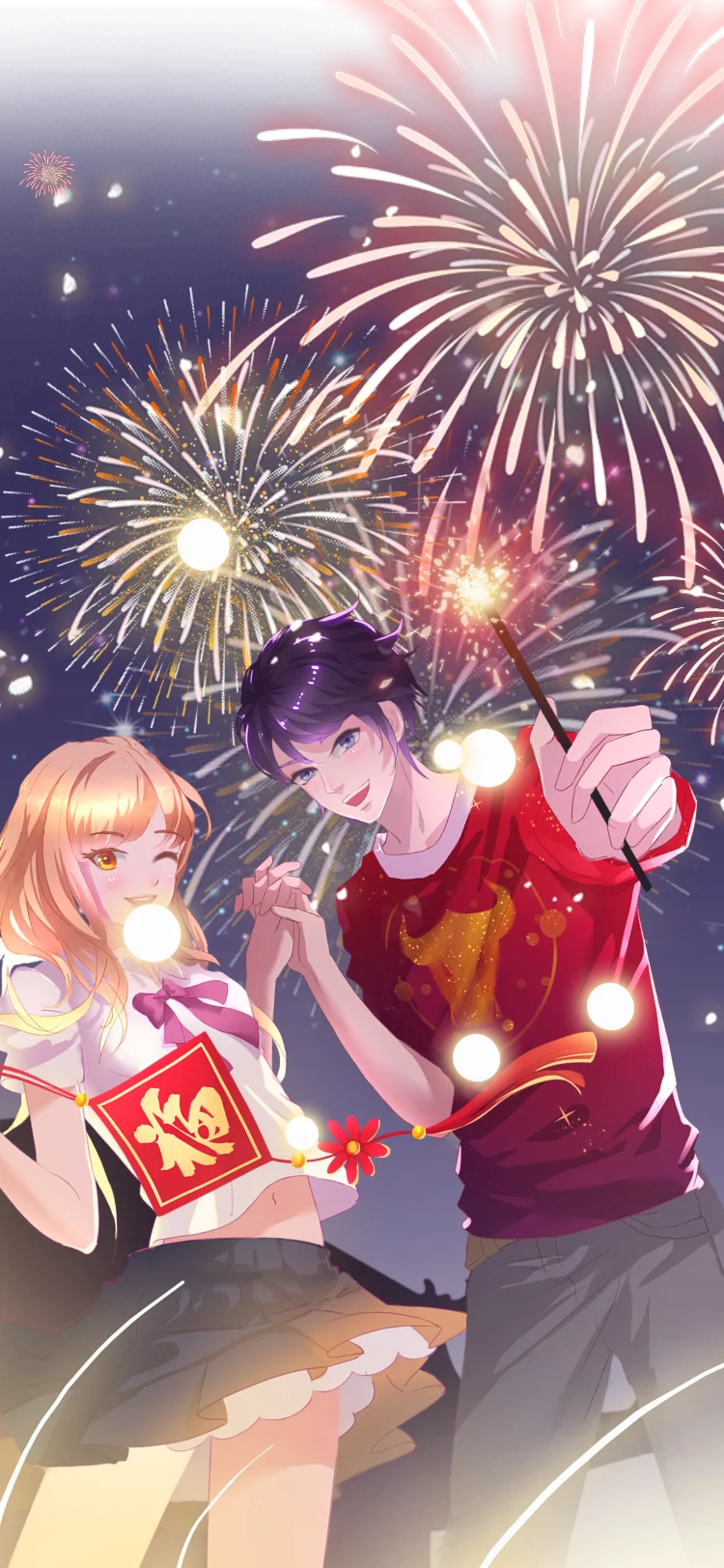 750×1624 · 6.7s
GiftsSVGA
Sparkler Fireworks Night
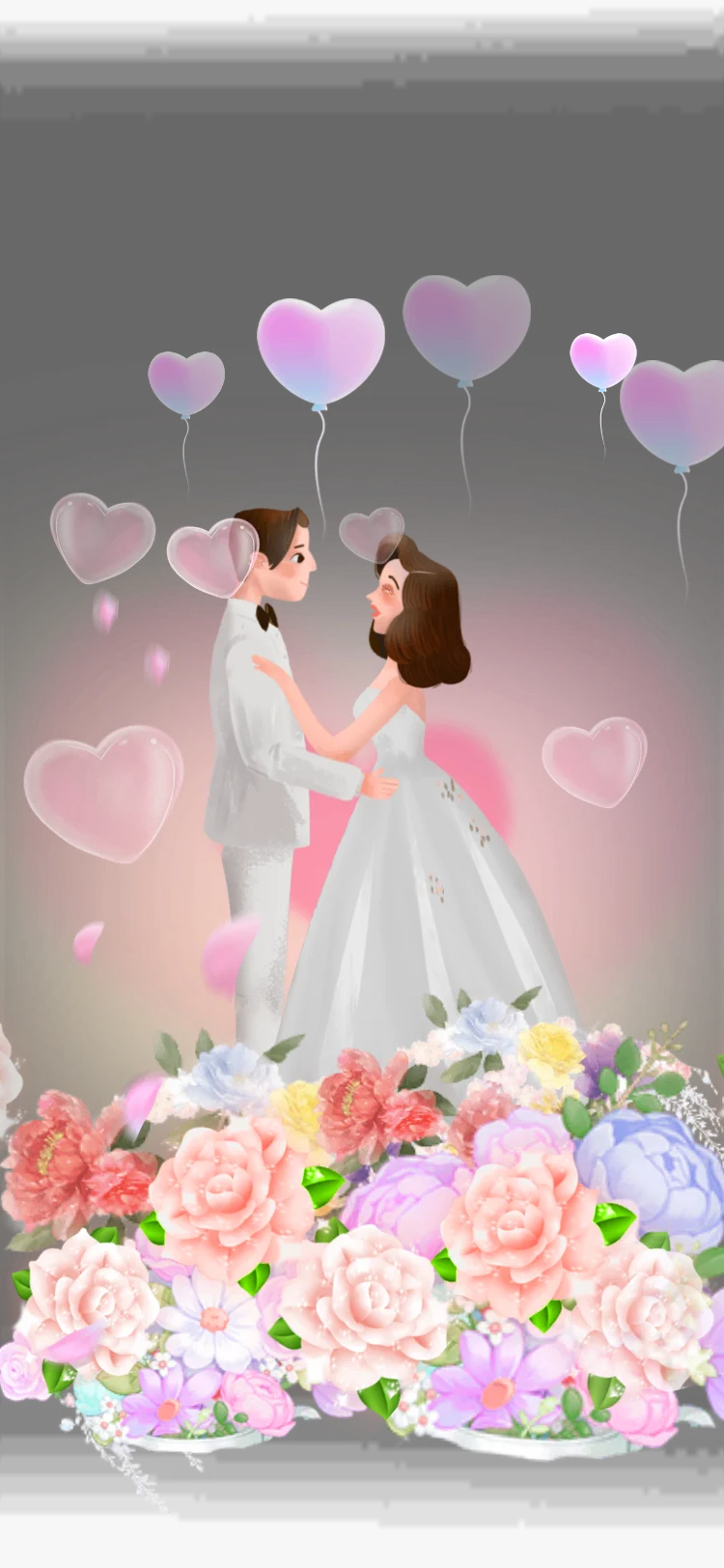 750×1624 · 11s
GiftsSVGA
Heart Balloon Wedding
For a curated set, the Festival & Culture Gifts pack holds 11 files of lanterns, blossoms and festival nights for less than buying them one by one. Birthdays and love days have their own bundles: Birthday & Party Gifts (12 files) and Love & Romance Gifts (20 files).
Give each season a mechanic, not just a gift
A new gift in the panel is easy to miss. An event gives people a reason to turn up at a set time, and the animations for common event types already exist.
Red packets for countdown moments
Red packet drops suit the New Year, Eid and any festival with a gift-giving tradition. The Red Packets & Lucky Bags collection has the full sequence: Red Packet Countdown Lv 1 to 3 (750x750, 15 fps, 10 seconds, 406–420 KB) followed by Red Packet Open Lv 1 to 3 (1.3 seconds, 248–259 KB). The countdown gathers the room; the short open keeps the claim quick. There are also full-height countdowns in gold, red, blue, purple and green (750x1334, 10 seconds), so you can match the colour to the occasion without new artwork.
Treasure boxes for multi-day events
For an event that runs across a week, a box that fills as the room sends gifts works better than a single drop. Treasure Box 1 to 5 are PAG files at 750x750 that play for 1.9 seconds in their closed state, and Treasure Box Open 1 to 5 play a 3-second opening at 777 KB to 1.05 MB. Five levels map neatly onto five event days or five spending thresholds.
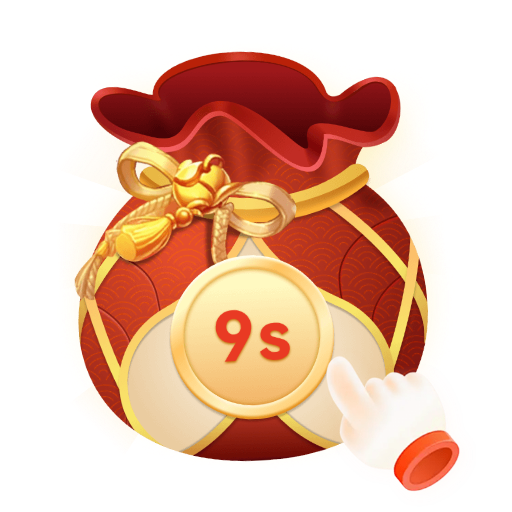 750×750 · 10s
Red packetsSVGA
Red Packet Countdown Lv 1
 750×750 · 1.3s
Red packetsSVGA
Red Packet Open Lv 1
 750×1334 · 10s
Red packetsSVGA
Gold Countdown
 750×1334 · 10s
Red packetsSVGA
Red Countdown
 750×750 · 2s
Treasure SetsPAG
Treasure Box 1
 750×750 · 3s
Treasure SetsPAG
Treasure Box Open 1
Schedule the release backwards from the date
Work back from the first day of the event. These lead times are a starting point; stretch them if your release process is slower.
Six weeks out: shortlist gifts and the event mechanic, and decide which files are limited-time and which stay permanently.
Four weeks out: buy the files and check each one in the free SVGA and PAG viewer for canvas, frame rate and size on a dark room background.
Three weeks out: integrate and test on your lowest supported phone, with two or three large gifts queued back to back.
Two weeks out: set prices, panel placement, event rules and the end date on the server, and add the files to your remote asset list so no app update is needed.
A few days out: pre-download the larger files on Wi-Fi so the first send of the festival does not stall while a 4 MB file loads.
After the event: retire limited gifts on the date you announced, and note which pieces were sent most to guide next year's plan.
Keep festival nights light
Seasonal events concentrate gifting into a few hours, so size and length matter more than usual. The Animated Gifts collection ranges from 2.5 KB to 19.20 MB, with a median of 735 KB. A sensible pattern is one heavy centrepiece per festival, with the cheaper tiers drawn from lighter files: Golden Mosque Lantern at 733 KB and Heart Balloon Wedding at 629 KB both fill a tall screen while staying under that median.
If a festival falls during a ranking season or a family event, several banners will compete for the same screen, so decide in advance which one takes priority.
Next step
Put the next twelve months of occasions in a shared sheet, mark each as fixed, romantic or personal, and assign one gift and one mechanic to each. Then pick centrepieces from the Animated Gifts collection and the event layer from the Red Packets & Lucky Bags and Rewards & Treasure collections, and run every shortlisted file through the viewer before it goes into the plan.