Reading an animation spec sheet: canvas, frame rate and loop length
Canvas, frame rate, length, size and sound: what each number on an SVGA or PAG spec line tells you about fitting, looping, syncing and loading a file.
svgastore team6 min read
Every file in the store carries a short spec line: format, canvas, frame rate, length, file size and whether it has sound. Read properly, those six facts tell a developer where a file can go, how long it will hold the screen and what it costs to load – before anyone presses play. Here is how to read each one, with examples from across the catalogue.
Six facts, six questions
Format (SVGA or PAG) – which runtime do you need? SVGA plays with the open-source SVGAPlayer runtimes for Android, iOS, Web and Flutter; PAG plays with Tencent's libpag.
Canvas – what shape of slot was it drawn for?
Frame rate (fps) – how many distinct images per second were authored?
Length – how long does one complete play take?
Size – what does it cost to download and hold?
Sound – do you need a mute rule?
Canvas: read the shape before the pixels
The canvas is the drawing area the animator worked in. The runtime scales it into whatever view you give it, so the aspect ratio matters more than the pixel count.
Full-screen gifts show this well. Many in the Animated Gifts collection use 750x1624, which matches the tall 19.5:9 shape common on recent phones, while others use 750x1334, the older 16:9 shape. Put a 750x1334 file into a taller view with a "fill" rule and the sides of the artwork are cropped; use "fit" and you get empty bands above and below. Neither is wrong, but choose on purpose – both SVGAPlayer and libpag let you set how content scales into its view.
Other shapes tell you the job straight away: 1080x312 is a broadcast bar (SVIP 7 Emerald Banner), 119x32 is a level plate (Level 0 To 9 Background) and 36x36 is an inline badge (UID Good Number Lv 1 II).
Frame rate: from 1 to 75, and lower is not worse
Files in the store use these frame rates: 1, 3, 6, 8, 10, 12, 14, 15, 16, 20, 23, 24, 25, 30, 33, 35, 50, 60 and 75 fps. Each file plays at its own authored rate, so a room can show a 10 fps rocket next to a 30 fps reaction without any conversion on your side.
A low frame rate is a design choice, not a defect. Admin Laurel Frame runs at 6 fps, Team Battle Start (PAG) at 8 fps and Rocket 1 at 10 fps – plenty for shimmer, glow and stepped motion. Quick, punchy pieces such as the Perfect reaction word use 30 fps. When two candidates compete for one slot, the higher frame rate only earns its place if the motion would look jerky without it.
 347×347 · 1.8s
Role SetsSVGA
Admin Laurel Frame
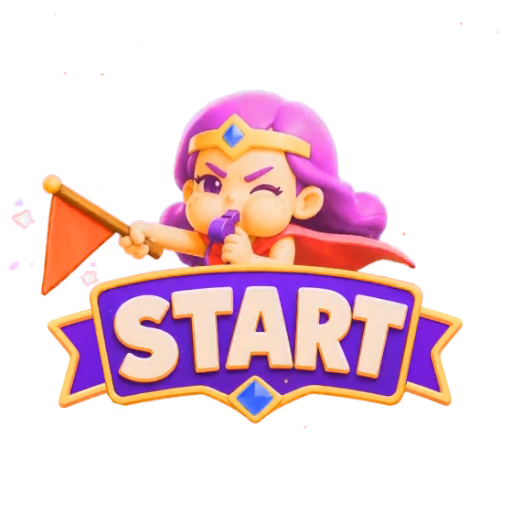 560×560 · 3s
PK & GamesPAG
Team Battle Start
 200×267 · 5s
RocketsSVGA
Rocket 1
Length and frames: how long the file holds the screen
Length is one complete play. Multiply it by the frame rate and you have the approximate frame count, a rough guide to how much per-frame data the file carries. Whether a file loops or plays once is up to your code, but length means something different in each case.
Looping files
Avatar frames, mic links and level plates loop, so their length is the cycle. CP Mic Link Lv2 repeats every 2 seconds; a user sitting on a mic for ten minutes sees its loop seam around 300 times. Check that seam carefully.
One-shot files
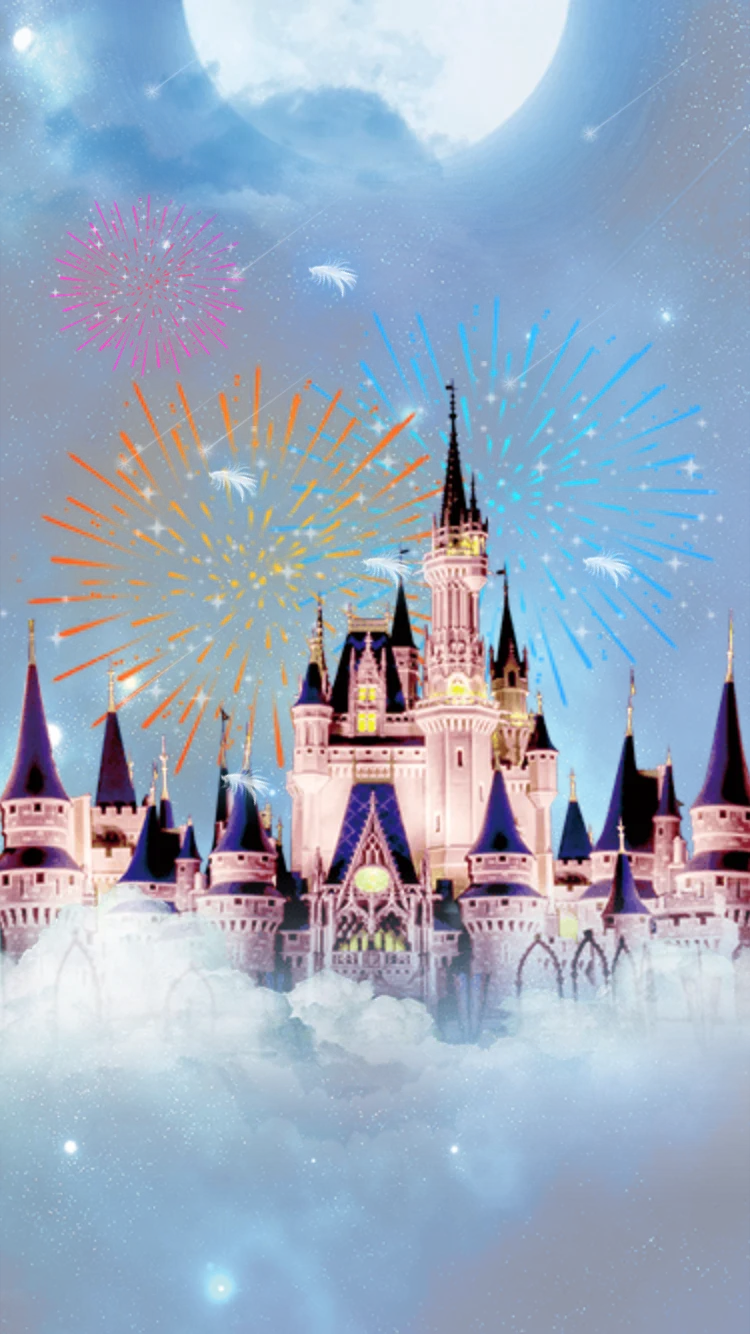
Gifts play once, and their length is how long they occupy the room. Cloud Castle Dream lasts 4.1 seconds; Dreamy Star Bottle lasts 15. Three Dreamy Star Bottle gifts sent back to back hold the screen for 45 seconds, so your gift queue needs a policy: merge repeats, cap the queue, or play lower-value gifts in a smaller area.
Files whose length is the mechanic
Countdowns are where length has to match your server. Gold Countdown runs for 10 seconds at 20 fps; Red Packet Countdown Lv 1 runs for 10 seconds at 15 fps. If your red packet opens after 10 seconds, start the file with the timer. If your timer is shorter than the file, or a user joins halfway through, do not change the playback speed – seek to the matching point. SVGAPlayer can step to a given frame or play a range, and libpag lets you set playback progress directly.
 750×1334 · 10s
Red packetsSVGA
Gold Countdown
 750×750 · 10s
Red packetsSVGA
Red Packet Countdown Lv 1
 Has sound · 750×1624 · 15s
GiftsSVGA
Dreamy Star Bottle
Size and sound
Across the store the median file is 110 KB, and 2,761 of the 5,723 files are under 100 KB. Size follows the bitmaps inside a file far more than its canvas or length: Rocket Small Level 1 is 7.2 KB on a 128x128 canvas, while King Fireworks Blast is 19.20 MB for 9 seconds at 30 fps – and it carries sound, which adds weight too.
Only 106 files carry sound. When the sound flag is on, settle three things before integration: whether it follows the room's mute setting, what happens when two sounding gifts overlap, and whether it plays when the phone is on silent. Luxury Yacht Cruise, an entry effect at 512x512, 30 fps and 10 seconds, is a good file to test those rules with.
Worked examples from across the store
Frames are fps multiplied by seconds, rounded, so treat them as approximate.
| File | Collection | Format | Canvas | fps | Seconds | Frames | Size | Sound |
|---|---|---|---|---|---|---|---|---|
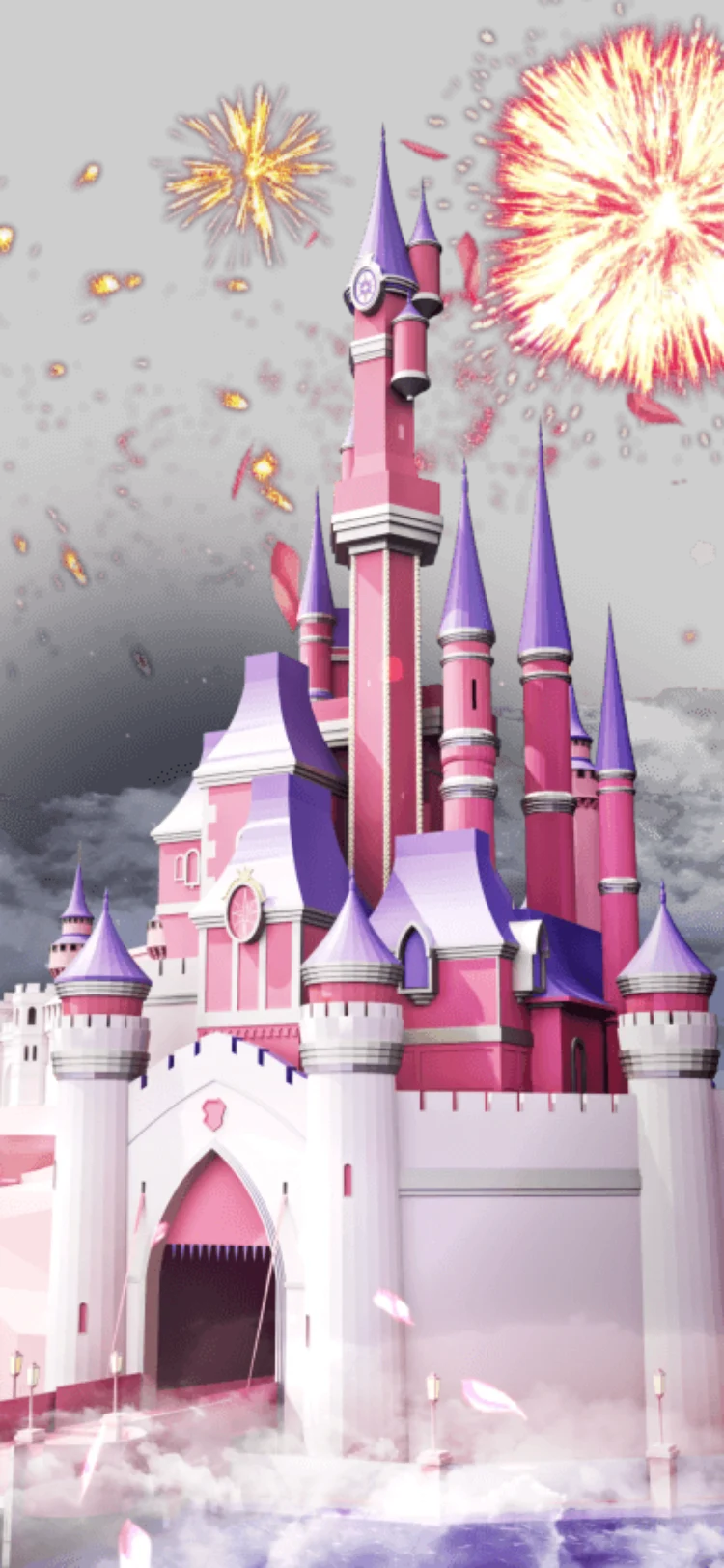
| Fairytale Castle Fireworks | Animated Gifts | SVGA | 750x1624 | 30 | 6.3 | 189 | 6.43 MB | No |
| Dreamy Star Bottle | Animated Gifts | SVGA | 750x1624 | 20 | 15 | 300 | 1.55 MB | Yes |
| Luxury Yacht Cruise | Entry Effects | SVGA | 512x512 | 30 | 10 | 300 | 669 KB | Yes |
| SVIP 7 Emerald Banner | Banners & Broadcasts | SVGA | 1080x312 | 15 | 2 | 30 | 237 KB | No |
| Team Battle Start | PK Battles & Games | PAG | 560x560 | 8 | 3 | 24 | 132 KB | No |
| Admin Laurel Frame | Role Sets | SVGA | 347x347 | 6 | 1.8 | 11 | 667 KB | No |
| CP Mic Link Lv2 | CP & Couple Moments | SVGA | 100x100 | 30 | 2 | 60 | 29 KB | No |
| Gold Countdown | Red Packets & Lucky Bags | SVGA | 750x1334 | 20 | 10 | 200 | 633 KB | No |
A five-question check before you integrate
Does the canvas shape match the slot, and have you chosen fit or fill?
Will it loop or play once – and is its length right for that use?
Does anything in the app need to stay in step with it, such as a timer?
Does its size suit where it loads – at app start, on room entry or on demand?
If it has sound, what is the mute rule?
Next step
Pick three files you are considering and drop each into the free SVGA and PAG viewer. It shows size and frame rate and plays the file on different room backgrounds, so you can answer the five questions in minutes. If you want a varied set to test an SVGA and VAP pipeline against, the App Starter Pack brings 368 files, from 230 px chat emoji to full-screen 750x1624 gifts, with PNG badges, VAP backgrounds and 18 files with sound.