PK battles: the animation kit behind every host-vs-host round
A PK round has six states, from matching to settlement. Here is what each needs from its animation, with real specs for starts, bonus items, wins and draws, plus notes on losing well and RTL.
svgastore team5 min read

A PK round is short, loud and easy to get wrong. Two hosts link up, a timer starts, both audiences send gifts, and a few minutes later somebody wins, loses or draws. Every one of those moments needs an animation that reads instantly on a phone, so this guide walks through a round state by state, with real files and specs for each.
Map the round before you choose files
Treat a PK round as a small state machine. Writing the states down first stops you buying five victory screens and forgetting the draw.
Matching: the app is finding an opponent, looping until a match is found or the host cancels.
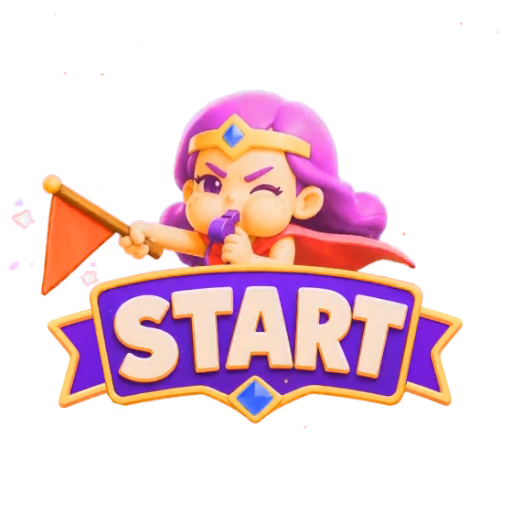
Start: a one-shot intro telling both rooms the round has begun.
Live scoring: the progress bar, side indicators, mic-seat effects and any bonus items.
Final countdown: the last seconds, where a close round is decided.
Result: win, lose or draw, seen differently by each side.
Settlement: MVP badges, rewards and any room-wide announcement.
Each state's job should decide its canvas size, its length and whether it loops.
Matching and start: set the tone quickly
Matching animations stay on screen for an unknown length of time, so they need to loop cleanly and stay light. Home Game Match Ing is a 344x344 SVGA at 20 fps, 3 seconds long and just 34 KB; the II variant is 37 KB.
The start is a one-shot and should be brief: people want to get to the scoring. Team Battle Start is a PAG file at 560x560, 8 fps, 3 seconds and 132 KB. A low frame rate suits bold, graphic intros built on scale, flash and fade, but it would look choppy on fine particle work.
Live scoring: progress people can read at a glance
During scoring, viewers glance at the bar between chat messages rather than study it. A few rules hold up well:
Make the leader obvious. Who is ahead should be clear from colour and position alone. Keep score text in your own UI layer and let the animation handle glow and movement.
Keep sides fixed. If red is on the left at the start, it stays on the left at the result.
Let the mic seats carry energy. Red and blue mic animations show which speakers belong to which side.
Keep bonus items tiny and quick. The team PK bonus weapons are 150x150 SVGA files at 24 fps that last 1 second: the axe is 145 KB, the gun 156 KB and the sword 109 KB. One second registers a power-up without covering the bar.
 150×150 · 1s
PK & GamesSVGA
Team PK Bonus Weapon Axe
 150×150 · 1s
PK & GamesSVGA
Team PK Bonus Weapon Gun
 150×150 · 1s
PK & GamesSVGA
Team PK Bonus Weapon Sword
The final countdown
The closing seconds deserve their own asset, not a recoloured timer. Trigger the countdown from your server clock rather than the device clock so both rooms see it start together, and never let it cover the progress bar: people want to watch the gap close.
Right-to-left rooms
In Arabic and Urdu rooms the layout mirrors, so left and right swap, and a progress icon that points towards the leader in an LTR room points the wrong way in an RTL one. The store carries mirrored files such as this right-to-left team PK progress icon, plus RTL versions of the red and blue PK mic animations. Test every side-specific asset in both directions.
The result: three outcomes, two audiences
The result is the moment everyone remembers, and the easiest to under-plan. You need three outcomes, each watched by two audiences at once: the winning room and the losing room.
| File | Format | Canvas | FPS | Length | Size |
|---|---|---|---|---|---|
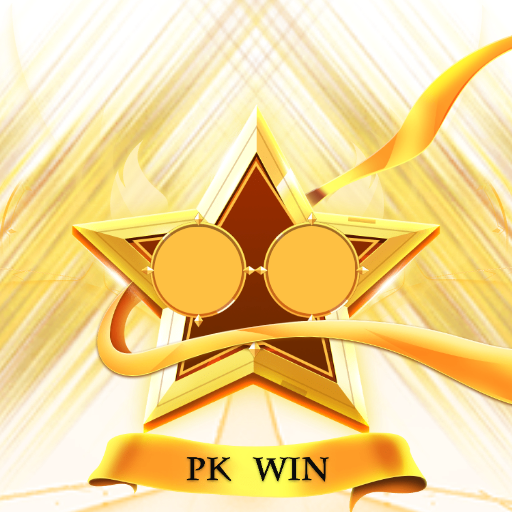
| PK Winner 1 | SVGA | 750x750 | 20 | 4.9 s | 326 KB |
| PK Result Victory | SVGA | 512x512 | 30 | 3 s | 150 KB |
| Win II | SVGA | 300x300 | 30 | 5 s | 145 KB |
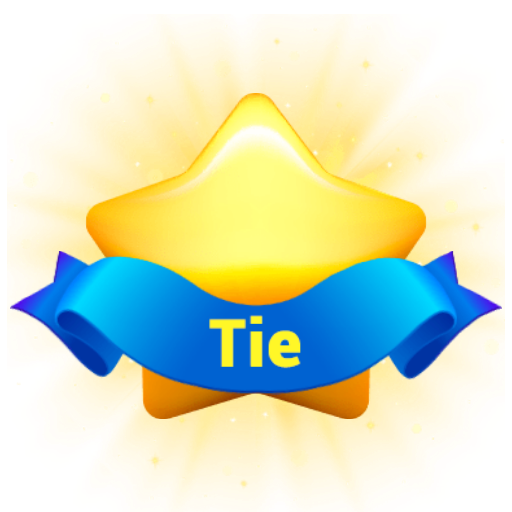
| Tie | SVGA | 300x300 | 30 | 5 s | 93 KB |
| Team Battle Win | PAG | 560x560 | 8 | 3 s | 176 KB |
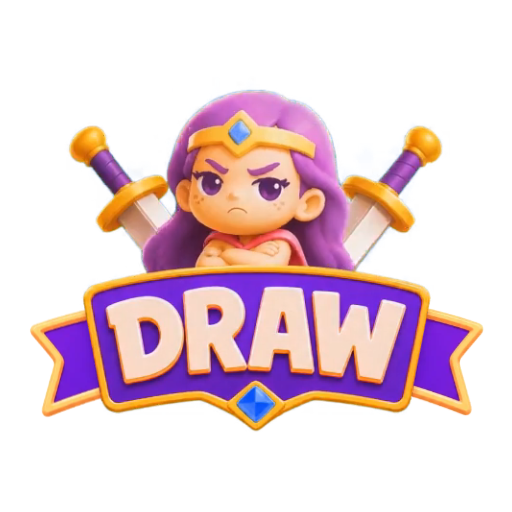
| Team Battle Draw | PAG | 560x560 | 8 | 3 s | 208 KB |
| Live PK Win Icon | SVGA | 360x450 | 20 | 5 s | 508 KB |
| Live PK Draw Icon | SVGA | 360x450 | 20 | 5 s | 100 KB |
What the table tells you:
Celebrations and badges are different jobs. The PK Winner series at 750x750 is a centre-stage moment, while 300x300 files such as Win II and Tie sit better as overlays on a host's video tile.
Draws need real design. A draw that looks like an afterthought feels like a bug. Pair Win II with Tie, or Team Battle Win with Team Battle Draw, so the styles match.
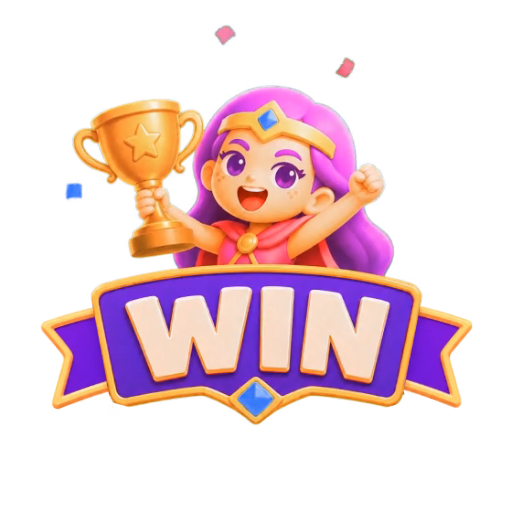
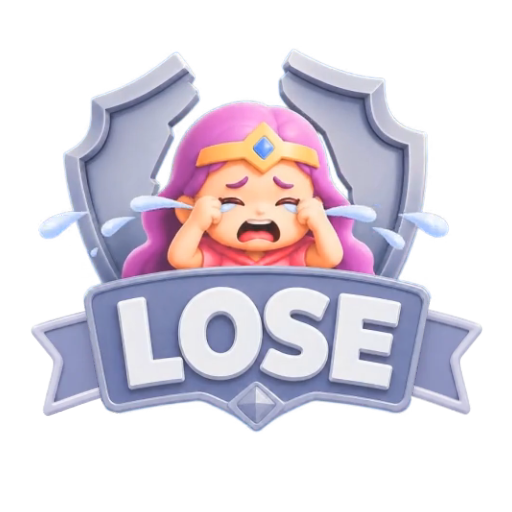
Losing should be graceful. A defeat result should acknowledge the outcome without humiliating the host, whose audience you want back for the next round.
- 750×750 · 4.9s
PK & GamesSVGA
PK Winner 1
 512×512 · 3s
PK & GamesSVGA
PK Result Victory
 300×300 · 5s
PK & GamesSVGA
Tie
Settlement and file handling
After the result, consider an MVP badge and a reward for the top contributor; the store carries room PK MVP animations for this. If you announce big wins room-wide, match your other broadcast bars and plan the RTL version at the same time.
The PK Battles & Games collection holds 285 files, 242 SVGA and 43 PAG, ranging from 464 B to 2.28 MB with a median of 79 KB. A few practical points:
Preload result animations when the match starts, not when the timer hits zero.
Use SVGA if your app already ships the open-source SVGAPlayer runtimes (Android, iOS, Web, Flutter), and PAG if you have integrated Tencent's libpag. Pick one format per state family so the style stays consistent.
Check every file on a dark room background in the free SVGA and PAG viewer before wiring it in.
Packs for a complete round
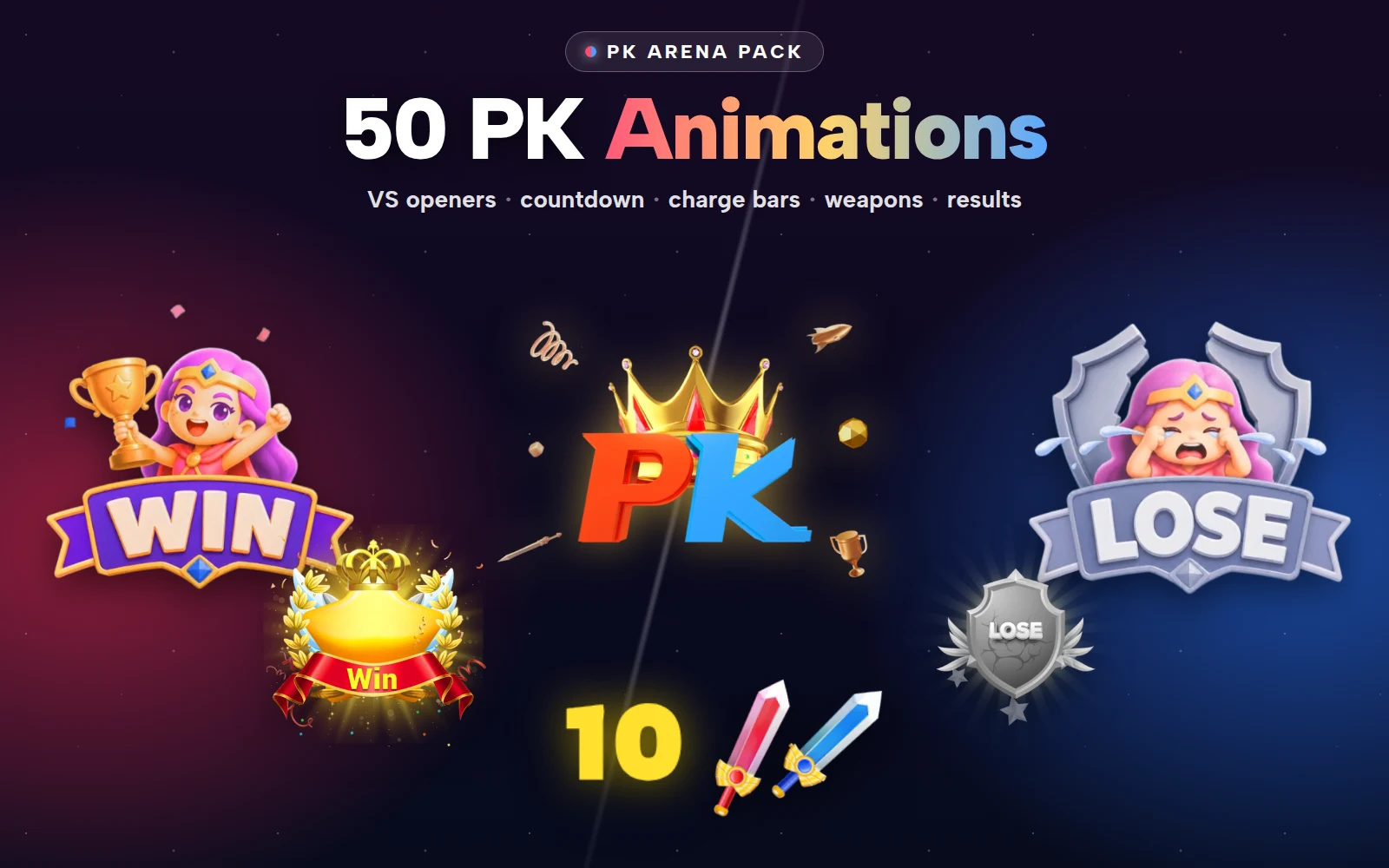
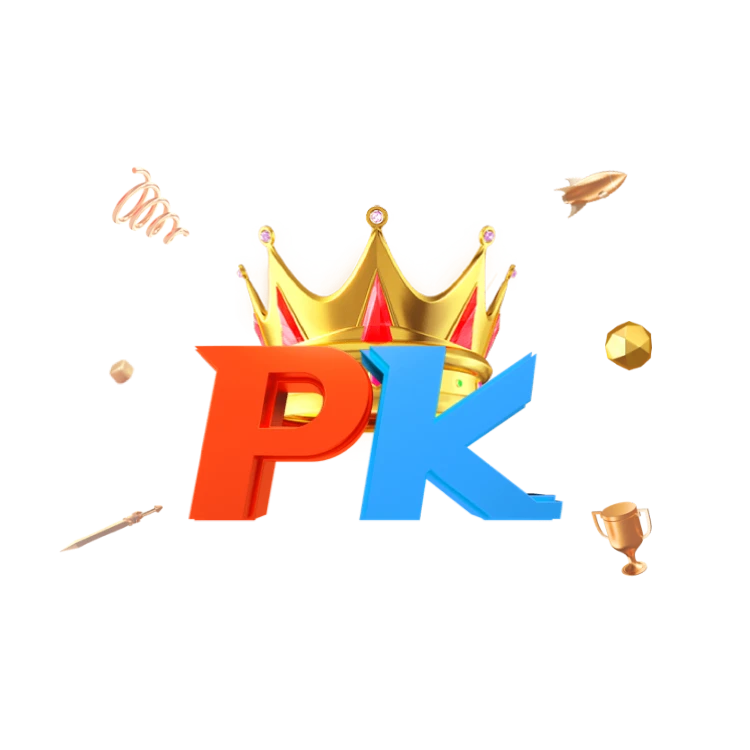
Two packs cover most of a round. The PK Battle Kit bundles 10 files for less than buying them one by one, with countdown, swords and charge bars in LTR and RTL. The PK Arena Pack does the same for 20 files, with VS intros, results and weapons for head-to-head PK.

PK Arena Pack
VS openers, countdowns, charge bars, weapons and results for PK
Next step
Write down your round's six states and mark which need both LTR and RTL versions. Then work through the collection against that list, check each candidate in the viewer, and fill the gaps, especially the draw and the defeat, before you build the timer logic.