Level ladders: designing Level 0 to 120 and the level-up moment
How to build a level ladder that stays readable at badge size: ten-level bands, real plate weights from Level 0 to 120, level-up staging, relegation and room levels.
svgastore team5 min read

A user's level is one of the most repeated pieces of art in a voice-chat app. It sits beside their name in chat, on the profile card, on the mic seat and in the gift rankings, usually at a size smaller than a postage stamp. This guide covers how to build a ladder from Level 0 to Level 120 that stays readable at that size, and how to stage the moments when someone moves up or down.
Design the ladder in bands, not steps
Giving each of 121 levels its own artwork sounds generous, but it fails in practice. Nobody can tell Level 47 from Level 48 by colour, and keeping 121 designs consistent is a maintenance job that never ends. The more durable pattern is a banded ladder: the plate changes every ten levels, and the app draws the exact number on top.
The Levels & Level-ups collection follows this pattern with thirteen plates: twelve ten-level bands plus a single plate for Level 120. Every plate is a 119x32 SVGA on a 2-second loop.
| Band | fps | Size |
|---|---|---|
| Level 0–9 | 30 | 60 KB |
| Level 10–19 | 30 | 55 KB |
| Level 20–29 | 30 | 132 KB |
| Level 30–39 | 30 | 136 KB |
| Level 40–49 | 30 | 136 KB |
| Level 50–59 | 30 | 177 KB |
| Level 60–69 | 30 | 260 KB |
| Level 70–79 | 30 | 225 KB |
| Level 80–89 | 30 | 225 KB |
| Level 90–99 | 30 | 235 KB |
| Level 100–109 | 30 | 374 KB |
| Level 110–119 | 15 | 533 KB |
| Level 120 | 15 | 532 KB |
What the table tells you
Two patterns stand out.
Weight broadly follows rank. The plates get richer as users climb, with a small dip after Level 60–69: 55 KB for Level 10–19 against 533 KB for Level 110–119. It is a sensible trade: the upper bands belong to fewer users, who expect their plate to look expensive.
Frame rate drops at the top. The last two plates run at 15 fps instead of 30. Over a 2-second loop that halves the number of frames, which leaves room for extra detail without the file doubling again.
The practical consequence shows up in list views. A busy room's chat can show dozens of level plates at once, many of them from the upper bands. Parse each plate file once, cache it and reuse it for every row that needs it. Animate only the rows on screen, and consider pausing plates while the list is scrolling.
The plate is a background: plan the number
Because the plate carries the band and your app draws the digits, the typography is your job. Usually that is a native text view over the player; if a file has a layer with a named image key set aside for it, the SVGAPlayer runtimes can also draw dynamic text into that layer.
Make sure three digits fit. "120" needs noticeably more room than "7" on a 119x32 plate.
Give the number a contrasting outline or shadow, because the brighter upper plates can swallow plain white text.
In right-to-left layouts the plate moves to the other side of the name, but the digits still read left to right.
Test against both light profile cards and dark rooms in the SVGA and PAG viewer.
For a shorter ladder, such as a task tier or a four-step event, the Counter Level set is a compact alternative: four 174x60 files at 12 fps, each a 1-second loop between 5.0 KB and 6.3 KB.
Staging the level-up
The plate changes quietly. The level-up itself deserves a moment, but a short one.
Level Upgrade Title: 600x250, 20 fps, 3 seconds, 833 KB. A headline banner for the main ladder.
Level Upgrade Medal Content: 750x800, 15 fps, 2.7 seconds, 161 KB. The centre-screen medal reveal, with a second version at the same spec.
Game Level Up: 600x250, 20 fps, 3 seconds, 158 KB. A lighter title for game modes.
Level Upgrade Title and Game Level Up share a canvas, a frame rate and a length, yet one is more than five times the size of the other. Canvas does not set file weight; the artwork does.
Three staging rules:
Play the celebration once, then settle the new plate into place, so the user links the moment to the badge.
If a single action jumps several levels, celebrate the final level once rather than queuing a string of animations.
Let the user dismiss it. A level-up that blocks the gift panel in the middle of a PK round is a level-up people resent.
- 600×250 · 3s
LevelsSVGA
Level Upgrade Title
 750×800 · 2.7s
LevelsSVGA
Level Upgrade Medal Content
 600×250 · 3s
LevelsSVGA
Game Level Up
Going down: relegation and "keep it"
If your levels reset by season or decay with inactivity, you need the downward moments as well. The store has a Level Relegation Title, a Level Downgrade Title, Game Level Dropped and Level Game Keep It.
Handle these with more care than the level-up:
Show the "keep it" warning before the drop, while the user can still do something about it.
Show relegation privately. A level-up can be announced to the room; a drop should not be.
Keep the tone factual. Say what changed and how to get back, rather than dwelling on what was lost.
Room levels
Rooms can climb a ladder of their own, which gives owners a goal too. The Room Lv Box Background is a 500x500 SVGA at 30 fps, a 3-second loop of 150 KB, with a second version at the same spec. Pair it with the Room Level Box and the Room Level Upgrade animations for levels 1, 3, 5, 7 and 10. Unlike a personal relegation, a room level-up is good news for everyone present, so show it to the whole room.
 500×500 · 3s
LevelsSVGA
Room Lv Box Background
 112×112 · 4s
LevelsPAG
Room Level Box
 750×160 · 2s
BannersPAG
Room Level Upgrade 5
Next step
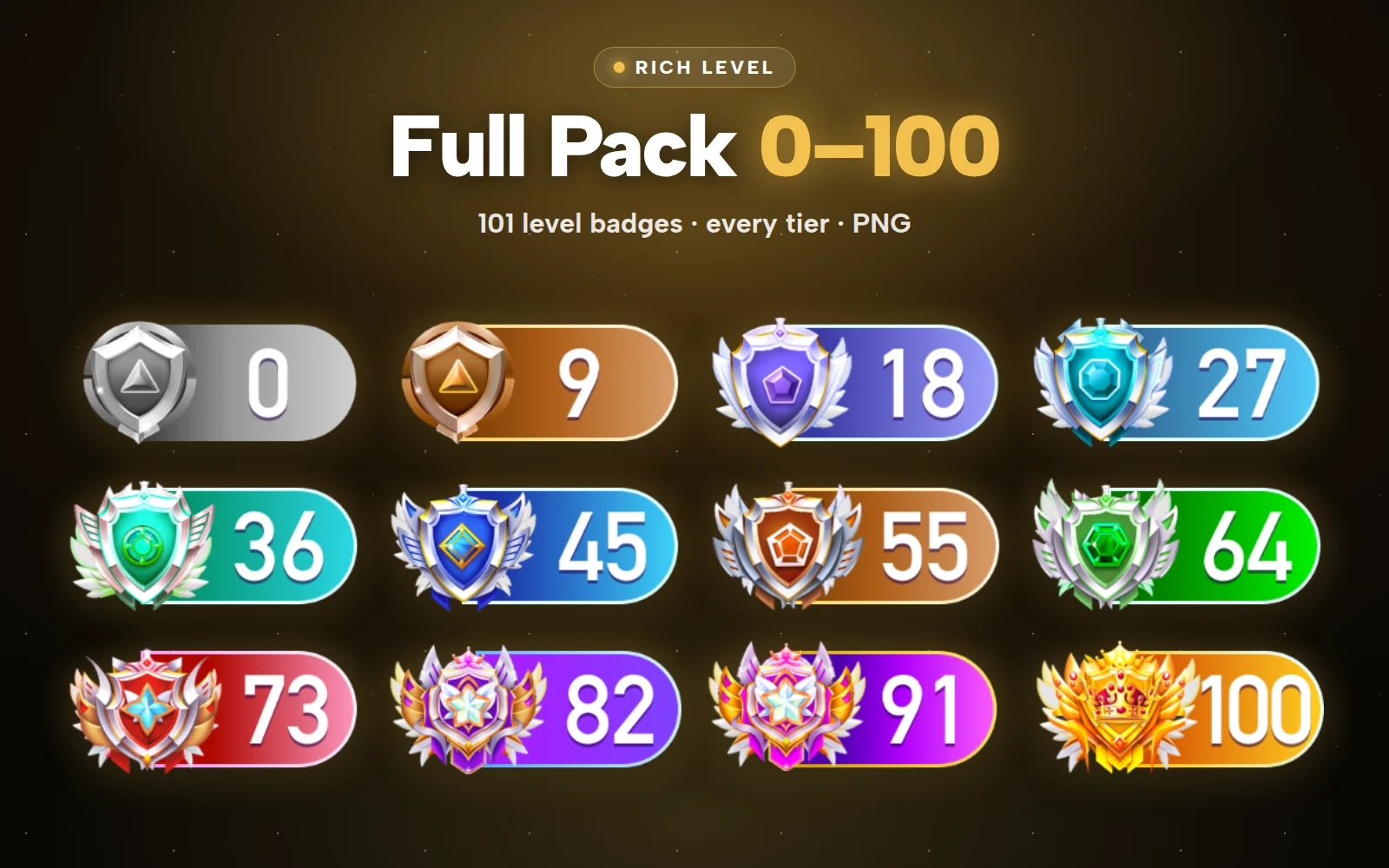
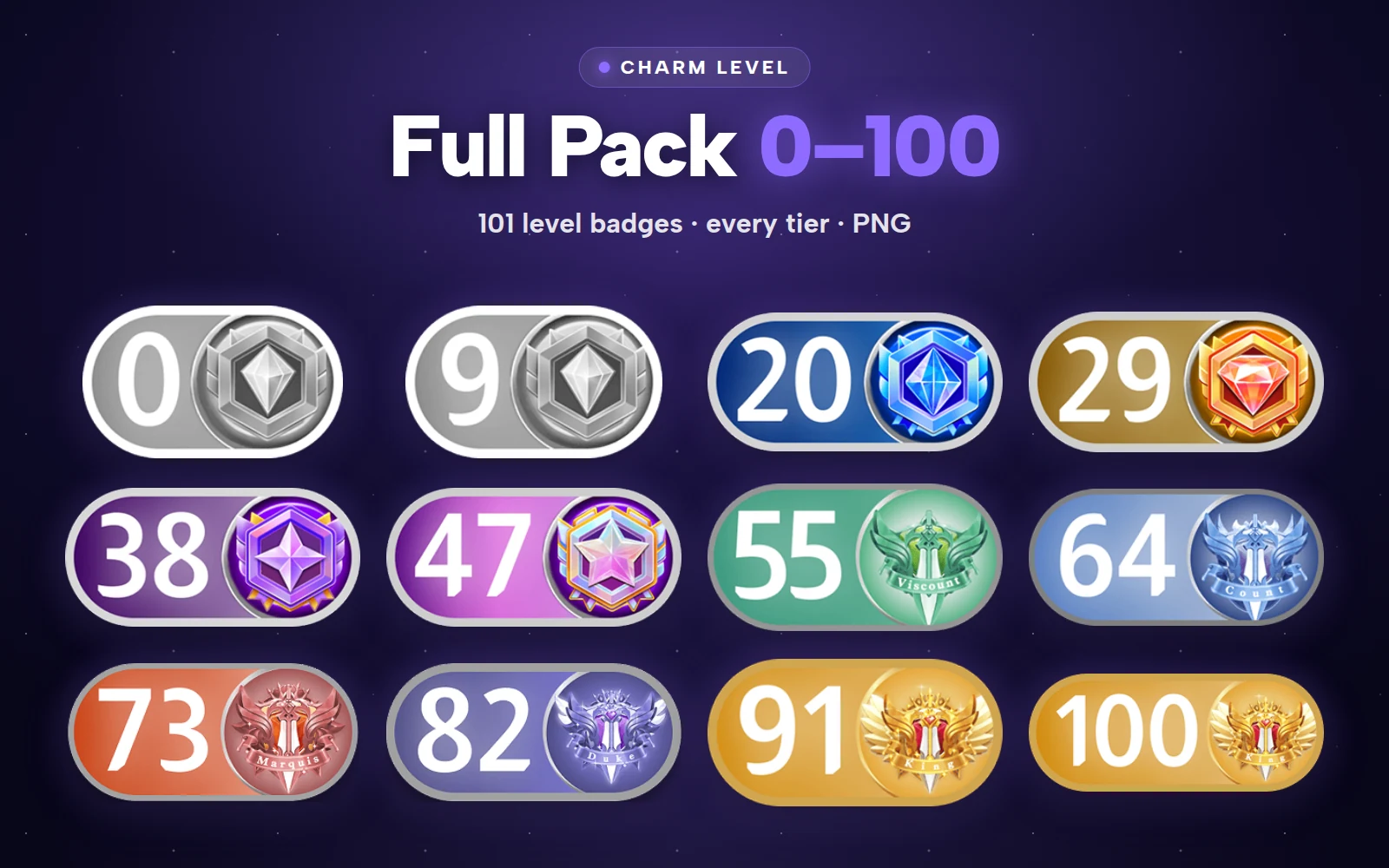
Decide your band size and whether levels can fall; the art list follows from those two choices. The Level Ladder Pack covers the plates from Level 0 to Level 120 plus level-up moments, 23 files for less than buying them one by one. The full collection has 53 files (50 SVGA, 3 PAG). If you also run separate wealth and charm ladders, the Rich Level and Charm Level packs hold every badge in those series.
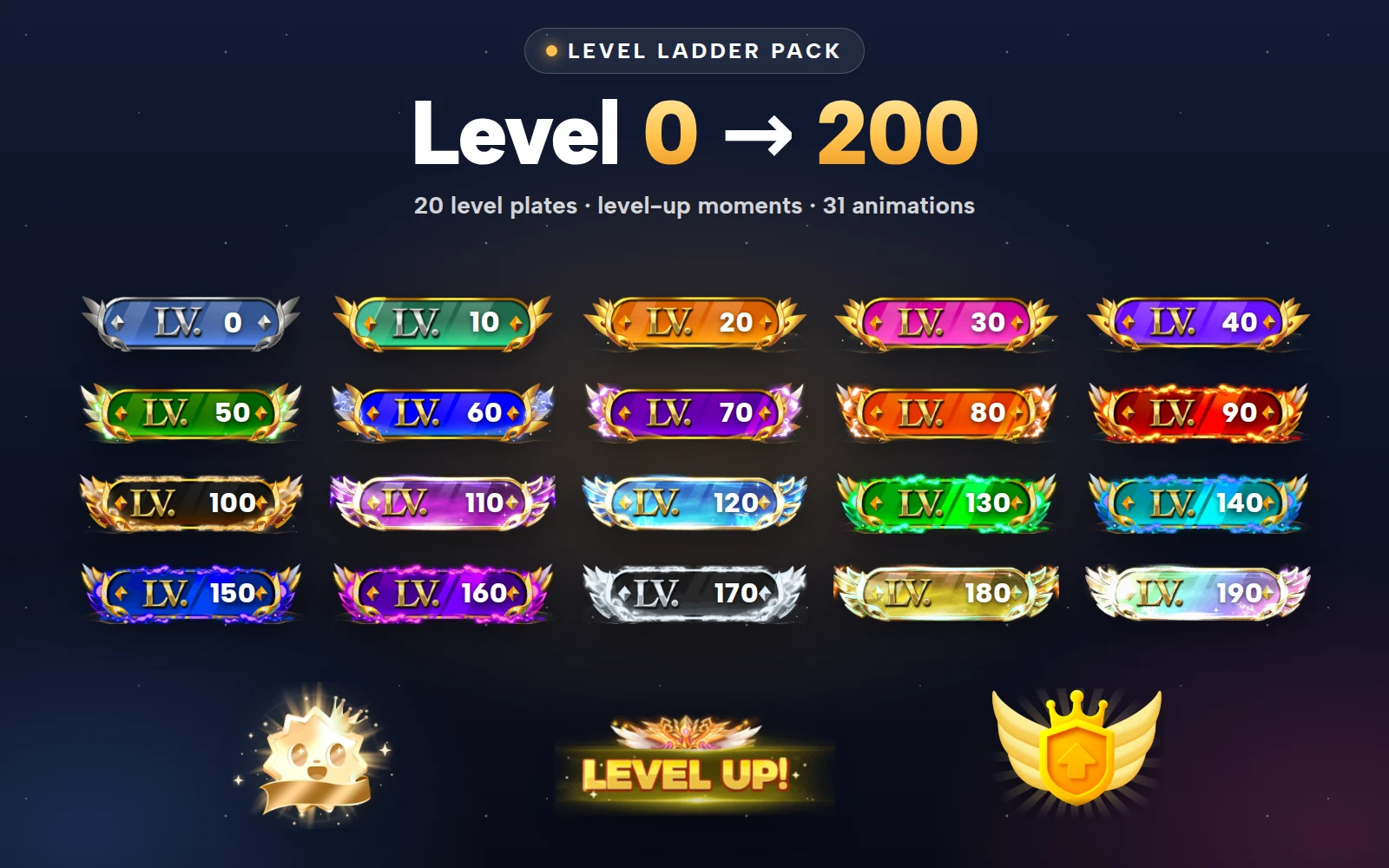


Level Ladder Pack
Level 0 to Level 200 plates, plus level-up moments