Designing animations for dark rooms: contrast, glow and posters
Many live rooms are dark, and that changes how glow, outlines and soft edges look. Why blend modes break in SVGA, how to fix fringes, and how to test a file on dark and light.
svgastore team5 min read
Many live-room and voice-room screens are built on dark colours: charcoal, deep navy, or a photo under a heavy scrim. An animation that looked clean on a white artboard can turn into a grey haze, a black box or a pale fringe once it plays there. Here is what changes on a dark background, why, and how to check a file on dark and light before it ships.
Why the background is part of the artwork
SVGA and PAG files are drawn on a transparent surface, so the room behind them becomes part of the picture whether you planned for it or not.
Light only reads as light against dark. A soft gold glow looks luminous in a dark room and like a smudge on a white profile page.
Thin dark lines disappear. Navy or black outlines that separated a shape from a pale artboard vanish against a near-black room.
Edges remember their export. Semi-transparent edge pixels carry a trace of the colour they were flattened against, which shows as a halo on the opposite background.
The further a piece travels around the app, the more backgrounds it must survive. A full-screen gift only plays in the room; a badge appears in chat, on profiles and in ranking lists.
| Piece | Example | Canvas | fps | Length | Size | What sits behind it |
|---|---|---|---|---|---|---|
| Full-screen gift | Sparkler Fireworks Night | 750x1624 | 30 | 6.7 s | 1.72 MB | The whole room |
| Broadcast banner | En500 | 750x240 | 15 | 5 s | 537 KB | Whichever screen is open |
| Avatar frame | Golden Laurel Ring | 414x414 | 30 | 4 s | 314 KB | The user's own photo |
| Level plate | Level 50 To 59 Background | 119x32 | 30 | 2 s | 177 KB | Chat lines, then light profile pages |
| Good-number badge | UID Good Number Lv 1 II | 36x36 | 15 | 2 s | 46 KB | Light and dark lists |
Glow: the most common surprise
Glow is the effect most likely to break between the design tool and the phone.
Blend modes do not survive in SVGA
In After Effects a glow is often light on a black layer set to Add or Screen, so the black drops out. The SVGA format has no field for a blend mode; every sprite is drawn with ordinary transparency. A glow that depended on Screen therefore arrives as what it really is: light on a black rectangle. If a dark box flashes behind a sparkle during playback, this is usually why. Fix it in the source by rendering the glow as a colour fading to zero alpha.
PAG keeps more of the After Effects layer model, blend modes included, so the same project often comes through libpag more faithfully. Check each file anyway: not every effect has a runtime equivalent.
Glow has a weight cost
In SVGA, soft glows are stored as bitmaps, and large semi-transparent images cost both download size and memory. Because a glow is blurred anyway, it can usually be exported at half resolution and scaled up without visible loss.
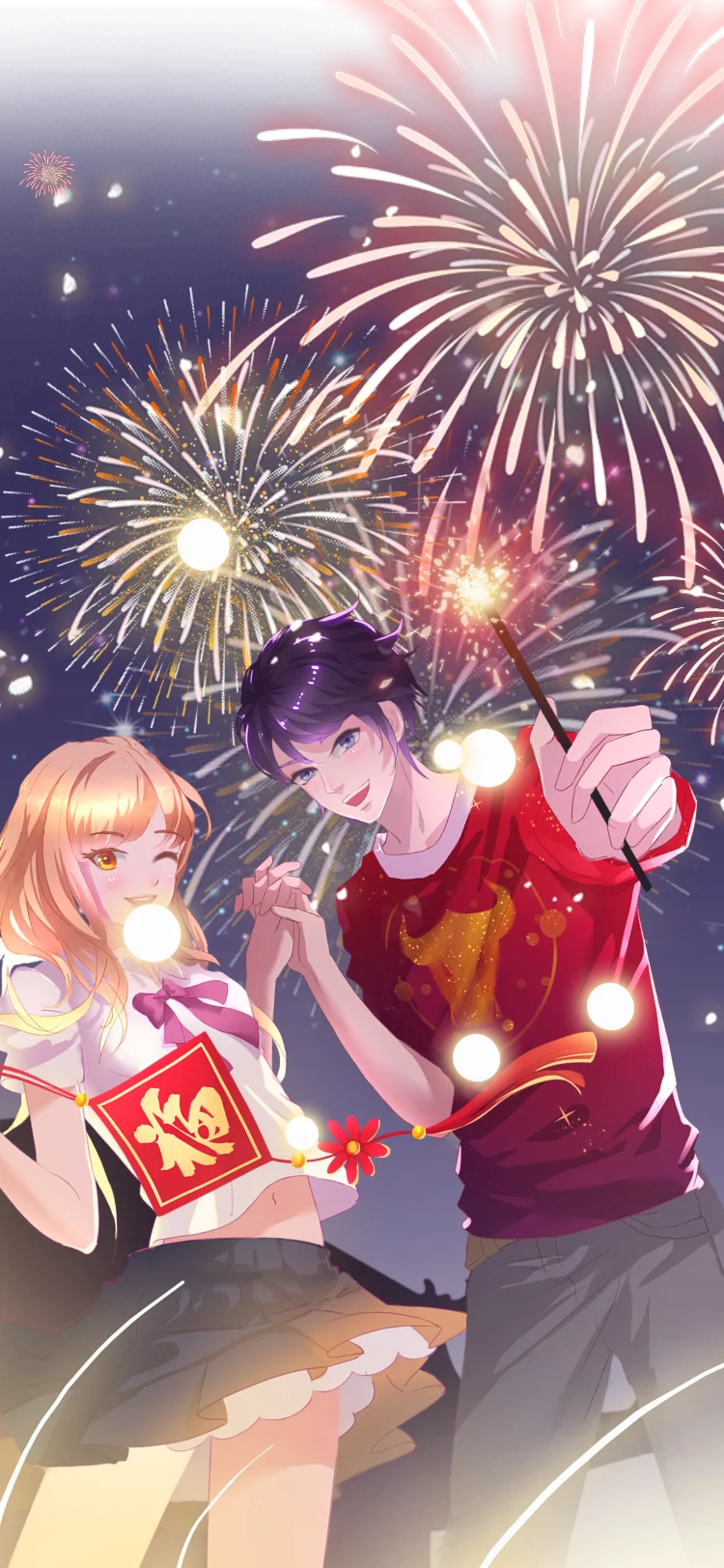
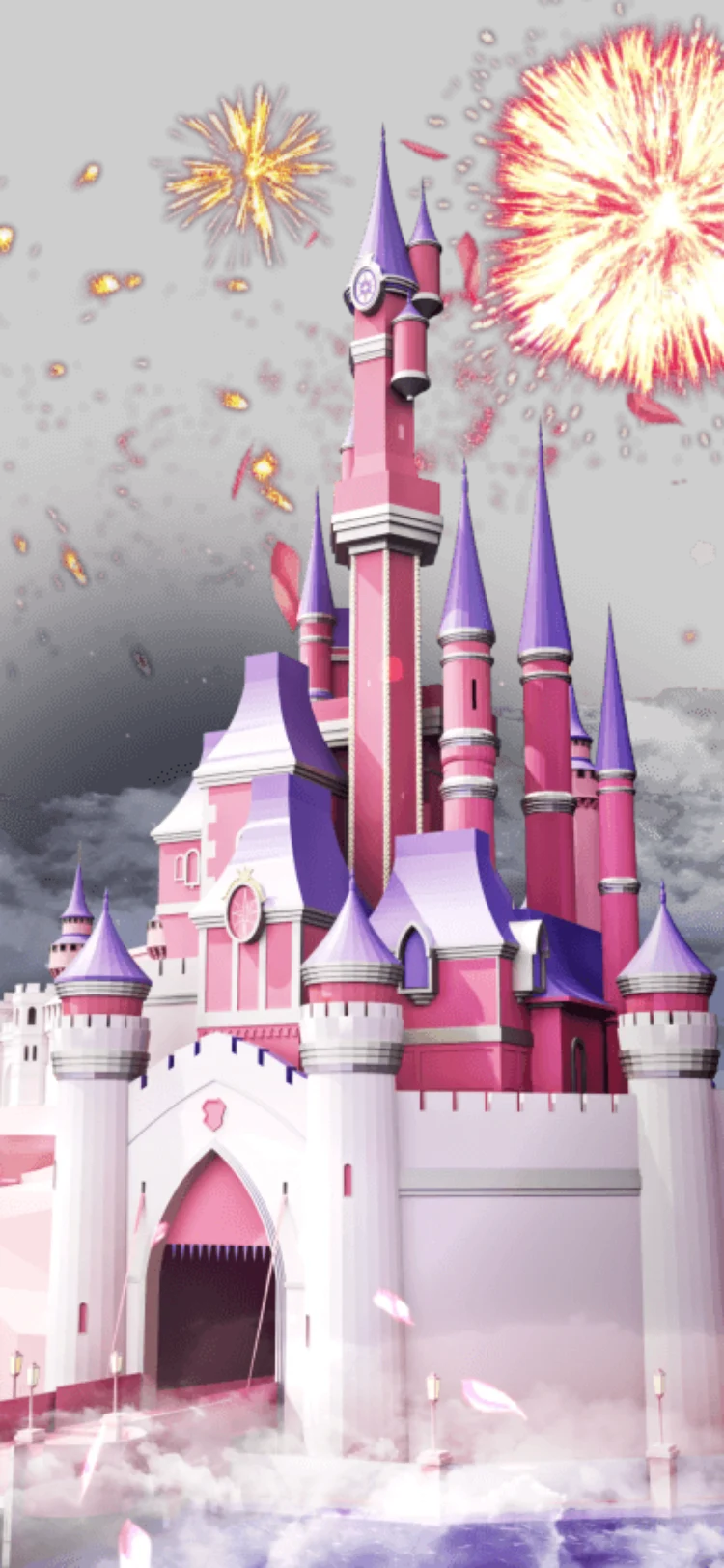
Fireworks are the classic light-on-dark subject, and three in the Animated Gifts collection show how widely the weight varies. All use a 750x1624 canvas at 30 fps: Sparkler Fireworks Night is 1.72 MB for 6.7 seconds, Fairytale Castle Fireworks 6.43 MB for 6.3 seconds, and King Fireworks Blast, which carries sound, 19.20 MB for 9 seconds.
- 750×1624 · 6.7s
GiftsSVGA
Sparkler Fireworks Night
 New750×1624 · 6.3s
Most viewedSVGA
Fairytale Castle Fireworks
 NewHas sound · 750×1624 · 9s
GiftsSVGA
King Fireworks Blast
Outlines and contrast for small pieces
Badges, level plates and nameplates get a few dozen pixels and have to work everywhere.
Give small shapes a keyline that contrasts with both backgrounds, such as a light inner edge inside a darker outer one.
Keep outlines at least 2 px wide at the file's own canvas size. A 36x36 badge for a 2x screen shows at about 18 points, where a 1 px line flickers as it moves.
Treat the WCAG targets as a floor for banner lettering: 4.5:1 for normal text, 3:1 for large text and graphic shapes. Measure on the frame where the text settles.
Put words on their own plate, never directly on whatever wallpaper the room owner chose.
The Badges & Nameplates and Banners & Broadcasts collections show plates and bands doing this job at small sizes.
Fringes, halos and avatar frames
Each partly transparent pixel on a soft edge stores a colour as well as an alpha value. If the artwork was flattened against white at any stage, those pixels are slightly too light and show as a thin pale halo in a dark room; flattened against black, the reverse happens on light pages. Avatar frames are the hardest case because they sit over a photo of any colour, so check the inner edge of the ring, where the frame meets the face.
 414×414 · 4s
Best sellerSVGA
Golden Laurel Ring
 414×414 · 4s
FramesSVGA
Sapphire Crown Halo
 300×300 · 6s
Best sellerSVGA
Aurora Feather Halo
Posters: the frame people see when nothing plays
Many apps show a still of each gift in the gift panel and play the animation only when it is sent. That poster often decides whether anyone sends the gift at all.
Do not use frame one. Many effects build up from nothing, so the first frame is nearly empty. Choose the frame where the object is complete and the glow is fullest.
Export it with transparency and judge it on the panel's real colour.
Keep it small. Posters load in grids of dozens.
On svgastore every thumbnail sits on the same near-black stage, and each product page opens its preview in a dark phone-room mock-up, because that is where these files usually play. A dark stage flatters glow, so switch the preview to its light or white background as well before you judge a file.
Testing on dark and light
The free SVGA & PAG viewer plays a .svga or .pag file in your browser on different room backgrounds and shows its size and frame rate.
Loop the file on a dark background; look for black boxes behind glows and pale fringes on soft edges.
Switch to a light background and check that outlines still separate each shape.
Judge banner text on the frame where it settles.
Note canvas, frame rate and size for whoever integrates it.
Next step
Pick the three pieces your room shows most often, usually a full-screen gift, an entrance and an avatar frame, and run each through the viewer on dark and light before wiring it in. For practice material, the Party Night Pack gathers fireworks, confetti and gift-combo celebrations: 20 files in all.