CP and couple features: hearts, mic links and relationship levels
How to build a CP system that reads clearly: level hearts from Lv 0 to Lv 5, 100-pixel mic links, relationship moments and friend bonds, with real file specs and size budgets.
svgastore team5 min read
A CP link is two people telling a room that they belong together, which makes it one of the few features where the animation more or less is the product. The heart that grows with each level, the line drawn between two mic seats and the banner when a couple walks in all have to read as one system. Here is how to structure that system so it stays clear from the first match to the top level.
The pieces of a CP system
Before choosing files, list every surface where a relationship appears:
Relationship level: the heart that shows how far a pair has come, from CP Lv 0 upwards.
Mic links: the connection drawn between two seats when both partners are on mic.
Seat effects: decoration on the partners' own seats.
Moments: becoming a CP, levelling up and arriving in a room together.
Broadcasts and ranks: room-wide notices and couple leaderboards.
Wider relationships: best friends, besties and siblings, for people who want a bond without the romance.
The CP & Couple Moments collection covers these surfaces with 196 files, 175 SVGA and 21 PAG. Sizes run from 1.6 KB to 1.60 MB, and the median is 46 KB, lighter than the store-wide median of 88 KB. That matters, because many relationship effects stay on screen for as long as a pair is in the room.
Level hearts: a series, not six separate files
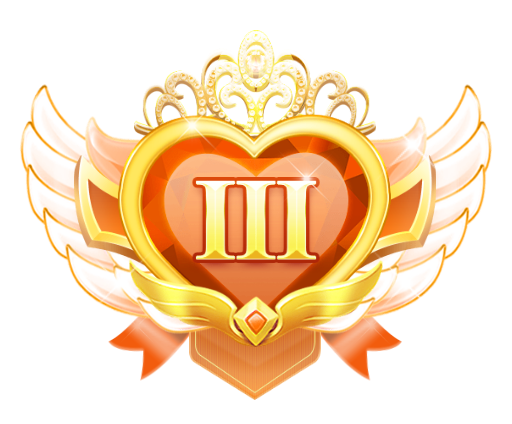
The CP level hearts are a good example of a consistent series. Every SVGA level shares the same canvas, frame rate and length, so you can swap levels in code without touching the layout.
| Level | SVGA: 580x480, 20 fps, 2.3 s | PAG: 750x288, 20 fps, 2 s |
|---|---|---|
| CP Lv 0 | 9.7 KB | 40 KB |
| CP Lv 1 | 729 KB | 71 KB |
| CP Lv 2 | 754 KB | 87 KB |
| CP Lv 3 | 822 KB | 96 KB |
| CP Lv 4 | 848 KB | 107 KB |
| CP Lv 5 | 909 KB | no PAG file |
Three things to take from the numbers:
Level 0 is a design decision. At 9.7 KB, CP Lv 0 is tiny next to the 729 KB of Lv 1, which suits a "not yet" state. Show it to pairs who have just linked, and save the richer hearts for when they have earned them.
Budget for the top level. The SVGA hearts get a little heavier with every step, from 729 KB at Lv 1 to 909 KB at Lv 5. Plan your size budget around Lv 5, not Lv 1.
The PAG set is a different shape. At 750x288 it is wide and short, more strip than badge, so this is not a like-for-like size comparison. If you want a banner-style level display on budget phones, though, it stays between 40 KB and 107 KB. The PAG set runs from Lv 0 to Lv 4 only, so if you need a Lv 5, plan around the SVGA series.

Mic links: designing at 100 pixels
A mic link has a tiny canvas and a big job. The CP Mic Link series runs from Lv2 to Lv10, and every file is 100x100 at 30 fps with a 2-second length. Sizes range from 29 KB at Lv2 to 81 KB at Lv10.
A higher frame rate keeps fine motion smooth on a small element that plays continuously, and at 100x100 the cost stays low, as those sizes show. A few pointers:
Several pairs can be linked in one room at once, so keep every link light. None in this series is above 81 KB.
The series starts at Lv2, so decide what a brand-new link shows. A simple static line works well and gives Lv2 something to improve on.
Never let the link cover the avatar or the speaking indicator. People need to see who is talking first and who is linked second.
 100×100 · 2s
CPSVGA
CP Mic Link Lv2
 100×100 · 2s
CPSVGA
CP Mic Link Lv6
 100×100 · 2s
CPSVGA
CP Mic Link Lv10
Moments: match the animation to how often it plays
Relationship moments happen at very different frequencies, and the animation should respect that.
Becoming a CP happens once per relationship. It can be bigger and longer, and it earns a proper moment such as this become-CP animation.
Levelling up happens a handful of times. A clear, celebratory one-shot such as a relationship upgrade works well, followed by the new level heart.
Entering together can happen every day. Keep it brief so it does not crowd out other people's entrances, and ship both directions: there is a right-to-left CP welcome for Arabic and Urdu rooms alongside the LTR version.
Live CP icons are brief markers. Icon Live CP 1 to 4 are 400x400 at 20 fps and last 1.2 seconds, at 506 KB to 518 KB each. That is a lot of data for 1.2 seconds, so preload them rather than fetching them on demand.
Friends, besties and siblings
Not every pairing is romantic, and many people would rather show off a best friend or a sibling than a partner. The store includes friend levels, bestie and best-friend levels, and brother, sister and confidant relationship animations. Offering these alongside CP widens the feature to users who would never pick a couple badge, and it reuses the same mechanics: a level, a link and a moment.
A note on tone: let people end a relationship quietly. Celebrate new links in public, but do not broadcast break-ups.
Packs
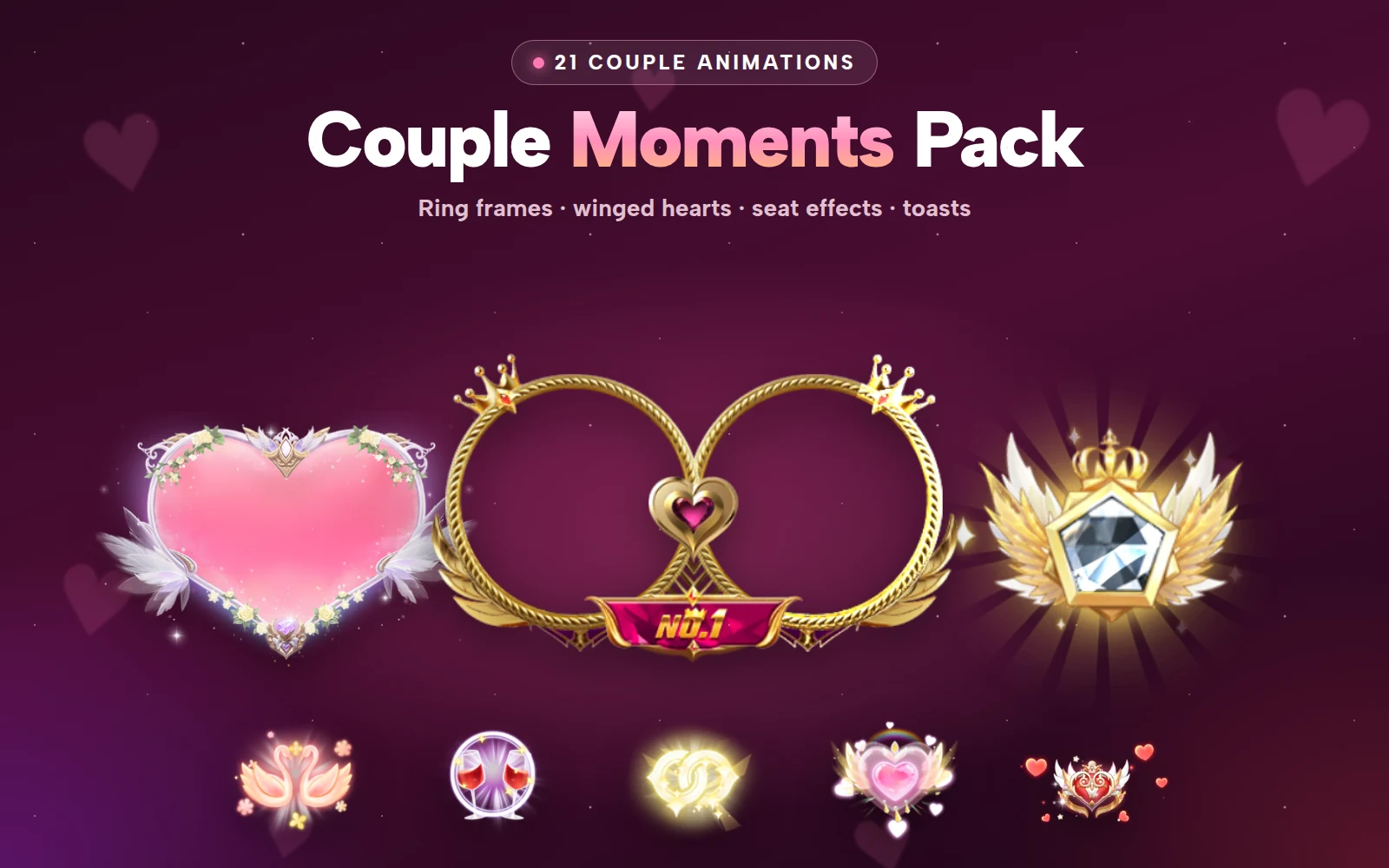
Two packs cover most of a launch. The CP Level & Link Pack bundles 30 files for less than buying them one by one: CP Lv 0 to 5 hearts, CP mic links Lv 2 to 10 and live CP icons. The Couple Moments Pack does the same for 15 files, with ring frames, winged hearts and toasts for paired users.
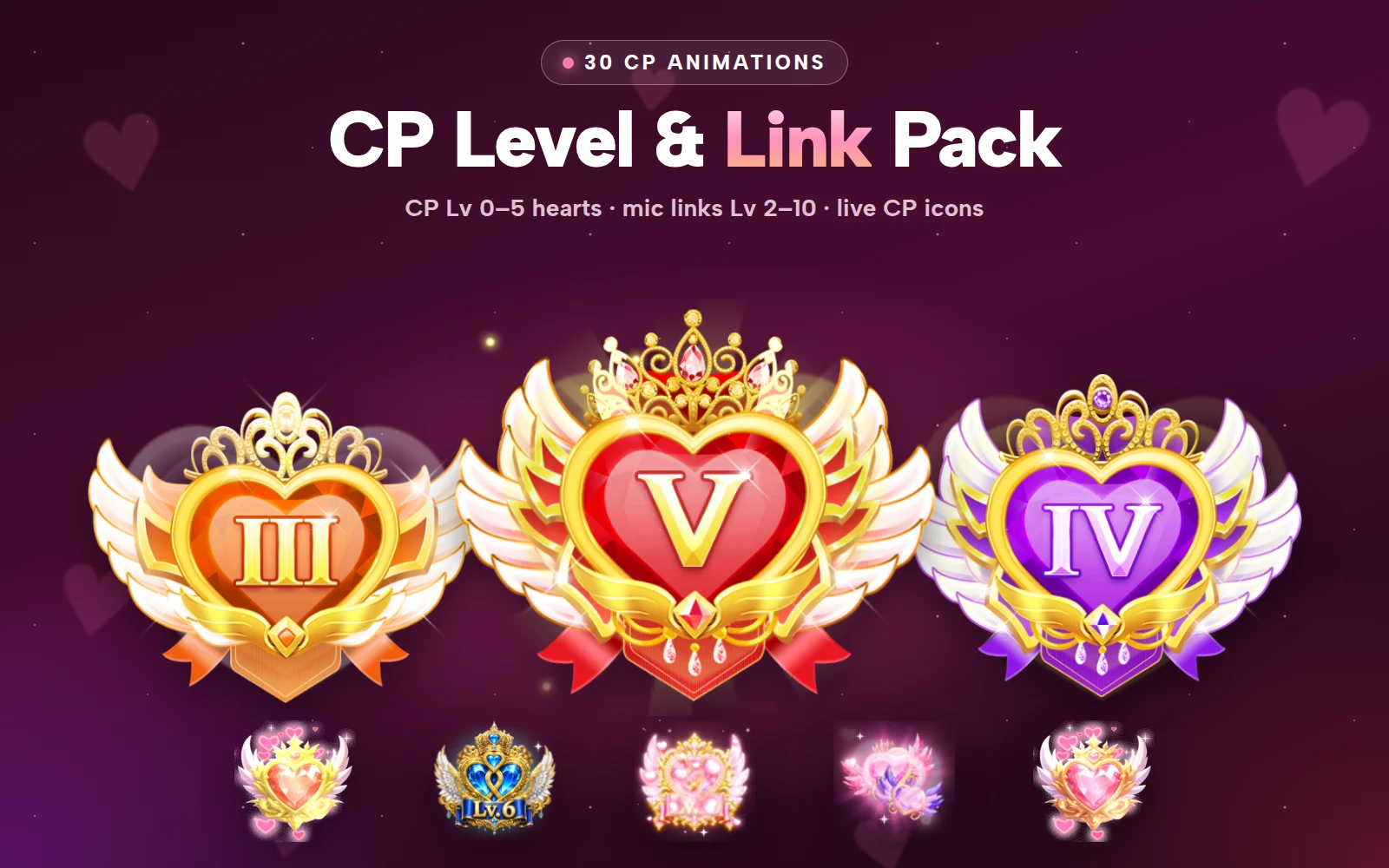


CP Level & Link Pack
CP Lv 0–5 hearts, CP mic links Lv 2–10 and live CP icons
Next step
Sketch a room with three linked pairs on mic and decide which level heart, link and seat effect each pair shows. Then load those files into the free SVGA and PAG viewer on a dark background and check they stay readable side by side before you commit to a series.