Countdown treasure chests: building a room event from icon to opening
A treasure chest event needs more than one animation: an icon that waits, a countdown that gathers the room, a dialog that shows the reward and an opening. How the Countdown Treasure Chest and Room Treasure Chests packs fit together.
svgastore team3 min read
A treasure chest in a room is one of the most reliable event mechanics in a live app. The room fills a chest by sending gifts, the chest levels up, a countdown starts, and when it reaches zero everyone present gets a share of the reward. It works because it turns individual spending into a shared goal, and because the countdown gives people a reason to stay in the room for the next minute.
The animation side has four moments, and each needs its own file.
The four moments of a chest event
Waiting. A small chest icon in the corner of the room shows the current level and how full it is.
Countdown. When the chest is full, a full-screen countdown tells everyone a drop is coming.
Opening. The chest opens and the reward appears.
Result. A dialog shows each user what they received.
Countdown Treasure Chest: eight levels, three pieces each
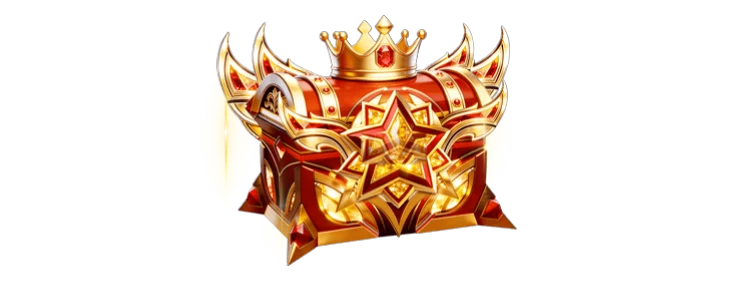
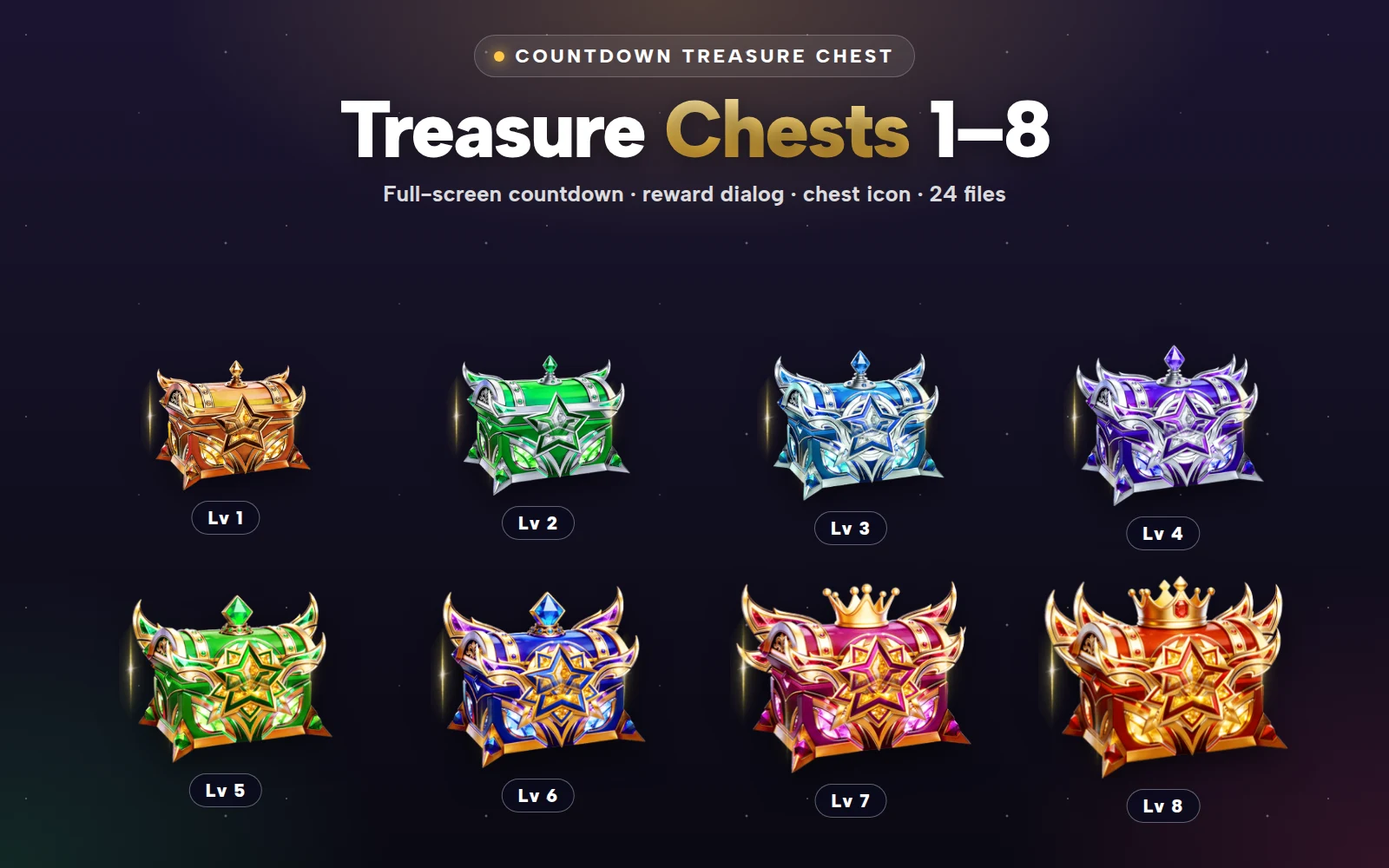
The Countdown Treasure Chest Pack covers levels 1 to 8, from a bronze chest up to crowned ruby and gold. Each level has three SVGA animations:
| Piece | Canvas | Frame rate | Length | Size across levels |
|---|---|---|---|---|
| Full-screen countdown, with the level's winged frame | 750×1334 | 20 fps | 6 s | 383–424 KB |
| Chest in the reward dialog | 750×300 | 20 fps | 4 s | 102–107 KB |
| Small chest icon | 88×88 | 20 fps | 3 s | 12–14 KB |
That makes 24 files. The sizes are notably even: every countdown is around 400 KB and every icon is under 15 KB, so moving from level 3 to level 8 never changes how fast the event loads.
 88×88 · 3s
Treasure SetsSVGA
Countdown Chest Lv 1 Icon
 88×88 · 3s
Treasure SetsSVGA
Countdown Chest Lv 8 Icon
 750×1334 · 6s
Treasure SetsSVGA
Countdown Chest Lv 1
 750×1334 · 6s
Treasure SetsSVGA
Countdown Chest Lv 8
The icon
At 88×88 and 12 to 14 KB, the icon can animate in the room all the time without anyone noticing the cost. Put a progress ring or a percentage next to it, so people can see how close the chest is to opening, and swap to the next level's icon as soon as the chest levels up.
The countdown
The six-second countdown is the moment that gathers the room. Play it full-screen once the chest is full, and start the real timer from the server at the same moment, so every user's screen reaches zero together. If your drop timer is longer than six seconds, let the countdown play at the start and then show the icon with a number until the drop.
The dialog chest
The 750×300 dialog chest plays inside the result pop-up, above the list of rewards. It is the piece that each user sees personally, so put their own reward first and the room's top receivers below.
 750×300 · 4s
Treasure SetsSVGA
Countdown Chest Lv 1 Dialog
- 750×300 · 4s
Treasure SetsSVGA
Countdown Chest Lv 8 Dialog
Room Treasure Chests: idle and opening in VAP
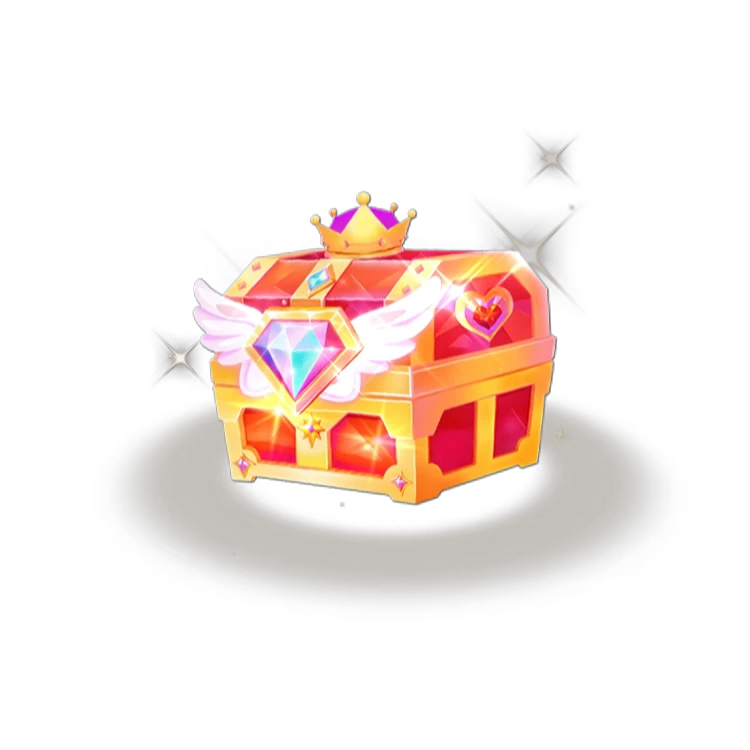
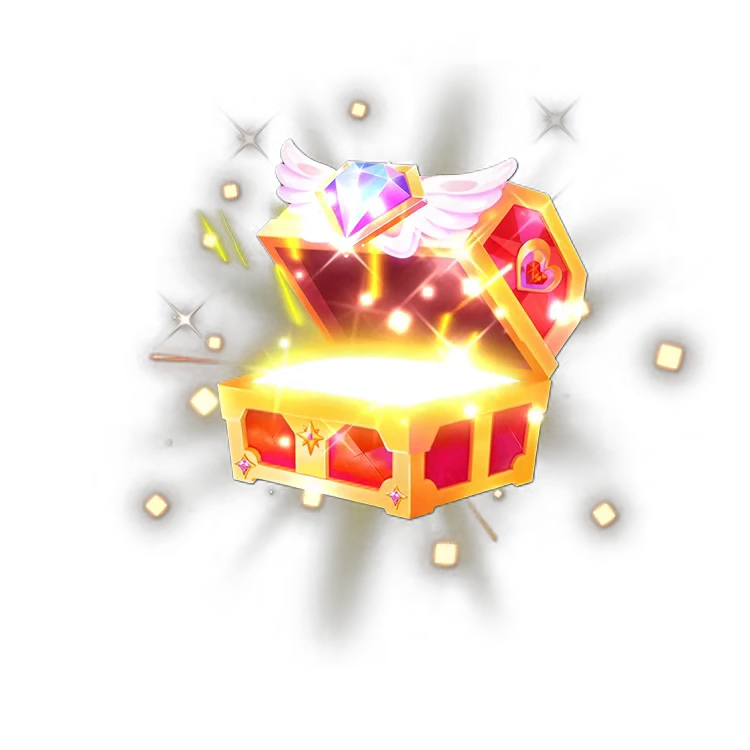
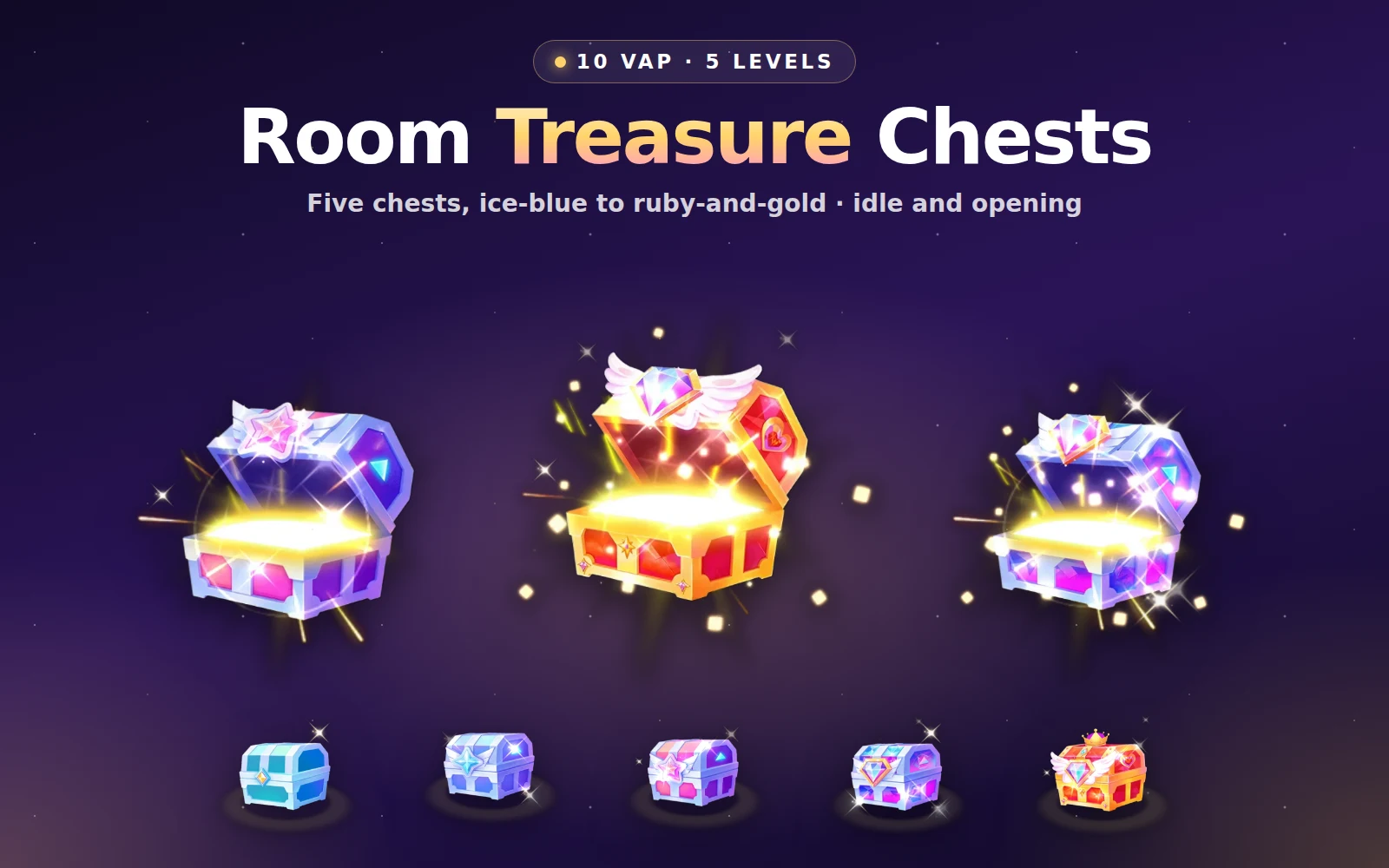
For apps that want a chest with richer light, the Room Treasure Chests Lv 1–5 pack has five chests from ice-blue to a winged ruby-and-gold design, as VAP files (MP4 with an alpha channel). Each level has two:
Idle, a 1.4-second loop at 750×750 and 30 fps, where the chest glints while it waits (387 to 391 KB).
Opening, 0.6 seconds at 750×750, where the lid flies up and golden light pours out (142 to 174 KB).
VAP suits the opening in particular: light pouring out of a chest is exactly the kind of soft glow that is heavy to draw frame by frame and light to carry in video. The pack is 10 files, sold as one pack.
 750×750 · 1.4s
Treasure SetsVAP
Room Treasure Chest Lv 1 (Idle)
 750×750 · 0.6s
Treasure SetsVAP
Room Treasure Chest Lv 1 Opening
 750×750 · 1.4s
Treasure SetsVAP
Room Treasure Chest Lv 5 (Idle)
 750×750 · 0.6s
Treasure SetsVAP
Room Treasure Chest Lv 5 Opening
Choosing between them
If you want a complete event with eight levels, an icon and a countdown, start with the Countdown Treasure Chest Pack. It is all SVGA, so it plays in the same player as your gifts.
If you want a premium chest on screen with a richer opening, use the Room Treasure Chests and add a VAP player to your app.
They also combine well: the SVGA icon and countdown for the waiting and countdown moments, and a VAP chest for the opening itself.
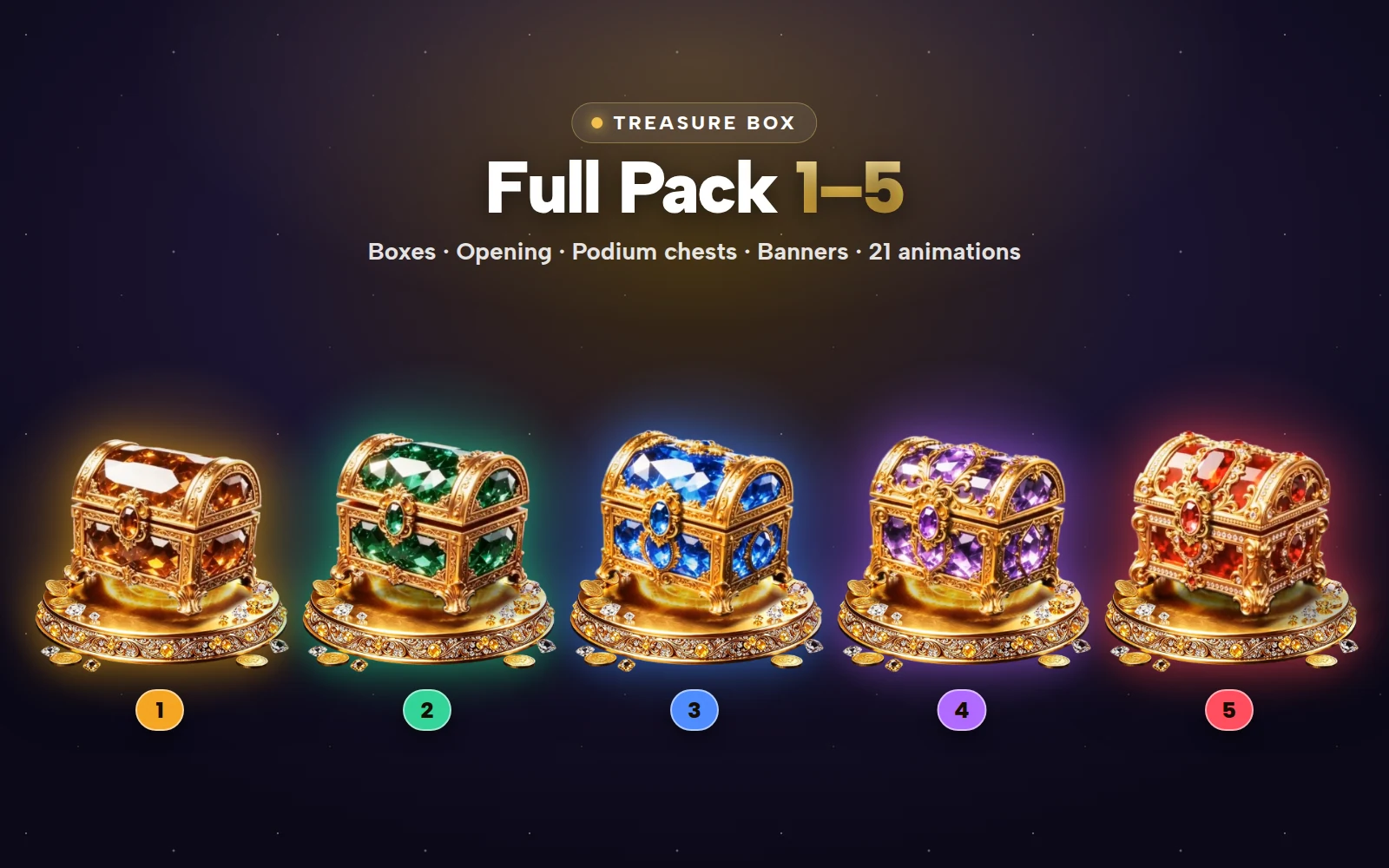
For the classic treasure box set with levels and openings in PAG and SVGA, see the Treasure Box Full Pack.

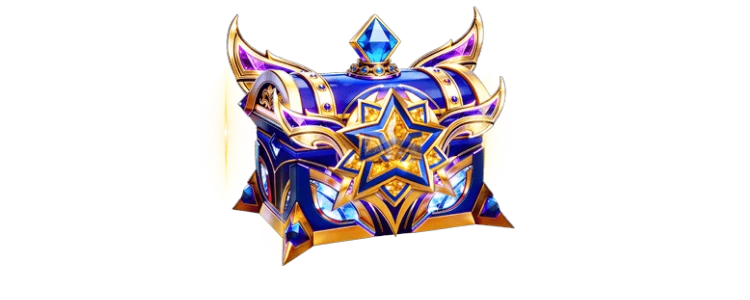
Countdown Treasure Chest Pack
Treasure chest levels 1 to 8, three looks each


Room Treasure Chests Lv 1–5
Five treasure chests from ice-blue to ruby-and-gold, each idle and opening — 10 VAP files
Next step
Decide how many chest levels your event has and what fills each one, then storyboard the four moments on paper. Check the countdown and dialog files in the free viewer, which also plays VAP. Both chest packs are sold as whole packs only.