750×154 · 4s

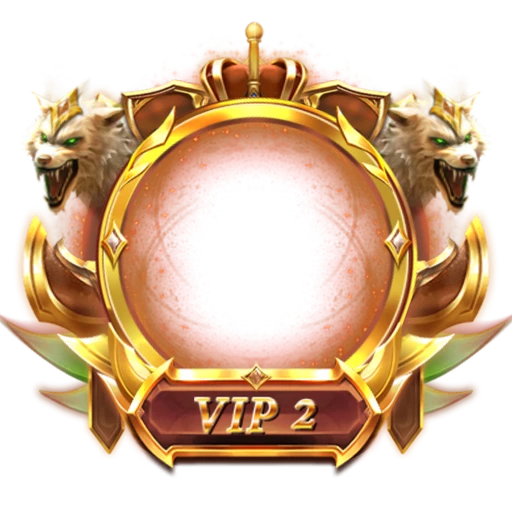
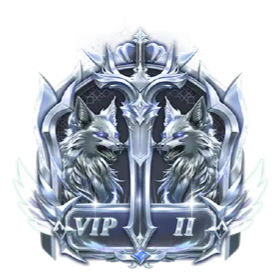
Snarling wolf pair under a copper crown
Two cream-furred wolves with green eyes bare their fangs on either side of a gold sword, yellow flame at their jaws and a copper crown overhead. The rust-red VIP 2 plaque reads clearly on the 440×440 canvas, sized for a tier ladder or a promotion notice in a voice room.
Price
USD · one-time purchase
Secure checkout · your file unlocks the moment payment completes.
Format
SVGA 2.x
Dimensions
440×440
Duration
5s
Frame rate
15 fps
Frames
75
File size
434 KB
Bitmaps
60
Audio
No
Better value
Included in VIP Royal Set 2
40 animations for $22 (save 62%)
Works out at $0.55 per animation vs $5 on its own.
VIP 2 is an SVGA VIP animation for live-streaming and voice chat apps. Two cream-furred wolves with green eyes bare their fangs on either side of a gold sword, yellow flame at their jaws and a copper crown overhead. The rust-red VIP 2 plaque reads clearly on the 440×440 canvas, sized for a tier ladder or a promotion notice in a voice room.
It runs 75 frames at 15 fps — 5s per loop — on a 440×440 canvas, built from 429 sprites and 60 bitmaps, with no audio. The whole file is 434 KB, and it plays with SVGAPlayer on Android, iOS, Flutter and web.
| SKU | AVG-2566 |
|---|---|
| File name | vip_2.svga |
| Format | SVGA 2.xProtobuf + zlib, the format SVGAPlayer reads |
| Version | 2.1.0 |
| File size | 434 KB444,271 bytes |
| Dimensions | 440 × 440 px |
|---|---|
| Aspect ratio | 1:1 |
| Shape | Square |
| Suggested stage | Dark background |
| Frame rate | 15 fps |
|---|---|
| Frames | 75 |
| Duration | 5s5000 ms per loop |
| Frame time | 66.7 ms |
| Sprites | 429 |
|---|---|
| Bitmap images | 60 |
| Audio track | No |
| Category | VIP |
| Added | Sep 29, 2026 |
Figures are read from the .svga file itself (movie params, sprite and image tables), not typed in by hand.
More VIP
More from VIP and matching tags — hover a card, or tap its play button, to see it move.
VIPSVGA

VIPSVGA

VIPSVGA

VIPSVGA

VIPSVGA

VIPSVGA
VIPSVGA
VIPPAG
VIPPAG
VIPPAG