
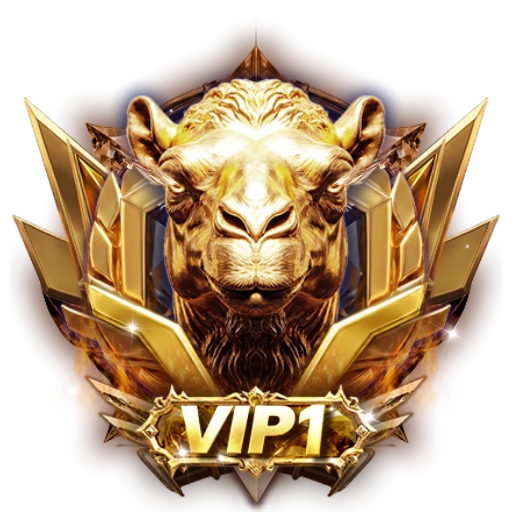

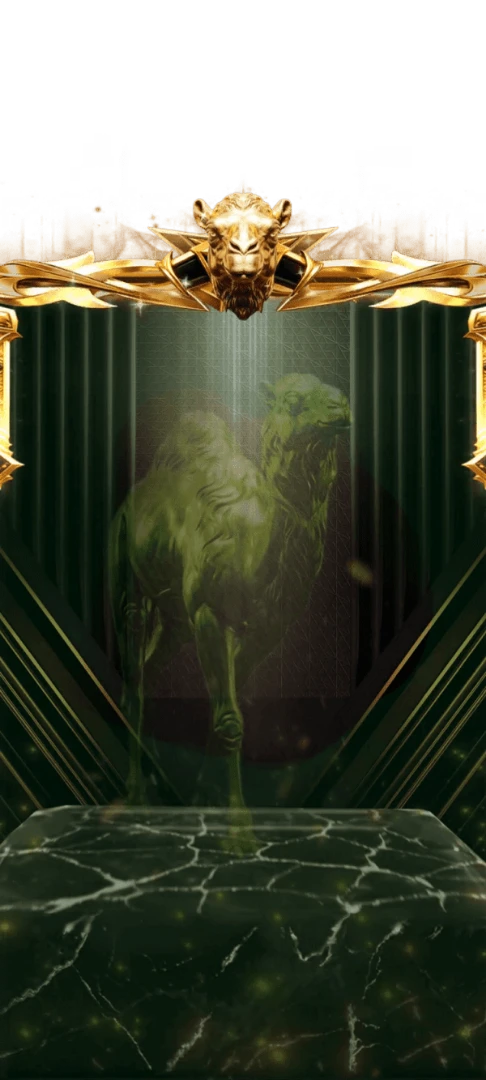

230×230 · 5s
FramesSVGA
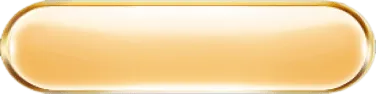
Long pale gold button for main actions
Stretched to 376×94, this glossy apricot-gold pill gives the main action on the VIP privileges page room for a longer label, such as an activate or renew button. Its thin gold rim and cream highlight match the smaller pill, and the 14 KB PNG shares its finish with the VIP 1 camel kit.
Sold with the set
Part of VIP Set 1
This file comes with the whole VIP Set 1 set and is not sold on its own.
Format
PNG
Dimensions
376×94
Type
Still artwork
Transparency
Alpha
File size
14 KB
Use
Any app
Better value
Included in VIP Set 1
39 animations for $26 (save 56%)
Works out at $0.67 per animation vs $1 on its own.
VIP 1 Large Pill Button is a PNG gift image for live-streaming and voice chat apps. Stretched to 376×94, this glossy apricot-gold pill gives the main action on the VIP privileges page room for a longer label, such as an activate or renew button. Its thin gold rim and cream highlight match the smaller pill, and the 14 KB PNG shares its finish with the VIP 1 camel kit.
A 376×94 still image. The whole file is 14 KB, small enough to bundle inside your app instead of downloading it on demand.
| SKU | AVG-5340 |
|---|---|
| File name | vip_1_large_pill_button.png |
| Format | PNGStill image with alpha transparency |
| Version | PAG |
| File size | 14 KB14,226 bytes |
| Dimensions | 376 × 94 px |
|---|---|
| Aspect ratio | 4:1 |
| Shape | Wide / banner |
| Suggested stage | Dark background |
| Category | VIP Sets |
|---|---|
| Added | Oct 15, 2026 |
Figures are read from the .png file itself, not typed in by hand.
More VIP Sets
More from VIP Sets and matching tags — hover a card, or tap its play button, to see it move.
FramesSVGA
VIPSVGA
VIPSVGA
VIPSVGA
VIPSVGA

GiftsSVGA

VIPPAG

SVIPSVGA

FramesSVGA

BadgesSVGA