

1080×2340
New: App Starter Pack — 368 files for a new app at $199 (Save 64%)See the pack

Delicate gold accents for an info heading
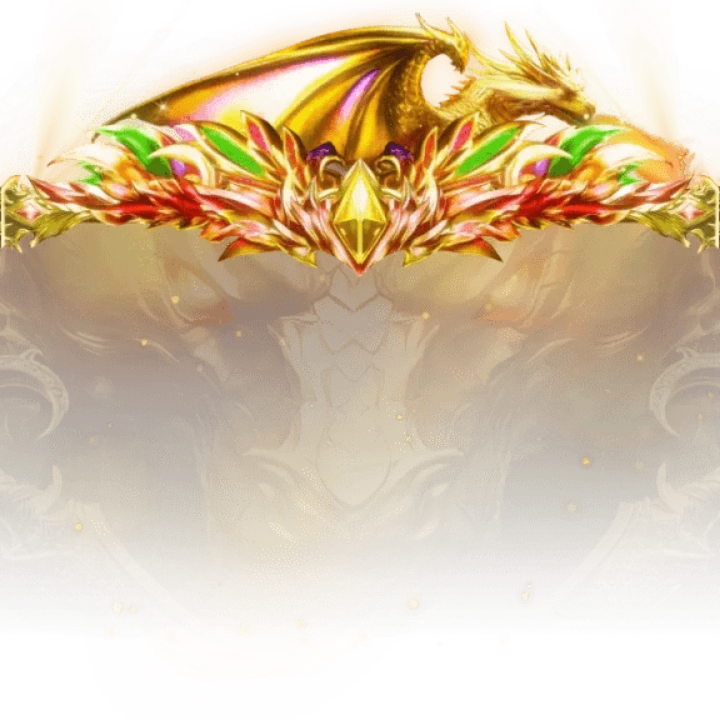
Carved gold curls flank an info heading on the SVIP Supreme 9 page, one at each side of this 1080×167 strip, while a pale-gold geometric pattern of linked stars is faintly visible across the middle. The 38 KB PNG carries the dragon set's gold trim down the page.
Sold with the set
Part of SVIP Supreme Set 9
This file comes with the whole SVIP Supreme Set 9 set and is not sold on its own.
Format
PNG
Dimensions
1080×167
Type
Still artwork
Transparency
Alpha
File size
38 KB
Use
Any app
Better value
Included in SVIP Supreme Set 9
15 animations for $26 (save 40%)
Works out at $1.73 per animation.
SVIP Supreme 9 Corner Flourish is a PNG gift image for live-streaming and voice chat apps. Carved gold curls flank an info heading on the SVIP Supreme 9 page, one at each side of this 1080×167 strip, while a pale-gold geometric pattern of linked stars is faintly visible across the middle. The 38 KB PNG carries the dragon set's gold trim down the page.
A 1080×167 still image. The whole file is 38 KB, small enough to bundle inside your app instead of downloading it on demand.
| SKU | AVG-5980 |
|---|---|
| File name | svip_supreme_9_corner_flourish.png |
| Format | PNGStill image with alpha transparency |
| Version | PAG |
| File size | 38 KB39,244 bytes |
| Dimensions | 1080 × 167 px |
|---|---|
| Aspect ratio | 6.47:1 |
| Shape | Wide / banner |
| Suggested stage | Dark background |
| Category | VIP Sets |
|---|---|
| Added | Oct 17, 2026 |
Figures are read from the .png file itself, not typed in by hand.
More VIP Sets
More from VIP Sets and matching tags — hover a card, or tap its play button, to see it move.




CPPNG





CPPNG
CPPNG