

1080×2340
New: App Starter Pack — 368 files for a new app at $199 (Save 64%)See the pack
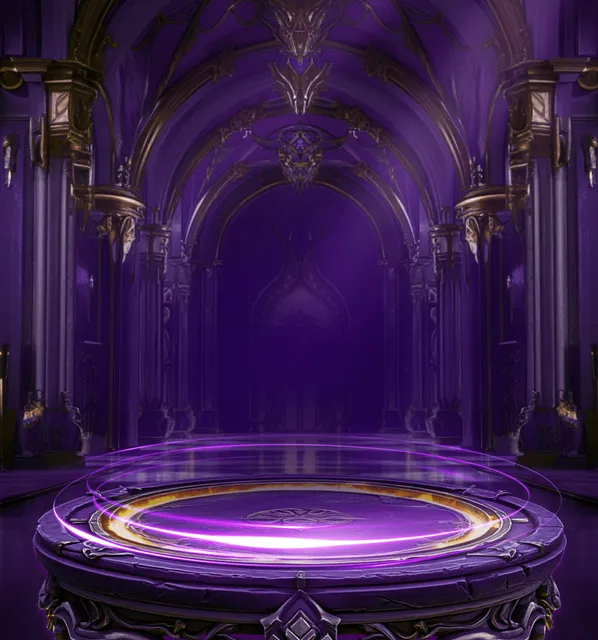
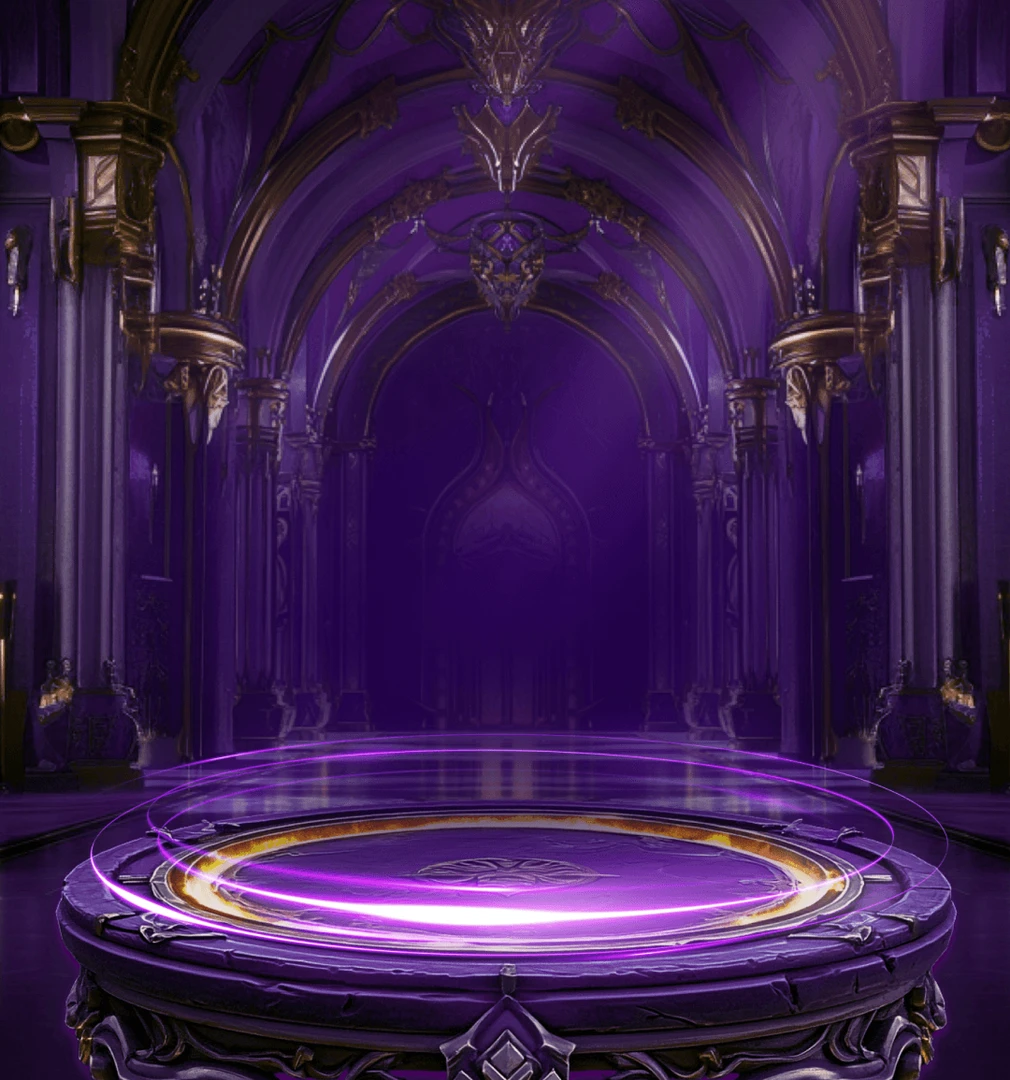
Violet arches above a drum-shaped stone podium
Gothic arches, gold-trimmed columns and horned ornaments line a violet hall leading back to a dark doorway, and a drum-shaped stone podium in front glows with a gold inner ring and sweeping violet light. Open the SVIP Supreme 7 page with this 1080×1155 PNG and set the tiger crest on its podium.
Sold with the set
Part of SVIP Supreme Set 7
This file comes with the whole SVIP Supreme Set 7 set and is not sold on its own.
Format
PNG
Dimensions
1080×1155
Type
Still artwork
Transparency
Alpha
File size
512 KB
Use
Any app
Better value
Included in SVIP Supreme Set 7
15 animations for $26 (save 40%)
Works out at $1.73 per animation.
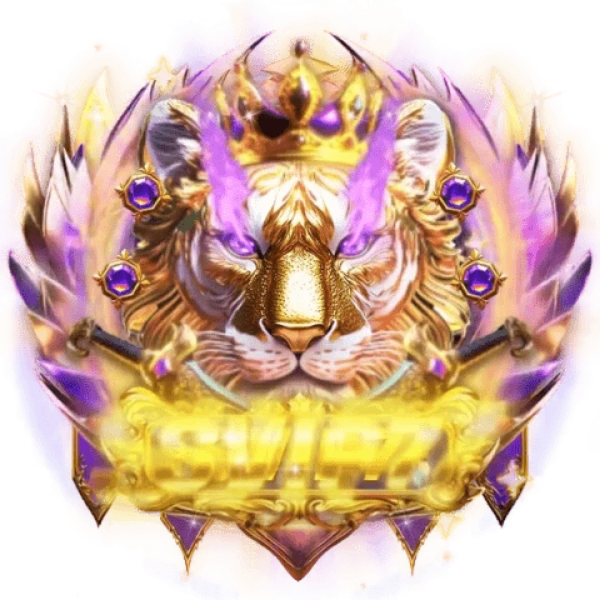
SVIP Supreme 7 Podium Stage is a PNG gift image for live-streaming and voice chat apps. Gothic arches, gold-trimmed columns and horned ornaments line a violet hall leading back to a dark doorway, and a drum-shaped stone podium in front glows with a gold inner ring and sweeping violet light. Open the SVIP Supreme 7 page with this 1080×1155 PNG and set the tiger crest on its podium.
A 1080×1155 still image. The whole file is 512 KB.
| SKU | AVG-5947 |
|---|---|
| File name | svip_supreme_7_podium_stage.png |
| Format | PNGStill image with alpha transparency |
| Version | PAG |
| File size | 512 KB524,678 bytes |
| Dimensions | 1080 × 1155 px |
|---|---|
| Aspect ratio | 1:1.07 |
| Shape | Square |
| Suggested stage | Dark background |
| Category | VIP Sets |
|---|---|
| Added | Oct 17, 2026 |
Figures are read from the .png file itself, not typed in by hand.
More VIP Sets
More from VIP Sets and matching tags — hover a card, or tap its play button, to see it move.





CPPNG





CPPNG
CPPNG