1080×2340
New: App Starter Pack — 368 files for a new app at $199 (Save 64%)See the pack
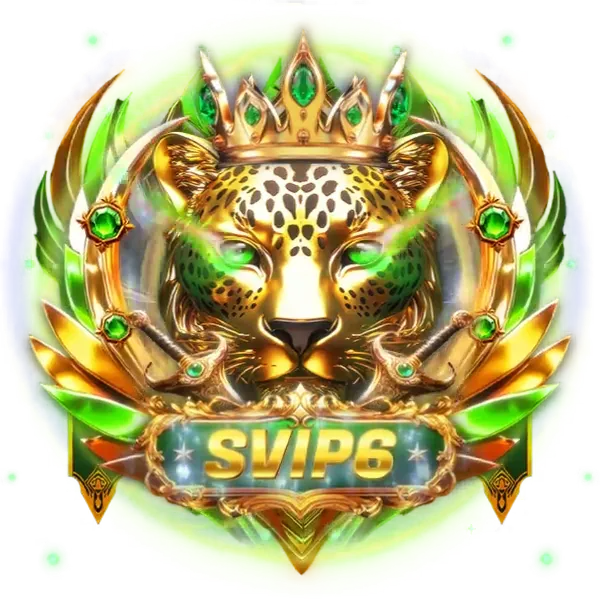
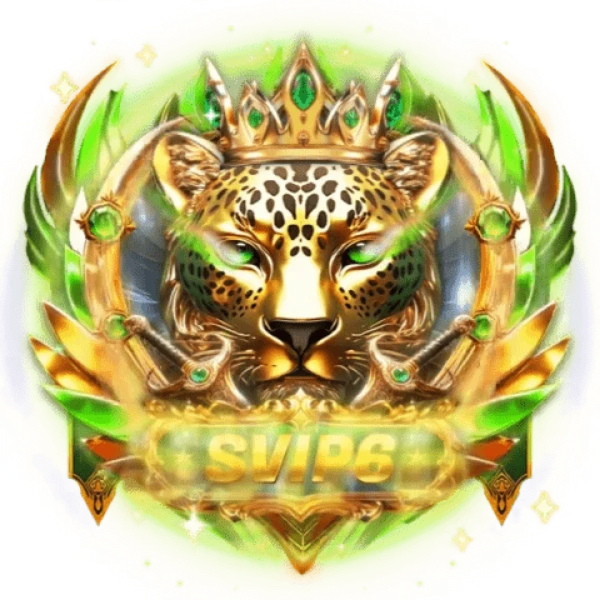
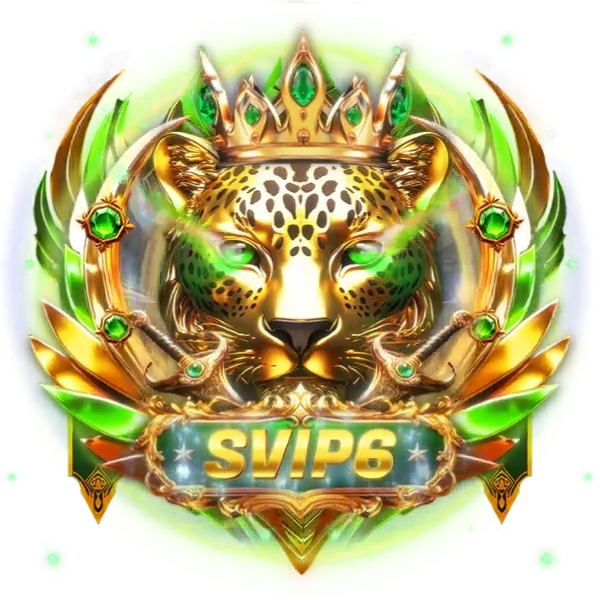
Still crest of the emerald-crowned leopard
The crowned leopard keeps its black rosettes, green eyes, emerald crown and pair of gold swords in this still badge, with the SVIP6 plaque below and a soft green glow around the edge. Where the moving emblem would be too heavy, use this 623 KB PNG of the SVIP Supreme 6 set at 600×600.
Sold with the set
Part of SVIP Supreme Set 6
This file comes with the whole SVIP Supreme Set 6 set and is not sold on its own.
Format
PNG
Dimensions
600×600
Type
Still artwork
Transparency
Alpha
File size
623 KB
Use
Any app
Better value
Included in SVIP Supreme Set 6
15 animations for $26 (save 40%)
Works out at $1.73 per animation.
SVIP Supreme 6 Leopard Emblem Still is a PNG gift image for live-streaming and voice chat apps. The crowned leopard keeps its black rosettes, green eyes, emerald crown and pair of gold swords in this still badge, with the SVIP6 plaque below and a soft green glow around the edge. Where the moving emblem would be too heavy, use this 623 KB PNG of the SVIP Supreme 6 set at 600×600.
A 600×600 still image. The whole file is 623 KB.
| SKU | AVG-5929 |
|---|---|
| File name | svip_supreme_6_leopard_emblem_still.png |
| Format | PNGStill image with alpha transparency |
| Version | PAG |
| File size | 623 KB637,716 bytes |
| Dimensions | 600 × 600 px |
|---|---|
| Aspect ratio | 1:1 |
| Shape | Square |
| Suggested stage | Dark background |
| Category | VIP Sets |
|---|---|
| Added | Oct 17, 2026 |
Figures are read from the .png file itself, not typed in by hand.
More VIP Sets
More from VIP Sets and matching tags — hover a card, or tap its play button, to see it move.



CPPNG



CPPNG
CPPNG